 Add Bookmarks to PDF
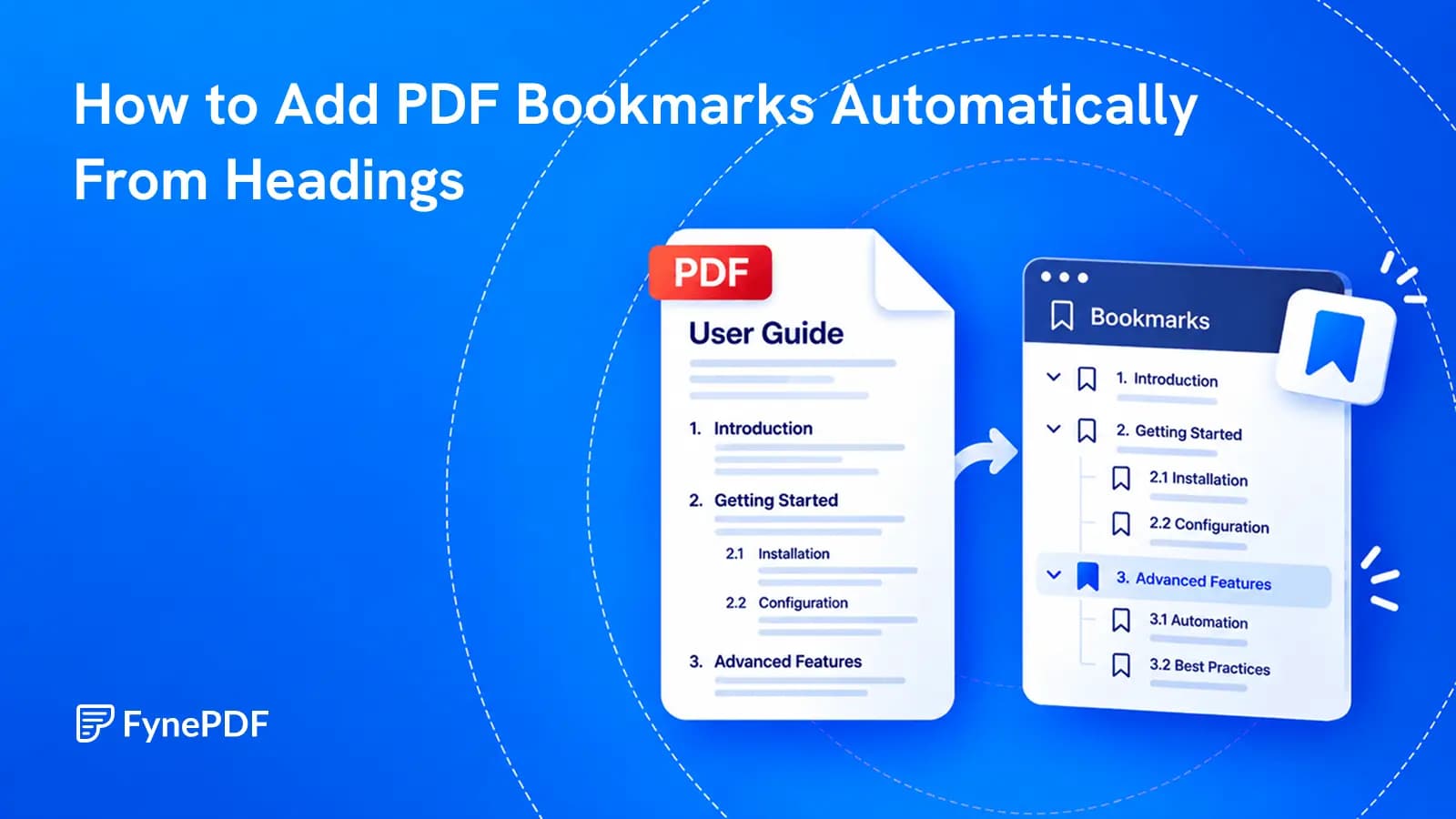
How to Add PDF Bookmarks Automatically From Headings
Build a useful sidebar outline from the document you already have, then check what automatic heading detection got right.
Add Bookmarks to PDF ·

Merge, split, reorder, number and bookmark PDFs so they are easy to use.
Build a useful sidebar outline from the document you already have, then check what automatic heading detection got right.
Add Bookmarks to PDF ·
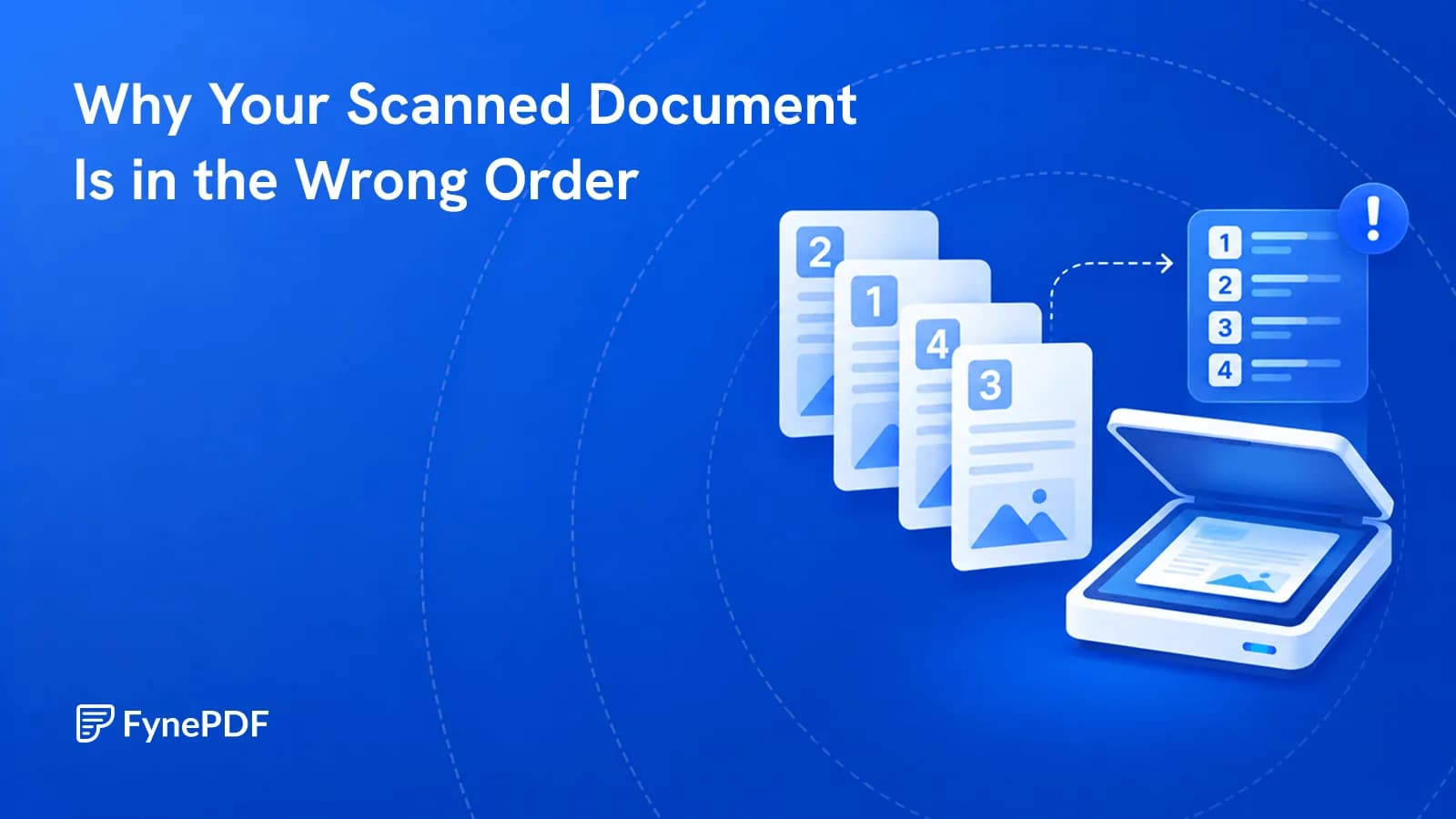
Double-sided scanning gives you all the odd pages, then all the even ones. Here's the fix.
Organize PDF Pages ·
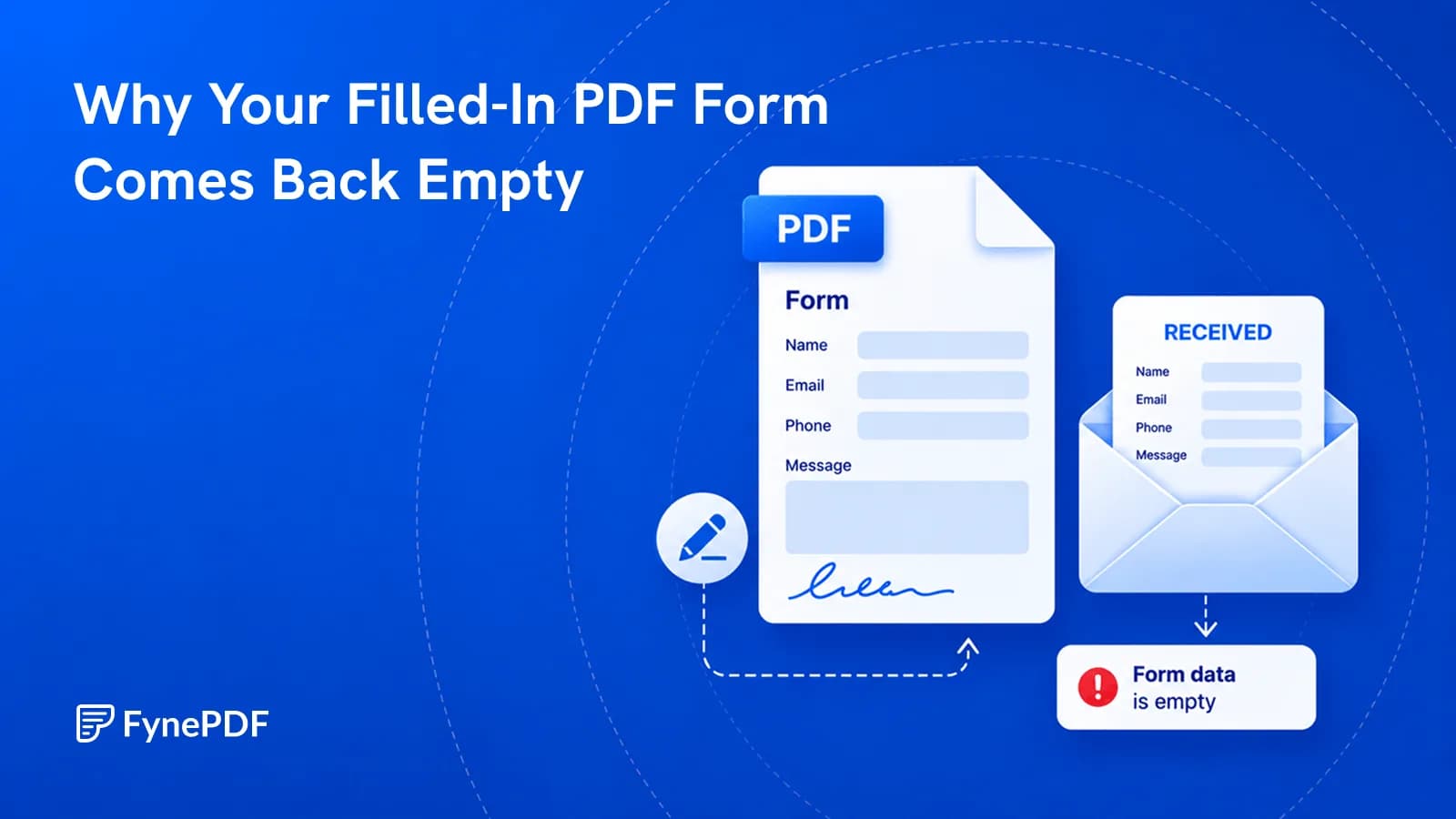
You typed everything in and they see blank boxes. Here's what actually went wrong.
Flatten PDF ·
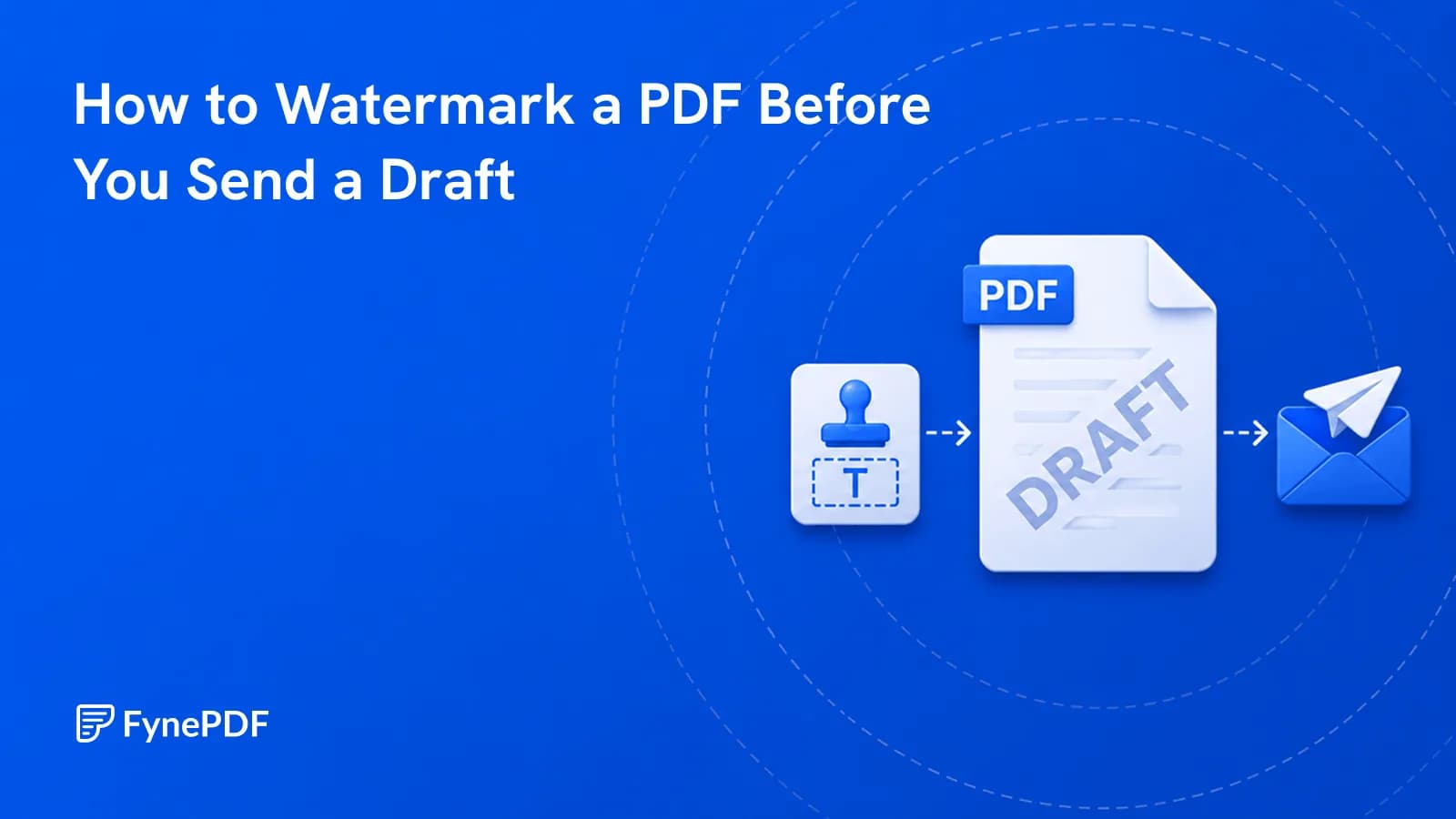
A draft with no DRAFT mark eventually gets treated as final. Here's how to prevent that.
Add Watermark ·
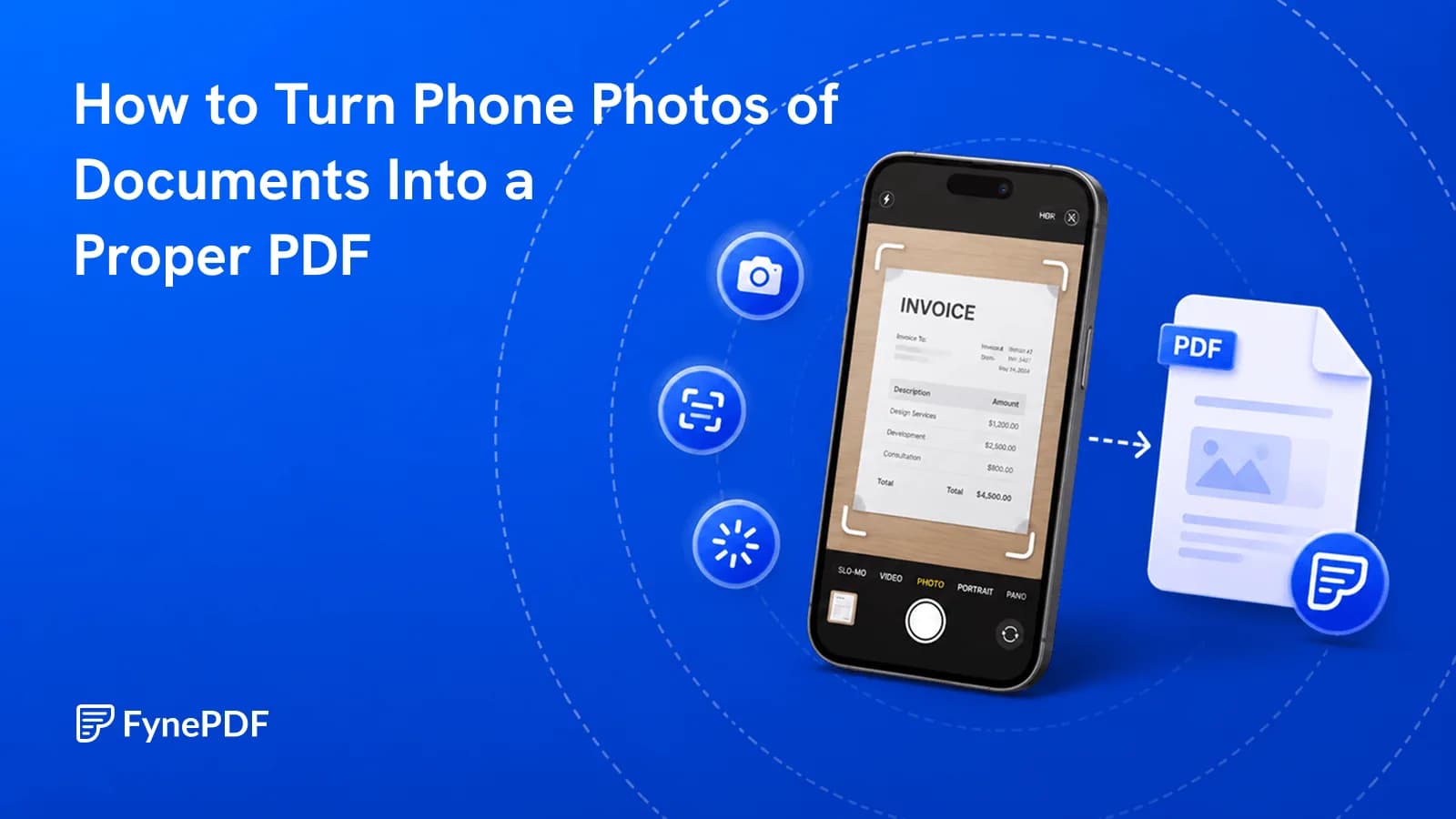
Eight photos attached to an email is not a document. Turn them into one ordered file.
Image to PDF ·
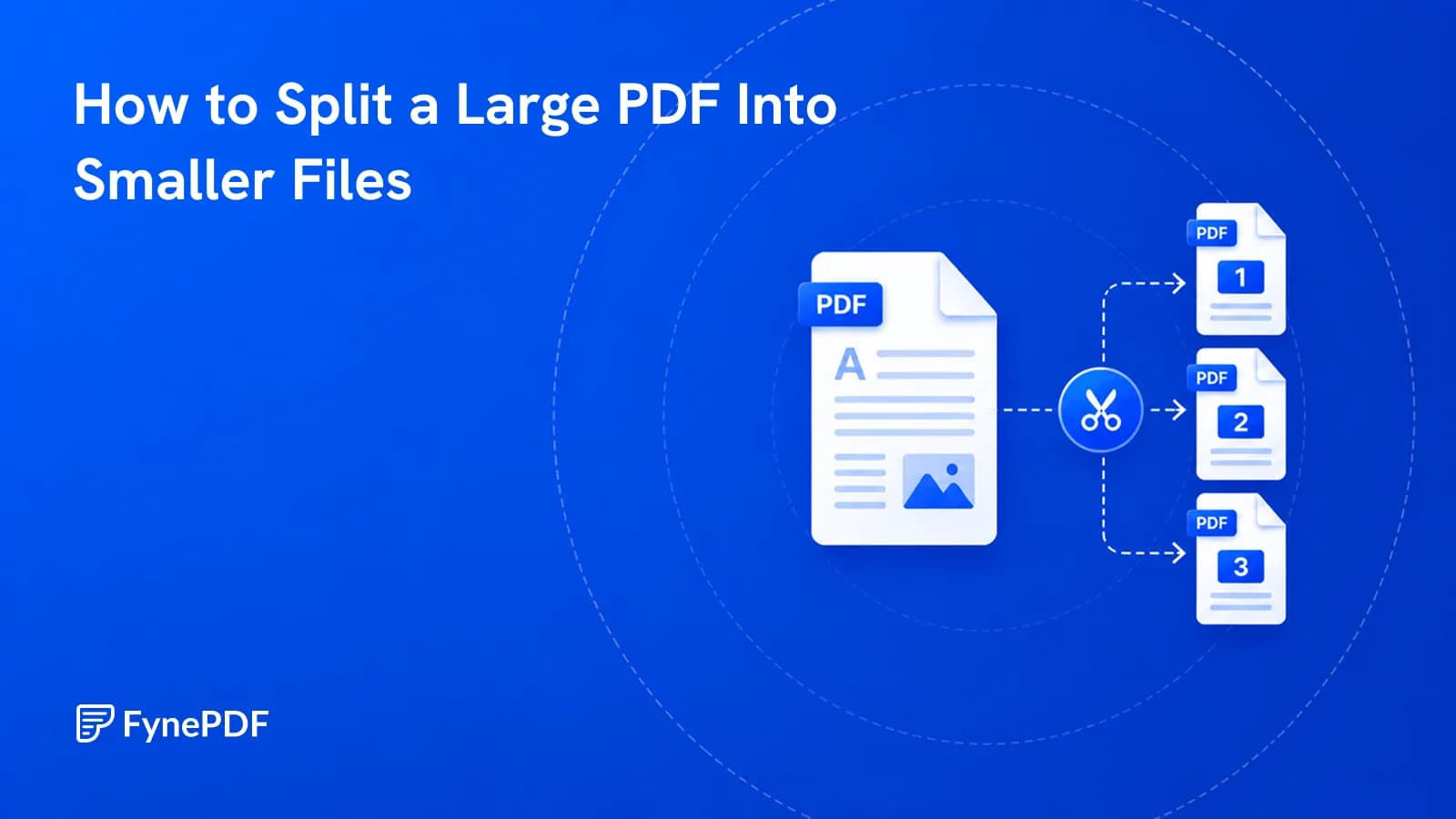
When compression isn't enough, split the file into sections that clear the limit.
Split PDF ·
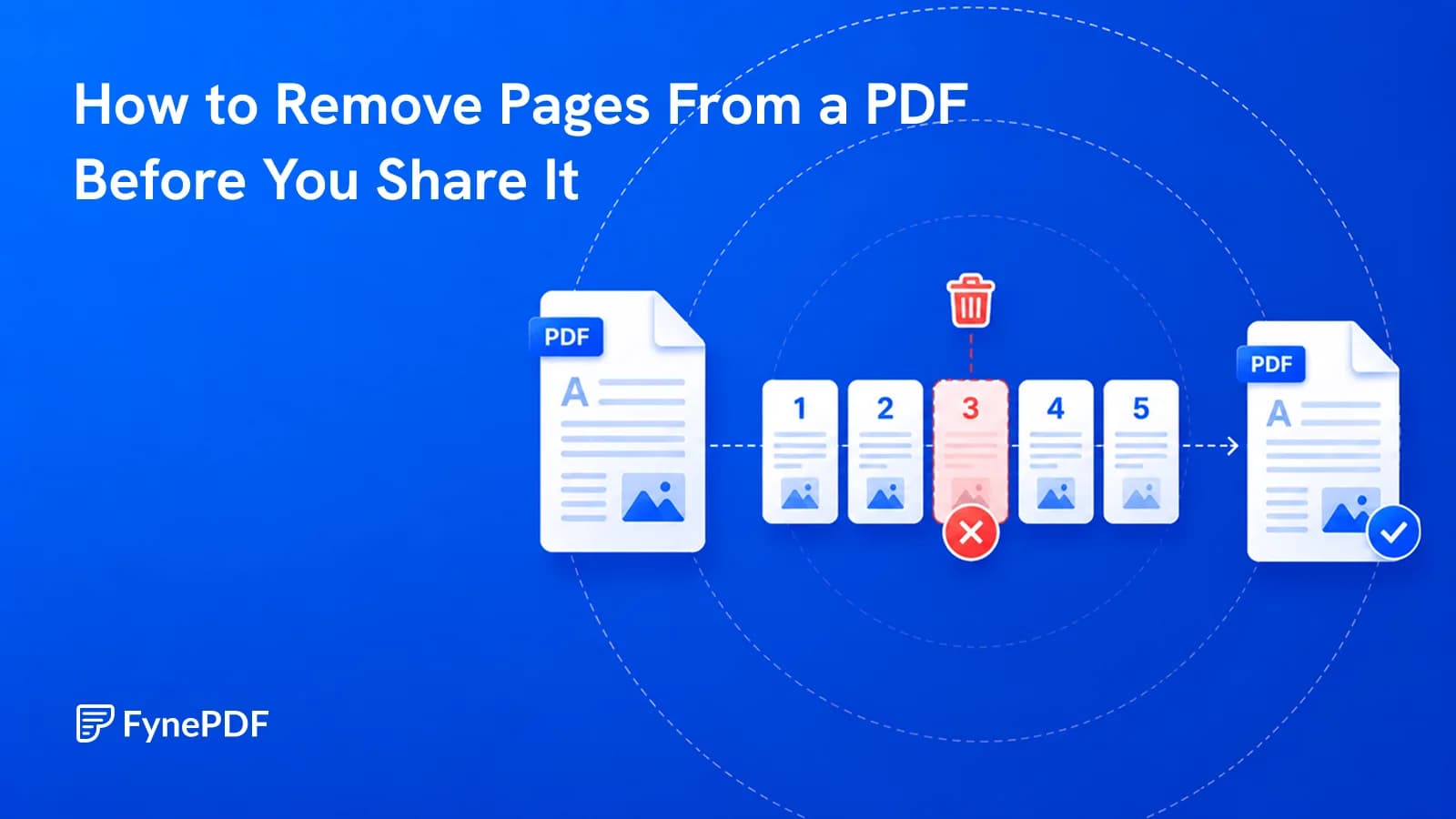
Internal notes on page 9 shouldn't reach the client. Here's how to remove them.
Delete PDF Pages ·
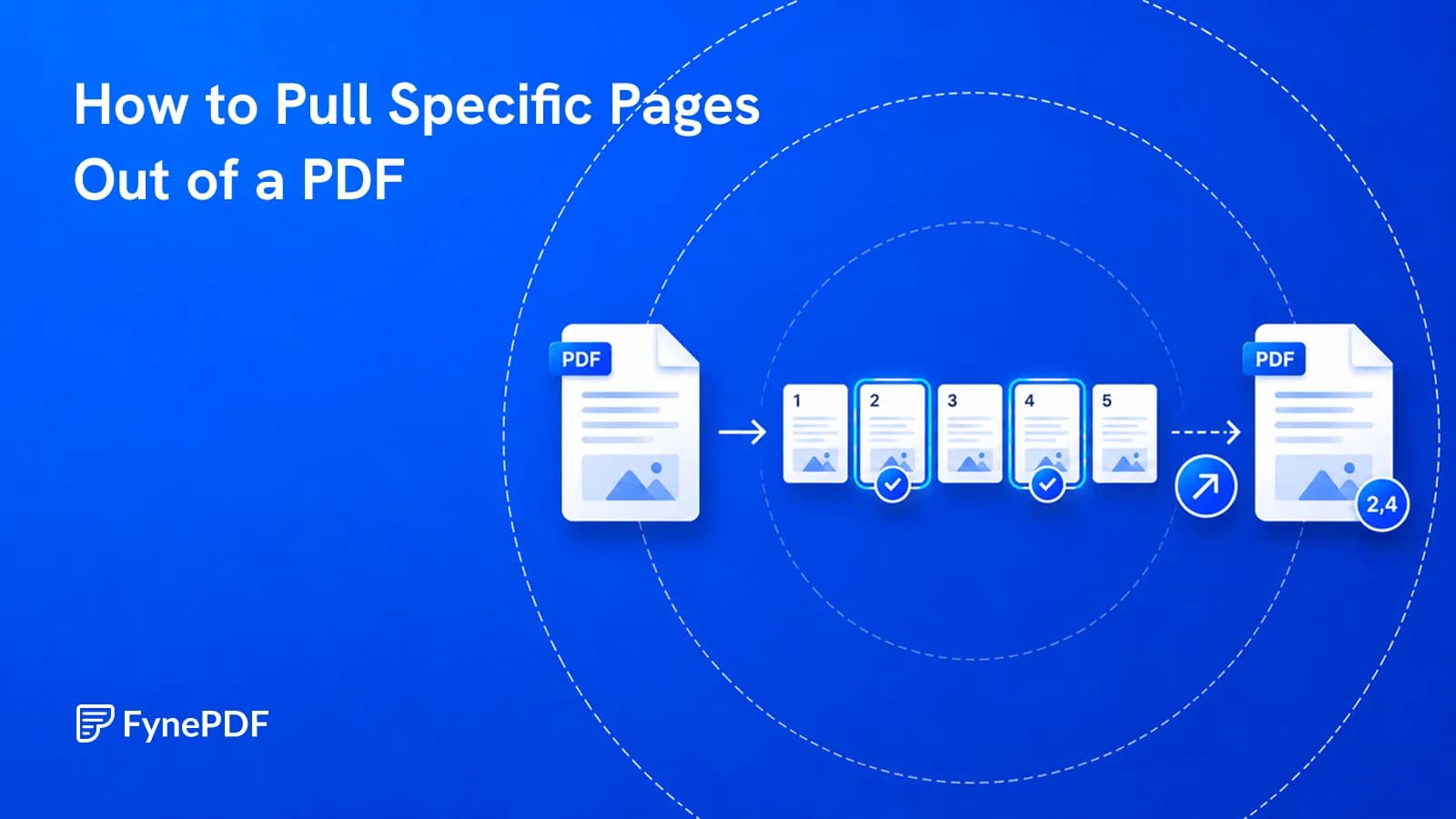
They asked for one appendix, not the 300-page report. Here's how to send just that.
Extract PDF Pages ·
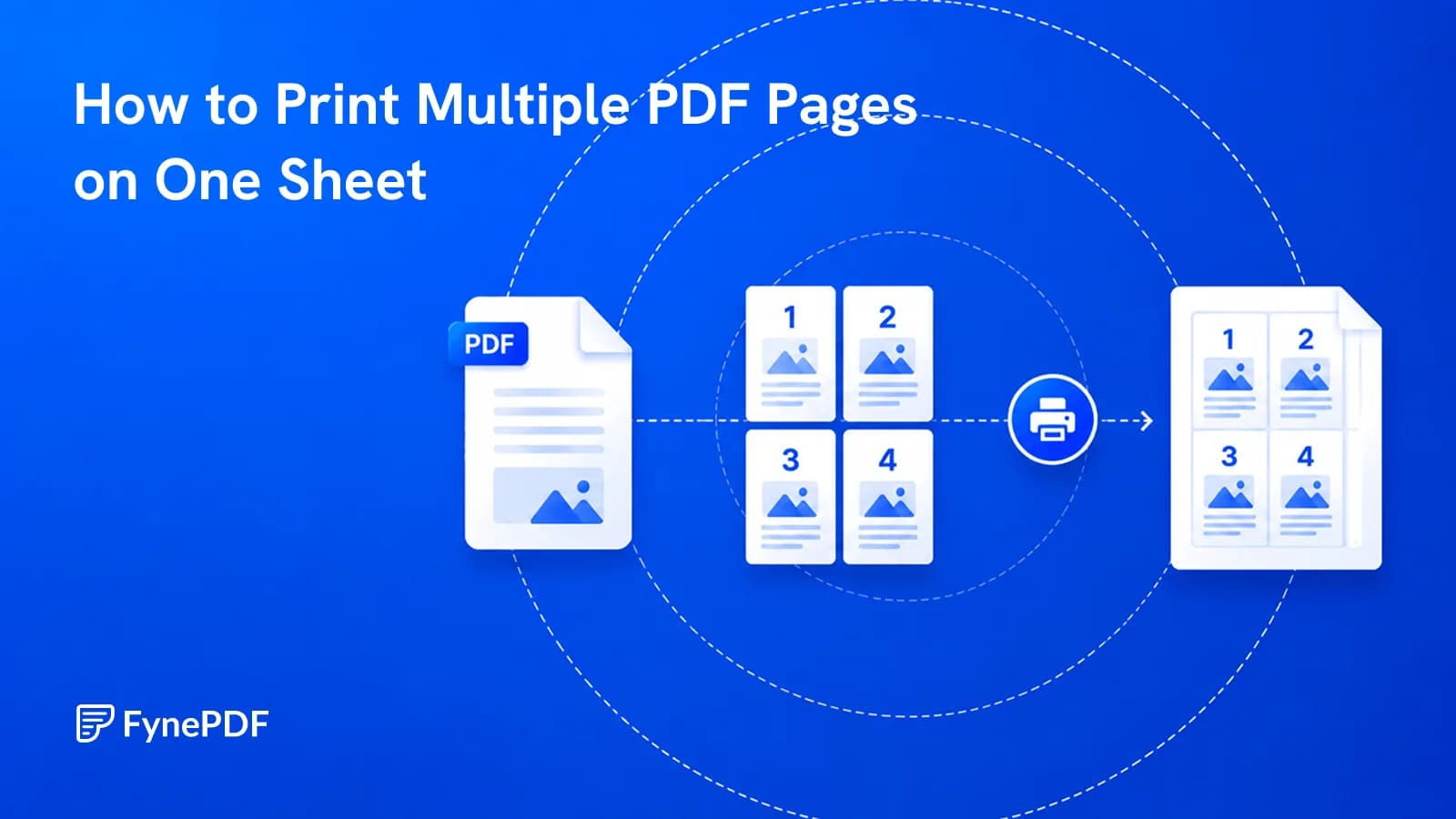
A 200-page draft doesn't need 200 sheets. Here's where readability gives out.
N-Up & Impose ·

It usually means the file arrived incomplete, not that the contents are gone.
Repair PDF ·
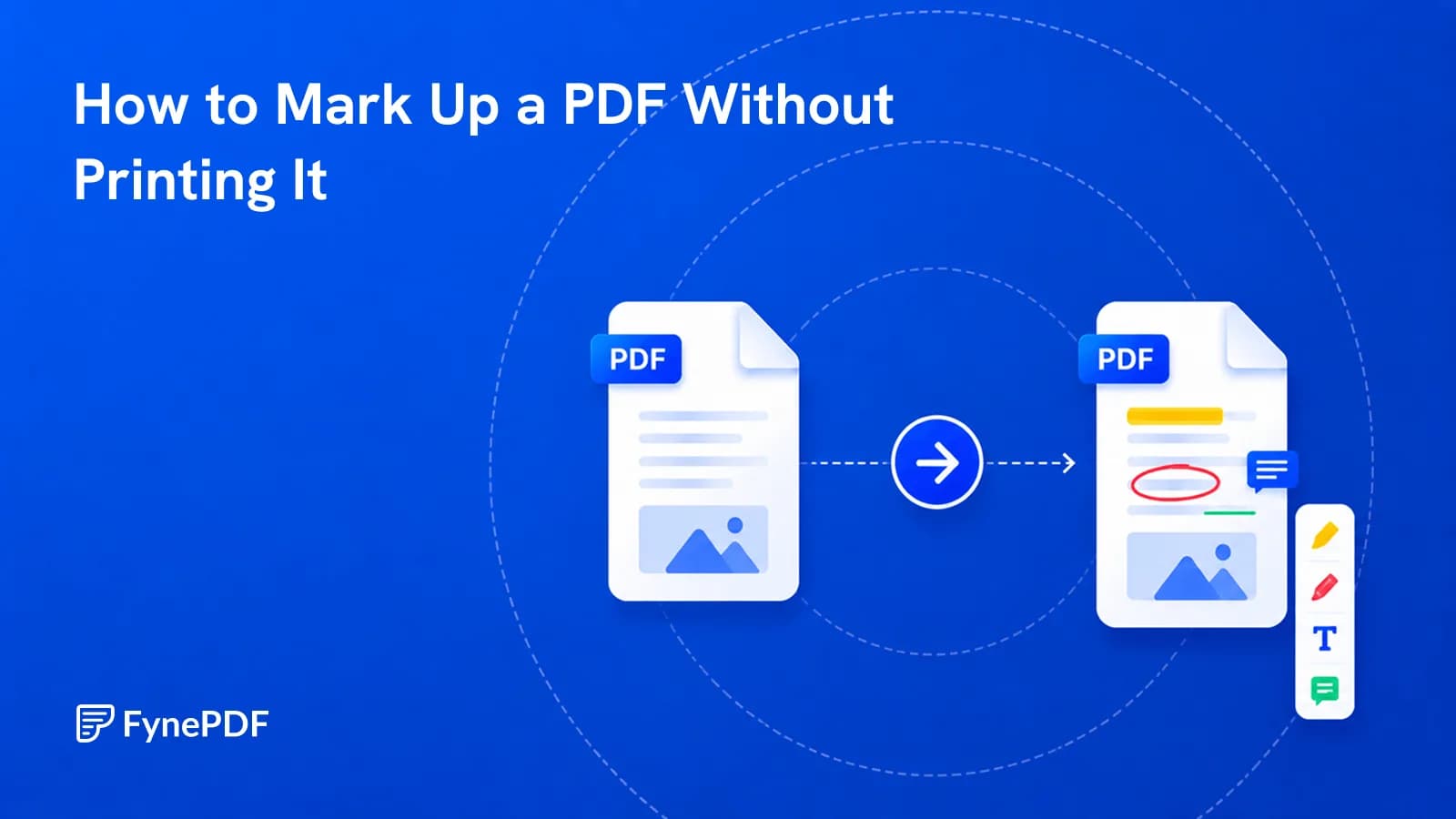
Print, scribble, scan, email wastes an hour and produces a worse file. Mark it up directly.
Annotate PDF ·
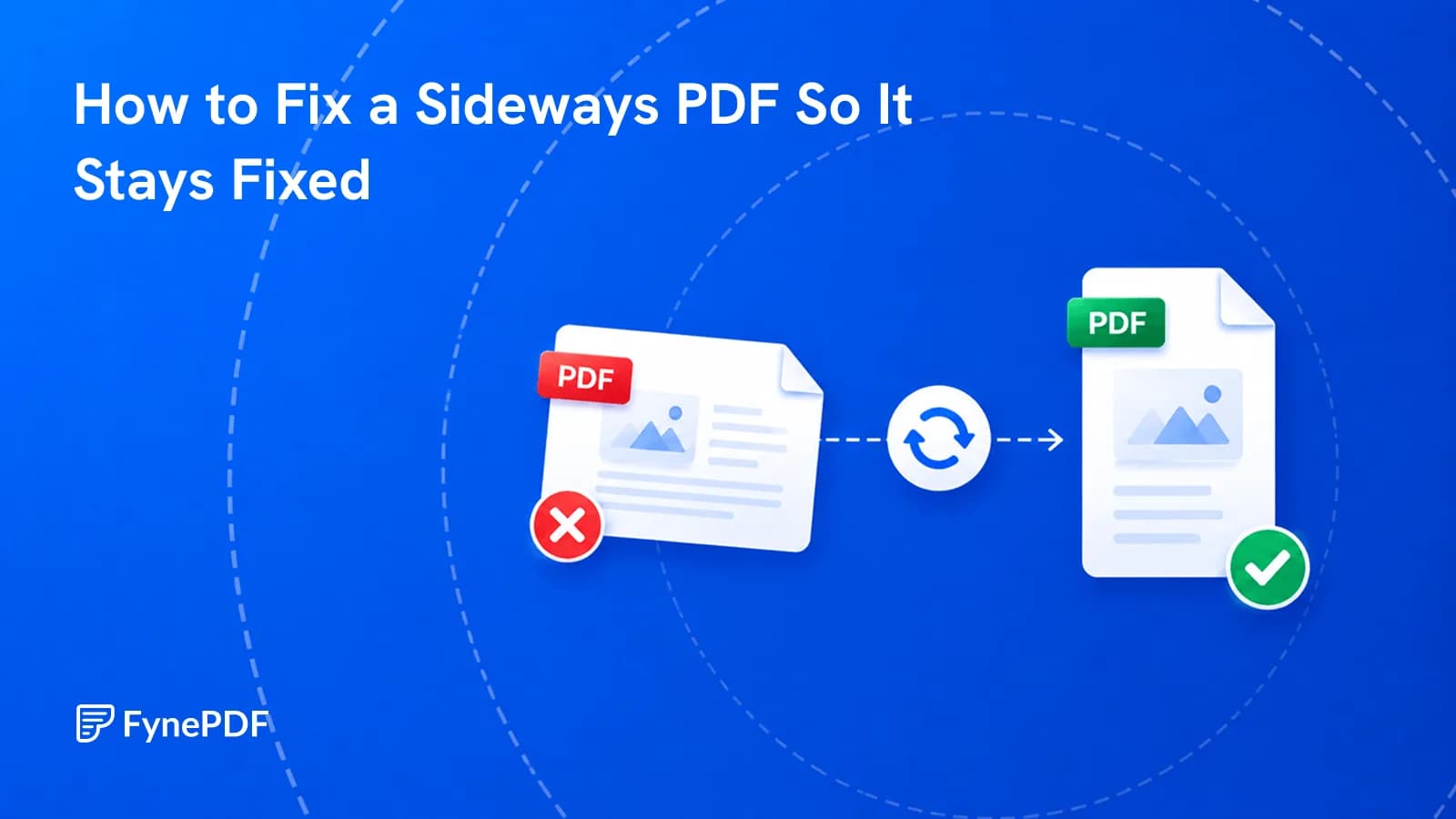
You rotated it, saved it, and it opened sideways again. Here's why that happens.
Rotate PDF ·
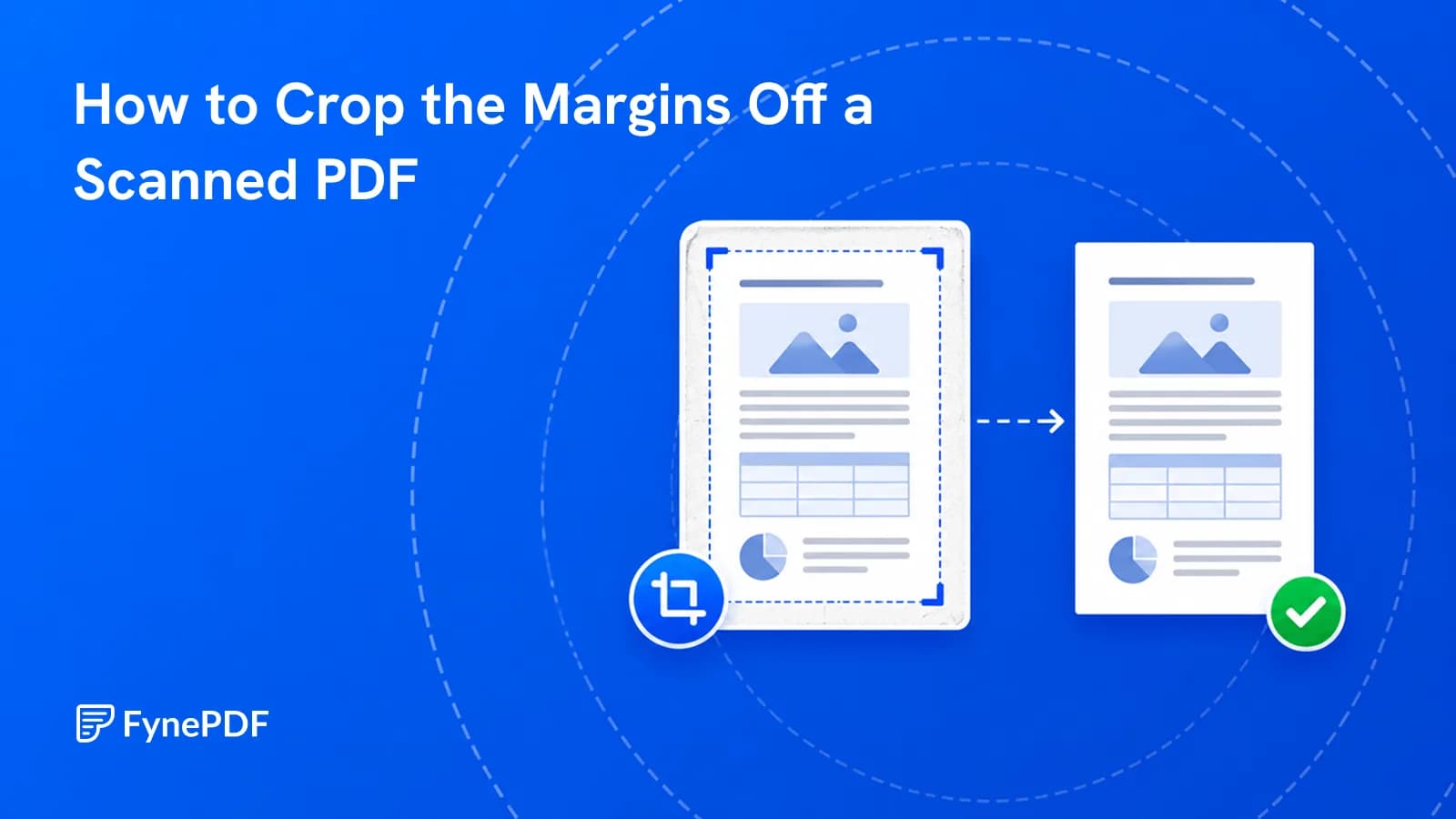
Wide scan borders waste screen space and make documents unreadable on a phone.
Crop PDF ·
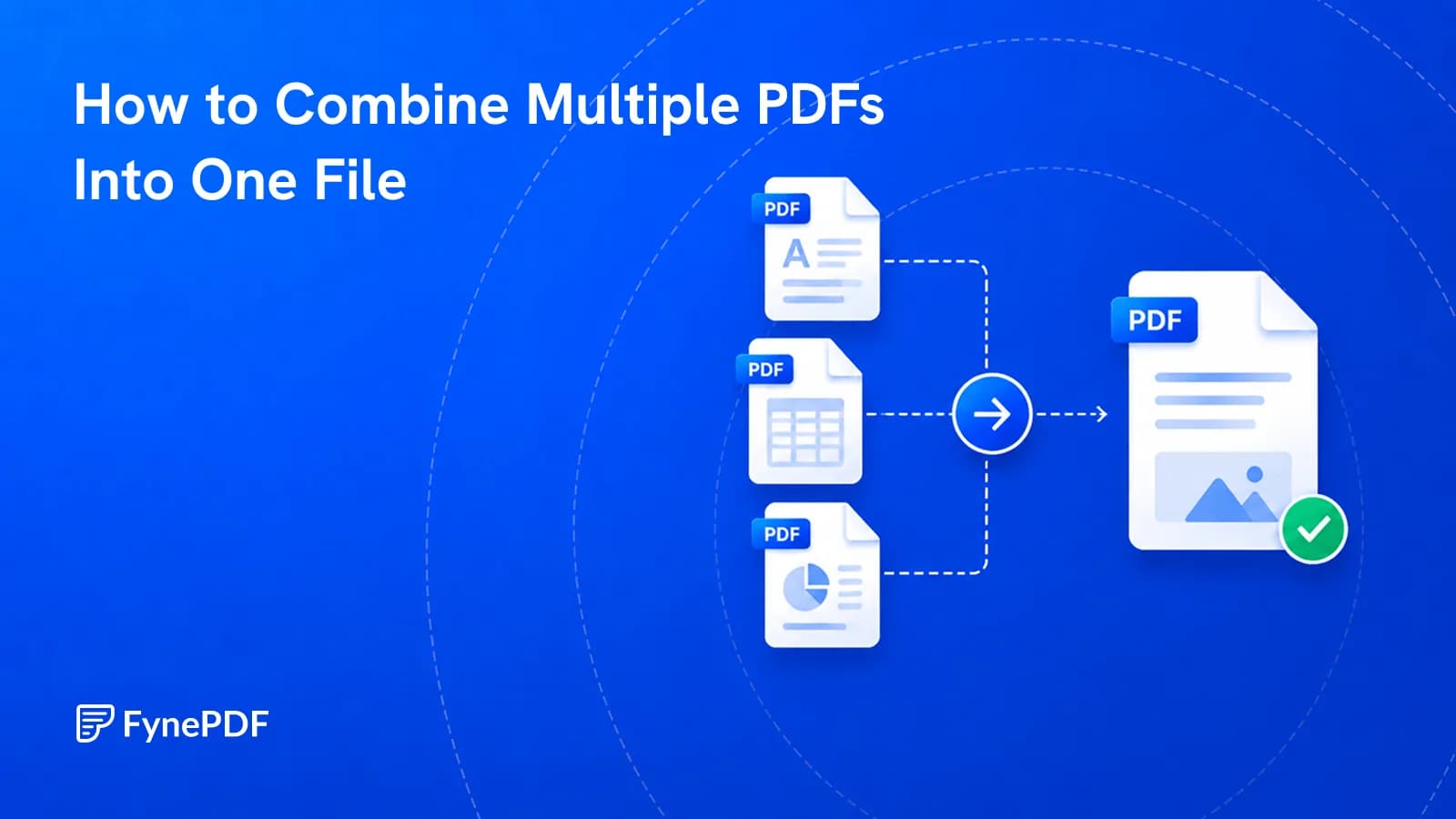
Twelve attachments look disorganised and break upload portals. Merge them into one ordered file.
Merge PDF ·
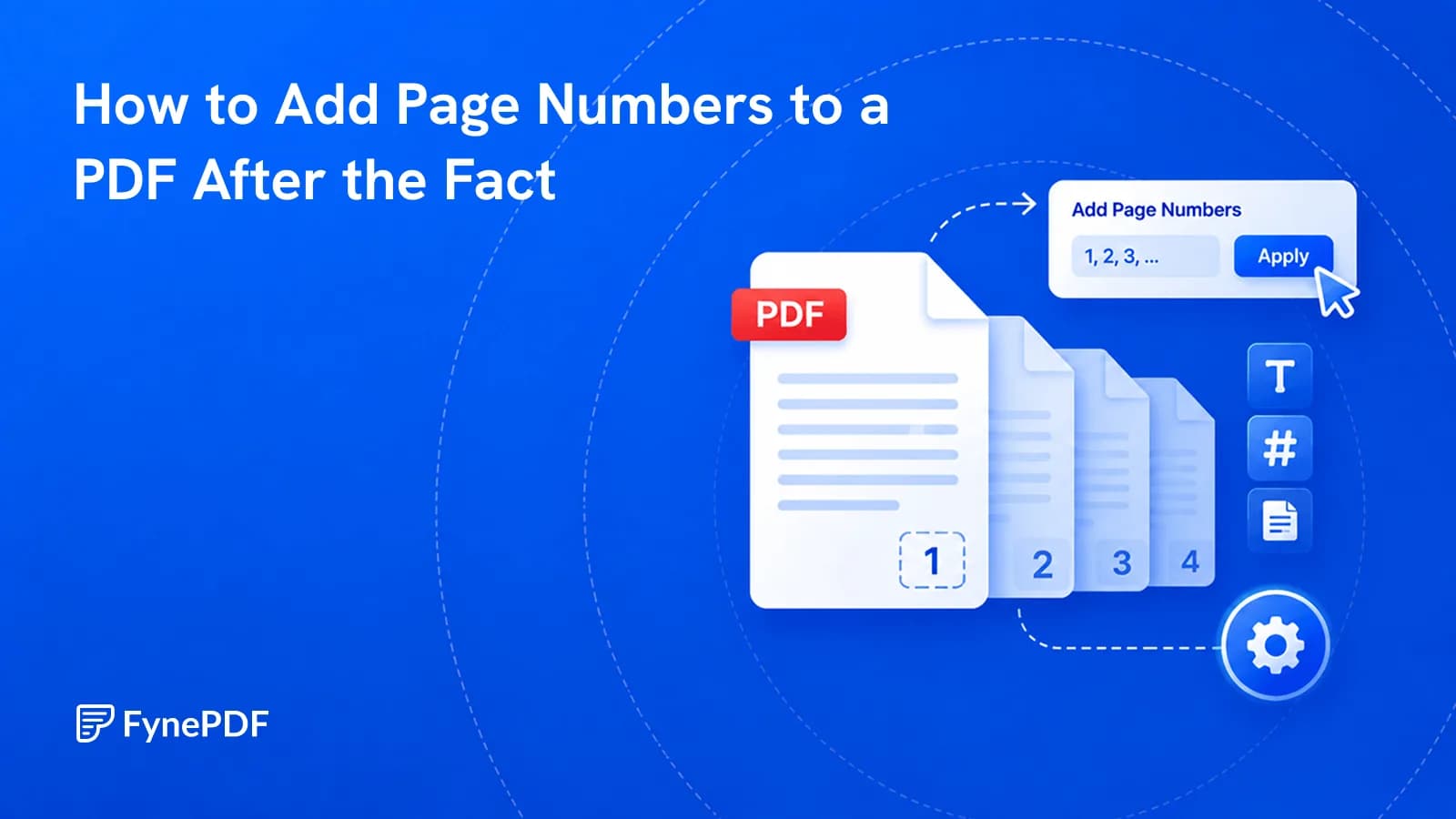
Merged bundles and extracted sections arrive unnumbered. Here's how to fix that.
Add Page Numbers ·
Every tip in our guides works in FynePDF: merge, compress, convert and sign PDFs, or ask AI about your documents. Free to start.
 Organize PDF Pages
 Flatten PDF
 Add Watermark
 Image to PDF
 Split PDF
 Delete PDF Pages
 Extract PDF Pages
 N-Up & Impose
 Repair PDF
 Annotate PDF
 Rotate PDF
 Crop PDF
 Merge PDF
 Add Page Numbers