Strong PDF Encryption
Your PDF is encrypted with AES-256, and only the password can open it.


Add a password to a PDF so only the people you share it with can open it.
or drop your file here
Your PDF is encrypted with AES-256, and only the password can open it.
Works in any browser on Mac, Windows, Linux, iPhone and Android. No install.
Mark protected files CONFIDENTIAL with Add Watermark as a visible warning.
Password protect a PDF in three steps, no software to install, no account needed.
1
Drag and drop or select your confidential file up to 600MB on the free plan and 5GB on paid.
2
Type in a strong, memorable password to lock your PDF. Make sure to save it, as lost passwords cannot be recovered.
3
Your locked PDF is ready to download immediately and auto-deleted from our servers after 15 min.
Got a stack of PDFs? Lock them all with a workflow
Email and cloud storage aren't always secure. Here is where adding a password to your PDF protects you, your clients, and your business.
Secure payslips, tax forms, compensation letters, and performance reviews before emailing them to employees.
Protect bank statements, profit/loss records, and sensitive accounting reports before sharing them with accountants or investors.
Lock NDAs, partnership contracts, and confidential drafts to prevent unauthorized parties from reading sensitive terms.
Safeguard personal health information, laboratory test results, and insurance claims to maintain privacy when transferring files.
Protect your proprietary research, unpublished manuscripts, design blueprints, or patent drafts from being leaked or viewed.
Add a crucial layer of security to digitized passports, government ID cards, and tax documents on your local device or cloud.
When you set a password, FynePDF encrypts your PDF's contents with AES-256 and rebuilds the file so it can only be decrypted with that password. The protection lives inside the file itself, so it holds wherever the document travels, email, cloud storage, a USB stick, someone else's computer.
The content is genuinely scrambled. Without the password there's nothing readable in the file, even for someone inspecting it directly.
Passwords are used to encrypt your file and then discarded. Nothing is stored, logged, or recoverable, including by us.
The cipher is only as strong as the password. The strength meter shows where yours stands; length matters more than symbols.

Guide
Productivity
PDFs can carry malicious links, scripts, and attachments. Here's how to spot a suspicious PDF before you open it.
Guide
Secure
Productivity
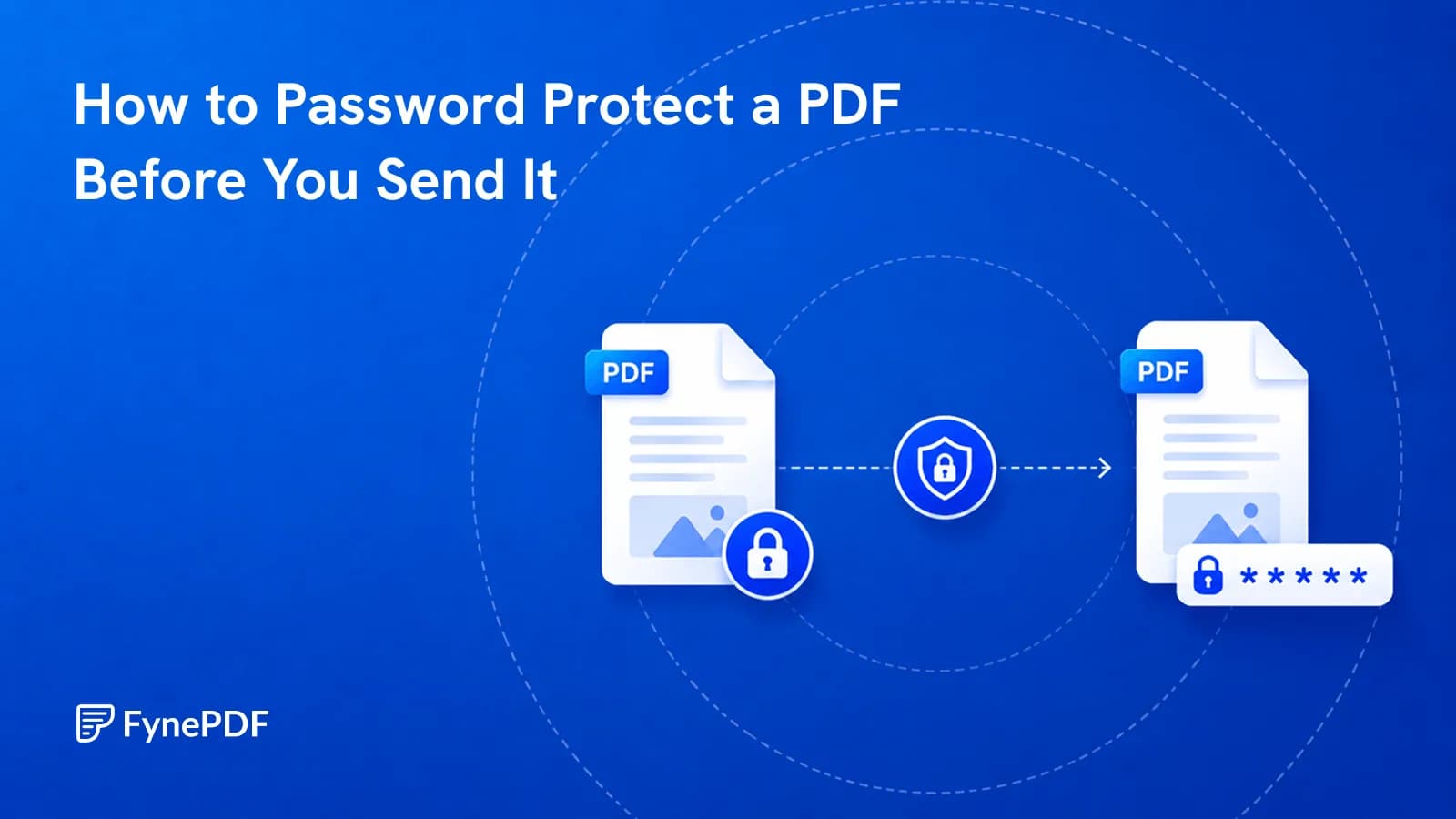
Encryption takes seconds. Sending the password in the same email defeats the whole thing.
Guide
Organize
Optimize
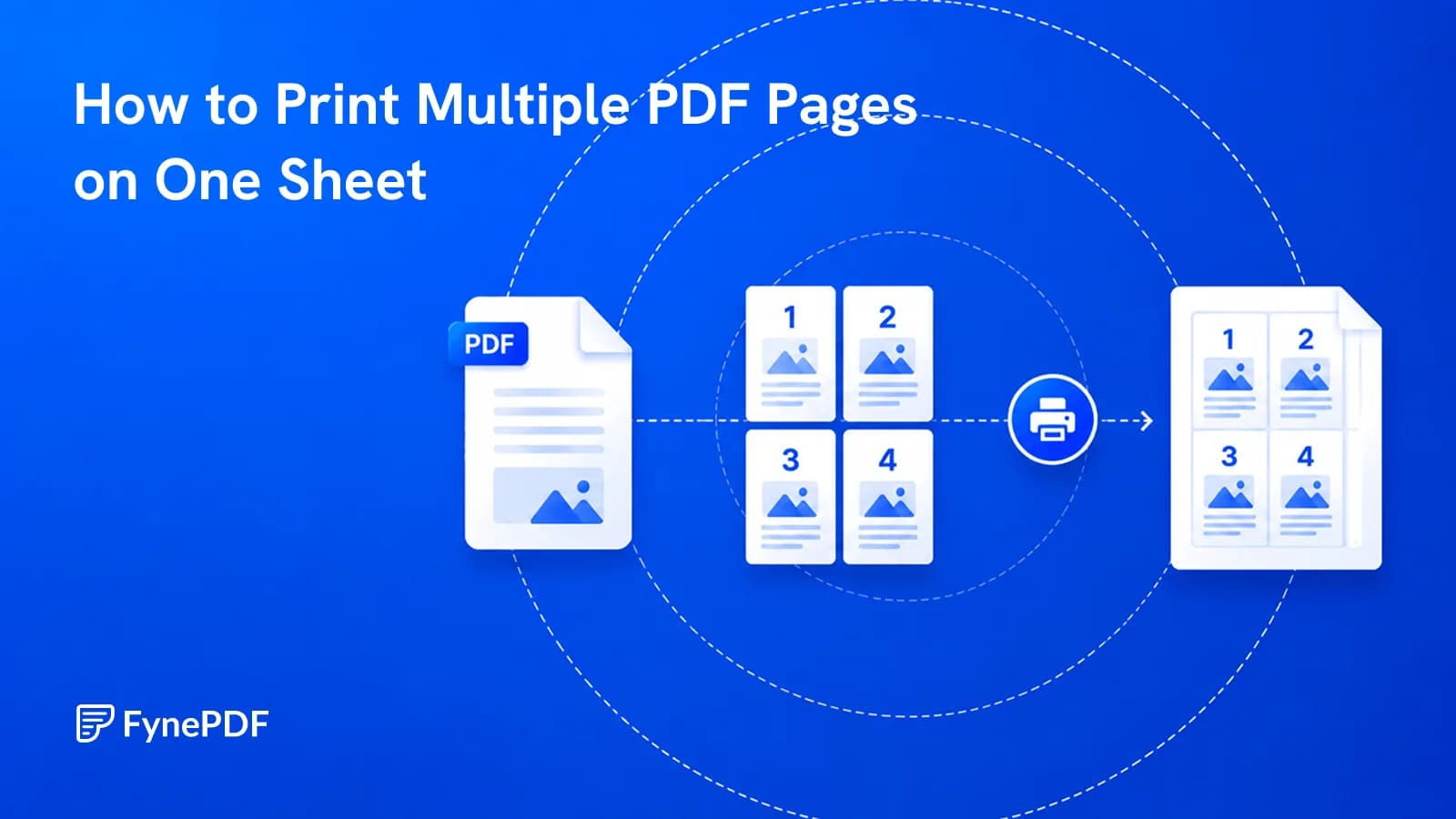
A 200-page draft doesn't need 200 sheets. Here's where readability gives out.


