

Real Spreadsheet Data
Every cell lands in its own cell, and numbers stay numbers for formulas.


Extract PDF tables, from invoices to bank statements, into an XLSX file.
or drop your file here
Every cell lands in its own cell, and numbers stay numbers for formulas.
Describe one month, table or region, and get a sheet with only that.
Download an Excel workbook for sorting, filtering and calculations, instead of retyping PDF tables.
Convert a PDF to Excel in three steps, no software to install, no account needed.
Drag and drop your file up to 250MB free, or 15MB with AI conversion. Paid plans support higher limits up to 5GB.
Convert every table, or describe the data you want and how it should be split across tabs.
Your Excel file is ready to download immediately and auto-deleted after 15 min.
Got a stack of PDFs? Turn them into Excel in a workflow
PDF tables are hard to sort, filter, or calculate with. Convert them to Excel so the numbers become structured, editable, and ready to work with.
Turn monthly PDF statements into sortable rows so you can total, filter and categorize transactions.
Pull line items, dates and totals out of supplier invoices without retyping a single figure.
Ask AI for one quarter of an annual report and get each section on its own tab, ready to model.
Scanned ledgers, forms and printed tables become editable spreadsheet data through AI conversion.
Get published tables into a spreadsheet so you can chart, compare and run your own calculations.
Convert several PDFs into sheets you can combine, instead of copying figures across by hand.
Manual conversion finds every table in your document and rebuilds them as spreadsheet data, handling files up to 250MB. AI conversion reads the document and returns only figures you ask for, one month, one region, one table, organised across tabs however you specify, and it can read scanned pages that manual conversion can't.
Best for large files and complete conversions. Layout, tables and images are rebuilt directly, no interpreting.
Ask for a date range, a section or a specific table, split across tabs as you need. Reads scanned pages too.
Whole document or a large file: manual. Specific figures, a scanned original, or custom tabs: AI.
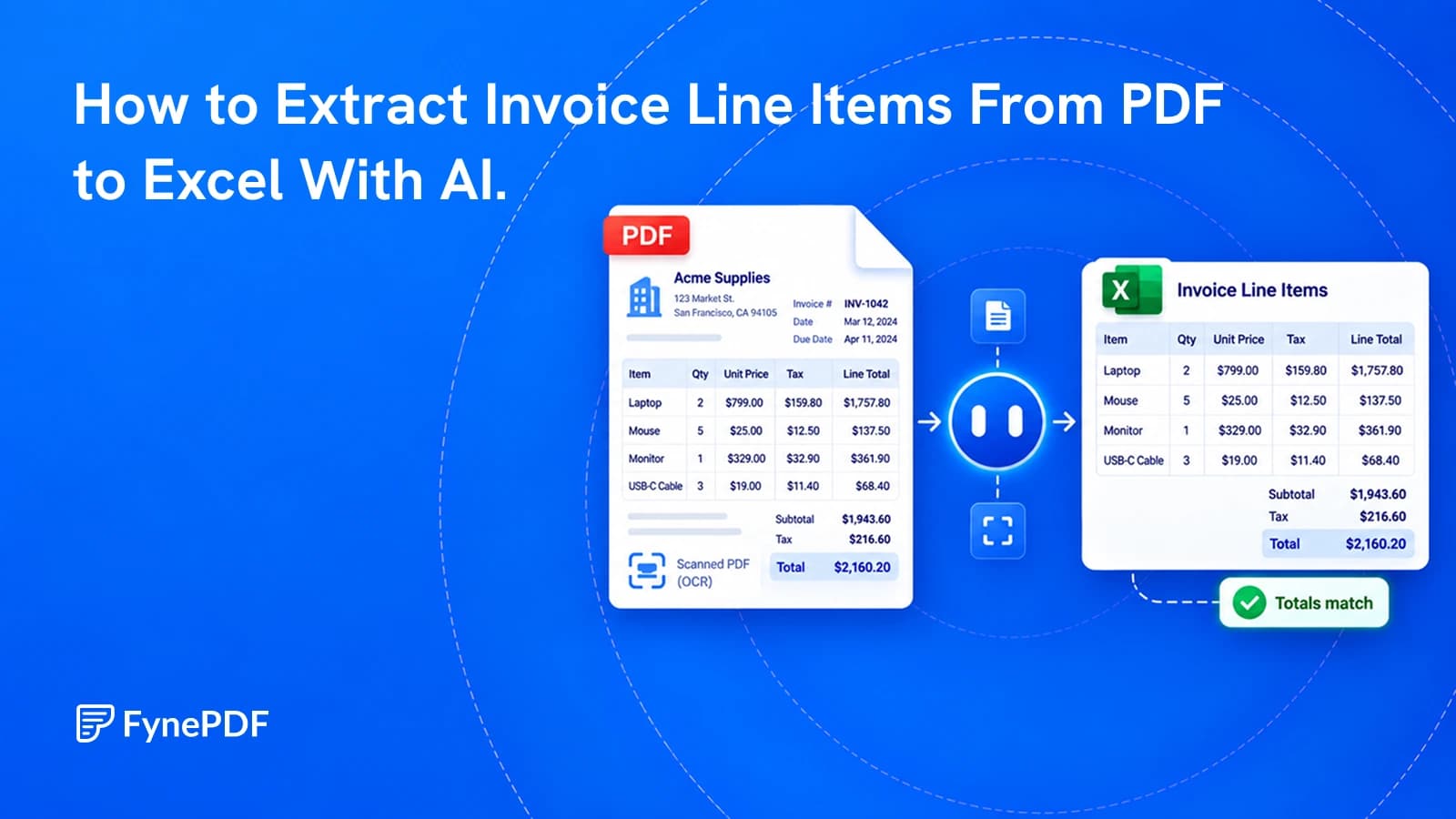
Get a spreadsheet you can check and use, not just a copy of the invoice's layout.
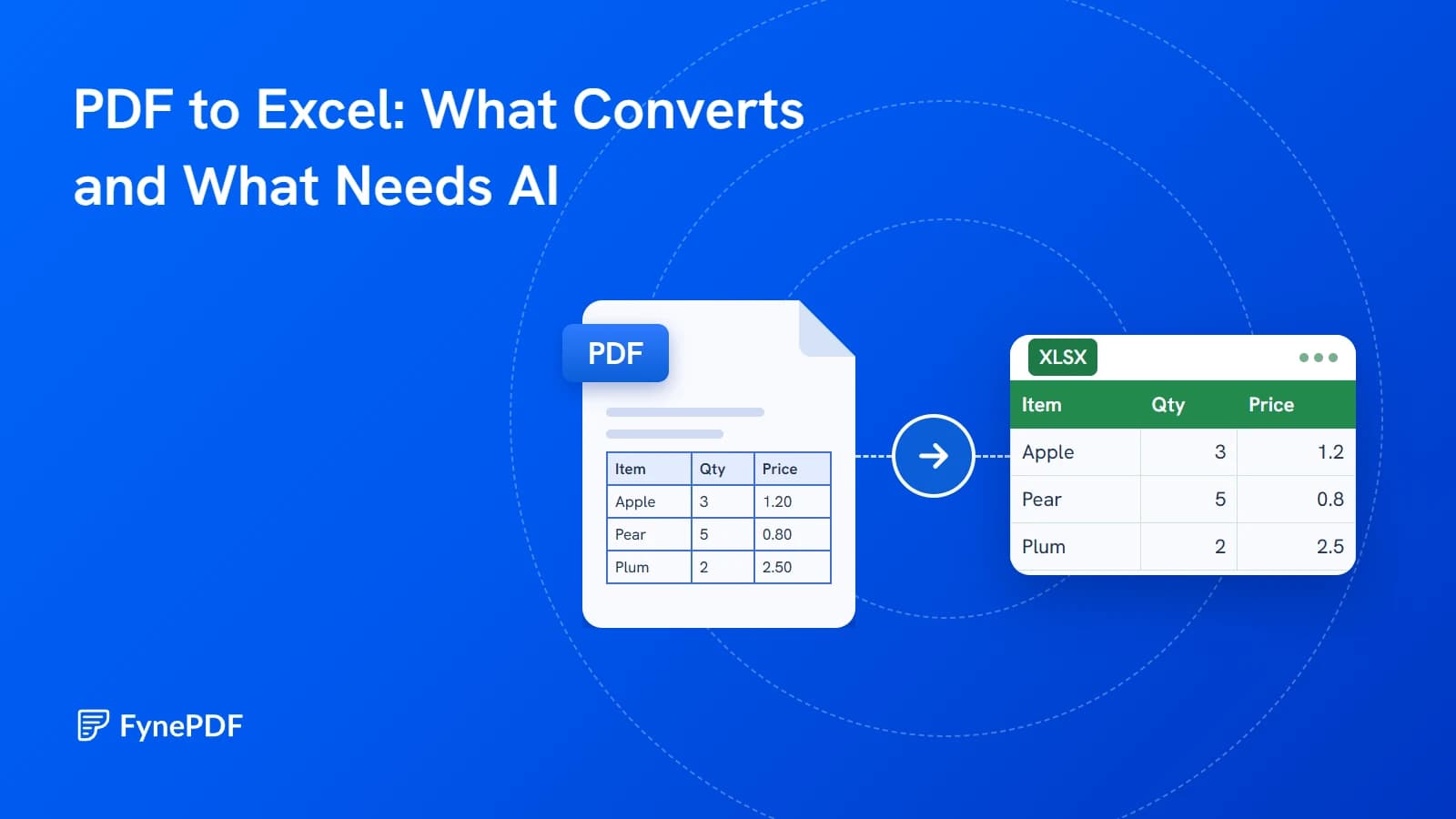
We ran 56 test PDFs through both modes. Here is what came out, with the real spreadsheets.
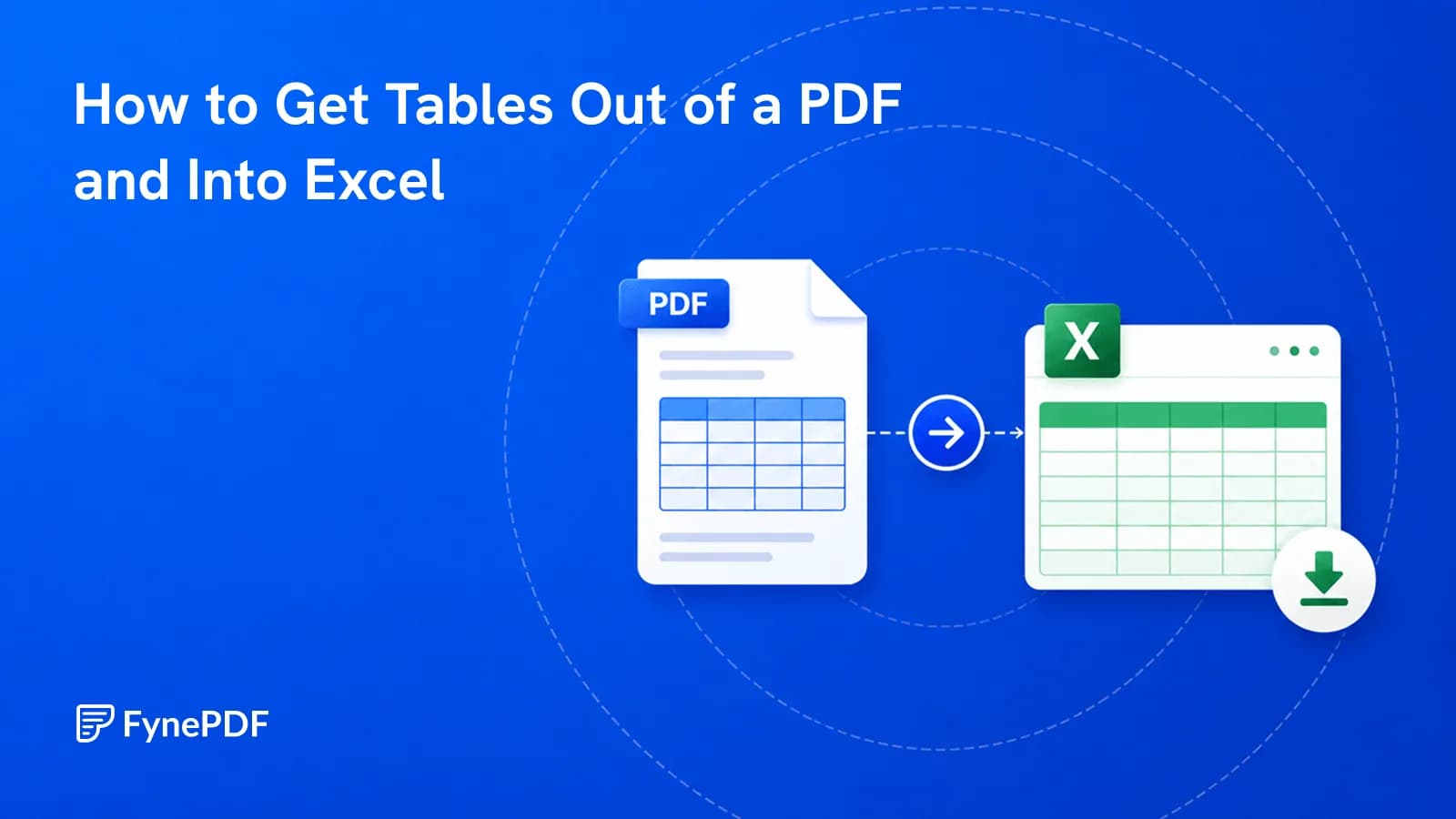
Copy-paste dumps everything into one column. Here's how to get real rows and columns.