fynepdf logo
Smart Edit

Smart Edit

Say what to change in plain words, review the steps, and run them in one tap.

or drop your file here

File upload

Describe the change in plain words

Review every step before it runs

Your original stays untouched

An AI PDF editor that works in steps you approve

Smart Edit is FynePDF's AI PDF editor: describe a change, review the steps, tap Run, and keep your original.

One sentence, one finished file

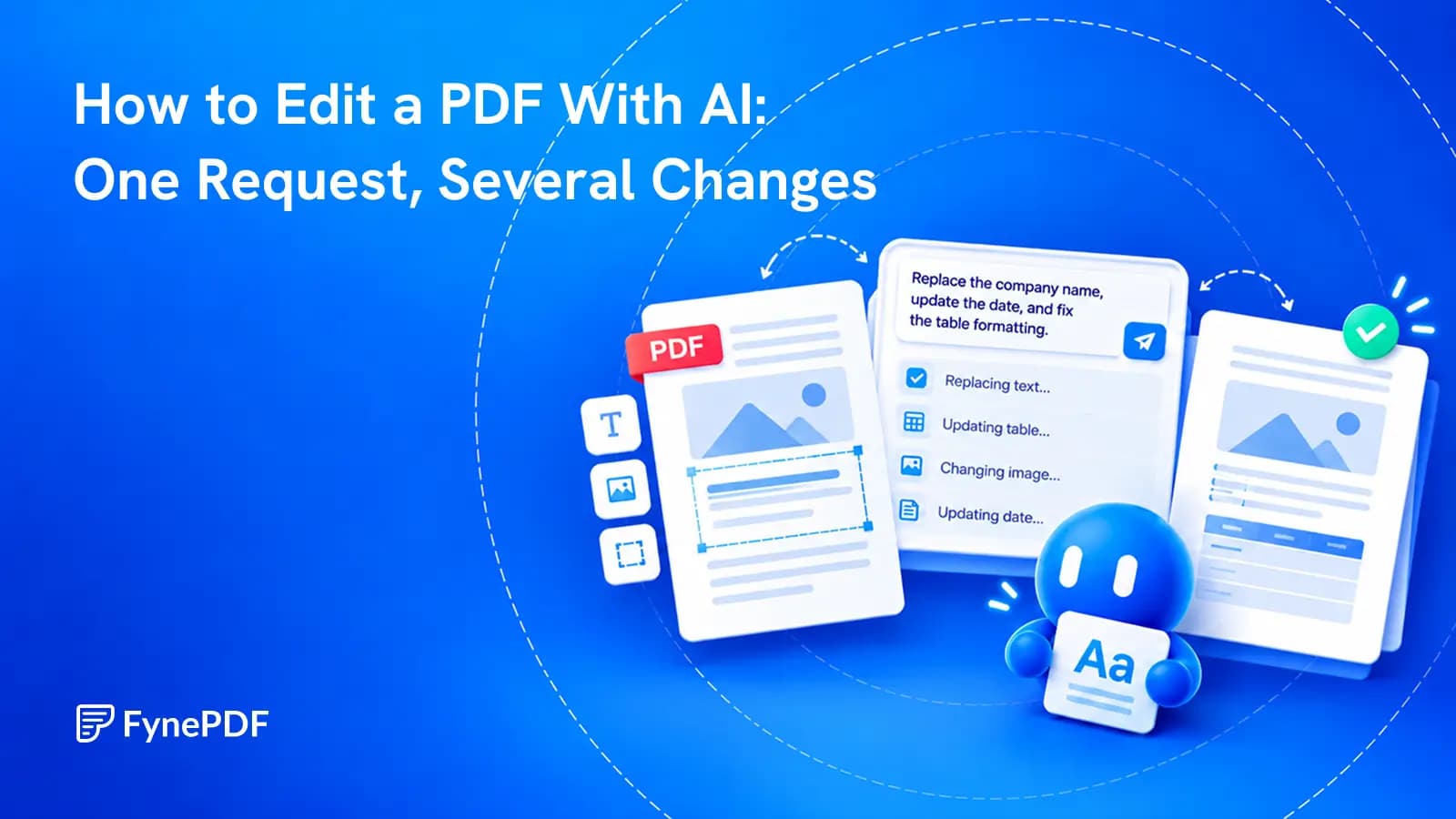
Ask for several changes at once, such as “remove the blank pages, hide the account details and compress it under 1 MB”. Fyne lays out the steps, nothing runs until you tap Run, and the result opens beside the chat to preview, download, save or undo.

Remove blank pages and rotate

Fyne knows which pages are blank. Delete, keep, move or rotate pages by number or by what is on them.

Redact personal details for good

Names, emails and account numbers are found for you to review. What you approve is removed from the file, not covered.

Bank statement to Excel, checked

Every transaction with the page it came from, and the totals checked against the ones the statement prints.

Compress a PDF to an exact size

Say “under 1 MB” for an upload limit. The result is checked against the target before you get it.

OCR a scan, then convert to Word

OCR makes the text selectable and searchable. Then take a copy in Word, Excel, images or Markdown.

Sign, number, watermark and lock in one run

Your saved signature, page numbers, a text watermark and a password, in the order you asked. The password is typed in the card and never sent to the AI.

Save the steps, run them again

Keep a run that worked and repeat it on the next file with one tap.

Say It in Your Own Words

Type what you want, such as remove the blank pages and compress under 1MB.

Review Every Step First

The steps appear as a short list. Nothing runs until you tap Run.

Your Original Stays Untouched

Each run makes a new version you can preview, download, save or undo.

Three steps to an edited PDF

Upload a PDF, say what to change, review the steps and run them.

1

Upload your PDF

Drag and drop or select a PDF up to 15MB and 50 pages on the free plan, more on paid plans.

2

Say what to change

Type the change in plain words, or pick a suggestion. Ask for several things at once if you like.

3

Review and run

Check the proposed steps, tap Run, then preview, download or save the result. Undo if it is not right.

How Smart Edit works

Smart Edit reads your PDF, turns your request into a list of FynePDF steps, and waits for you. The steps run through the same tools you would use by hand, one after another, on a copy of your file. You see each step finish, and the result opens beside the chat.

You describe

Name pages by number or by what is on them: the blank pages, the invoice, everything after the appendix.

Fyne proposes

A short list of steps in the order they will run. When a request could lose content, Fyne asks instead of guessing.

You run

One tap runs the steps. Preview the result, download it, save it to your Library, or undo.

When you want to do it by hand

Frequently Asked Questions

What can I ask Smart Edit to do to a PDF?

Say it in your own words. Smart Edit can compress to a level or a target size, delete, keep, reorder and rotate pages, add page numbers, a text watermark or your signature, convert to grayscale, hide personal or sensitive details, lock the file with a password, make a scan searchable with OCR, and give you a copy as Word, Excel, JPG or PNG images, or Markdown. You can ask for several of these in one request.

Does anything change before I approve it?

No. Smart Edit shows the steps it proposes as a short list and waits. Nothing runs until you tap Run, your original file stays unchanged, and Undo takes you back to the previous version.

When I hide details, is the text really removed?

Yes. Smart Edit finds what matches your request, lists each item with its page, and lets you untick anything you want to keep. The ticked items are removed from the file itself, not covered with a box, and the result is read back to check they are gone. A scan has no text to find, so Smart Edit offers to make it searchable first.

Can it turn a bank statement into Excel, and are the numbers checked?

Yes. Ask to export the transactions and you get a workbook with one row per transaction and the page it came from. The money in, money out and closing balance are added up and compared with the totals the statement prints, and the result is shown on the card. If a figure does not add up, the card names it so you know to look before relying on the file.

Is my password or signature sent to the AI?

No. A password is typed into the card and used only to lock the file; it is not stored and never passes through the AI. Your signature is the one saved on your device and is placed on the page in your browser.

Can I reuse the same steps on another file?

Yes. After a run, choose Save these steps to run again and give them a name. Saved runs are kept on your device and appear as suggestions the next time you open a file, and on the home page. You still review the steps and tap Run each time, and a password is always asked for again.

Is Smart Edit free? What are the limits?

Smart Edit is free to try without an account. The free plan takes PDFs up to 15MB and 50 pages and includes 10 edits per file; opening a file counts as one of your 10 daily tasks. Professional raises this to 100MB and 2,000 pages, and Premium to 250MB and 3,000 pages, both with unlimited edits.

Is it safe to use Smart Edit on FynePDF? Are my files secure?

File transfers use TLS encryption. Cloud-processed files are automatically deleted within 15 minutes after processing completes, unless you choose to save them to your Library. Documents are not used to train AI models. Read the Privacy Policy for storage and processing details.

What can Smart Edit not do yet?

It does not rewrite text or move images inside a page; use Edit PDF for that. It does not remove a password (use Unlock PDF), merge other files into the document (use Merge PDF, or Compare to combine files you are comparing), or translate documents.