
How to Get Plain Text Out of a PDF
Sometimes you want the words and nothing else. Here's how, and where it goes wrong.
 By Biraj Paudel, Founder of FynePDF3 min read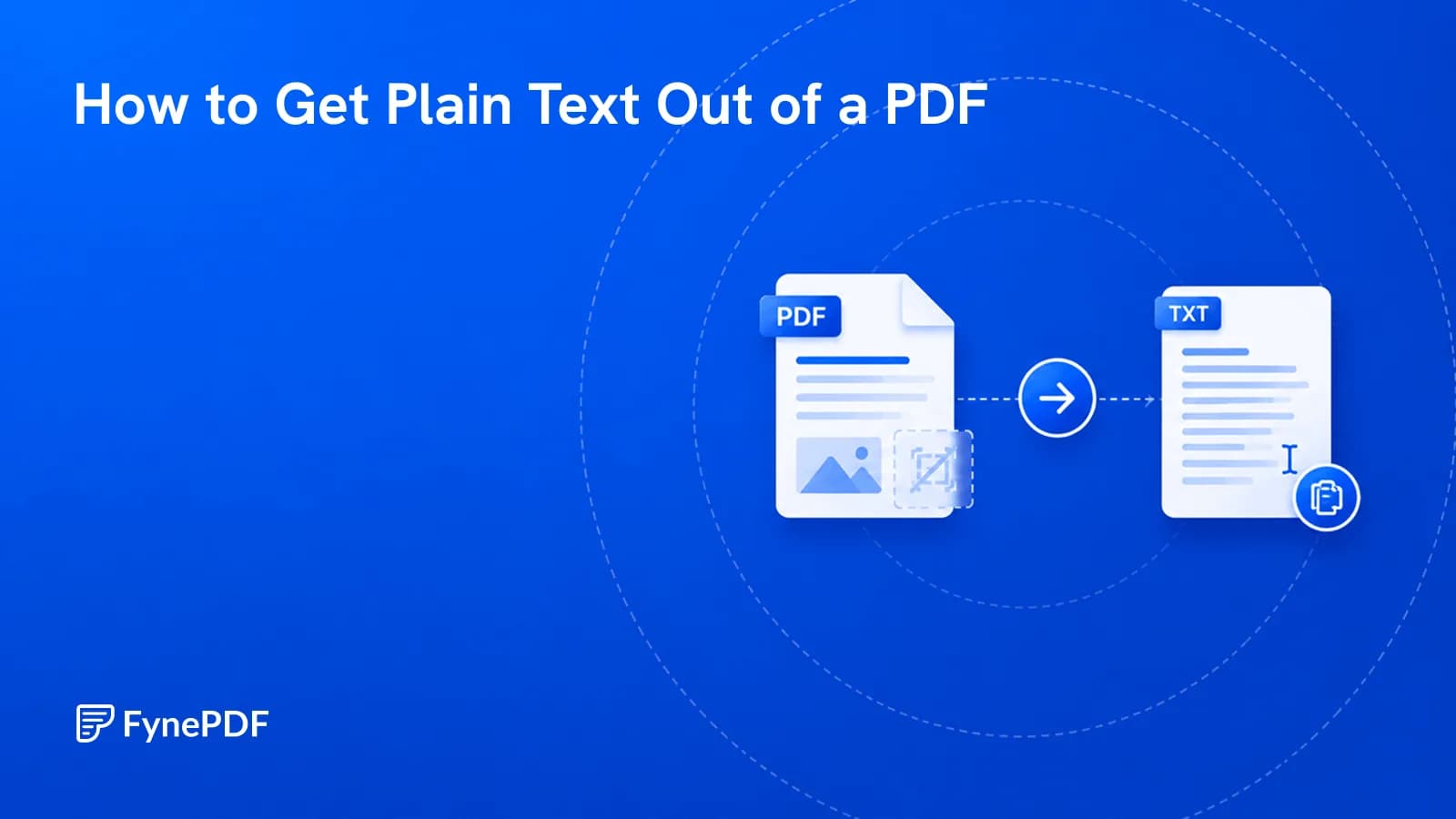
To extract plain text from a PDF, upload the file to OCR
PDF and process it. FynePDF can extract text from both
scanned PDFs and digitally created PDFs, with the option to download the
extracted content as a .txt file.
You get the words without needing to preserve the original page layout, formatting, or images. This is useful when the content is going somewhere that only needs text: a database, a script, a content management system, search indexing, or an AI system that accepts text input.
It's a simple way to get usable text out of almost any PDF, whether the document contains selectable text already or consists of scanned pages.
When is plain text the right output?
- Feeding content into a system that parses text and ignores formatting
- Word counts and text analysis where layout is noise
- Search indexing for a document archive
- Migrating content into a CMS that applies its own styling
- Quoting passages without dragging formatting along
- Processing PDF content with AI when only the written content is needed
- Accessibility checks on the text contained in a document
If you want the content and its structure, PDF to Markdown preserves headings and lists. If you want an editable document with formatting, PDF to Word is a better fit.
How do I extract text?
- Open OCR PDF.
- Upload your PDF.
- Run OCR.
- Review the extracted text.
- Download the text as a
.txtfile.
Free accounts handle files up to 15MB.
Why is my text jumbled?
Reading order is one of the main reasons extracted text can look different from what you see on the page.
PDFs store content based on positions on a page rather than as a simple top-to-bottom stream of paragraphs.
Layout Result
Single column Usually reliable Two columns Text may interleave between columns Sidebars and pull quotes May appear between paragraphs Tables Cells can lose their original structure Headers and footers May repeat throughout the extracted text Footnotes Can appear inline with surrounding text
Academic papers, newsletters, newspapers, and magazine layouts are common examples.
What if the PDF is a scan?
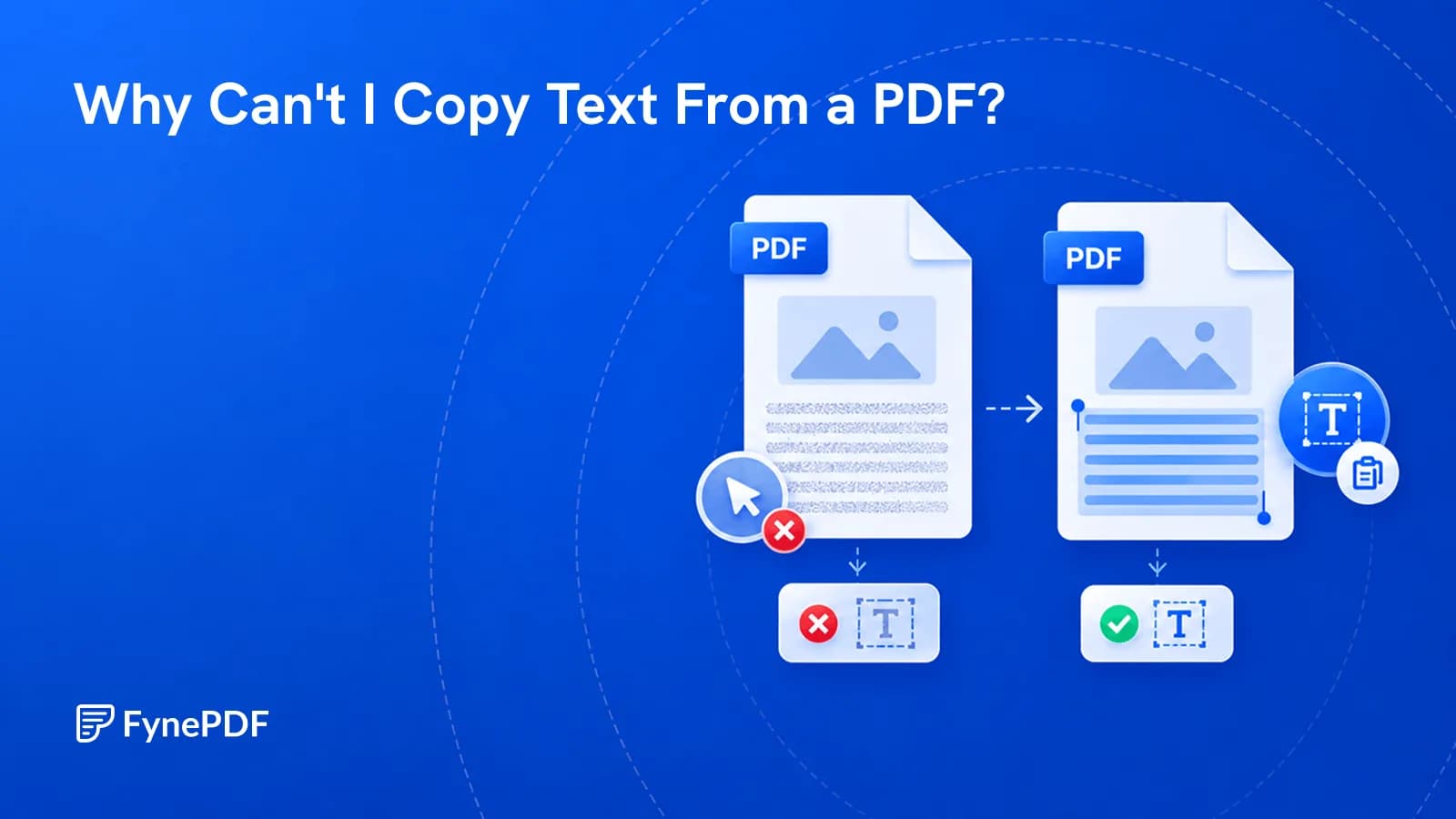
A scanned PDF usually contains images of text. OCR recognizes those characters and converts them into machine-readable text.
With OCR PDF, you can process scanned documents and
download the recognized content as a .txt file.
OCR accuracy depends on scan quality.
What if my PDF already contains text?
The same OCR PDF workflow works for digitally created
PDFs. You can still download the extracted content as a .txt file.
How do I clean up the output?
Page furniture. Remove repeated headers, footers, and page numbers.
Hyphenated line breaks. Join words split across lines.
Paragraph breaks. Merge unnecessary line breaks.
OCR mistakes. Review similar characters like 0/O, 1/I, and
5/S.
For tables, PDF to Excel is a better option.
Common questions
Will I lose images and charts?
Yes. A TXT file only contains text. If you need graphics, use Extract Graphics.
Can OCR extract text from scanned PDFs?
Yes. OCR is designed for scanned PDFs.
Does it work with PDFs that already have selectable text?
Yes. OCR PDF supports both scanned and digital PDFs.
Can I download the extracted text?
Yes. Download the recognized content as a .txt file.
Can I extract text from just a few pages?
Extract the required pages first using Extract Pages, then run OCR.
Does this work on password-protected files?
Unlock them first with Unlock PDF.
Is the extracted text accurate?
Digital PDFs are generally very accurate. OCR quality depends on the scan quality.
Is my document stored?
Files are encrypted during transfer and deleted within 15 minutes unless saved to your library.
Extract your text
Upload your document to OCR PDF to recognize and
extract its text. It works for both scanned and digital PDFs, and you
can download the result as a .txt file.
 OCR PDF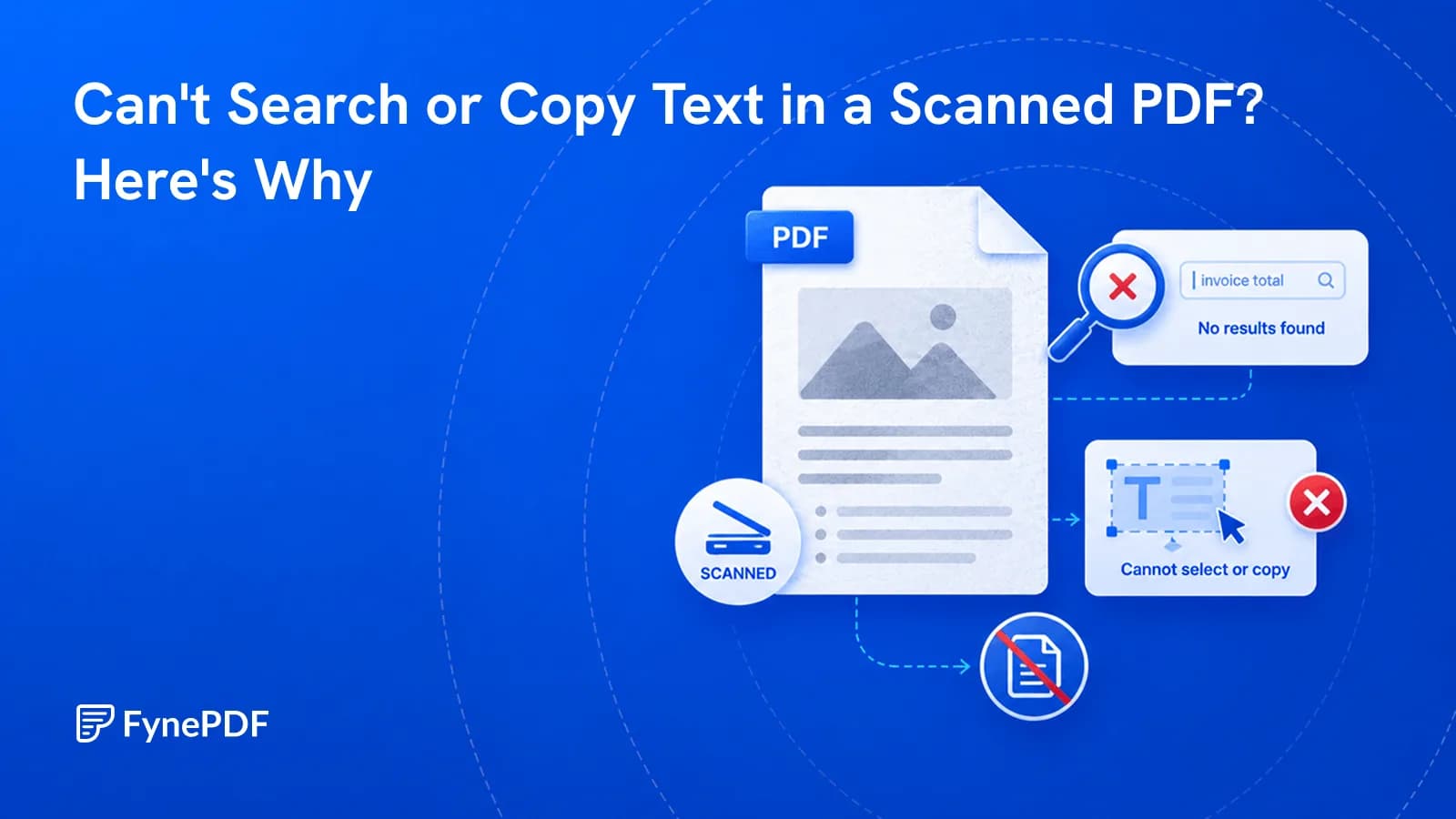

 Word to PDF