High-Resolution Export
Preview every page, pick the ones you want, and export at the source resolution.


Convert PDF pages to JPG, PNG or your chosen format.
Convert PDF to High-Res JPG/PNG
No Watermark on Downloads
Pick the pages you need
Convert PDF pages to JPG, PNG or your chosen format.


or drop your file here
Convert PDF to High-Res JPG/PNG
No Watermark on Downloads
Pick the pages you need
Preview every page, pick the ones you want, and export at the source resolution.
Works in any browser on Mac, Windows, Linux, iPhone and Android. No install.
Paste page images into Notion, Trello or Slack threads for quick feedback.
Convert a PDF to images in three steps, no software to install, no account needed.
1
Drag and drop or select your PDF file up to 100MB free, 1GB on Pro and 5GB on Premium.
2
Preview every page, tick the ones you want, then choose JPG or PNG and your quality.
3
Your converted images are bundled into a convenient ZIP file to download and auto-deleted after 15 min.
PDFs are great for printing, but terrible for social media and quick web viewing. Here is why converting to images solves this.
Instagram and Facebook do not support PDF. Convert your flyers and announcements to images to post them directly to your feed.
Stop forcing users to download a PDF just to read it. Display restaurant menus, schedules, or infographics as images on your webpage.
Import document pages directly into Premiere Pro or After Effects. Converting to image files is required in video projects.
Send images via WhatsApp or iMessage. The recipient can open the image in their photo gallery without needing a PDF reader.
Convert a PDF report into high-quality JPGs to easily add them onto individual slides in PowerPoint, Keynote, or Google Slides.
Turn your PDF look books or architectural plans into web-friendly images to upload into Behance, Dribbble, or Squarespace galleries.
FynePDF renders each page you select as a complete picture, text, images, layout and all, and delivers them together in a ZIP. The result is a flat image, so text can no longer be selected or searched, which is exactly what you want when a page needs to behave like a picture.
Each image is a full page as it appears. To pull out only the embedded photos, use Extract PDF Graphics.
JPG for photo-heavy pages and smaller files. PNG for text, charts and anything needing sharp edges.
High renders at the source resolution for print and detail. Low renders at 72 DPI for web and previews.
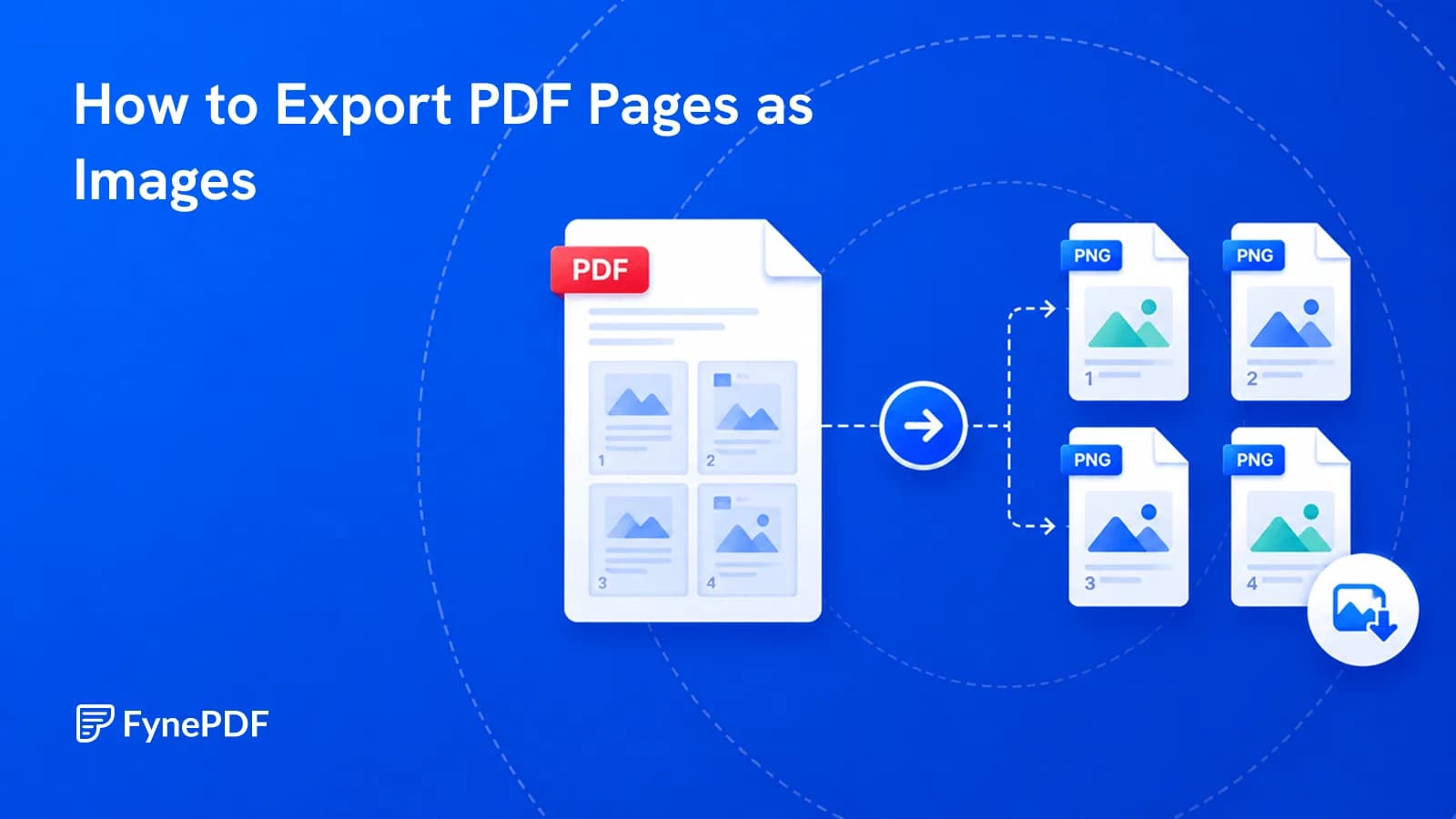
Guide
Convert
Productivity
You need one page as a picture for a slide or a post. Here's how to export it properly.
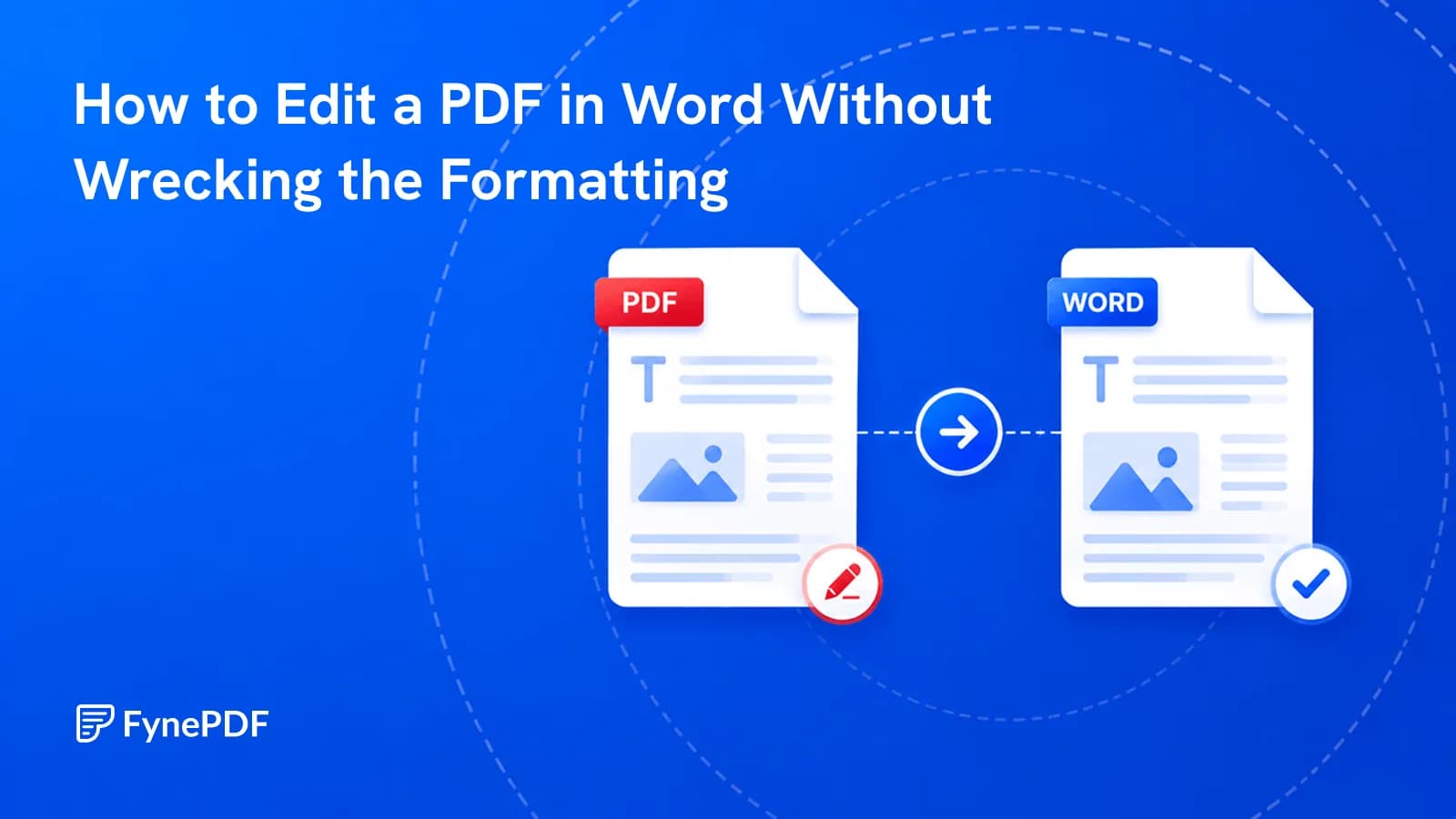
Guide
Convert
Productivity
Conversions scramble layouts for a reason. Here's which documents survive and how to fix the rest.
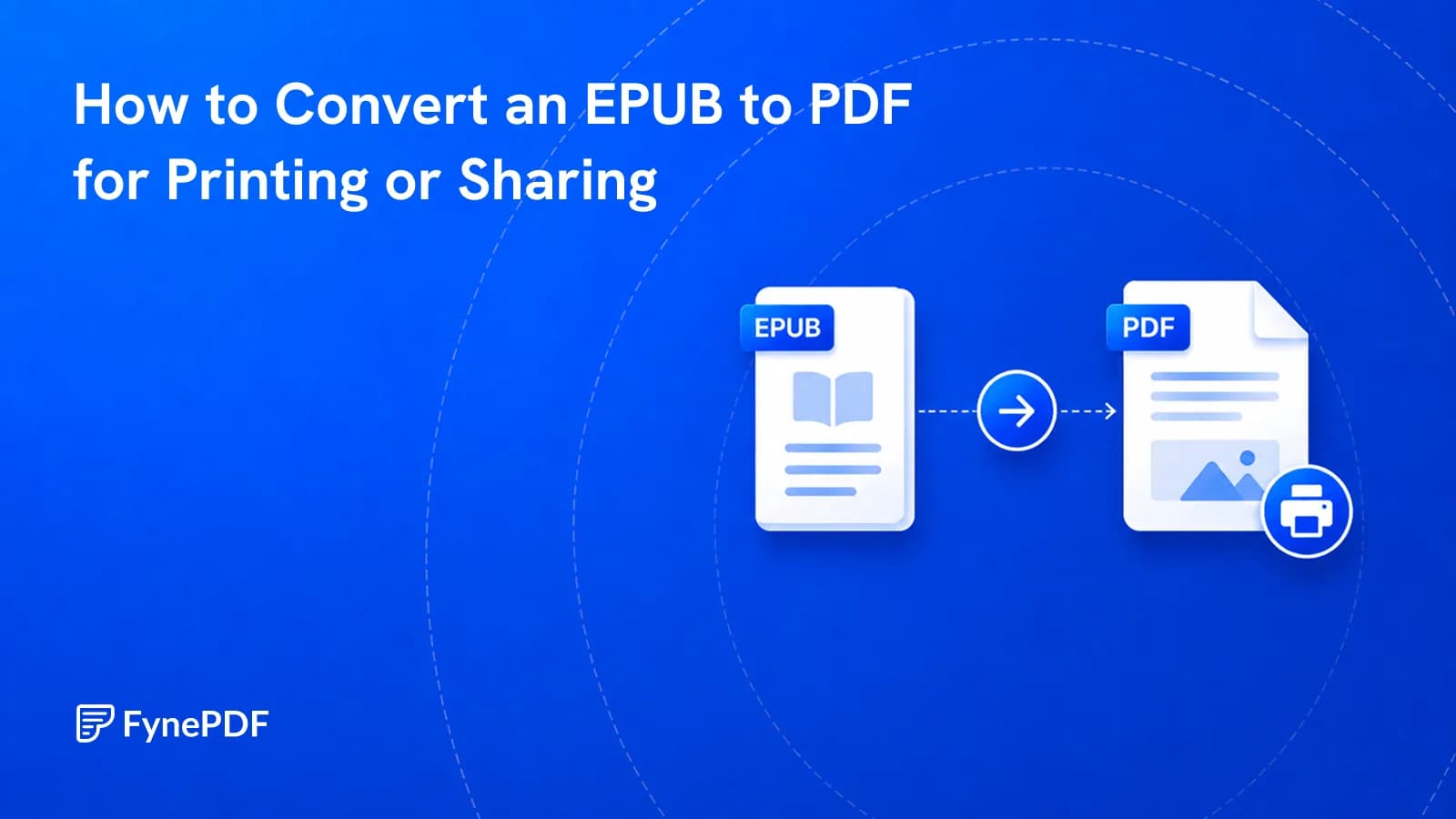
Guide
Convert
Productivity
EPUB won't open for most people and can't be printed with fixed pages. PDF can.