Flexible Page Extraction
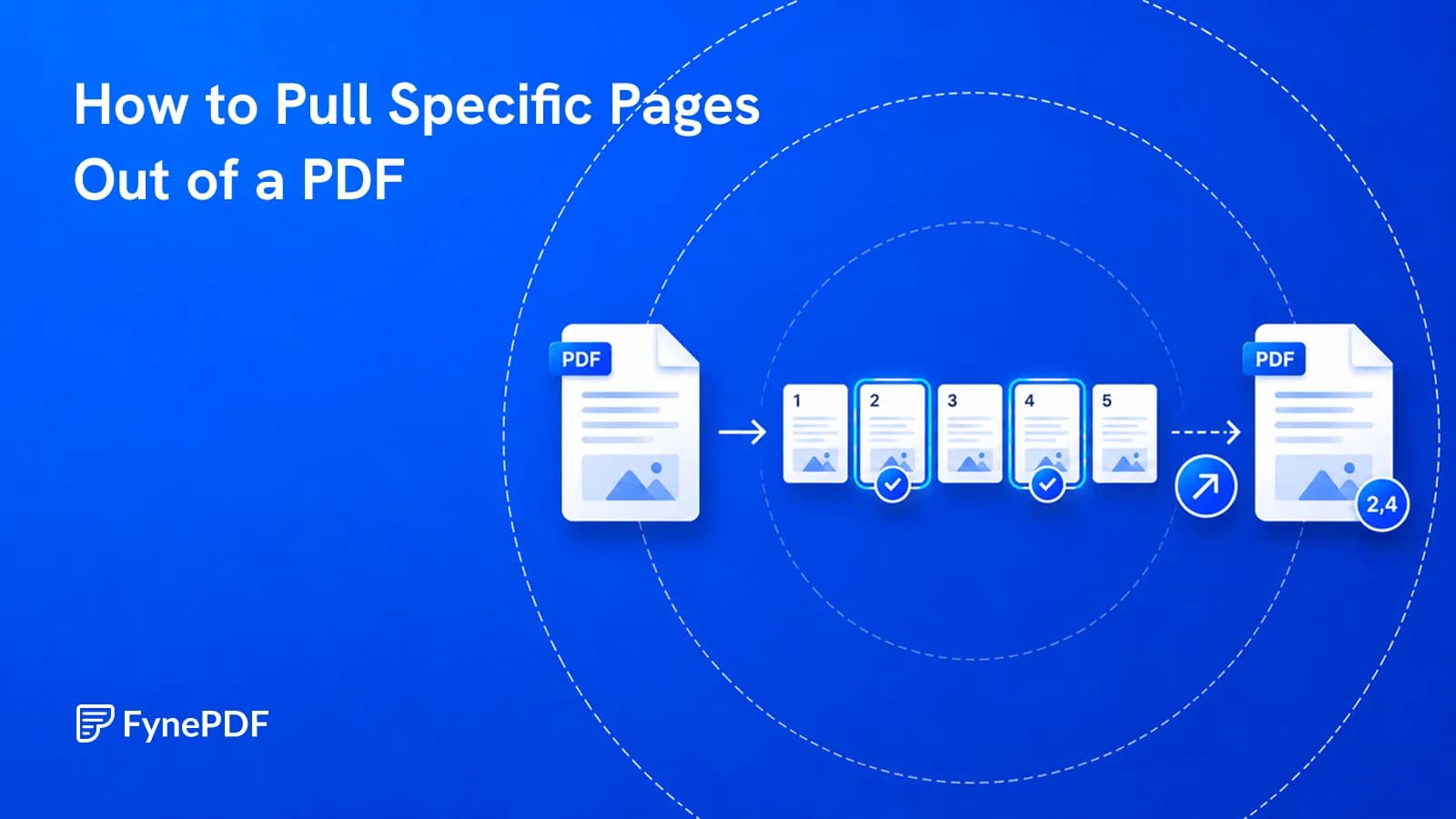
Tick any pages, even non-consecutive ones, as one PDF or separate files.


Save the pages you need from a PDF as a new file, even just one.
or drop your file here
Tick any pages, even non-consecutive ones, as one PDF or separate files.
Works in any browser on Mac, Windows, Linux, iPhone and Android. No install.
Pull the signed page out of a long contract to return it on its own.
Extract pages from a PDF in three steps, no software to install, no account needed.
1
Drag and drop or select your large document up to 600MB on the free plan and 5GB on paid.
2
Tick the pages you want, they don't need to be consecutive then choose one PDF or separate files.
3
Your extracted PDF (or a ZIP file) is ready to download immediately and auto-deleted after 15 min.
Got a stack of PDFs? Keep the same pages from all of them with a workflow
Don't send a 200-page document when someone only needs one specific section. Here is how extracting pages helps you isolate exactly what matters.
Don't send a massive document when someone only needs one section. Here is how extracting pages isolates what matters.
Extract only executive summary and key metric graphs from massive reports. Combine these essential pages into one brief.
Stop scrolling through 800-page digital textbooks. Extract the chapters you need and merge them into a lightweight study guide.
When billing software exports weekly receipts as one file, extract the specific pages and download them as individual files.
Pull the pages highlighting your contributions from collaborative projects. Extract them to feature in your personal slides or portfolio.
Navigate massive digital evidence binders by extracting specific contract clauses or witness statements.
FynePDF copies the pages you select into a new document along with the fonts, images and annotations they depend on, leaving your original file completely untouched. Nothing is re-rendered or re-compressed, so extracted pages are byte-identical to their source and document metadata like author and title carries over.
Tick pages in any combination. Pages 1, 5 and 9 extract just as easily as a continuous run.
Export your selection as a single combined PDF, or as one PDF per page delivered in a ZIP.
Extracting copies pages rather than moving them. The source document stays exactly as it was.
Guide
Organize
Productivity
They asked for one appendix, not the 300-page report. Here's how to send just that.
Guide
Convert
Secure
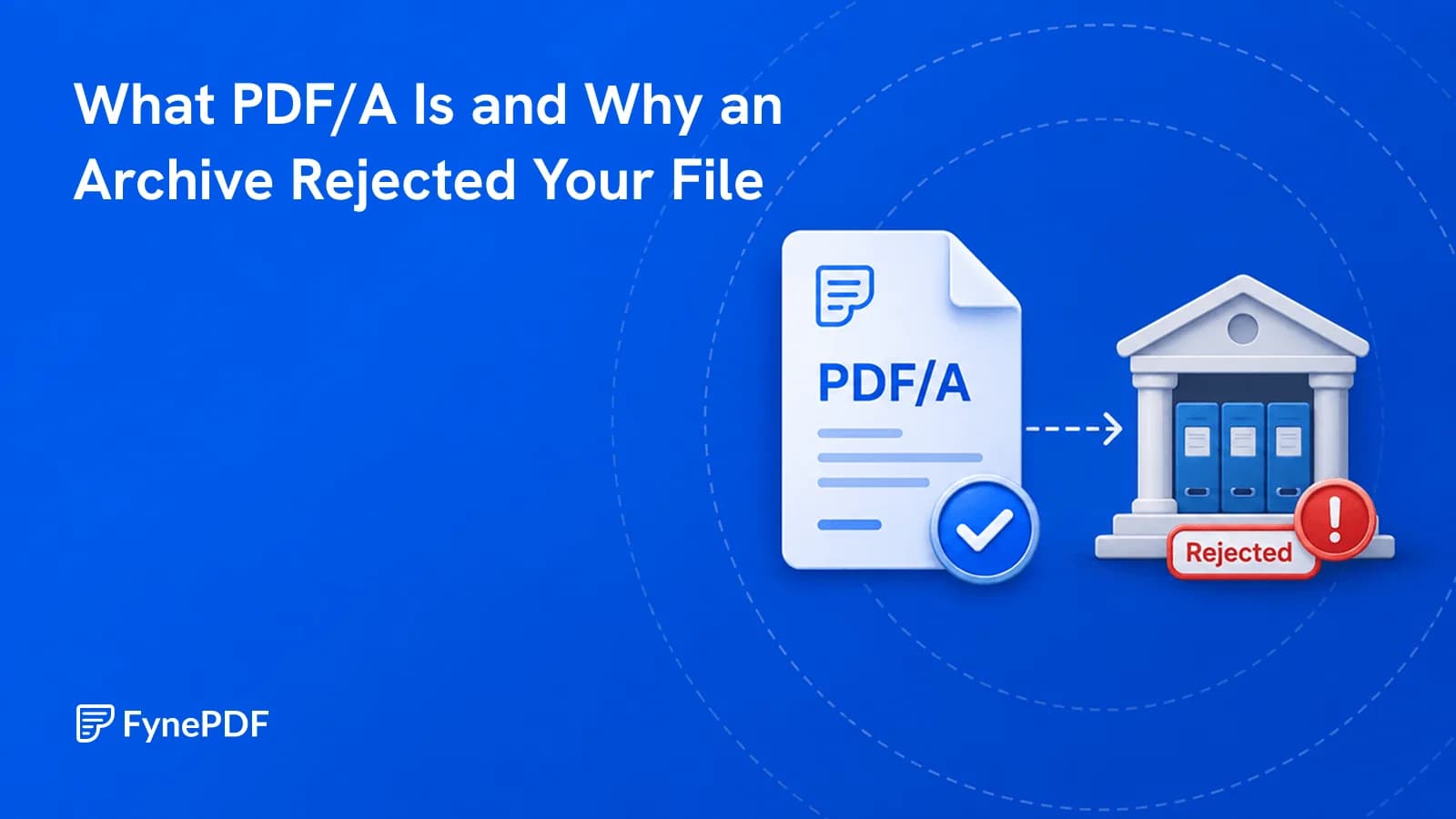
Courts, journals and archives require it because ordinary PDFs can depend on external things.
Guide
Secure
Organize
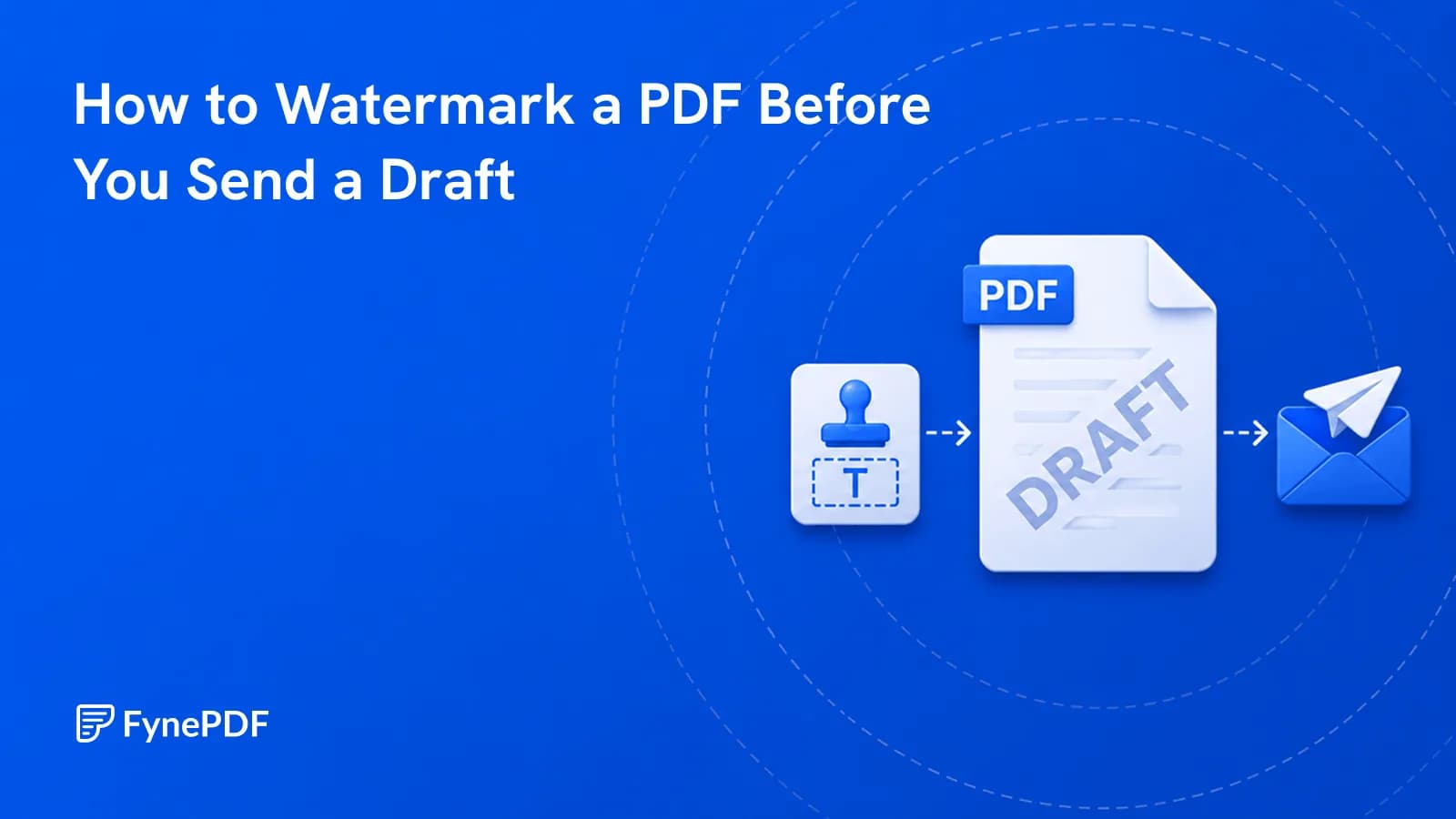
A draft with no DRAFT mark eventually gets treated as final. Here's how to prevent that.


