
How to Watermark a PDF Before You Send a Draft
A draft with no DRAFT mark eventually gets treated as final. Here's how to prevent that.
 By Biraj Paudel, Founder of FynePDF4 min read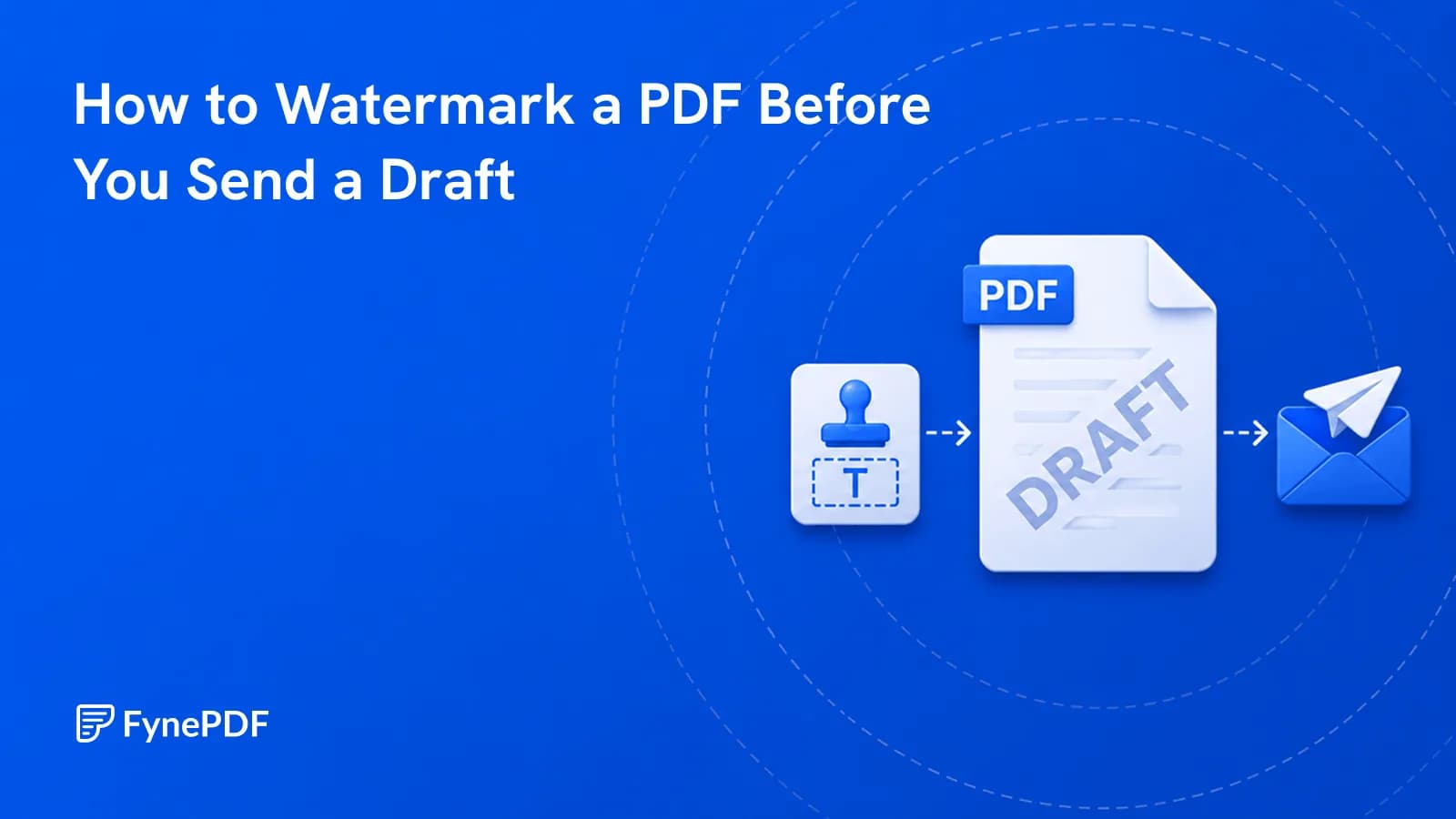
To watermark a PDF, upload it and apply text across the pages. DRAFT, CONFIDENTIAL, or a client name. The mark appears on every page and travels with the document. It's a labelling tool, not a security control, and treating it as the latter is where people get into trouble.
What it does well is prevent a specific, expensive kind of confusion.
What problem does a watermark actually solve?
Documents outlive the context they were sent in. A proposal emailed as a working draft gets forwarded, saved, printed, and referred to weeks later by someone who wasn't on the original thread and has no idea it wasn't final.
A watermark carries that context on the page itself. It can't be separated from the document, forwarded without, or missed by someone who skipped the covering email. On a printed copy pulled from a folder six months on, it's the only signal remaining.
Common uses:
- DRAFT on anything not yet approved
- CONFIDENTIAL on documents with a restricted audience
- A client or recipient name, so a leaked copy is traceable
- SPECIMEN or SAMPLE on template documents
- A date or version, where several revisions are circulating
- NOT FOR DISTRIBUTION on internal analysis
How do I add a watermark?
- Open the Add Watermark tool.
- Upload your PDF.
- Set the text and how it sits on the page.
- Download the watermarked file.
This runs in your browser, the document is processed on your own device rather than uploaded to a server, which matters when the thing you're marking CONFIDENTIAL is genuinely confidential.
Free accounts handle files up to 600MB.
How do I keep it readable?
The tension is between visibility and legibility. Too faint and people miss it; too heavy and the document becomes hard to read, which defeats the purpose of sending it.
Practical guidance:
| Setting | Suggestion |
|---|---|
| Opacity | Light enough to read text through, dark enough to notice |
| Position | Diagonal across the centre is hardest to crop out |
| Size | Large enough to see in a thumbnail |
| Colour | Grey usually works better than black or red |
| Repetition | Every page, without exception |
Every page is the one that isn't optional. A watermark on page one only means any extracted page circulates unmarked, and extracting pages is exactly what people do with long documents.
Is a watermark security?
No, and this is the misunderstanding worth correcting. A watermark is a visible label. It can be cropped, covered, or removed by anyone willing to spend a few minutes, and it does nothing to stop a document being read, copied, or forwarded.
If the document genuinely needs protecting, the watermark is a complement to actual measures rather than a substitute:
- Protect PDF encrypts the file so it can't be opened without a password
- Redact PDF removes sensitive content rather than labelling it
- Flatten PDF collapses layers so the watermark is harder to strip
Even together these aren't a guarantee against a determined recipient. The realistic goal is preventing accidents and casual sharing, not defeating deliberate misuse.
To label and lock a file in one step, “Add the watermark CONFIDENTIAL, then lock it with a password” opens Smart Edit with that request ready. You type the password into the plan itself; it goes only to the lock step, which always runs last.
Should I watermark before or after other steps?
After content is final, before sending. Watermarking early means re-doing it every revision.
If you're combining documents, watermark after merging so the mark is consistent across the whole file, Merge PDF first, then watermark. And if the file needs compressing, do that afterwards, since Compress PDF works on the finished document.
Common questions
Can I remove a watermark later?
Not from the watermarked file, the mark is part of the page content. Keep the unmarked original, which is the version you'll want when the draft becomes final.
Will it print?
Yes. It's page content rather than an annotation layer, so it appears in print exactly as on screen. That's the main advantage over adding text as a comment.
Can I use an image instead of text?
Text is the most reliable for status labels because it stays legible at any scale. A logo works for branding but is easier to miss when it's the thing carrying a DRAFT warning.
Is my document uploaded?
This tool runs locally in your browser. The file is processed on your device.
Mark your draft
Open Add Watermark, apply it to every page, and keep the unmarked original for when the document is approved.
 Delete PDF Pages
 Redact PDF