Lock Interactive Elements
Merge filled form fields, signature images and annotations into the page itself.


Make a PDF non-editable by locking its forms and markup into the page.
or drop your file here
Merge filled form fields, signature images and annotations into the page itself.
Works in any browser on Mac, Windows, Linux, iPhone and Android.
Combine flattened forms and receipts into one submission with Merge PDF.
FynePDF handles the complex layer flattening automatically, you just upload your file and download.
1
Drag and drop or select your fillable or layered document up to 600MB on the free plan and 5GB on paid.
2
Form fields, annotations and stamps are merged into the page content as a single layer.
3
Your fully flattened, print-ready PDF is ready to download immediately and auto-deleted after 15 min.
Flatten form fields and annotations into page content for sharing and printing. Review the result before using it in your workflow.
Flatten completed applications, tax forms, and invoices so the entered data becomes part of the page content.
Make signature images and stamps part of the page content. Flatten before applying a certificate-based signature, which later changes can invalidate.
Turn sticky notes, highlights, and markup drawings into permanent parts of the page so they appear as page content when viewed or printed.
Flatten completed form fields and annotations into the page for printing. Preview the output and check printer settings before making copies.
Flatten filled form fields into page content for sharing with readers that do not support interactive forms. Preview the result before sending.
Flatten interactive elements in a design PDF for review. Keep an editable source copy if you may need to change the original content later.
A PDF can hold interactive elements that sit separately from the page, form fields you can type into, annotations you can move, signature images you can drag. Flattening merges all of it into the page content itself, so what you see becomes fixed. The document looks identical and prints identically, but nothing can be edited or removed.
Text typed into form fields is written into the page. The fields disappear and the answers stay.
Highlights, notes and stamps merge into the page, so a recipient can't select or delete them.
Flattening merges layers without converting pages to images, so your text remains searchable and copyable.
Guide
Organize
Productivity
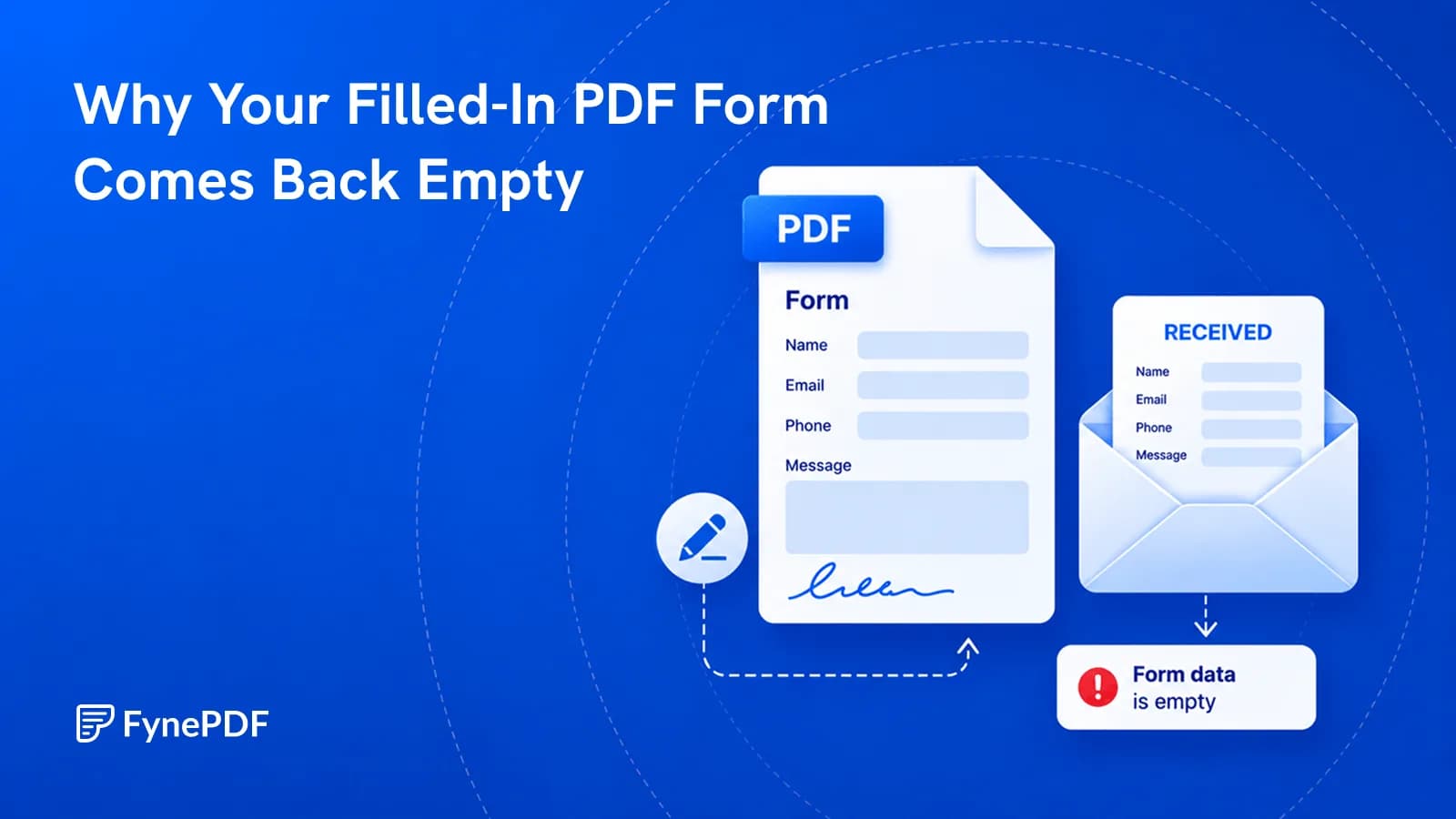
You typed everything in and they see blank boxes. Here's what actually went wrong.
Guide
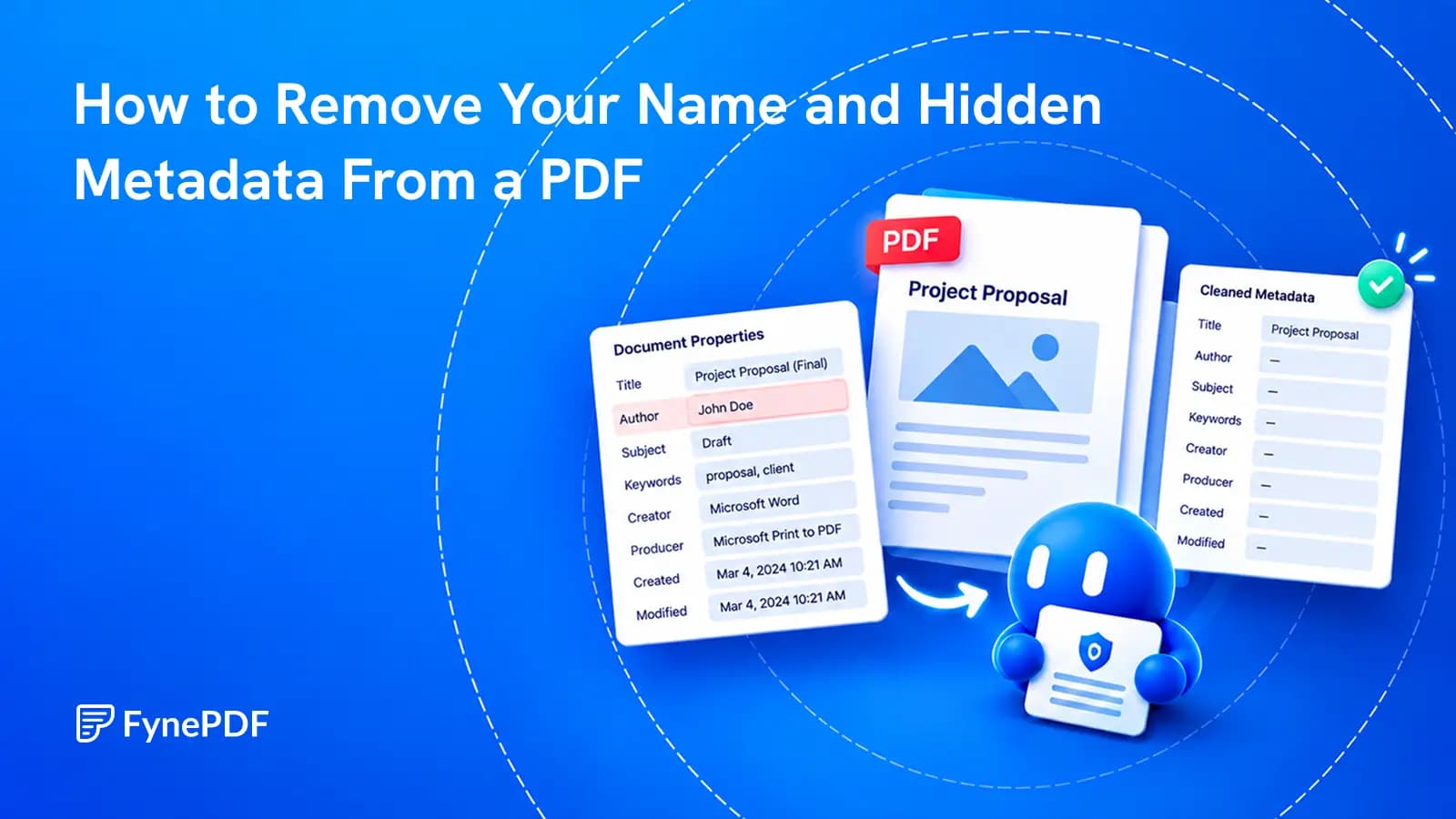
A clean-looking page can still carry an author's name, an old template title or details about the software that created it.
Guide
Organize
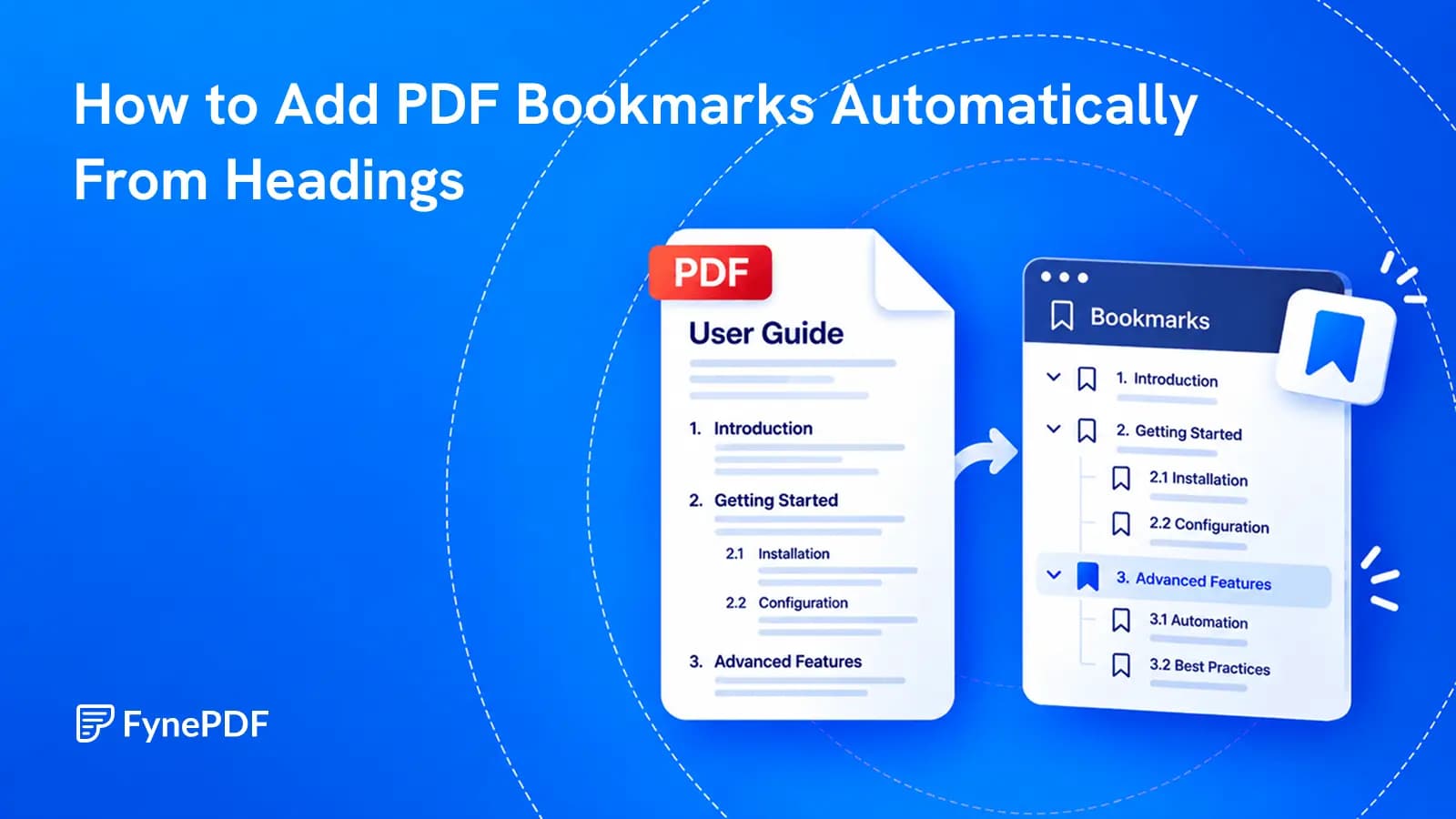
Build a useful sidebar outline from the document you already have, then check what automatic heading detection got right.


