
Why Your Filled-In PDF Form Comes Back Empty
You typed everything in and they see blank boxes. Here's what actually went wrong.
 By Biraj Paudel, Founder of FynePDF4 min read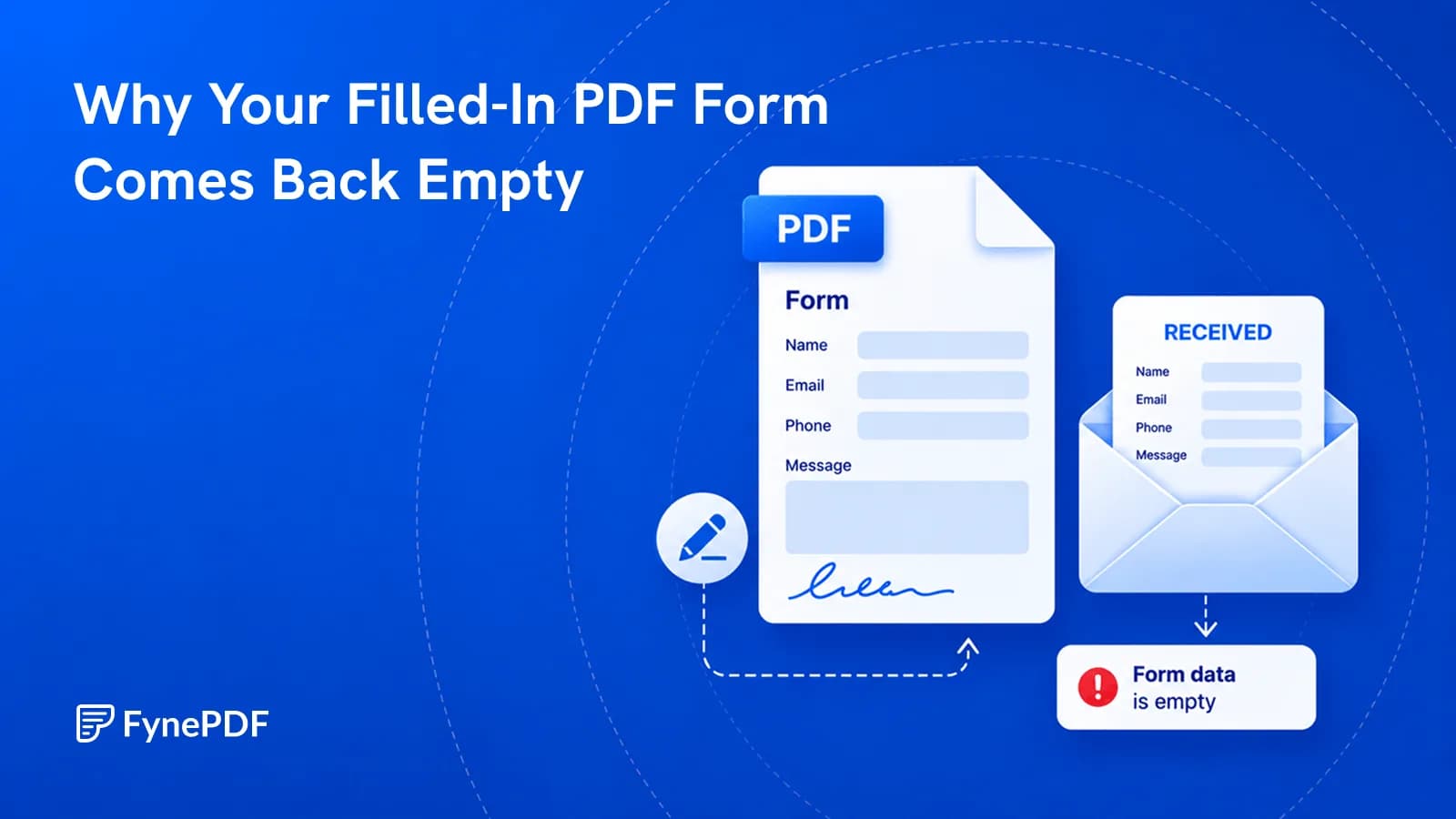
A filled PDF form arrives empty because form field values are stored separately from the page content. The text you typed lives in an interactive layer, and whether it displays depends entirely on the software opening it. Flattening merges those values into the page itself, so they show everywhere.
This is one of the most common document failures in existence, and almost nobody knows the cause.
Why does the recipient see blank boxes?
A PDF form has two parts: the printed page, and a set of interactive fields laid over it. When you type your name, that text isn't added to the page. It's stored as the value of a field object.
Displaying those values requires software that understands interactive forms. Full PDF readers do. Browser previews, mobile mail apps, quick-look panels, and older readers often don't, so they render the page and ignore the field layer.
The result is that your form looks complete on your screen and blank on theirs. Neither of you is wrong about what you're seeing.
What is flattening?
Flattening writes the field values into the page content and removes the interactive layer. Afterwards, the text is part of the document in the same way the printed labels are. There's no separate layer to fail to render.
The tradeoff is that fields become uneditable. That's usually the point when submitting a form, and it's why you flatten last rather than first.
How do I flatten a PDF?
- Fill in every field.
- Open the Flatten PDF tool.
- Upload the completed form.
- Download the flattened file and check it in a browser preview.
Free accounts handle files up to 600MB. That final check matters. Opening the result in a browser tab simulates exactly the viewer that would otherwise show blanks.
What else does flattening fix?
More than forms. Anything stored as an annotation rather than page content is affected the same way:
| Element | Problem without flattening |
|---|---|
| Form field values | Invisible in many viewers |
| Signatures placed as annotations | Can be moved or deleted by the recipient |
| Comments and sticky notes | May print or may not, unpredictably |
| Highlighting and markup | Renders inconsistently across readers |
| Stamps | Can be repositioned |
The signature case deserves attention. A signature added as an annotation is a separate object some readers let you drag elsewhere or delete outright. After flattening it's part of the page. If you've used Sign PDF on anything consequential, flattening is the step that makes it stick.
When should I not flatten?
When someone downstream still needs to fill it in. Flattening a blank template destroys the fields and leaves an unusable document. Keep an unflattened master and flatten only the completed copies.
Also avoid it mid-workflow. If a form passes between three people, each adding their section, flatten only after the last one.
Why does my form still look wrong afterwards?
Two usual causes.
The form was never interactive. Many PDFs have printed lines that look like fields but aren't clickable. If you couldn't tab between boxes, there were no fields, and whatever you added was placed some other way. Annotate PDF is the right tool for placing text on a flat form.
Fields were filled in a browser that didn't save them. Some browser PDF viewers display fields but don't write values into the file when you download. The form looks filled on screen, and the saved file is empty. Fill forms in a proper reader, or use a tool that writes the values.
Common questions
Can I unflatten a PDF?
No. The interactive layer is gone. Keep the original if you might need to edit the answers. This is why flattening a copy rather than the master is standard practice.
Does flattening reduce file size?
Slightly, since the field structure is removed, but it isn't a compression tool. For meaningful size reduction use Compress PDF.
Will flattening remove sensitive data?
No, and this is worth being clear about. Flattening makes content visible rather than removing it. To delete information permanently, use Redact PDF, then flatten afterwards as a second step.
Is my form kept after processing?
Files transfer over encrypted connections and are permanently deleted within 15 minutes of processing unless you save them to your library.
Flatten your form
Fill everything in, run it through Flatten PDF, then open the result in a browser tab before sending. If it looks right there, it will look right for them.
 Annotate PDF
 Organize PDF Pages
 Extract PDF Pages