Complete Numbering Control
Pick a position, format, font, size, color and opacity, with a live preview.


Number the pages of a PDF, skip the cover and start from any number.
or drop your file here
Pick a position, format, font, size, color and opacity, with a live preview.
Works in any browser on Mac, Windows, Linux, iPhone and Android. No install.
Leave the cover unnumbered and choose the starting number for the remaining PDF pages.
Add page numbers to a PDF in three steps, no software, no account needed.
Drag and drop or select your document up to 600MB on the free plan and 5GB on paid.
Pick a position and format, skip the cover page, and set your starting number, preview updates live.
Your numbered PDF is ready to download and auto-deleted after 15 min.
Got a stack of PDFs? Number them all in a workflow
Add page numbers to help readers navigate longer PDFs and reference a specific page during a review.
Meet strict university formatting guidelines. Easily skip your title page and start your numbering sequence exactly where your first chapter begins.
Add sequential page numbers to an evidence binder so your legal team can reference the same pages during review. Check the required numbering format.
When combining multiple files into one master PDF, apply a fresh, overarching 'Page 1 of X' sequence to visually tie the entire document together.
Add page numbers to a manuscript before printing. Choose the position and appearance, then check the layout alongside your binding requirements.
Number the pages in employee manuals and technical guides so readers can follow references and find the sections listed in your contents page.
Stop telling colleagues to 'scroll down a bit.' Add clear, bold page numbers to draft proposals so your team can leave precise, page-specific feedback.
FynePDF draws each number into the page itself rather than adding it as an annotation, so it prints, shares and displays identically everywhere. The preview updates as you change settings, which means you can see exactly where every number lands before anything is applied to your file.
Choose a corner or centre, top or bottom, then set the font, size, colour and opacity to suit the page.
Skip the cover page and begin on page two, or set any starting number so it matches the rest of your document.
Show just the number, or 'Page 1', '1 of n' or 'Page 1 of n' depending on how formal the document needs to look.
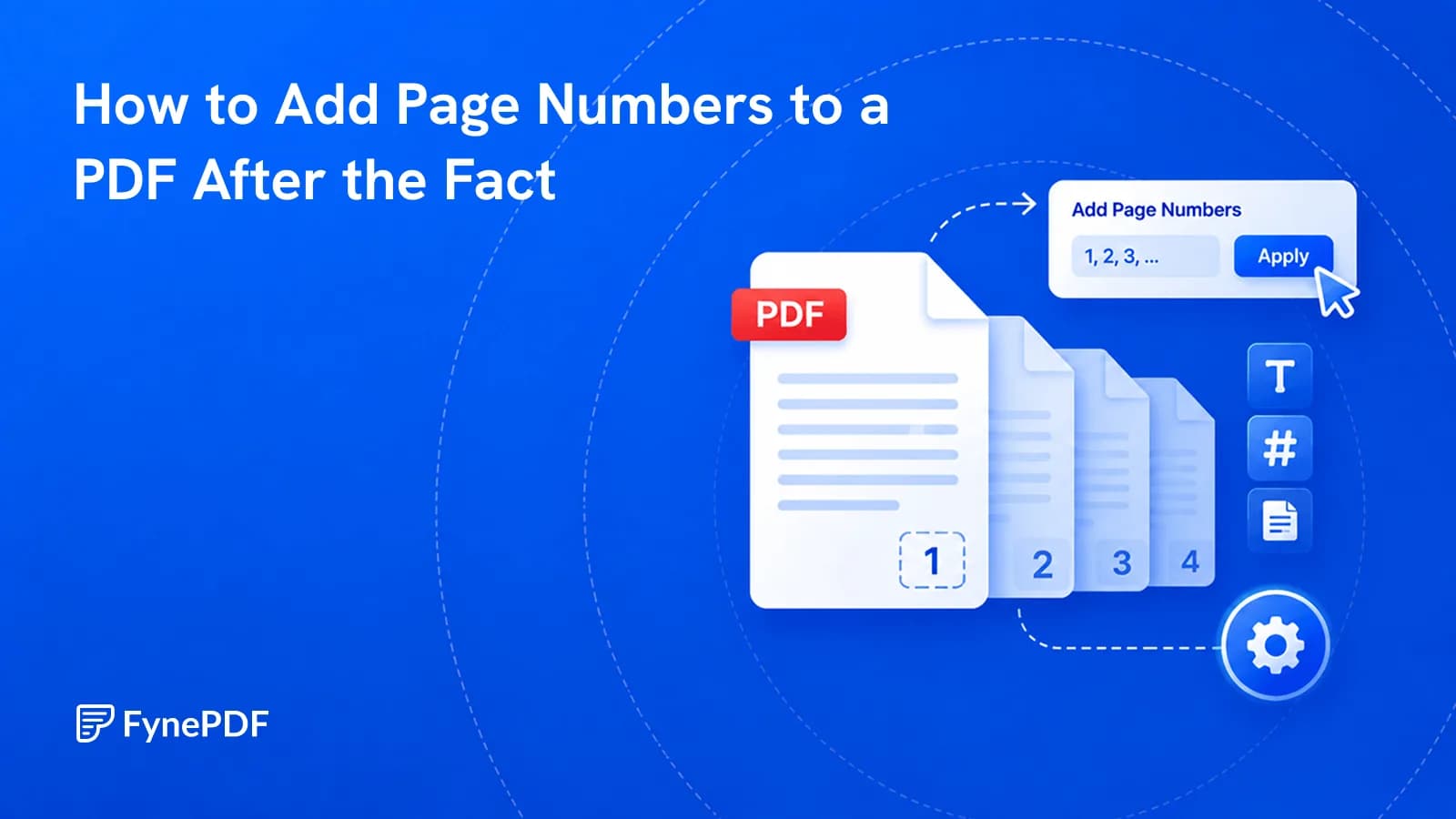
Merged bundles and extracted sections arrive unnumbered. Here's how to fix that.
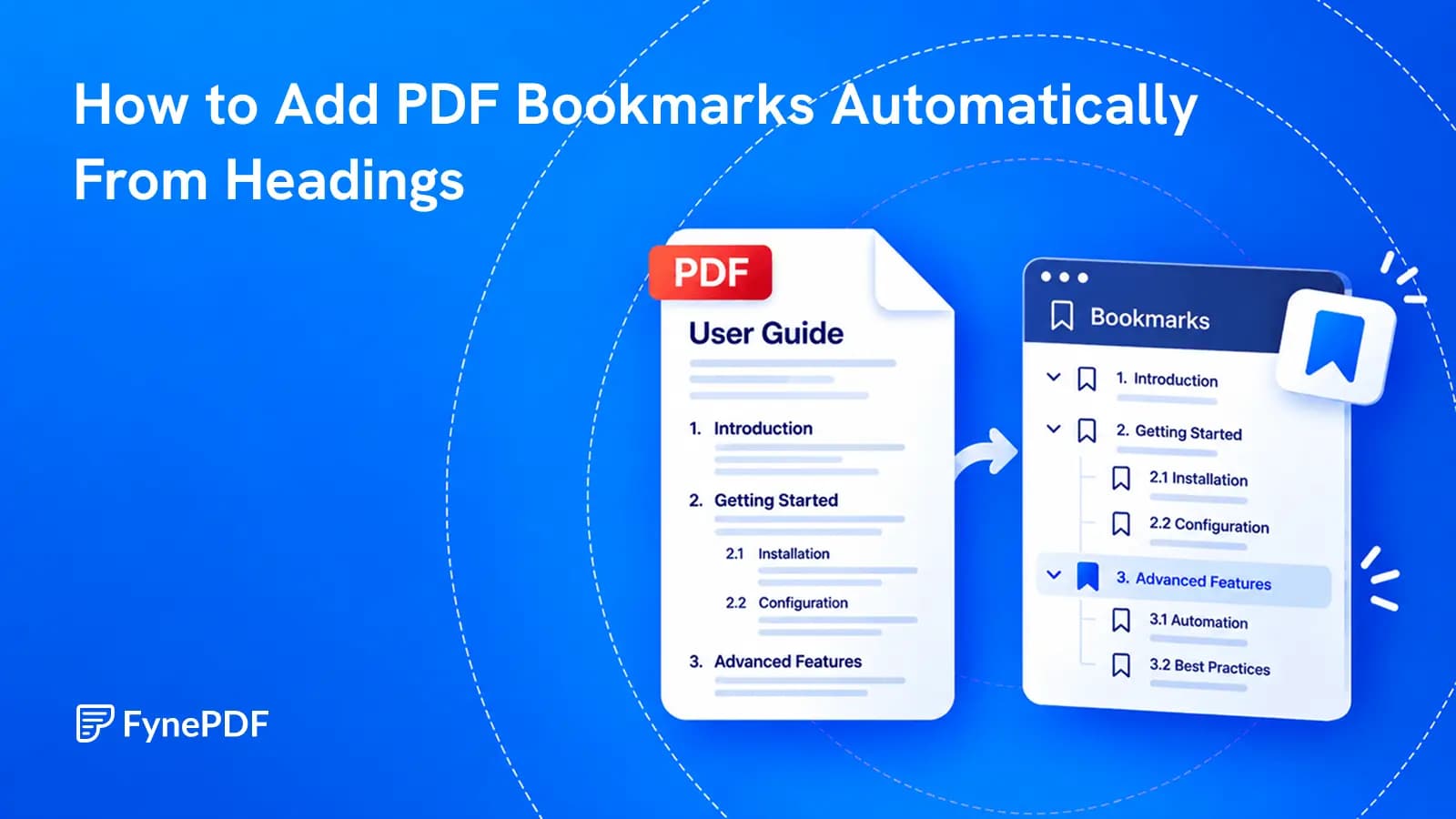
Build a useful sidebar outline from the document you already have, then check what automatic heading detection got right.
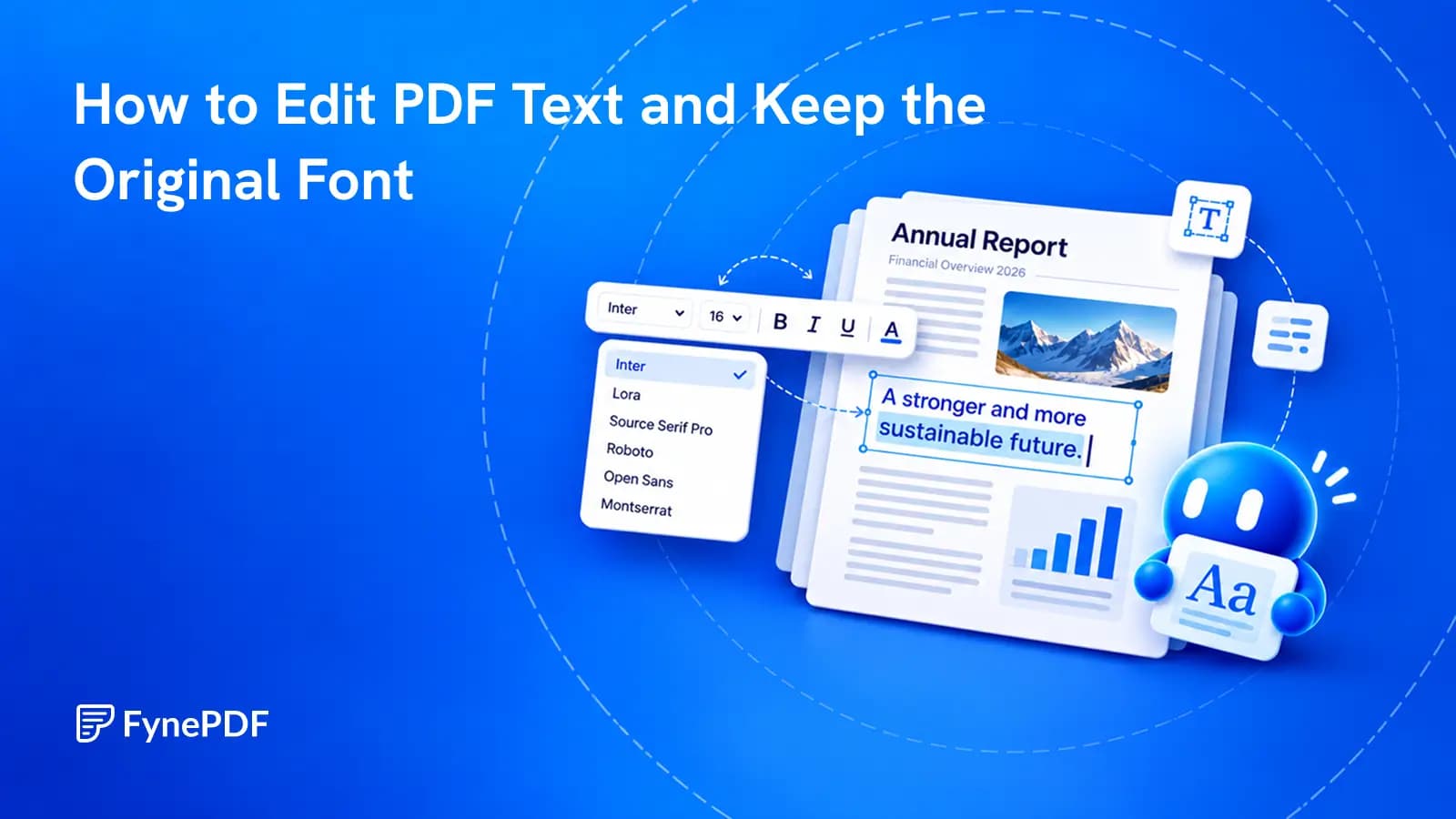
Change the words already in the document, then check the details that make the edit look like it belongs.


