Keep Formatting Intact
Pages keep their original resolution, fonts, links and bookmarks after merging.
Opening your saved sessionβ¦
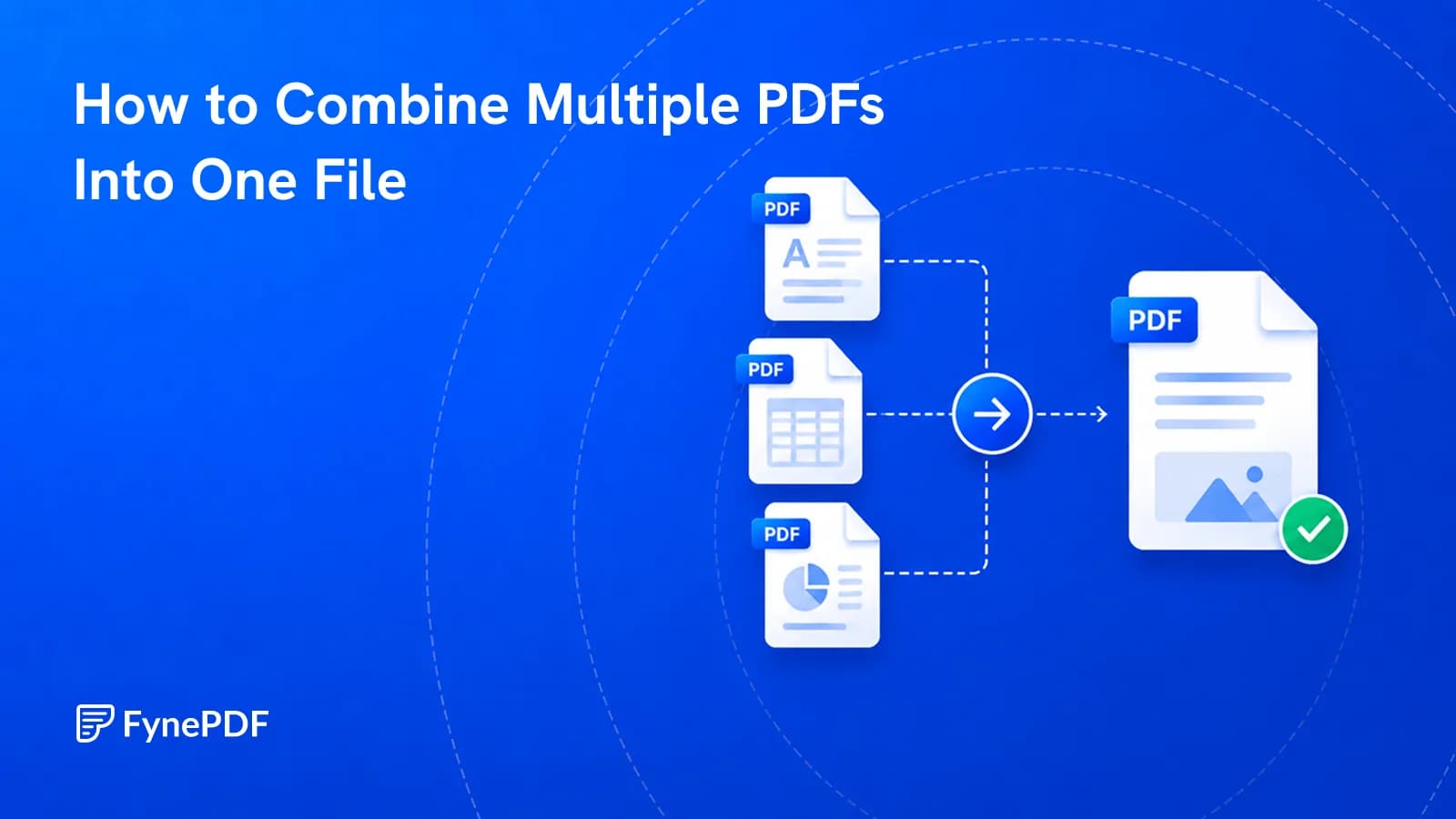
Combine multiple PDFs into one file.
or drop your file here
Combine Multiple PDF files
No sign-up required
Never used to train AI
Pages keep their original resolution, fonts, links and bookmarks after merging.
Works in any browser on Mac, Windows, Linux, iPhone and Android. No install.
Files are encrypted with 256-bit TLS and deleted 15 minutes after your task.
Combine PDFs online in three steps, no software to install, no account needed.
1
Drag and drop or select one or multiple files up to 600MB on the free plan and 5GB on paid.
2
Reorder your documents by dragging them into the sequence you need before merging.
3
Your newly merged PDF is ready to download immediately and auto-deleted after 15 min.
Managing scattered files leads to lost data and frustrated clients. Here's where merging your documents pays off.
Combine monthly invoices, expense receipts, and timesheets into a single, professional PDF payment request.
Compile downloaded journals, lecture notes, and drafts into one easy-to-navigate PDF study guide for exams.
Join pages scanned one at a time into a single file, in the right order, without rescanning anything.
Merge offer letters, agreements, and company policy manuals into one simple, easy-to-read welcome packet.
Organize property disclosures, inspection reports, and contracts into a unified, signature-ready master document.
Save time and avoid missing pages at the printer. Join individual files into one main document and print once.
FynePDF merges PDFs by appending each document's page objects into a single file in the order you set, then deduplicating shared fonts and resources so the result isn't bloated. Nothing is re-encoded or re-compressed, every page arrives in the merged file byte-identical to its source, which is why merging is completely lossless.
Files merge top to bottom in the order you arrange them. Page numbering runs continuously through the document.
Unlike compression, merging never resamples images or rasterizes text. A 300 DPI scan stays 300 DPI.
Hyperlinks, bookmarks and form fields from each source document are preserved in the merged file.

Guide
Organize
Productivity
Twelve attachments look disorganised and break upload portals. Merge them into one ordered file.

Guide
Agents
AI Tools
Wrong logo variant, near-miss colour, substituted font. These get artwork sent back.

Guide
Agents
AI Tools
Blank schedules and unsigned pages are what actually void agreements. Catch them first.
Combine multiple PDFs into one file.
or drop your file here
Combine Multiple PDF files
No sign-up required
Never used to train AI
Pages keep their original resolution, fonts, links and bookmarks after merging.
Works in any browser on Mac, Windows, Linux, iPhone and Android. No install.
Files are encrypted with 256-bit TLS and deleted 15 minutes after your task.
Combine PDFs online in three steps, no software to install, no account needed.
1
Drag and drop or select one or multiple files up to 600MB on the free plan and 5GB on paid.
2
Reorder your documents by dragging them into the sequence you need before merging.
3
Your newly merged PDF is ready to download immediately and auto-deleted after 15 min.
Managing scattered files leads to lost data and frustrated clients. Here's where merging your documents pays off.
Combine monthly invoices, expense receipts, and timesheets into a single, professional PDF payment request.
Compile downloaded journals, lecture notes, and drafts into one easy-to-navigate PDF study guide for exams.
Join pages scanned one at a time into a single file, in the right order, without rescanning anything.
Merge offer letters, agreements, and company policy manuals into one simple, easy-to-read welcome packet.
Organize property disclosures, inspection reports, and contracts into a unified, signature-ready master document.
Save time and avoid missing pages at the printer. Join individual files into one main document and print once.
FynePDF merges PDFs by appending each document's page objects into a single file in the order you set, then deduplicating shared fonts and resources so the result isn't bloated. Nothing is re-encoded or re-compressed, every page arrives in the merged file byte-identical to its source, which is why merging is completely lossless.
Files merge top to bottom in the order you arrange them. Page numbering runs continuously through the document.
Unlike compression, merging never resamples images or rasterizes text. A 300 DPI scan stays 300 DPI.
Hyperlinks, bookmarks and form fields from each source document are preserved in the merged file.

Guide
Organize
Productivity
Twelve attachments look disorganised and break upload portals. Merge them into one ordered file.

Guide
Agents
AI Tools
Wrong logo variant, near-miss colour, substituted font. These get artwork sent back.

Guide
Agents
AI Tools
Blank schedules and unsigned pages are what actually void agreements. Catch them first.