Rotate Selected Pages
Permanently rotate individual pages or your entire document to fix orientation.


Fix sideways and upside-down pages and keep the rotation when you save.
or drop your file here
Permanently rotate individual pages or your entire document to fix orientation.
Works in any browser on Mac, Windows, Linux, iPhone and Android. No install.
Turn pages the right way up before you send a contract out for signature.
Rotate a PDF online in three steps, no software to install, no account needed.
1
Drag and drop or select your document up to 600MB on the free plan and 5GB on paid.
2
View every page as a thumbnail. Click one to turn it 90° at a time, or rotate the whole file at once.
3
Your newly rotated PDF is ready to download immediately and auto-deleted after 15 min.
Got a stack of PDFs? Rotate them all with a workflow
Scanners and phones often save documents in the wrong orientation. Here is how rotating your pages makes them professional and readable again.
Physical scanners frequently feed pages in backward. Quickly rotate them 180 degrees so the pages are easier to read.
Documents captured on smartphones often default to landscape. Snap them back to portrait mode for a standardized look.
Spreadsheets and wide graphs are often sideways in standard reports. Rotate just those specific pages for comfortable viewing.
When combining files from different sources, orientations often clash. Rotate selected pages to match the rest of your file.
Give archived documents a consistent reading orientation. Rotate sideways or upside-down pages before storing the PDF.
Printers will cut off sideways text or misalign headers. Ensure every page faces the exact correct direction before physically printing.
FynePDF writes the new orientation directly into each page of your PDF, so the rotation travels with the file. When you reopen or share it, every reader, browser and device shows the corrected orientation, unlike rotating in a PDF viewer, which only changes what you see on screen and is lost when the file is closed.
Rotate a single sideways page 90° while leaving the rest alone, or apply one rotation across the entire document.
The orientation is stored in the PDF itself. Share it, print it or reopen it anywhere and it stays the way you set.
Text stays selectable, images keep their resolution, and file size barely moves. Rotation doesn't re-render or compress.
Guide
Organize
Productivity
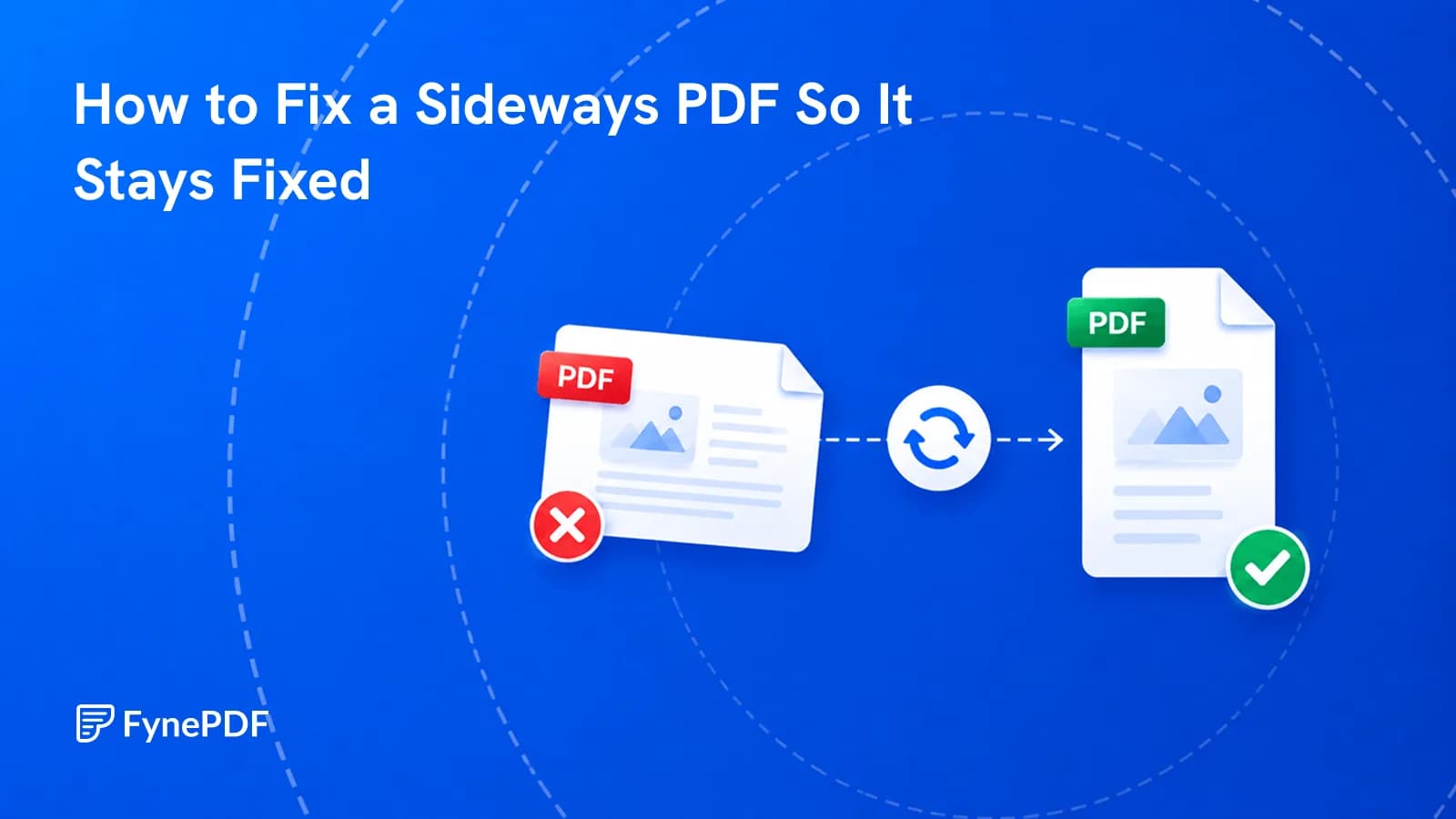
You rotated it, saved it, and it opened sideways again. Here's why that happens.
Guide
Convert
AI Tools
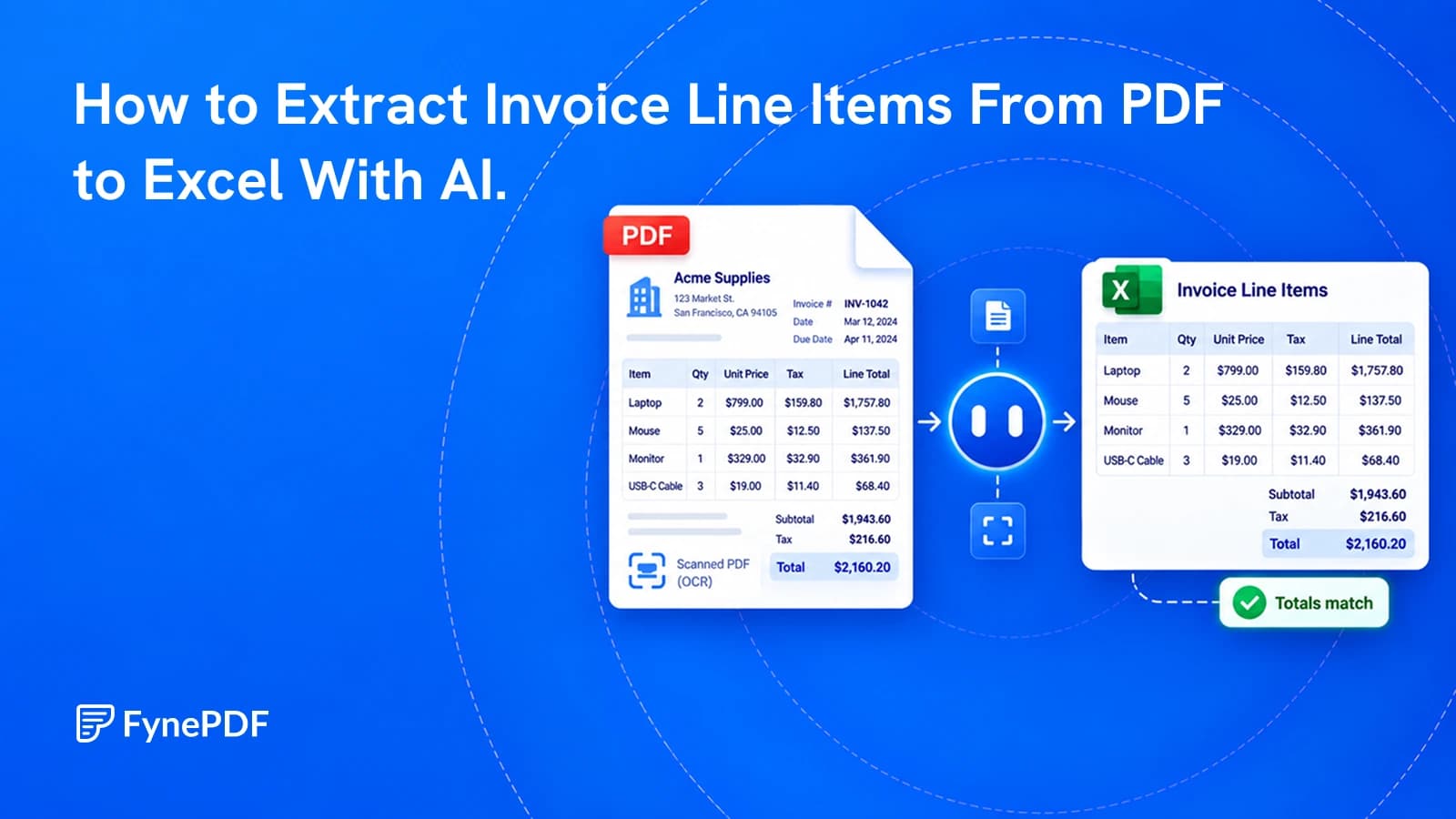
Get a spreadsheet you can check and use, not just a copy of the invoice's layout.
Guide
AI Tools
Productivity
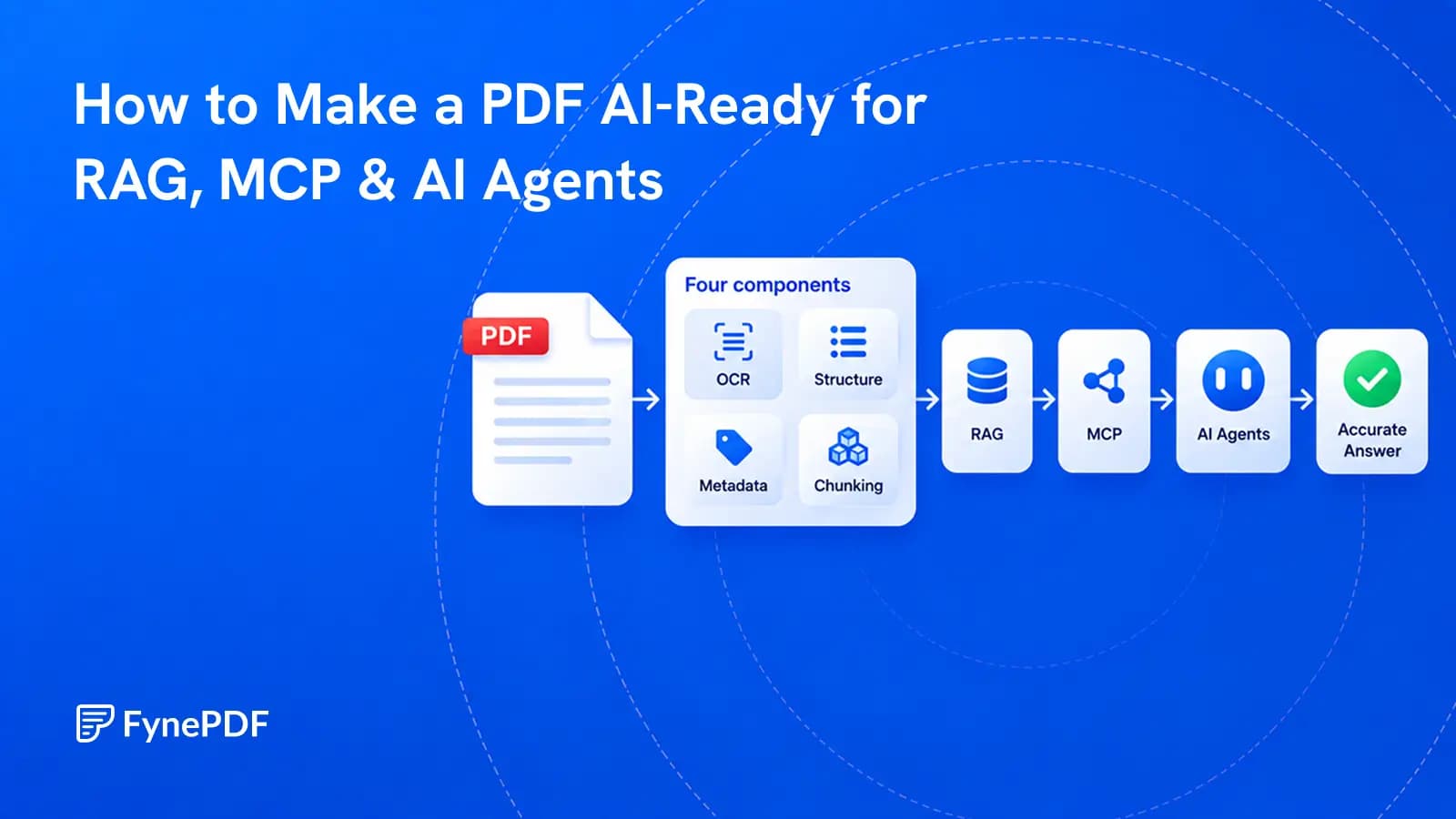
A PDF becomes useful to AI when its text, structure, sources, permissions, and versions can be trusted.


