Fully Editable Output
Text, tables, images and layout come through as editable Word, not a picture.


Convert PDF to Word with formatting preserved.
Convert PDF to Word (DOCX)
No Watermark on Downloads
Works with scanned PDFs
Convert PDF to Word with formatting preserved.

or drop your file here
Convert PDF to Word (DOCX)
No Watermark on Downloads
Works with scanned PDFs
Text, tables, images and layout come through as editable Word, not a picture.
Describe the sections you want and the AI returns only those.
The DOCX also opens in Google Docs, Apple Pages and LibreOffice Writer.
Convert a PDF to Word in three steps, no software to install, no account needed.
1
Drag and drop your file up to 100MB free, or 15MB with AI conversion. Paid plans support higher limits up to 5GB.
2
Convert the whole document, or describe the sections and structure you want AI to produce.
3
Your editable Word document is ready to download immediately and auto-deleted after 15 min.
PDFs are easy to share but frustrating to edit. Converting a PDF to Word gives you editable text, tables, images, and structure without rebuilding the document from scratch.
Convert a signed agreement back into an editable draft when the original Word file is long gone.
Pull sections of published papers into your own document without retyping citations, tables or references.
Ask AI for just one quarter of a hundred-page annual report and get a clean document with your own title.
A scanned contract or form becomes editable text through AI conversion, with no separate OCR step needed.
Translation tools work on editable text, not fixed pages. Convert first, then translate without losing structure.
Turn a locked application form into a Word document you can type into, then save the completed copy as PDF.
Manual conversion rebuilds your entire document exactly as it is, handling files up to 100MB. AI conversion reads the document and produces only what you ask for, a section, a date range, a summary table, and can read scanned pages that manual conversion can't. Choose based on whether you want the whole thing or part of it.
Best for large files and complete conversions. Layout, tables and images are rebuilt directly, no interpreting.
Describe what you need, one section, a custom title and get a document containing only that. Handles scans too.
Whole document or a large file: manual. Part of a document, a scanned original, or custom structure: AI.
Guide
Convert
Productivity
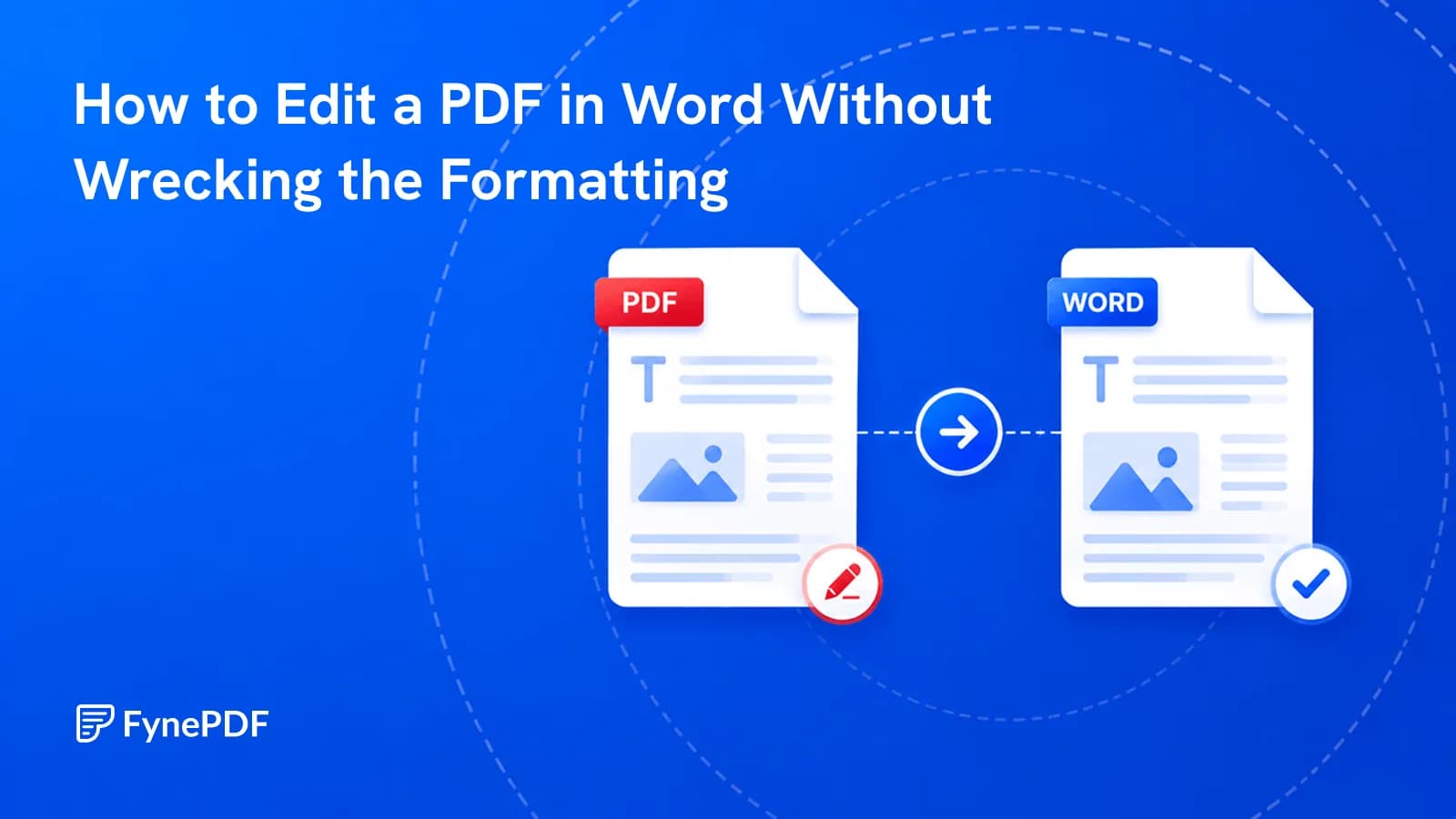
Conversions scramble layouts for a reason. Here's which documents survive and how to fix the rest.

Guide
Organize
Productivity
It usually means the file arrived incomplete, not that the contents are gone.
Guide
Compress
Optimize
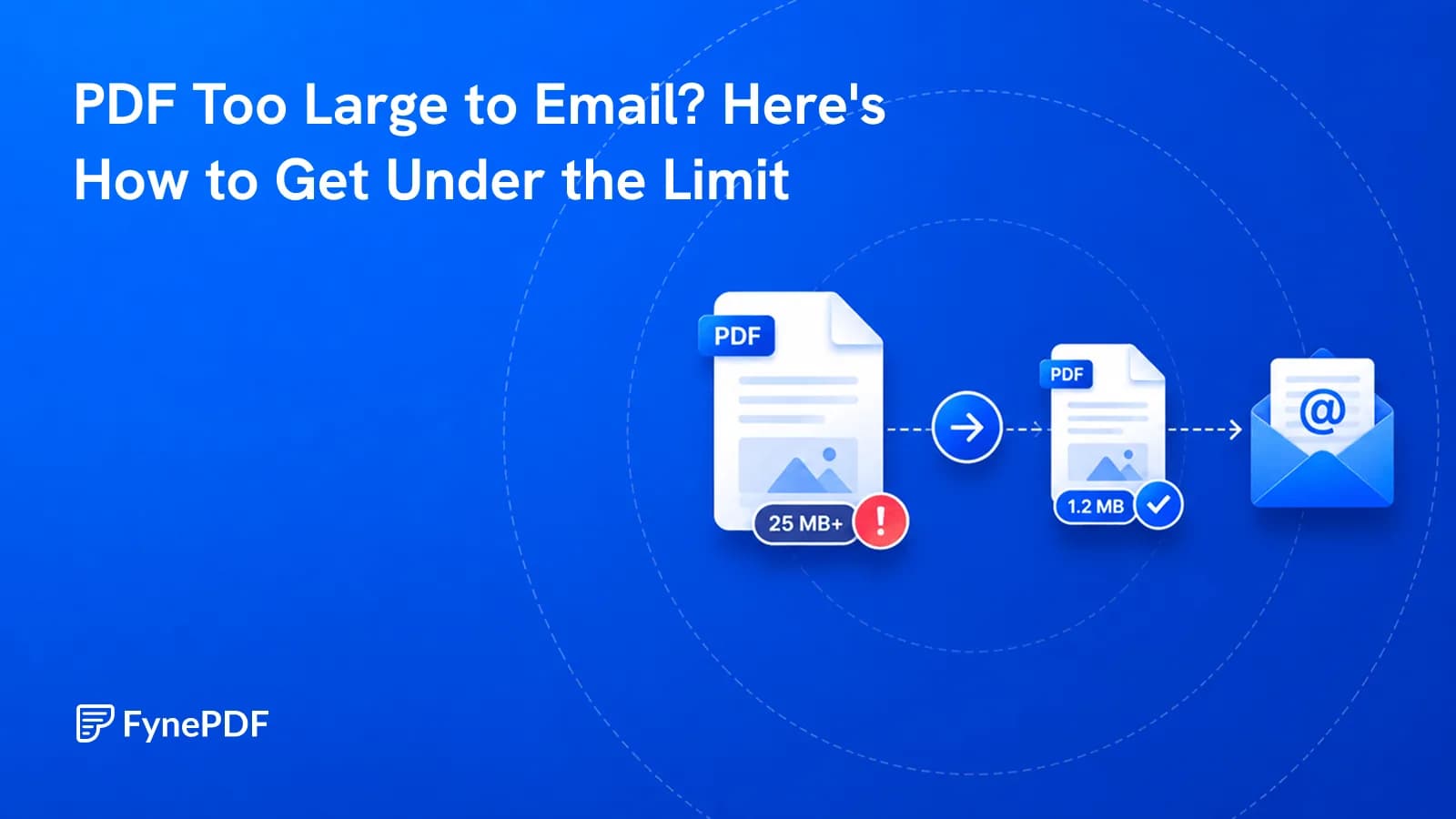
Gmail stops at 25MB, Outlook at 20MB. Here's why your file is oversized and how to get under it.