Complete Signing Toolkit
Draw, type or upload a signature, add initials, dates, ticks, crosses and circles.
Opening your saved sessionβ¦
Sign documents securely online.
or drop your file here
Draw, Type & eSign PDFs
eIDAS-Compliant QES Available
Save signatures for reuse
Draw, type or upload a signature, add initials, dates, ticks, crosses and circles.
eIDAS-compliant QES carries the same legal weight as a handwritten signature.
Files are encrypted with 256-bit TLS and deleted 15 minutes after your task.
Sign a PDF online in three steps, no software to install, no printing or scanning.
1
Drag and drop or select your contract up to 250MB free, 2GB on Pro and 5GB on Premium.
2
Draw, type or upload your signature, then add initials, dates and checkmarks. QES available on paid plans.
3
Your fully signed, legally secure PDF is ready to download immediately and auto-deleted after 15 min.
Stop printing and scanning just to sign a piece of paper. Here is how advanced digital signatures and QES streamline your legal workflows.
Use Premium eIDAS-compliant QES to sign high-stakes business contracts with the exact same legal weight and certainty as wet ink.
Have new hires easily type their signatures, add their initials to clauses, and date their HR onboarding packets instantly.
Speed up property closings by adding digital signatures, dates, and initials across massive, multi-page mortgage agreements.
Quickly draw your signature and use our interactive checkboxes to approve vendor quotes and internal purchase orders.
Upgrade to QES to securely sign tax filings, compliance reports, or official registry documents using a verified digital identity.
Instantly type your name, stamp the current date, and securely sign non-disclosure agreements from clients right on your device.
FynePDF places your signature into the PDF itself rather than as an annotation layer, so it stays fixed wherever the document is opened. Standard signatures are electronic signatures, legally binding for most business agreements under the US ESIGN Act and EU eIDAS.
Draw with a mouse or finger, type your name in a signature font, or upload an image of your existing signature.
Electronic signatures suit most contracts. QES adds verified identity and carries the same legal weight as wet ink across the EU.
Signed-in users keep their signature on file, so the next contract takes one click instead of a fresh drawing.

Guide
eSign
Productivity
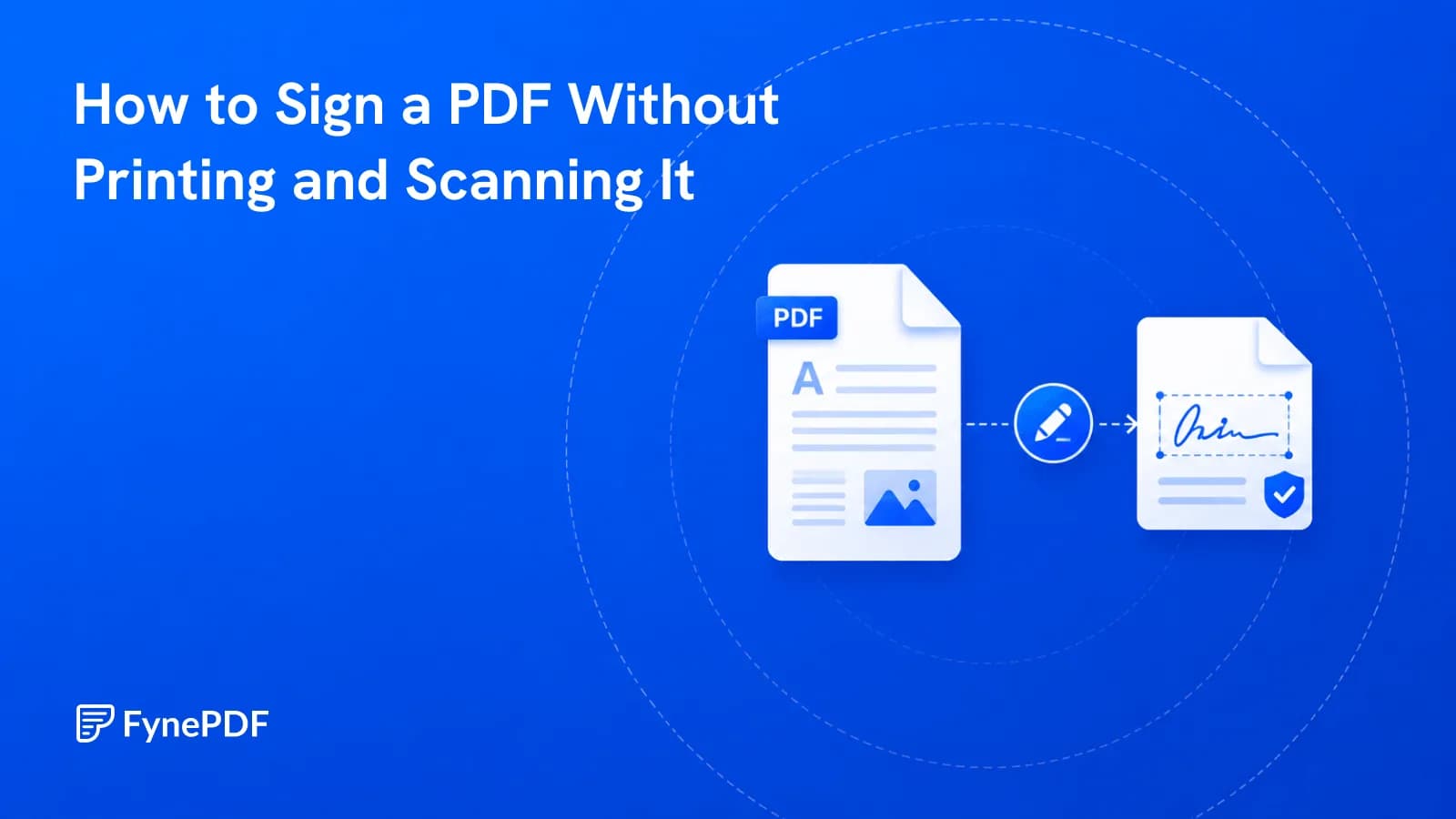
Print, sign, scan, email is four steps and a worse file. Sign it directly instead.
Guide
Secure
Organize
A draft with no DRAFT mark eventually gets treated as final. Here's how to prevent that.

Guide
Convert
Organize
Eight photos attached to an email is not a document. Turn them into one ordered file.
Sign documents securely online.
or drop your file here
Draw, Type & eSign PDFs
eIDAS-Compliant QES Available
Save signatures for reuse
Draw, type or upload a signature, add initials, dates, ticks, crosses and circles.
eIDAS-compliant QES carries the same legal weight as a handwritten signature.
Files are encrypted with 256-bit TLS and deleted 15 minutes after your task.
Sign a PDF online in three steps, no software to install, no printing or scanning.
1
Drag and drop or select your contract up to 250MB free, 2GB on Pro and 5GB on Premium.
2
Draw, type or upload your signature, then add initials, dates and checkmarks. QES available on paid plans.
3
Your fully signed, legally secure PDF is ready to download immediately and auto-deleted after 15 min.
Stop printing and scanning just to sign a piece of paper. Here is how advanced digital signatures and QES streamline your legal workflows.
Use Premium eIDAS-compliant QES to sign high-stakes business contracts with the exact same legal weight and certainty as wet ink.
Have new hires easily type their signatures, add their initials to clauses, and date their HR onboarding packets instantly.
Speed up property closings by adding digital signatures, dates, and initials across massive, multi-page mortgage agreements.
Quickly draw your signature and use our interactive checkboxes to approve vendor quotes and internal purchase orders.
Upgrade to QES to securely sign tax filings, compliance reports, or official registry documents using a verified digital identity.
Instantly type your name, stamp the current date, and securely sign non-disclosure agreements from clients right on your device.
FynePDF places your signature into the PDF itself rather than as an annotation layer, so it stays fixed wherever the document is opened. Standard signatures are electronic signatures, legally binding for most business agreements under the US ESIGN Act and EU eIDAS.
Draw with a mouse or finger, type your name in a signature font, or upload an image of your existing signature.
Electronic signatures suit most contracts. QES adds verified identity and carries the same legal weight as wet ink across the EU.
Signed-in users keep their signature on file, so the next contract takes one click instead of a fresh drawing.

Guide
eSign
Productivity
Print, sign, scan, email is four steps and a worse file. Sign it directly instead.

Guide
Secure
Organize
A draft with no DRAFT mark eventually gets treated as final. Here's how to prevent that.

Guide
Convert
Organize
Eight photos attached to an email is not a document. Turn them into one ordered file.