Fonts and Layout Locked
Each slide becomes a PDF page with fonts, images and layout exactly as designed.


Convert PPT slides to PDF with nothing lost.
Convert PPT & PPTX to PDF
No Watermark on Downloads
No PowerPoint needed
Convert PPT slides to PDF with nothing lost.


or drop your file here
Convert PPT & PPTX to PDF
No Watermark on Downloads
No PowerPoint needed
Each slide becomes a PDF page with fonts, images and layout exactly as designed.
Works in any browser on Mac, Windows, Linux, iPhone and Android. No install.
Mark investor decks CONFIDENTIAL with Add Watermark before you send them.
Convert PowerPoint to PDF in three steps, no PowerPoint, no software to install.
1
Drag and drop your .ppt or .pptx file up to 100MB free, 1GB on Pro and 5GB on Premium.
2
Every slide is rendered as a PDF page, with fonts and graphics locked in place.
3
Your new, highly shareable PDF pitch deck is ready to download and auto-deleted after 15 min.
Sending raw PowerPoint files often results in broken layouts and missing fonts. Here is why converting to PDF is the best way to share your slides.
Convert your presentation to PDF so your carefully chosen typography and branding fonts stay locked in place on any device.
Not everyone has PowerPoint installed. Convert to PDF to share the slides with readers who use a PDF app on their phone or tablet.
Print your presentation as a PDF handout so your audience can take notes without relying on a screen.
Lock your animations, transitions, and editable elements into a static PDF to prevent accidental edits by stakeholders.
Heavy PPT files with embedded media often exceed email limits. PDF conversion dramatically reduces file size for smooth delivery.
Turn your pitch deck into a PDF so you can easily upload it to LinkedIn, SlideShare, or your portfolio website for public viewing.
Each slide becomes one PDF page, rendered exactly as it appears in Normal view. Everything static carries across; everything that only exists while presenting does not, which is what makes a PDF deck safe to email and impossible to accidentally edit.
Fonts, images, charts, shapes, colours and layout all appear as designed, on any device.
Transitions, builds, embedded video and audio are dropped. Slides with animations render in their final state.
Every slide becomes a full page. For handouts with several slides per sheet, use N-Up & Impose afterwards.
Guide
Convert
Optimize
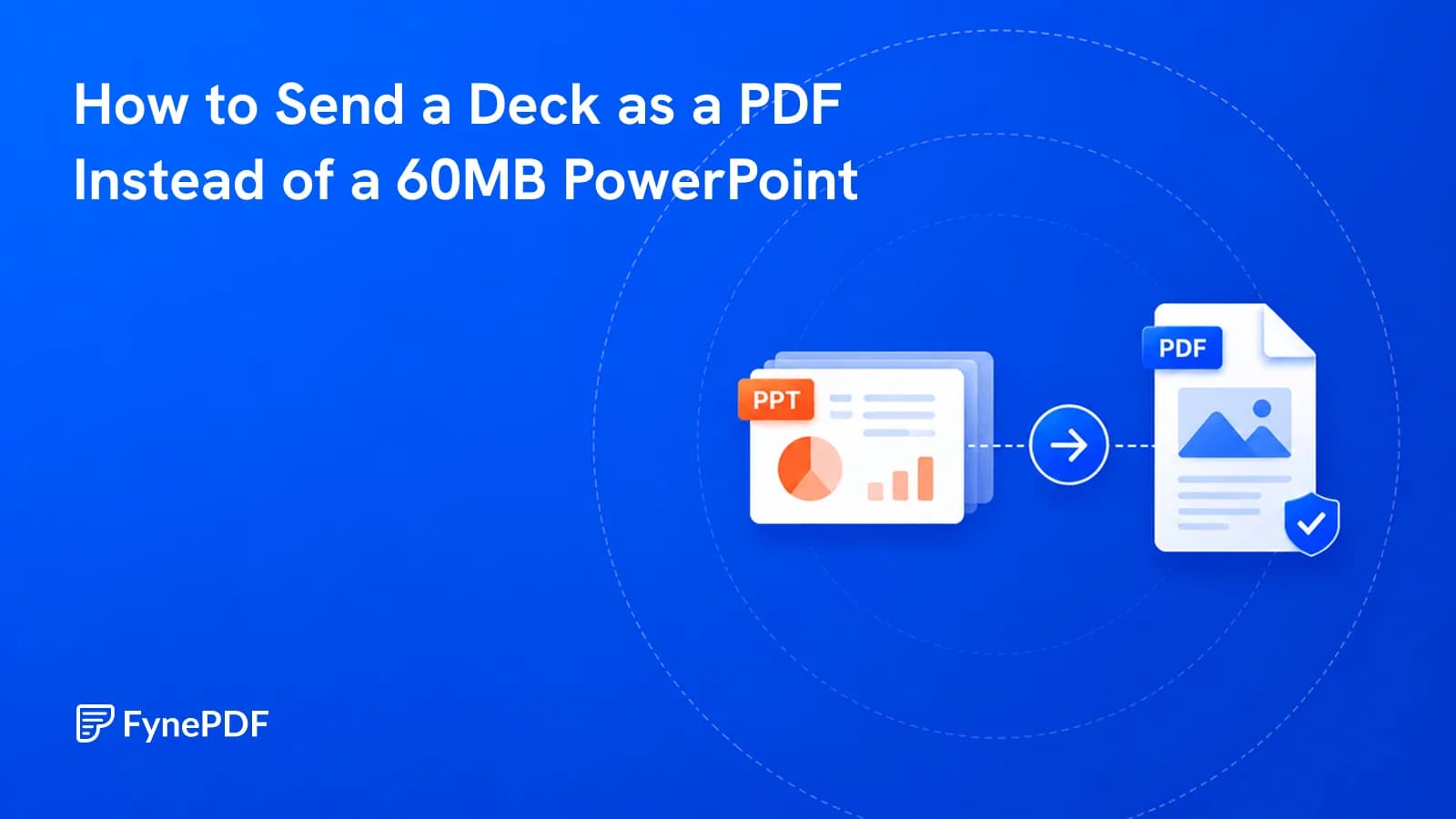
The deck bounced off their mail server and the fonts were wrong anyway. Send a PDF.
Guide
Convert
Productivity
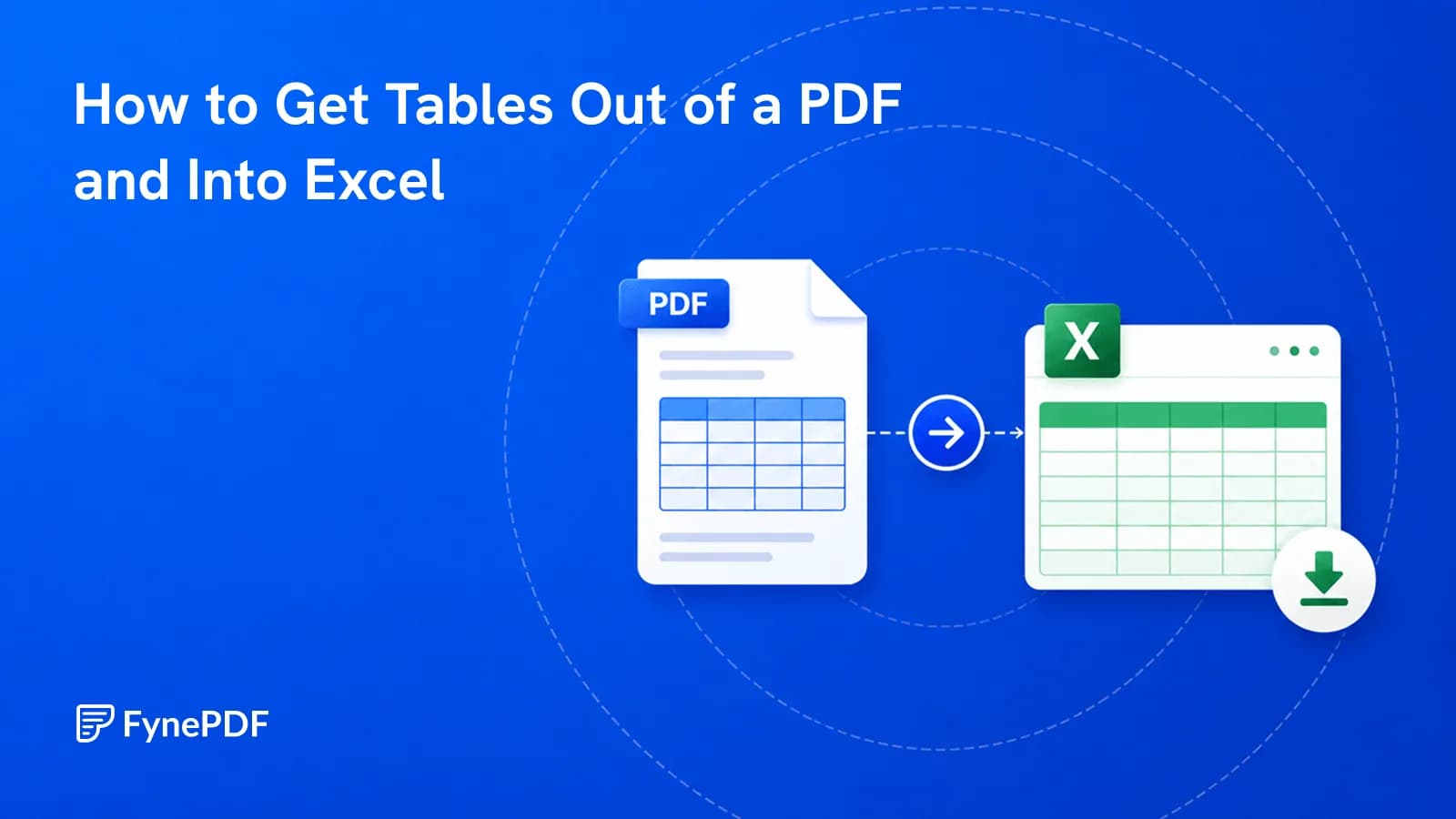
Copy-paste dumps everything into one column. Here's how to get real rows and columns.
Guide
Convert
Productivity
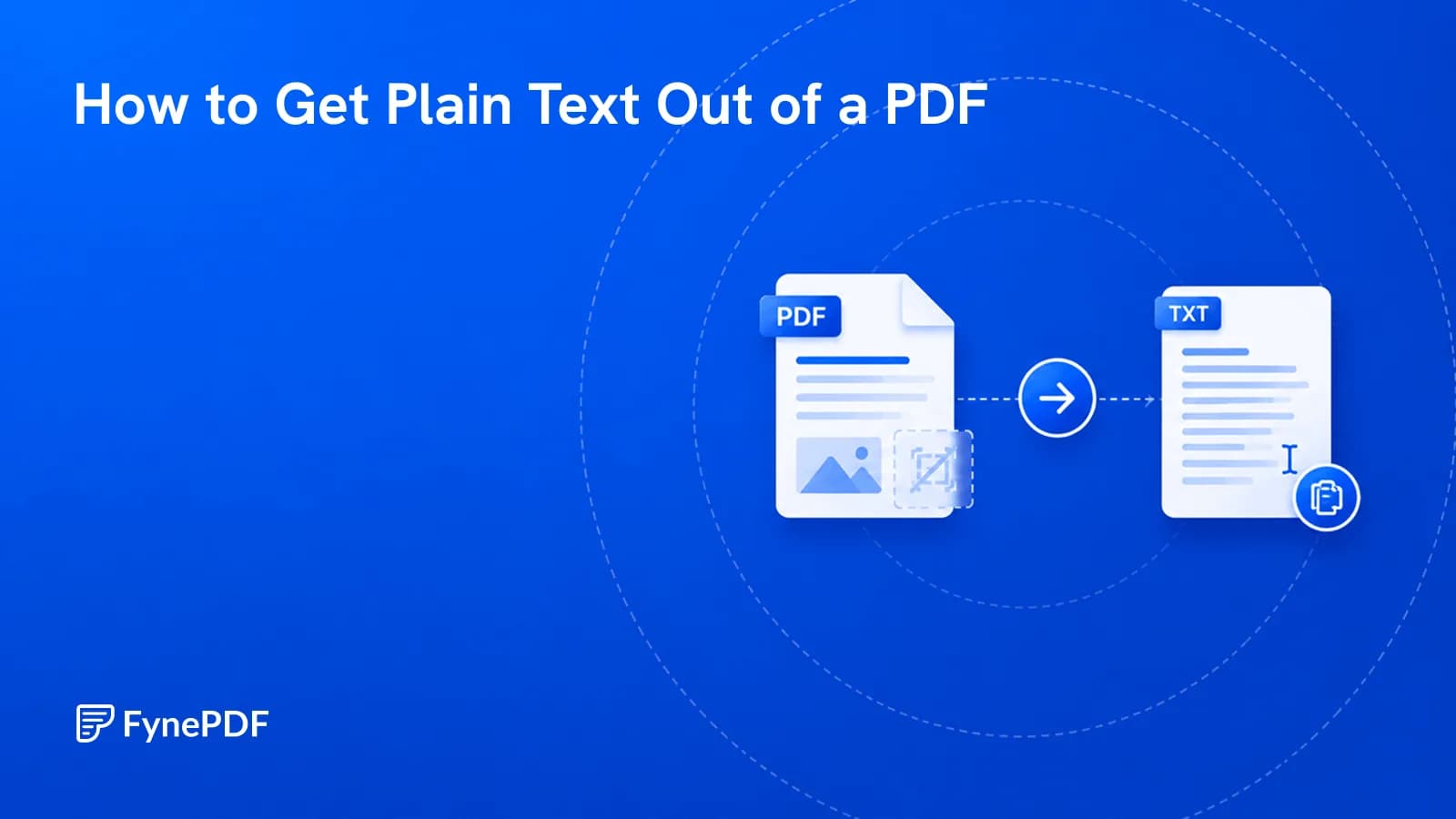
Sometimes you want the words and nothing else. Here's how, and where it goes wrong.