Your Layout, Locked In Place
Text, images, tables and page breaks come through exactly as you laid them out.


Convert Word to PDF, formatting intact.
Convert Word (DOC/DOCX) to PDF
No Watermark on Downloads
No Microsoft Word needed
Convert Word to PDF, formatting intact.

or drop your file here
Convert Word (DOC/DOCX) to PDF
No Watermark on Downloads
No Microsoft Word needed
Text, images, tables and page breaks come through exactly as you laid them out.
Works in any browser on Mac, Windows, Linux, iPhone and Android. No install.
Download a Google Doc as .docx, then convert it here for a clean PDF.
Convert Word to PDF in three steps, no Microsoft Word, no software to install.
1
Drag and drop your .doc or .docx file up to 100MB free, 1GB on Pro and 5GB on Premium.
2
Your text, images, tables and layout are rendered into a fixed PDF, page for page nothing shifts.
3
Your converted PDF is ready to download and auto-deleted after 15 min.
Word documents look different on every single computer. Here is why converting to PDF is the only way to share professional files securely.
Ensure your carefully formatted resume doesn't break or spill when a recruiter opens it in a different version of Word.
Share a PDF copy of an agreement for review. Converting to PDF preserves a page layout, but does not prevent later editing or copying.
Someone sent you a .docx and you don't have Office. Turn it into a PDF you can read, print and share from any browser.
Save a Word draft as PDF to share its page layout. Check the converted file and printer settings before making copies.
Send client proposals and reports that open on any smartphone, tablet, or operating system without the Microsoft Word app.
Share your thesis as PDF and review the converted layout against your university's submission requirements before handing it in.
FynePDF renders your Word document into a fixed PDF page, so what you see is what everyone else sees regardless of their software or settings. Most documents come through identically. A few elements behave differently once a document stops being editable, and it's worth knowing which before you convert.
Text, images, tables, columns, headers, footers and page breaks all land where you put them.
Hyperlinks stay clickable, headings carry over as PDF bookmarks, and standard fonts render as expected.
Uncommon or custom fonts may substitute, comments and macros don't carry into a PDF.

Guide
Convert
Productivity
Your 12-page report opened as 14 on their machine. Here's why, and how to stop it.
Guide
Convert
Optimize
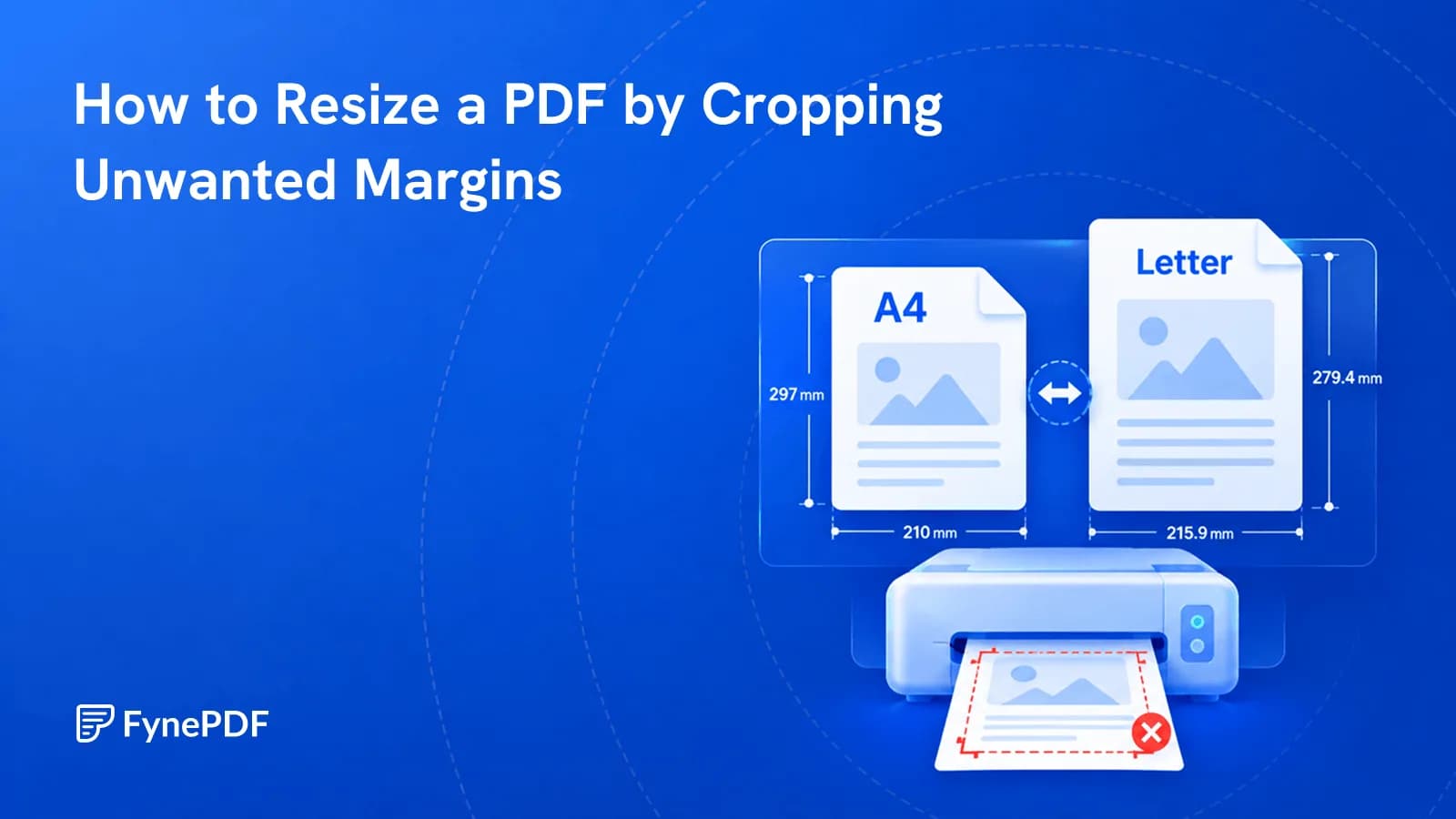
Cropping removes unnecessary margins so your PDF fits the page better when printing or sharing.
Guide
Convert
Productivity
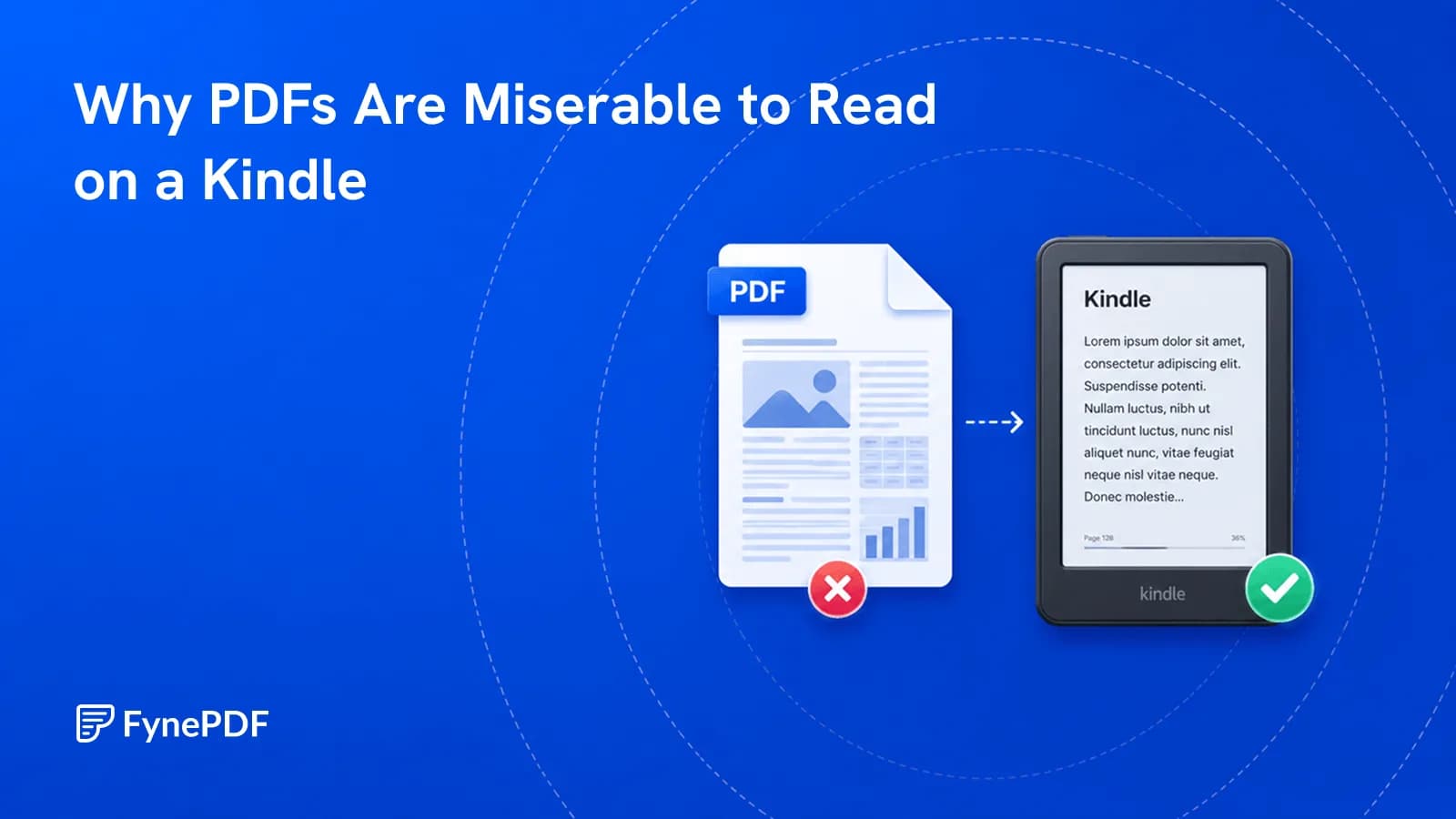
PDFs have fixed pages. E-readers want text that reflows to the screen.