


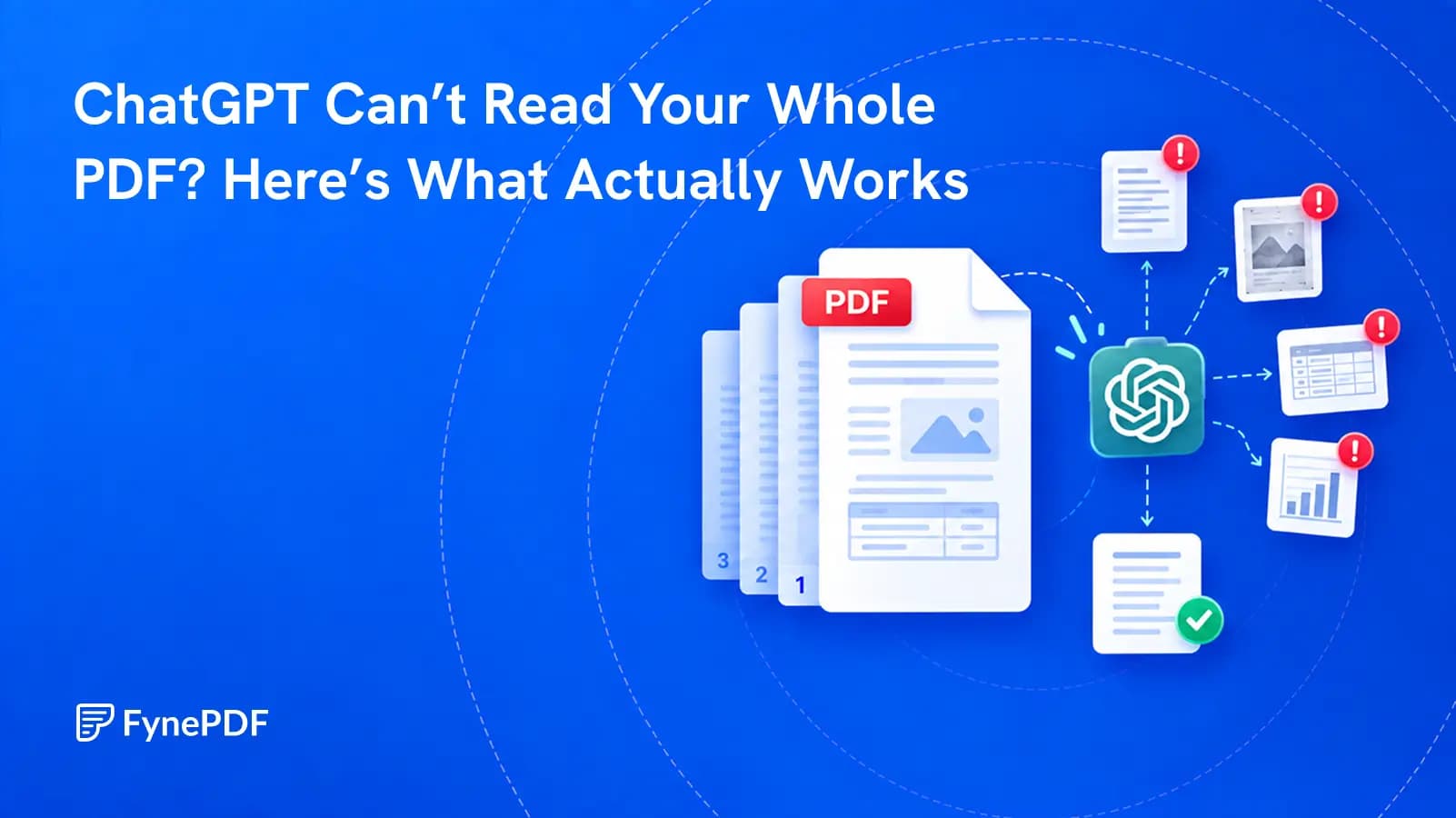
ChatGPT Can’t Read Your Whole PDF? Here’s What Actually Works
A successful upload does not prove that every page, table, or footnote was understood. Test the file before you trust the answer.

14 October 2026 · By Biraj Paudel, Founder of FynePDF
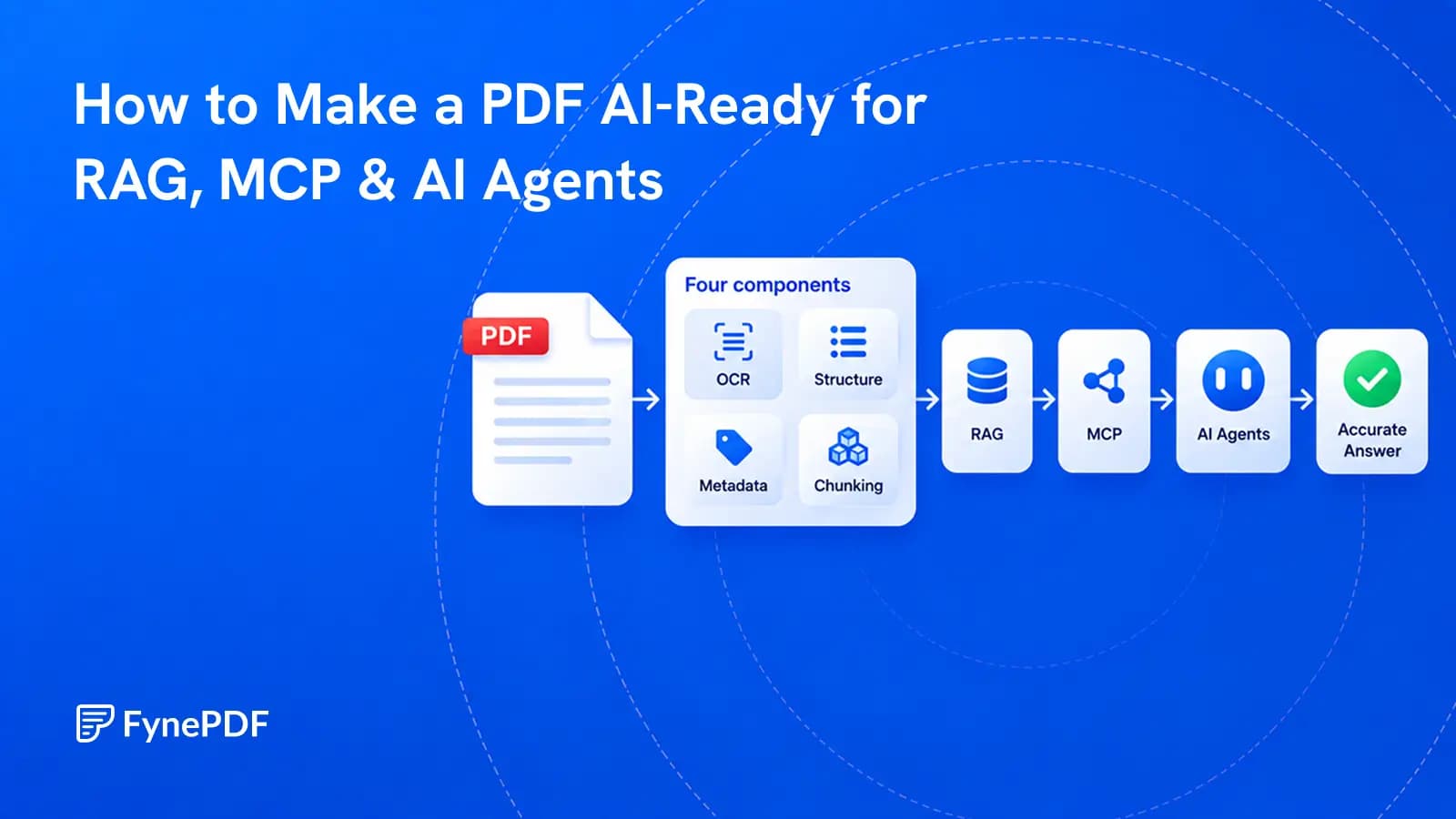
A PDF becomes useful to AI when its text, structure, sources, permissions, and versions can be trusted.
A PDF can look perfect to a person and still be difficult for an AI system.
The words may be trapped inside scanned images. A two-column page may extract in the wrong order. Table headers can become separated from their values. Page numbers disappear. Several versions of the same policy enter the index, and the AI cites the old one with complete confidence.
Making a PDF “AI-ready” means fixing those problems before the document reaches a retrieval system, an MCP server, or an AI agent. The goal is not simply to extract more text. The goal is to create information that is readable, structured, traceable, current, and safe to retrieve.
An AI-ready PDF has six qualities:
| Quality | What it means in practice | A simple test |
|---|---|---|
| Machine-readable | Real text exists, including on scanned pages | Can you select and copy a sentence from every page type? |
| Structurally clear | Headings, lists, columns, tables, and captions keep their meaning | Does the extracted version read in the right order? |
| Traceable | Every useful passage can point back to a page and source | Can an answer cite the exact page that supports it? |
| Well described | The system knows the title, version, date, owner, and document type | Can it distinguish the current policy from an old one? |
| Properly scoped | Users and agents retrieve only what they are allowed to see | Does a restricted query return no restricted content? |
| Tested | Real questions reliably retrieve the right evidence | Do expected passages appear before the model writes an answer? |
A searchable PDF is only the first step. OCR can make words available while leaving reading order, tables, page references, and document identity broken.
These terms are often placed together as if they describe one system. They do not.
Retrieval-augmented generation, usually shortened to RAG, searches an external knowledge collection for material related to a question. The selected passages are then given to a language model to help it answer.
The original RAG research combined a language model with an external source of retrieved knowledge. In production systems, that external knowledge is often a search index containing chunks from documents.
RAG quality depends heavily on what enters that index. If a table is scrambled during extraction, retrieval cannot restore the missing relationships. If a section loses its heading, the retrieved paragraph may be too vague to answer correctly.
The Model Context Protocol, or MCP, defines ways for AI applications to discover and use resources, prompts, and tools supplied by a server.
In the MCP specification, a resource can represent a file, database schema, or other contextual information. It has a unique URI and can include a name, title, description, MIME type, size, and annotations such as modification time. Tools are different. They let a model request an action, such as searching a collection or retrieving a page.
MCP does not parse, clean, chunk, or validate a PDF for you. It provides a consistent door. You still decide what is behind that door and who is allowed to open it.
An agent can plan several steps, search for information, read resources, call tools, and use the results to continue its task. That makes document quality more important, not less.
A simple question-answering system may retrieve the wrong paragraph. An agent may use that paragraph to choose a tool, update a record, or prepare a decision. Reliable sources, clear permissions, and human review become essential when a document can influence an action.
There is no universal converter that makes every PDF ready in one click. A policy manual, an invoice, a scientific paper, and a set of handwritten forms need different treatment. A sound pipeline starts by identifying the document and preserves evidence at every stage.
Begin with the file you actually have, not the file extension.
The PDF was exported from Word, a design program, or another application. Its text is usually selectable, but extraction can still fail because of columns, unusual fonts, drawing objects, or a poor reading order.
Each page is an image. The document needs optical character recognition, or OCR, before text search and ordinary retrieval can work.
Some pages contain text while others are scans. This is common when a digital contract has handwritten exhibits or when old records are added to a new report. Test several pages, not just the first one.
The meaning depends on tables, forms, charts, diagrams, footnotes, columns, or positioned labels. Plain text extraction may capture all the words while losing the relationships between them.
Record the document type because it should determine the next steps. A single pipeline applied blindly to every PDF will produce clean results for simple reports and quiet errors for the documents that matter most.
Keep the original unchanged. Work on a separate copy and record where it came from.
Before extraction:
Do not remove useful page boundaries just to create one long stream of text. Page references are often the simplest way for a person to verify an AI answer.
If the document contains confidential information, decide where every processing step will run. A cloud parser, OCR service, vector database, model provider, and logging platform can each become a separate data recipient.
OCR turns visible characters into searchable text. For good results, the page image should be upright, sharp, and large enough to read. Choose the correct document language or languages when the OCR system supports that setting.
Then test the output. Names, decimal points, minus signs, dates, section numbers, and similar characters often cause the most damaging errors. A balance of 8,300.00 becoming 3,300.00 is not a cosmetic problem.
Use confidence scores when your OCR system provides them, but do not treat one average score as proof. Review low-confidence words and fields that affect decisions. Keep the page image available so a person or multimodal model can check the original when text is uncertain.
OCR alone does not recover document structure. It may find the words in a table without knowing which value belongs to which column.
Extract a representative sample before processing the full collection. Include a normal page, a multi-column page, a table, a footnote, a scan, and a page with a chart.
Read the output from top to bottom. Check whether:
Clear headings matter because they give a short passage its context. The sentence “Requests must be submitted within 30 days” is ambiguous by itself. Under the heading “Travel expense appeals,” it becomes useful evidence.
AWS recommends meaningful headings, defined abbreviations, concise sections, and smaller focused documents for RAG. Microsoft likewise treats document layout and structure as central inputs to chunking, not decoration to discard.
The original PDF should remain the source of truth, but your AI system may need a cleaner working representation.
| Content type | Useful representation | What must be preserved |
|---|---|---|
| Policies, reports, manuals, and articles | Markdown or structured text | Heading hierarchy, lists, links, page anchors, footnotes |
| Invoices, forms, and repeated records | JSON or validated key-value data | Field names, values, units, confidence, source location |
| Large or complex tables | HTML, CSV, or row-based JSON | Column headers, row labels, units, notes, continued pages |
| Charts and diagrams | Original image plus a checked text description | Title, axes, legend, values, relationships, source page |
| Mixed document collections | Original PDF plus derived text and media | Stable links between each derivative and its source |
Markdown is often a strong choice for narrative documents because headings and lists remain visible in plain text. It is not magic. A bad conversion can produce tidy Markdown with the wrong reading order.
JSON is useful when the document follows a known schema, such as an invoice or application form. Do not force a long legal argument into arbitrary key-value fields just because JSON looks structured.
For tables, choose a form that preserves relationships. A table should not become a bag of numbers. Repeat the table title, column names, units, reporting period, and relevant footnotes with each derived record when needed.
Metadata should answer: What is this? Where did it come from? Is it current? Who may use it?
At document level, useful fields often include:
At chunk level, preserve the document ID plus the section path, page range, chunk ID, and any table or figure identifier. This is what allows a retrieved statement to become a usable citation.
A simple document record might look like this:
{
  "document_id": "travel-policy-2026-04",
  "title": "Travel and Expense Policy",
  "version": "4.2",
  "status": "current",
  "effective_date": "2026-04-01",
  "source_uri": "docs://policies/travel/4.2",
  "language": "en",
  "access_groups": ["employees", "finance"],
  "checksum": "sha256:..."
}
Do not invent metadata when the source does not provide it. Mark a field as unknown and route it for review. A confident but false effective date can cause a retrieval filter to select the wrong policy.
Chunking divides a document into pieces that can be searched and supplied to a model. There is no best chunk size for every collection.
Chunks that are too large bring irrelevant text and increase cost. Chunks that are too small lose definitions, qualifications, and nearby evidence. Microsoft recommends choosing chunking methods according to document type and structure, then testing the trade-offs rather than relying on one fixed rule.
A practical starting approach is:
Avoid placing headers, footers, copyright notices, and navigation text in every chunk unless they add meaning. Repeated boilerplate can dominate similarity search and crowd out the useful passage.
Do not judge chunks only by how clean they look. Ask whether each chunk contains enough context to answer a real question without borrowing an unsupported meaning from somewhere else.
An answer without a usable source is difficult to trust.
Each retrieved passage should carry enough information to show a reader where it came from. At minimum, preserve the document title, version, page, and section. For tables and figures, include their identifiers when available.
PDF page numbers require care. The number printed on the page may differ from the PDF viewer's page count. Front matter may use Roman numerals, or a scanned bundle may restart numbering several times. Store both the physical PDF page index and the visible page label when they differ.
Derived content should remain linked to the original. If a parser converts page 14 into Markdown and extracts a table into JSON, both records should point back to page 14 and to the same document version.
A PDF can contain malicious or misleading instructions aimed at an AI system. The text may tell an agent to ignore its task, reveal private information, follow a link, or call a tool. These instructions can be visible or hidden inside OCR text, comments, attachments, or white text.
Keep source content separate from system instructions. Tell the model that retrieved passages are evidence, not commands. Restrict which tools the agent can call, require confirmation for sensitive actions, and validate tool arguments outside the model.
Access control must apply during retrieval and resource access, not only in the user interface. A user who cannot open the payroll policy should not receive one of its chunks because it happened to match a search.
The current MCP specification says servers should check permissions for resources and validate resource URIs. It also advises human control around tool calls. A clean document cannot compensate for an MCP server that exposes too much data.
Many wrong AI answers come from a document that is readable but outdated.
Decide how your system handles:
Use checksums to detect exact duplicates. Use document IDs and version fields to group related editions. Mark status explicitly, and make current-only retrieval the default when that matches the task.
Deleting a PDF from one folder does not necessarily remove its extracted text, chunks, embeddings, cache entries, or MCP resource. Design deletion as a complete workflow across every derived store.
For a document collection, MCP resources and tools can work together.
An MCP resource is a good fit for a document, a derived Markdown file, a page image, or a structured manifest. Give each resource a stable URI, clear title, useful description, correct MIME type, and modification time.
Examples might include:
docs://policies/travel/4.2
docs://policies/travel/4.2/content.md
docs://policies/travel/4.2/pages/14.png
The current MCP specification allows resources to contain text or binary data. That means a server can expose the original PDF and a machine-friendly representation without pretending they are the same object.
Tools are a better fit for operations such as:
search_documentsget_document_chunkget_page_imagelist_document_versionsrequest_document_accessDefine narrow inputs and predictable outputs. A search tool should return passage text, document identity, page references, version, and access-safe links. It should not silently modify a record or widen permissions.
Do not expose one tool called query_everything with access to the whole company. Small, well-described tools are easier to authorize, test, and audit.
An MCP server can expose a search tool backed by a RAG index, or it can expose individual resources for the client to read directly. MCP standardizes the interaction. It does not choose your parser, embedding model, search engine, chunk size, or ranking method.
You can use RAG without MCP and MCP without a vector database. Use both when a standard MCP interface is a useful way for agents to reach your retrieval system.
A polished answer can hide a retrieval failure. Evaluate the evidence in two stages.
First, ask whether the search retrieved the correct passage. Then ask whether the model used that passage correctly.
Build a small test set from real work. Include:
For each test, record the expected source, acceptable answer, forbidden answer, and access result.
Useful measures include:
| Measure | Question it answers |
|---|---|
| Retrieval hit rate | Did the correct evidence appear in the retrieved results? |
| Citation accuracy | Does the cited page actually support the claim? |
| Answer faithfulness | Did the answer stay within the retrieved evidence? |
| Version accuracy | Did the system prefer the correct edition? |
| Access isolation | Did restricted content remain unavailable? |
| Abstention quality | Did the system say it could not find an answer when evidence was absent? |
Run these tests whenever the parser, OCR engine, chunking strategy, embedding model, search configuration, permissions, or source documents change.
FynePDF can help prepare and inspect a document before it enters your AI stack.
FynePDF does not replace your production vector database or MCP server. It helps with conversion, extraction, and document-level testing. Your application remains responsible for permissions, source tracking, version control, retrieval, and agent safety.
For a focused conversion walkthrough, see How to Convert a PDF to Markdown for Docs and Version Control. If a model misses pages or tables even after upload, use ChatGPT Can’t Read Your Whole PDF? Here’s What Actually Works.
Not by itself. Markdown can preserve useful headings, lists, and tables, but you still need to verify extraction, add source metadata, choose a chunking strategy, control access, handle versions, and test retrieval.
There is no universal best size. Start with meaningful document sections, split sections that exceed your model or retrieval limits, and test several settings against real questions. A technical manual, contract, invoice, and research paper should not be forced into one rule.
OCR makes the words machine-readable. It does not guarantee correct spelling, reading order, table structure, headings, or page citations. Treat OCR as the start of validation, not the end.
Split it when the file contains distinct documents or major topics that need separate ownership, metadata, permissions, or update schedules. Keep it together when cross-section relationships matter, but create well-formed chunks and preserve the document hierarchy.
No. MCP is a protocol for exposing resources, prompts, and tools to AI applications. A vector database is one possible search component behind an MCP tool. Neither requires the other.
Often both are useful. Extracted text or Markdown supports efficient reading and retrieval. The original PDF preserves visual layout and provides the evidence a person may need to verify a citation. Give them separate resource URIs and link them through shared metadata.
Tags can preserve semantic structure and reading order, especially in well-made accessible PDFs. Parser support varies, so test the extracted result. A tagged PDF can still contain OCR errors, bad tables, missing metadata, or an outdated version.
No. Agents should receive only the resources needed for the task and permitted for the user. Apply access checks at search and read time, treat document text as untrusted, and require human approval before sensitive actions.
Before putting a PDF into production, confirm that:
An AI-ready PDF is not simply a file an AI can open. It is a source an AI system can retrieve correctly, cite honestly, use within permission, and reject when the evidence is not there.
Try it yourself
A successful upload does not prove that every page, table, or footnote was understood. Test the file before you trust the answer.
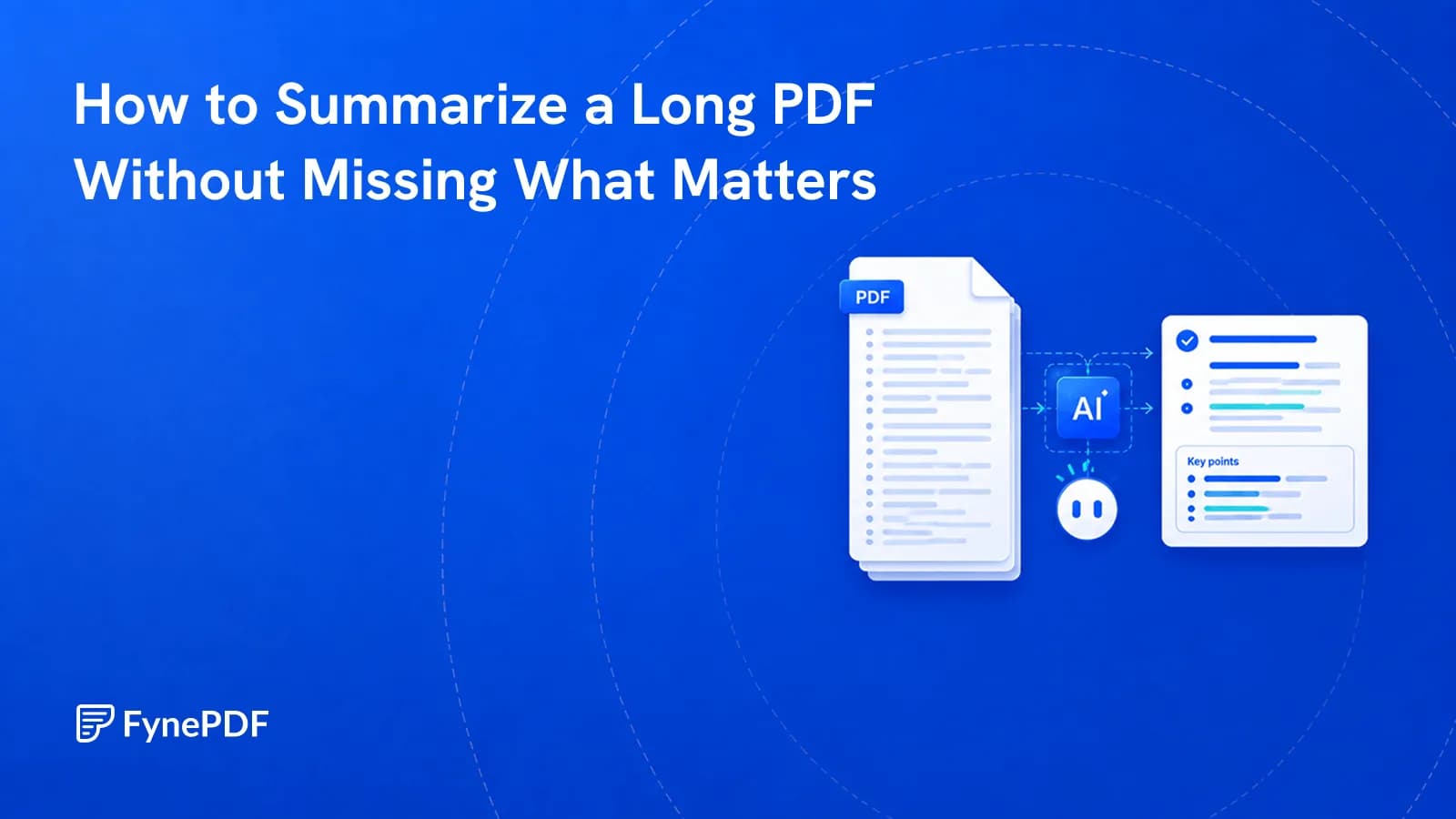
A summary tells you what a document covers, not what it commits you to.
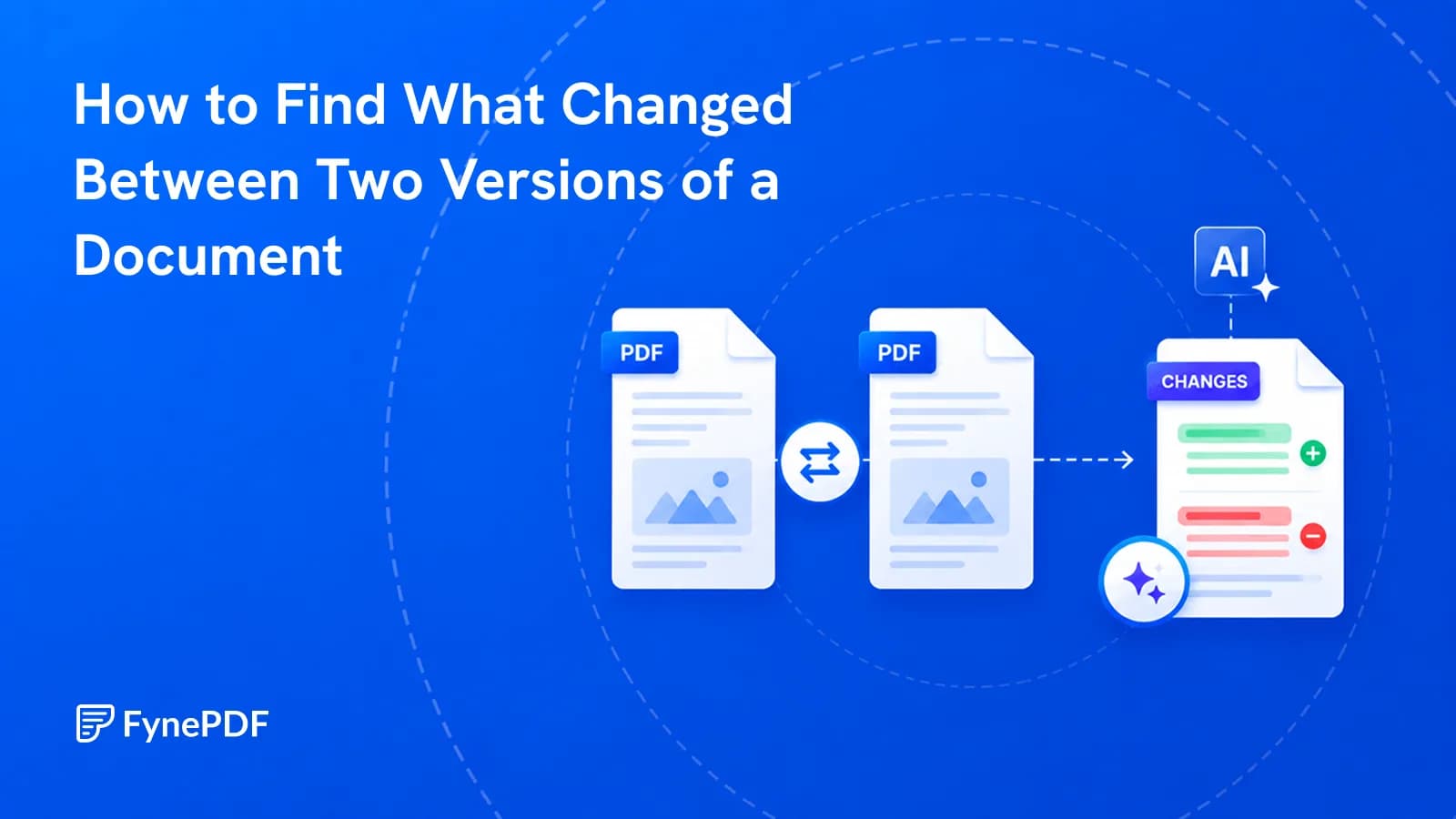
A contract came back edited with no track changes. Here's how to find every difference.