


How to Ask Questions About a Long PDF Instead of Reading It
You need one clause from 200 pages. Query the document directly instead of skimming it.

30 September 2026 · By Biraj Paudel, Founder of FynePDF
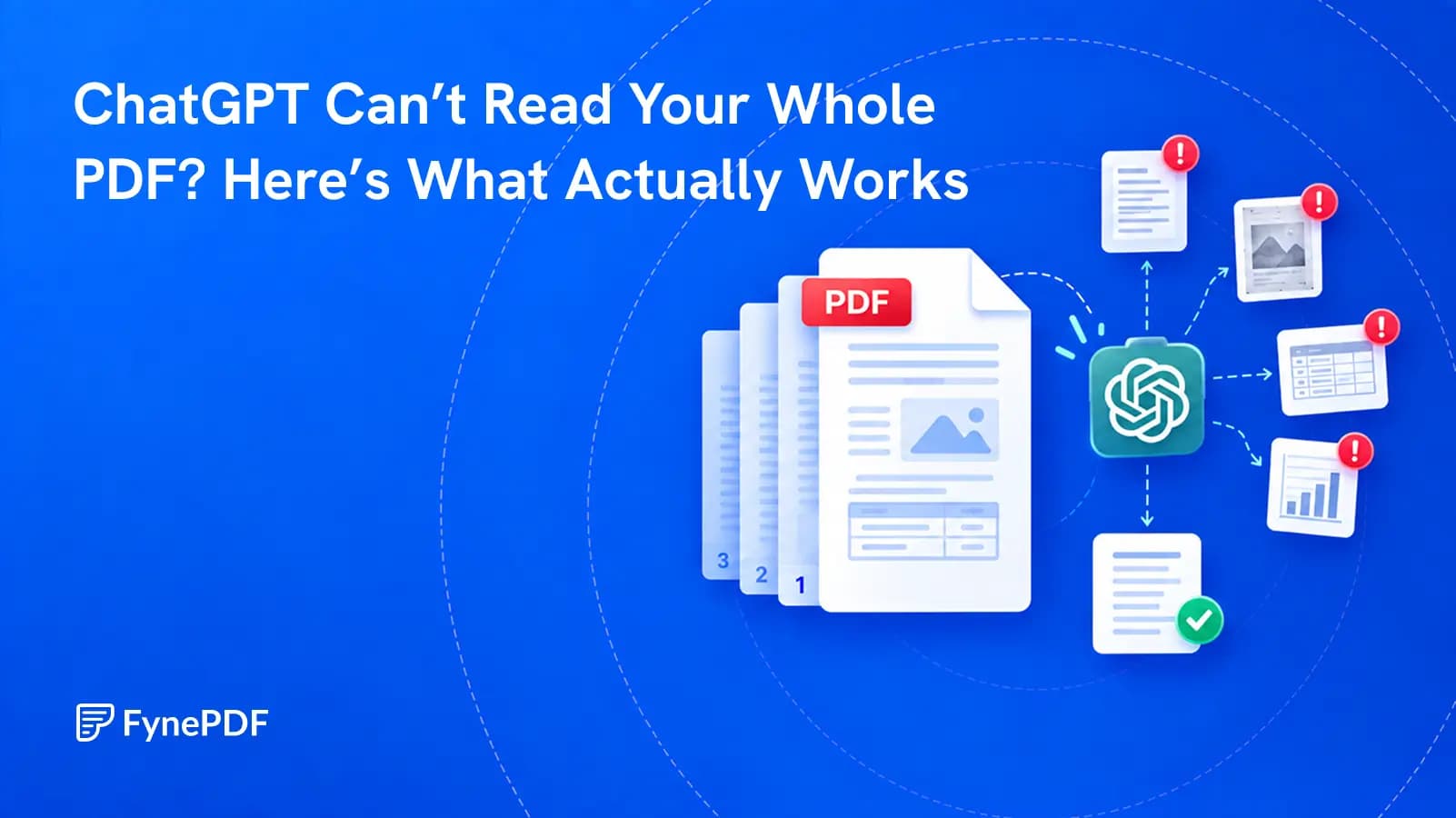
A successful upload does not prove that every page, table, or footnote was understood. Test the file before you trust the answer.
If ChatGPT cannot read your whole PDF, the upload itself is rarely the useful test. The file may contain scanned pages with no text, columns that extract in the wrong order, tables whose rows become mixed, or more material than one broad question can handle well.
The practical fix is to test the document, repair what cannot be extracted, divide long files by subject, and ask for answers you can check against the original page.
Because opening a file and understanding its contents are separate jobs.
A PDF is a container. One page may hold clean digital text. The next may be a photograph. Another may be a chart made from lines and labels. Two pages that look almost identical to you can present very different information to a document-reading system.
OpenAI's file input documentation explains that its API can send both extracted text and page images from a PDF to a vision-capable model. It also says that page-image detail can be adjusted and that large collections are better handled through retrieval than by placing everything into one context. That describes the available technology, but it is not a promise that every ChatGPT plan, model, or interface processes every PDF in exactly the same way.
This is why a confident summary is not proof of complete coverage. ChatGPT may have read enough to produce a plausible answer while still missing the one footnote, appendix, or table entry that matters to you.
A scanned PDF can look perfectly normal while containing only pictures of words. Sometimes an otherwise digital document has just a few scanned pages, such as a signed schedule added at the end.
Try selecting and copying a sentence from the first page, a page in the middle, and the last page. If a whole page behaves like one large image, it needs optical character recognition. OCR PDF can add a searchable text layer or export the recognized text.
OCR is not a magic repair. Names, decimals, reference numbers, and faint characters can still be misread. Check those details against the page image after recognition.
PDFs store appearance very well. They do not always store a clean reading sequence.
In a two-column report, extracted text may jump from the first line of the left column to the first line of the right column. A sidebar may interrupt the main paragraph. A header or page number may be inserted in the middle of a sentence.
The W3C's guidance on PDF reading order explains that logical order depends heavily on a document's structure and tags. If the source PDF has a poor reading order, an AI system can receive the right words in the wrong sequence.
Copy one difficult page into a plain text editor. If the text arrives scrambled, the problem exists before ChatGPT starts answering.
A sentence has an obvious order. A table does not. The meaning depends on which row and column meet at a particular cell. Once a table is flattened into plain text, a number can become separated from its label.
Charts are harder still. Their conclusion may depend on color, position, a legend, or a small note under the axis. A model with visual input can inspect the page image, but fine print and dense graphics still deserve a separate, page-specific question.
Do not ask for a whole report summary and assume every chart was included. Ask about the chart by page number, request the labels and values it used, and compare the answer with the original graphic.
A large context window means a model can accept a great deal of material. It does not mean every sentence receives equal attention.
The peer-reviewed study Lost in the Middle found that language models often performed worse when the relevant information appeared in the middle of a long input rather than near the beginning or end. Models have improved since that study, but the safer working habit has not changed: reduce the search area when accuracy matters.
If you need one clause from a 300-page manual, do not begin with "Summarize everything." Identify the chapter, split it out, and ask the narrow question there.
"What is important in this contract?" asks the model to decide what deserves attention. It may produce a useful overview, but it can also leave out the clause you care about.
A better question sets a boundary:
Using only the uploaded document, list every termination right. Give the printed page number, section heading, and a short supporting quotation for each one. If a detail is not stated, say "not found."
This does not make an answer infallible. It makes omissions and unsupported claims easier to see.
Write down the exact facts you need before uploading the file. Examples include a renewal date, a dosage, a revenue figure, an exception, or all mentions of a named party.
The more costly an error would be, the narrower the question should be.
Select and copy text from at least three places: near the beginning, around the middle, and near the end. Include one table or footnote if those matter.
If any important page is image-only, run OCR. The W3C also recommends checking that recognized text is complete and follows the correct reading order after OCR.
Paste a multi-column page or complex table into a plain text editor. You are looking for broken sentences, missing symbols, repeated headers, and values detached from labels.
For a mostly textual document with poor structure, PDF to Markdown can make headings and paragraphs easier to inspect. Keep the original PDF beside it because Markdown will not preserve every visual relationship.
Do not turn 200 pages into four arbitrary 50-page files if a chapter begins on page 47. Keep chapters, schedules, and appendices intact. Use the Split PDF tool to create sections with clear names such as 03-payment-terms.pdf and 07-termination.pdf.
Smaller, coherent sections reduce irrelevant material and make it easier to notice when an answer comes from the wrong place.
Before asking for conclusions, ask the system to show what it can see:
List the document's main headings and their page ranges. Flag any page that appears blank, scanned, unreadable, duplicated, or out of order.
Compare that map with the table of contents and page thumbnails. If a chapter is absent, stop and fix the file rather than continuing with an incomplete source.
Use the language of the document where possible. Ask for a page, section, and short quotation with every factual answer.
| Weak request | Stronger request |
|---|---|
| Summarize this report | List the three stated causes of the revenue decline, with the page and supporting sentence for each |
| What does the contract say about leaving? | Find every clause about termination, cancellation, non-renewal, or ending the agreement |
| Read this table | On page 18, transcribe the row for operating expenses and preserve every column label |
| Is this policy safe? | List the policy's stated data-retention period, exceptions, and deletion process, with sources |
Specific questions are easier to answer and much easier to audit.
Open the cited page and read the surrounding paragraph. For numbers, check the row label, units, period, and footnote. For legal or medical material, treat the AI response as a route to the source, not professional advice or a final decision.
If the answer has no page reference, ask for one. If the quoted words are not on that page, do not keep prompting the model to defend the answer. Return to the source file and inspect the extraction.
| What you see | Likely cause | Best next step |
|---|---|---|
| ChatGPT says the PDF is empty | Image-only scan or failed text extraction | Run OCR, then test copied text before uploading again |
| The opening pages are correct but later details are missed | Broad request over a long document | Split by chapter and ask a section-specific question |
| Table values appear under the wrong labels | Flattened or scrambled table structure | Ask about one page and row, or convert the table to a structured format |
| A chart is ignored or described vaguely | The answer relied on text rather than enough visual detail | Upload or reference the exact page and ask about visible labels and values |
| Words from two columns are mixed together | Incorrect reading order | Convert to structured text or repair the source document's tags |
| The answer sounds certain but has no support | Question was too open or the model filled a gap | Require page references, short quotations, and "not found" when absent |
For text-heavy reports, policies, and articles, conversion can expose extraction problems before an AI system sees them. Markdown is useful because headings, lists, and code blocks can remain visible as structure.
Do not convert by default when the meaning depends on layout. Financial tables, forms, diagrams, slide decks, and scientific figures often need the original page image. In those cases, keep the PDF and isolate the relevant pages instead.
The right format is the one that preserves the evidence you need.
If the PDF already parses cleanly and you want a general question workflow, read How to Ask Questions About a Long PDF. That article covers question design and page checking.
For the workflow in this guide, FynePDF can handle the preparation steps in one place:
Page citations are the important difference. They shorten the distance between an answer and the evidence. You should still check any fact that affects money, health, legal rights, safety, or a public claim.
No. Capacity and reliable use are different. A model may accept a long document and still miss a detail, especially when the source has bad extraction, complex layout, or a vague request.
No. A 5MB scan can contain hundreds of page images and very little usable text. A 20MB digital report may contain searchable text throughout. Page count, extracted text, image detail, and layout all matter.
Usually not. Screenshots can help with one difficult chart or page, but they remove searchable document structure and create more visual material to inspect. Fix the PDF or isolate the relevant pages first.
OCR makes scanned words available as text. It does not guarantee that every character is correct or that the model's answer is complete. Verify names, numbers, dates, and citations against the original scan.
Ask for a heading and page-range map, then compare it with the document. Test a known sentence from the middle and another from the final pages. There is no single prompt that proves complete understanding, but these checks reveal many failures quickly.
The goal is not to force a large PDF through an upload box. It is to produce an answer whose path back to the source is short and clear.
Start by testing the text layer. Repair scans. Preserve charts when they matter. Split long files at real section boundaries. Then ask narrow questions that demand page references and supporting words.
That process takes a few minutes. It is far faster than discovering later that the answer came from only the readable half of your document.
Try it yourself
You need one clause from 200 pages. Query the document directly instead of skimming it.
A summary tells you what a document covers, not what it commits you to.
A contract came back edited with no track changes. Here's how to find every difference.