
How to Ask Questions About a Long PDF Instead of Reading It
You need one clause from 200 pages. Query the document directly instead of skimming it.
 By Biraj Paudel, Founder of FynePDF4 min read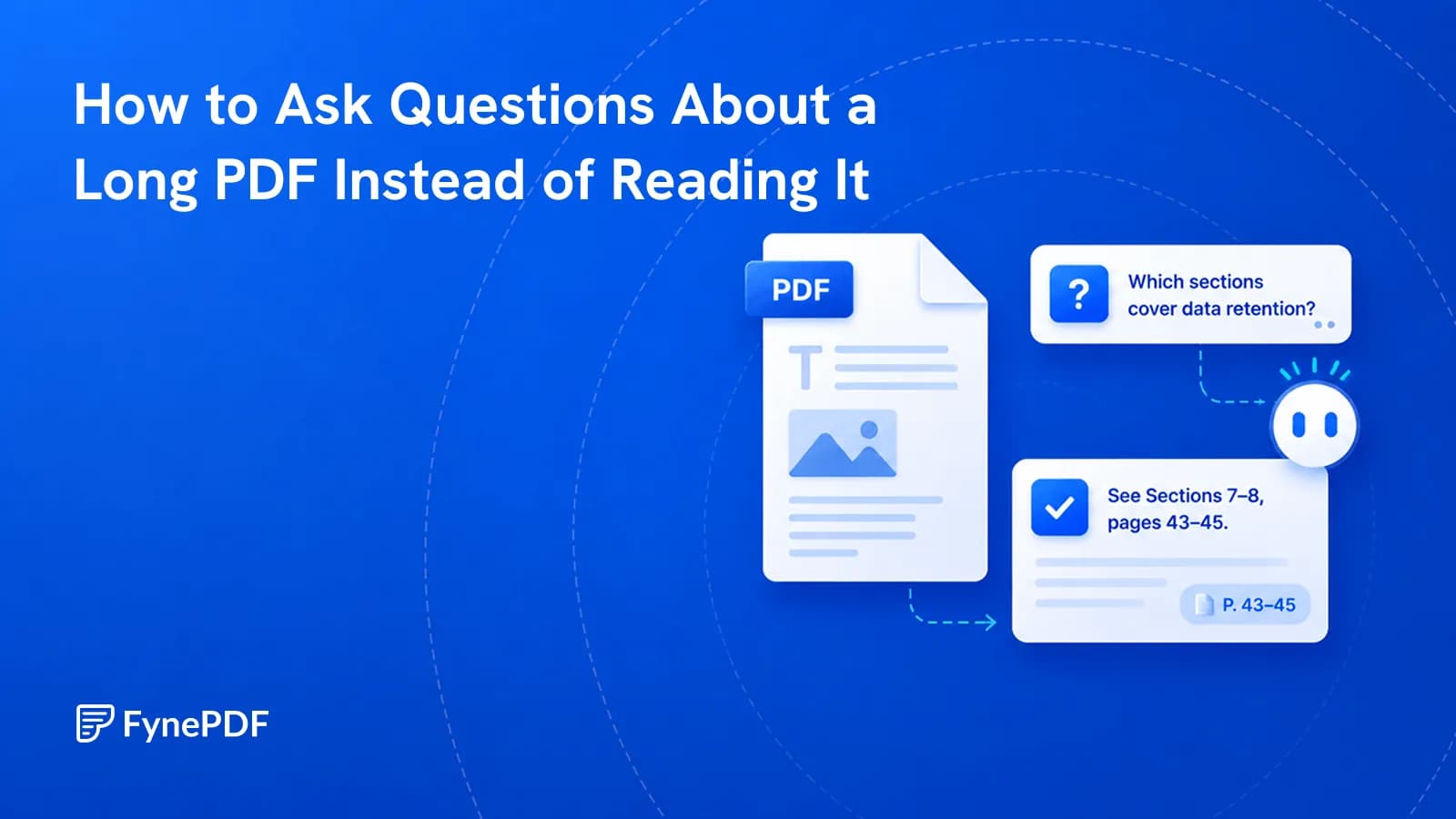
To ask questions about a PDF, upload it and query it in plain language rather than searching for keywords. The document is read in full, so you can ask what a clause means or where a topic is addressed. Answers should be checked against the cited page before you act on them.
That verification step is the whole discipline. Everything else is convenience.
How is this different from Ctrl+F?
Keyword search matches strings. It finds the word "termination" and nothing else, not "end of agreement", not "cessation of services", not the paragraph that describes how the arrangement concludes without ever using the word.
Asking a question works on meaning instead. "How can either party end this agreement?" surfaces the relevant clause regardless of the vocabulary it uses. That matters most in exactly the documents where search fails hardest: contracts written to be precise rather than searchable, technical manuals with inconsistent terminology, and reports where the finding you need is buried in a discussion section.
The tradeoff is that search is literal and therefore certain. A question is interpreted, and interpretation can be wrong. Which is why the next section exists.
What questions actually work well?
Specific ones anchored to something concrete. Vague prompts produce vague summaries you then have to verify line by line, which defeats the point.
These work:
- "What are the payment terms and when is the first payment due?"
- "Which sections cover data retention?"
- "Does this document say anything about automatic renewal?"
- "What obligations does the supplier have if delivery is late?"
- "List every deadline mentioned, with the page it appears on."
These work less well:
- "Summarise this". Use Summarize, which is built for it
- "Is this a good contract?", a judgement call, not a retrieval task
- "What should I do?", the document can't tell you that
Asking for page references in the question itself is the single highest-value habit. It turns every answer into something you can check in ten seconds.
How do I query a document?
- Open Chat with Doc.
- Upload your PDF.
- Ask your question in plain language.
- Open the cited page and confirm the answer before relying on it.
Free includes an overview and one AI answer per document, with files up to 15MB and 50 pages. If your document is larger, Compress PDF will usually bring it under. Scanned documents in particular drop 60–80%.
Why does it say the document is empty?
Because it's a scan. A PDF made by a scanner or a phone camera contains images of pages, not text, so there is nothing to read. This is the most common reason a document produces no useful answers.
Test it by trying to select a single word. If you get a rectangular box over the whole page rather than a highlighted word, run OCR first. That adds a text layer underneath the images and makes the document queryable.
How much should I trust the answers?
Treat them as a fast way to find the right page, not as a substitute for reading it. The failure mode worth understanding is that a confident, fluent, well-structured answer can still be wrong. Fluency is not accuracy, and there's no visual signal distinguishing the two.
| Use it for | Verify before you |
|---|---|
| Finding which section covers a topic | Sign anything |
| Getting oriented in an unfamiliar document | Quote it to a client |
| Checking whether a term appears at all | Make a financial decision |
| Drafting questions for a professional | Rely on it in a filing |
The practical rule: the higher the consequence, the more the answer is a pointer to the page you now need to read yourself.
What if I need to compare two documents?
Use Compare PDF instead. Querying two files separately and comparing the answers is unreliable, because each answer is generated independently and small phrasing differences between them can look like substantive changes when they aren't.
For pulling structured data out rather than asking about it, OCR PDF or PDF to Excel will serve you better.
Common questions
Can I ask about several documents at once?
Each session works with the uploaded file. For questions that span documents, either merge them first with Merge PDF so they're one file, or ask separately and reconcile the answers yourself. Being aware that reconciling independently generated answers is where errors creep in.
Why does it miss things in tables?
Tables in PDFs are visually aligned text with no underlying grid, so relationships between a row label and its value are inferred rather than known. For anything numeric that matters, convert with PDF to Excel and read the figures directly.
Does it work on handwriting?
Not reliably. OCR is built for printed characters, and handwriting. Cursive especially. Produces errors that then propagate into every answer. Don't rely on it for handwritten material.
Is my document stored?
Files transfer over encrypted connections and are permanently deleted within 15 minutes of processing unless you save them to your library.
Start asking
Upload your file to Chat with Doc and ask for page references with every question. That one habit makes the answers checkable.
 Chat with PDF
 Parse PDF
 Summarize PDF