Split Your Way
Click between pages, type ranges like 1-3, 4-10, or split every few pages or by size.


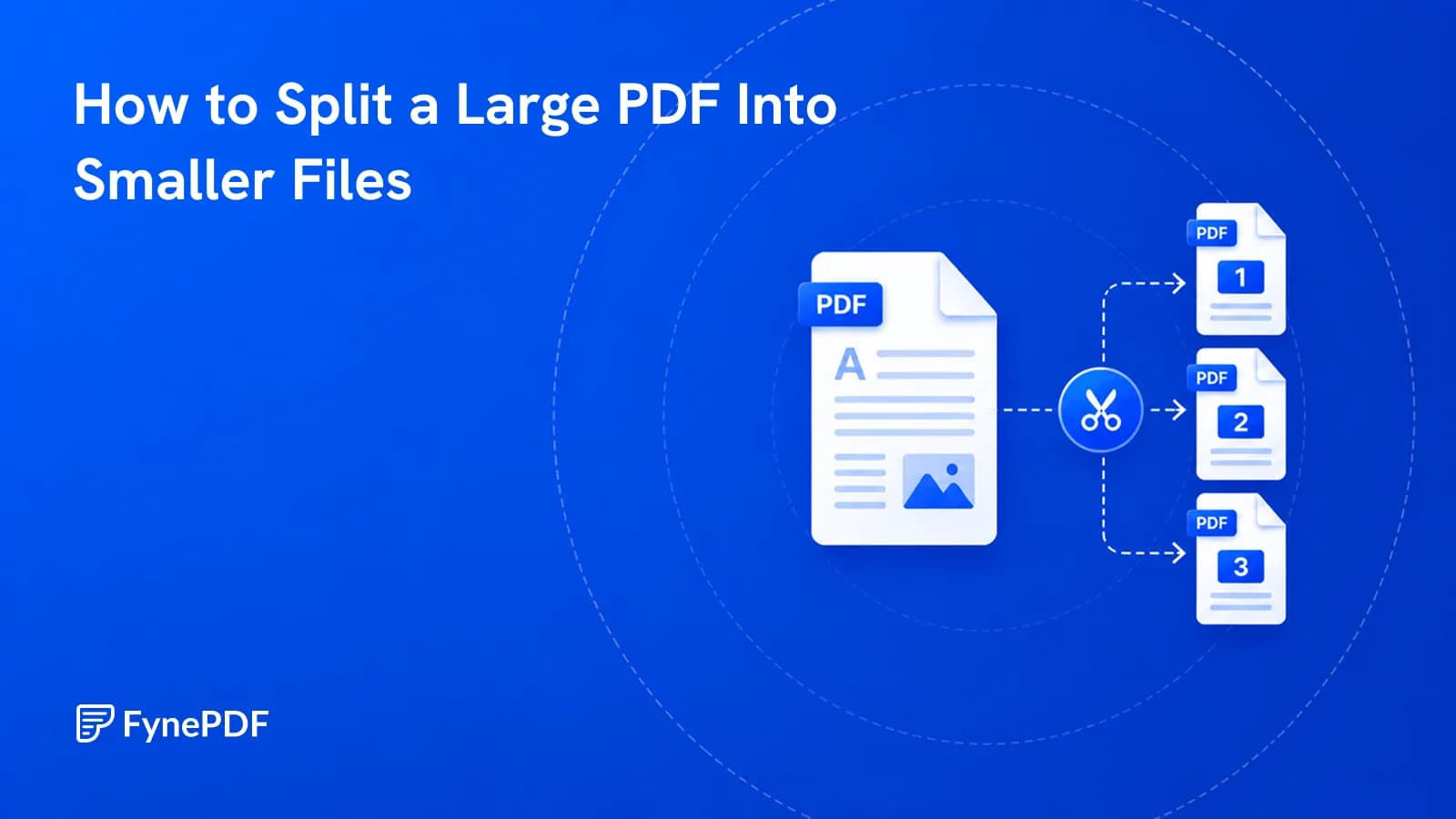
Divide a large PDF into smaller files you can send and share separately.
or drop your file here
Click between pages, type ranges like 1-3, 4-10, or split every few pages or by size.
Works in any browser on Mac, Windows, Linux, iPhone and Android. No install.
Many AI tools limit pages per upload; split long PDFs into parts that fit.
Split a PDF online in three steps, no software to install, no account needed.
1
Drag and drop or select your large file up to 600MB on the free plan and 5GB on paid.
2
Click the split icon between pages, type ranges like 1-3, 4-10, split every few pages, or keep each under a size.
3
Download your split PDFs together as a ZIP file and auto-deleted after 15 min.
Huge files are hard to share and frustrating to navigate. Here is how dividing massive documents makes your data fast, usable, and easy to distribute.
Split huge documents into smaller, bite-sized files to ensure your attachments send successfully every time.
Split the master document by department and send only the relevant sections to marketing, sales, and engineering.
When your accounting software exports an entire month's worth of invoices as one giant PDF, split the file to email out privately.
Court portals, government systems, and legal databases often require specific sizes or single uploads, separate it into individual files.
Separate a heavy 800-page digital textbook into distinct, manageable chapters. This makes the files load much faster.
When you feed a stack of mails, receipts, and letters through a physical scanner, it creates a mega-file. Split them for proper filing.
FynePDF splits a PDF by copying the page objects between each of your split points into a new document, along with the fonts, images and resources those pages depend on. Nothing is re-rendered or re-compressed, so every output file matches the original in quality, splitting a 300 DPI scan gives you 300 DPI files.
Click between pages to place a marker, or split every few pages. Each section becomes its own PDF file.
Pages are copied, not rebuilt. Text stays selectable, images keep their resolution, and quality is unchanged.
All your split files arrive in a single ZIP download, named after your file and their pages, in order.
Guide
Organize
Optimize
When compression isn't enough, split the file into sections that clear the limit.

Guide
Productivity
From incomplete downloads to outdated viewers, most PDFs that refuse to open fall into a handful of fixable categories.
Guide
Productivity
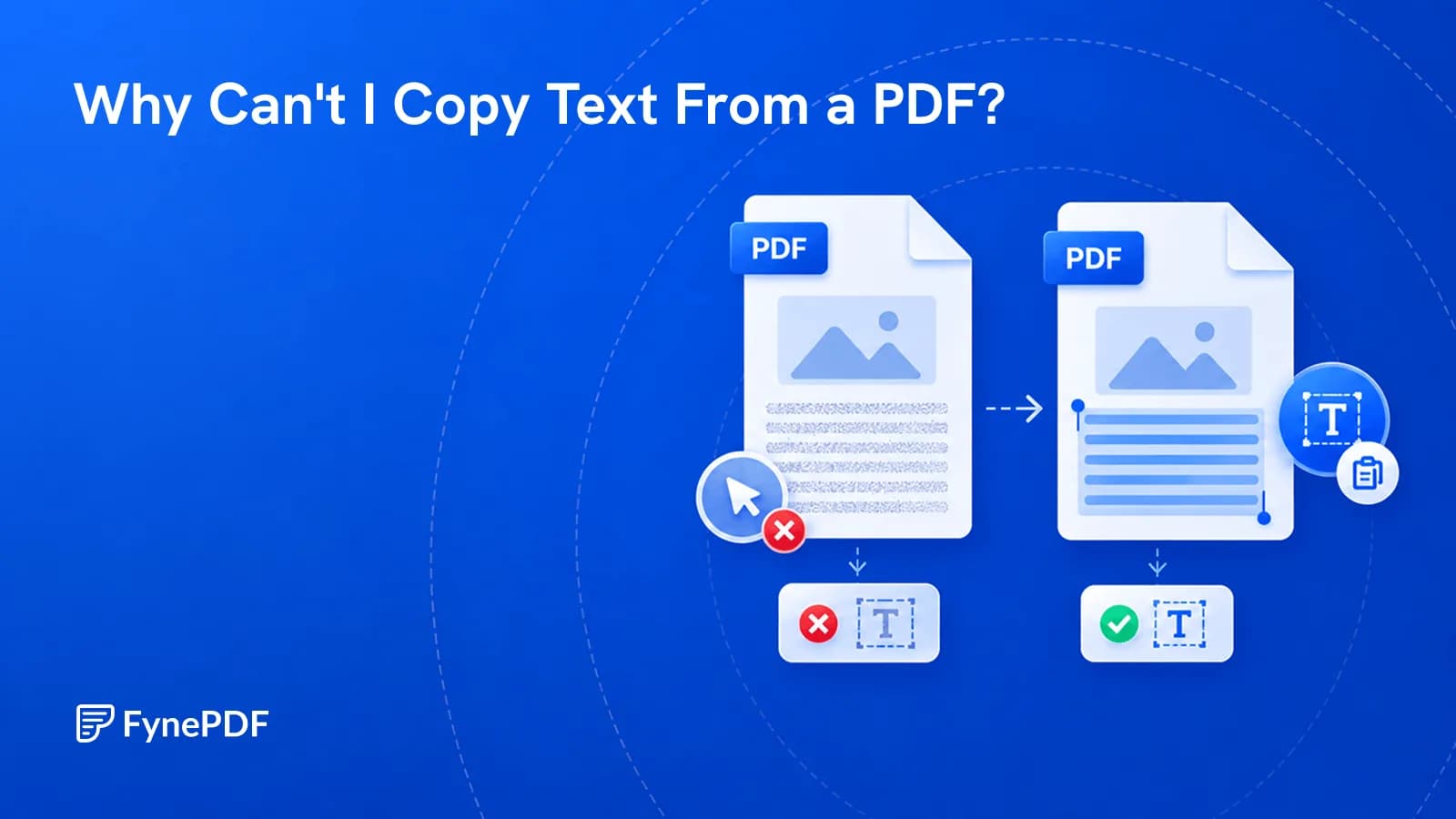
Scanned pages, copy restrictions, and bad encoding all block copying. Here's how to tell which one you have and make the text selectable.


