Columns Stay Together
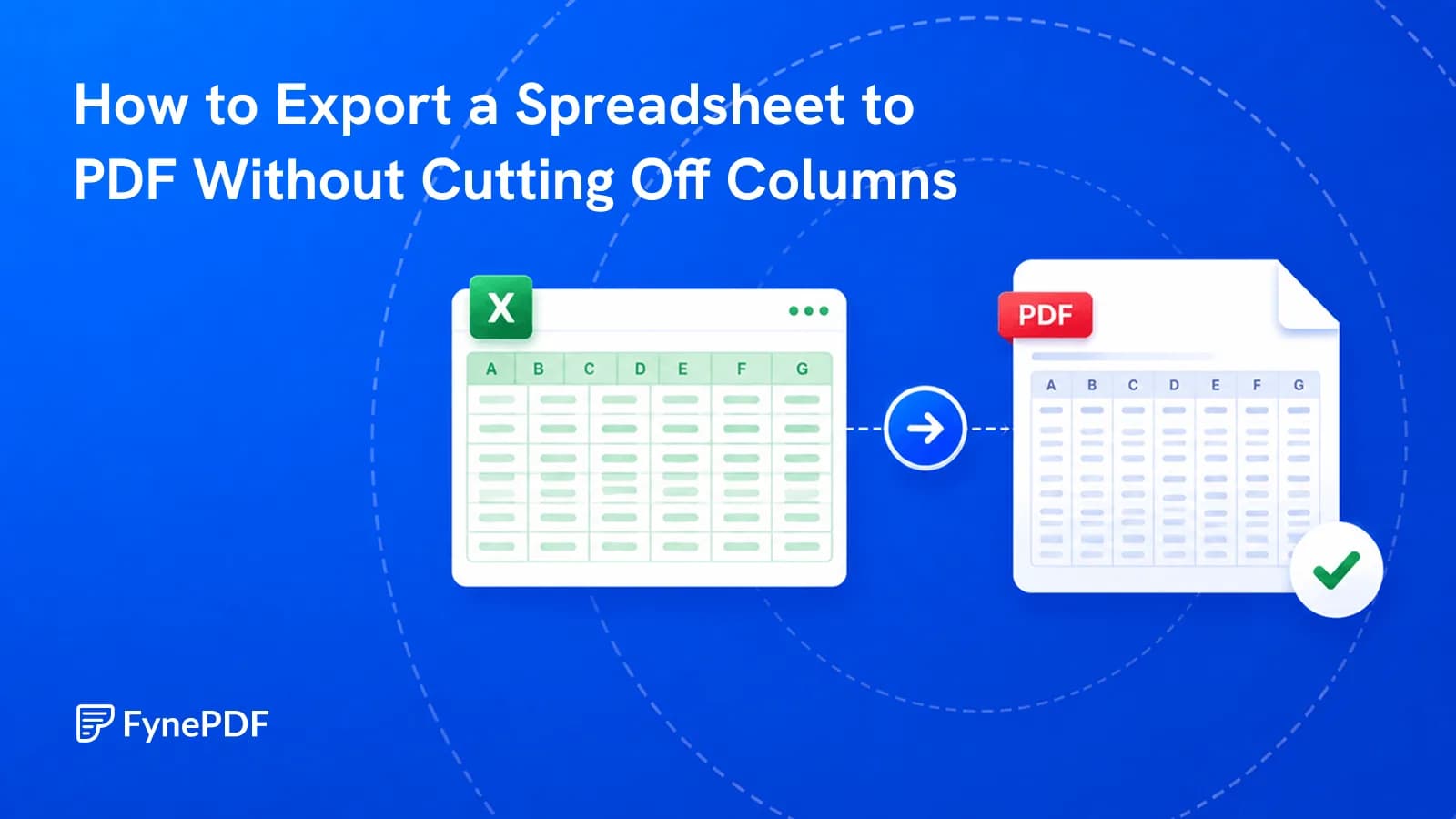
Rows, columns and charts are scaled to fit the page instead of splitting across sheets.


Convert Excel to PDF with formatting, charts, and formula results preserved.
Convert XLS, XLSX & CSV to PDF
No Watermark on Downloads
No Microsoft Excel needed
Convert Excel to PDF with formatting, charts, and formula results preserved.


or drop your file here
Convert XLS, XLSX & CSV to PDF
No Watermark on Downloads
No Microsoft Excel needed
Rows, columns and charts are scaled to fit the page instead of splitting across sheets.
Works in any browser on Mac, Windows, Linux, iPhone and Android. No install.
Payroll or salary reports? Lock the PDF with a password in Protect PDF.
Convert Excel to PDF in three steps, no Microsoft Excel, no software to install.
1
Drag and drop your .xlsx, .xls or .csv file up to 100MB free, 1GB on Pro and 5GB on Premium.
2
Your sheets are rendered to PDF with formatting, charts and cell styling preserved.
3
Your new, print-ready PDF is ready to download immediately and auto-deleted after 15 min.
Create a PDF copy of a spreadsheet for review, printing, or sharing with someone who does not use Excel.
Convert your spreadsheets to PDF so clients can view the final numbers without altering your complex background formulas.
Create a PDF copy of a spreadsheet for printing. Review the page breaks, column widths, and scaling before sharing or making copies.
Turn raw, editable Excel invoice templates into polished, secure PDFs that look incredibly professional when emailed to your clients.
Present quarterly earnings, budgets, or complex balance sheets to stakeholders in a clean format that opens on any device.
Ensure your carefully designed graphs, pivot tables, and conditional cell formatting look the same to everyone who opens the file.
Transform messy, comma-separated data exports from your CRM into a clean, readable grid format suited for reading and archiving.
FynePDF renders your workbook exactly as it would print, scaling wide sheets so columns stay together rather than breaking across pages. Everything visible in the spreadsheet carries over; everything that only exists while editing does not.
Cell values, formatting, borders, colours, conditional formatting, and charts all render as they appear.
A cell showing £4,200 stays £4,200, but the formula behind it doesn't travel, that's what makes the doc safe to share.
Comments, hidden rows and columns, filters and macros don't appear. Hidden sheets aren't included.
Guide
Convert
Productivity
The last three columns landed on their own page. Here's how to set it up before exporting.
Guide
Convert
Productivity
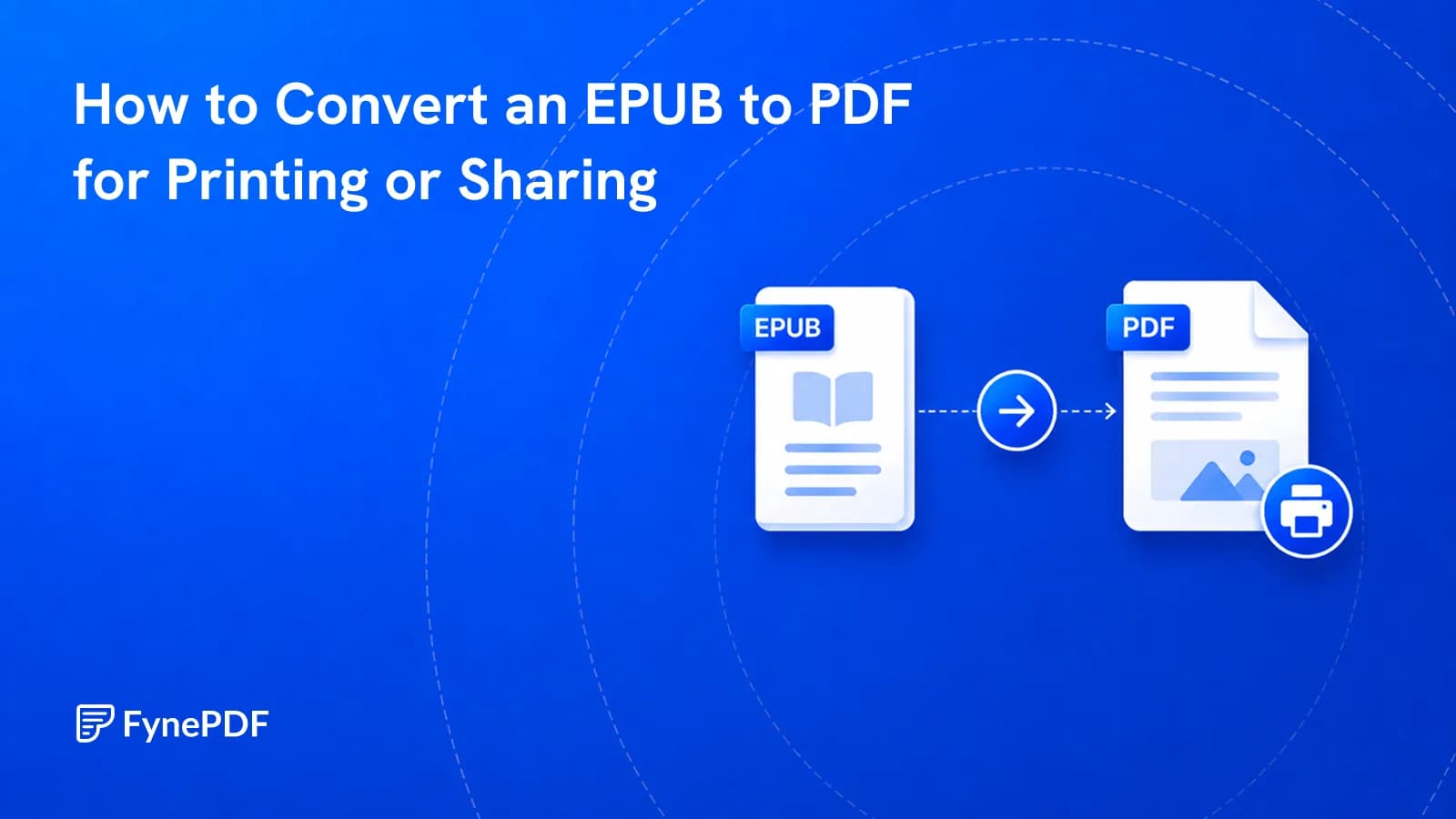
EPUB won't open for most people and can't be printed with fixed pages. PDF can.
Guide
Convert
Productivity
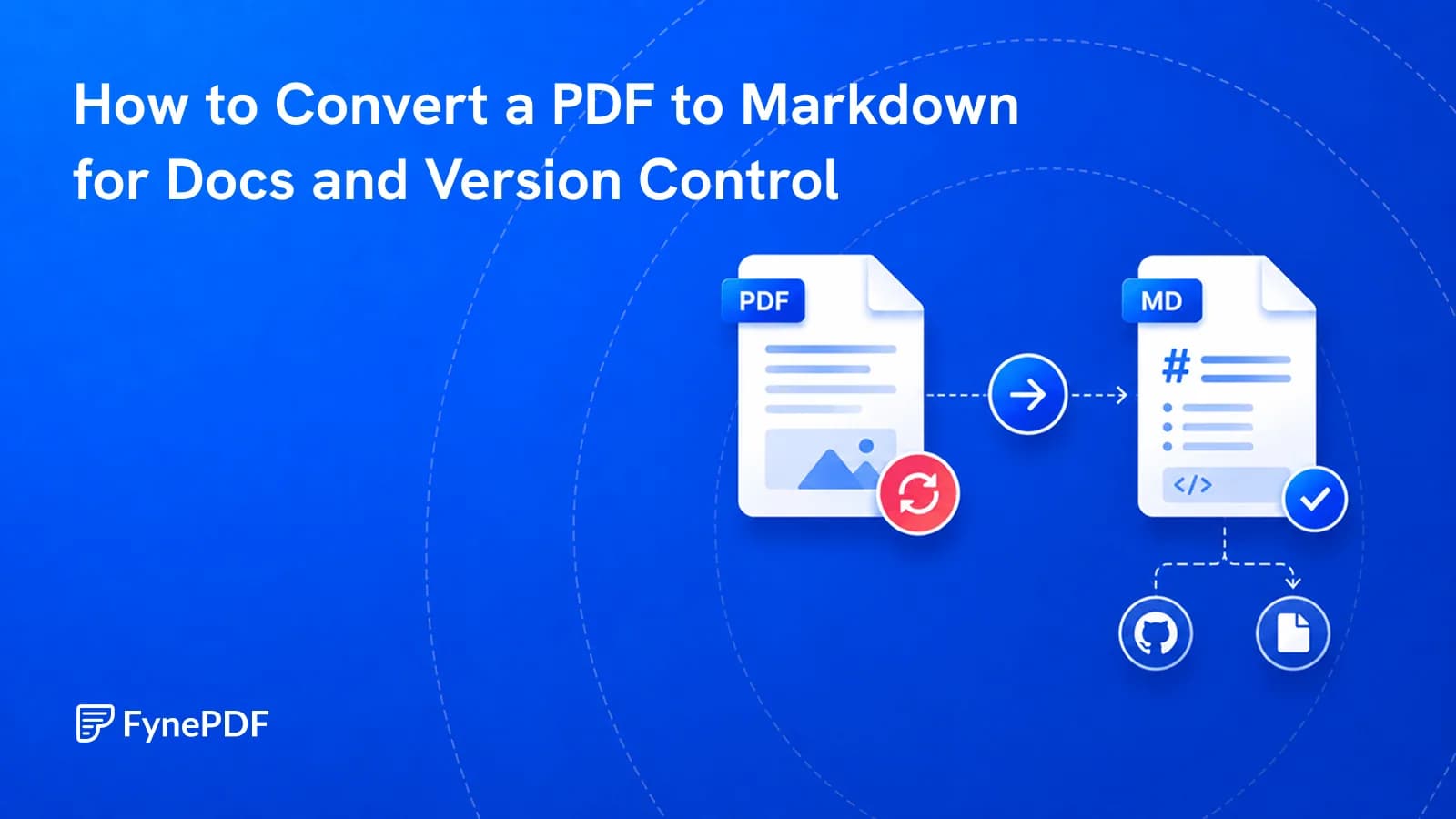
PDFs can't be diffed or edited in a docs pipeline. Markdown makes the content workable.