
How to Convert an EPUB to PDF for Printing or Sharing
EPUB won't open for most people and can't be printed with fixed pages. PDF can.
 By Biraj Paudel, Founder of FynePDF4 min read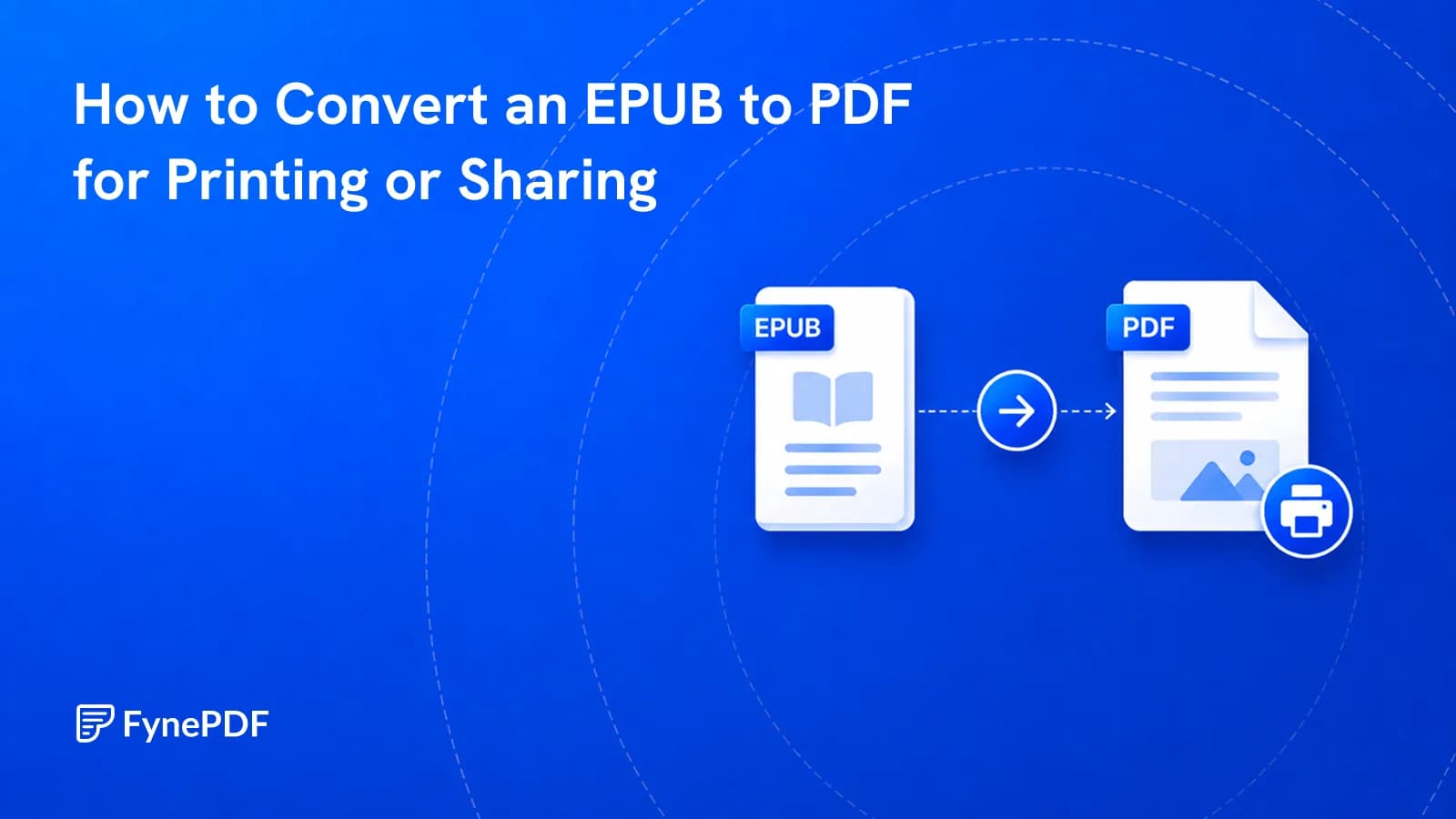
Converting an EPUB to PDF produces a fixed-layout document with real pages, which is what you need for printing, citing, or sending to someone without an e-reading app. EPUB reflows to fit whatever screen it's on. Excellent for reading, unhelpful when the pages need to stay put.
Most people can open a PDF without thinking about it. Far fewer can open an EPUB.
When is PDF the better format?
The pattern is anything leaving the reading device:
- Printing. EPUB has no fixed pages, so there's nothing consistent to print
- Citing. Academic and legal referencing needs stable page numbers
- Sending to colleagues who don't have an e-reader app installed
- Course material and handouts where everyone needs identical pagination
- Archiving a document in a format that will still open in twenty years
- Annotating with tools that expect fixed pages
The pagination point is the practical one. Two people reading the same EPUB at different font sizes are on different "pages," so page references between them are meaningless. A PDF gives everyone the same page 47.
How do I convert an EPUB to PDF?
- Open the EPUB to PDF tool.
- Upload your
.epubfile. - Convert and download.
- Check the chapter breaks and any images.
Free accounts handle files up to 250MB, and no signup is needed to run it.
What changes in conversion?
The reflowing behaviour disappears, which is the point, and a few consequences follow from it.
Page count is decided at conversion. The converter picks a font size and page size, and that's now fixed. Readers can no longer enlarge the text. They zoom instead, which on a phone means panning.
Chapter breaks become page breaks. Usually what you want, though it can leave short pages where a chapter ends near the top of one.
Images get placed at fixed positions rather than flowing with the text. In an EPUB an image sits between paragraphs wherever they fall; in a PDF it lands on a specific page and the text arranges around it.
Internal links generally survive, so a table of contents remains clickable.
Will it look like a proper book?
Reasonably, for a well-structured EPUB. Headings, paragraphs, italics, and lists carry over, and a document with clean structure produces a clean PDF.
Where it falls short is typographic refinement, the kerning, hyphenation, and page-break decisions that typesetting software makes deliberately. A converted EPUB reads perfectly well and won't be mistaken for a professionally typeset book.
| Source EPUB | Result |
|---|---|
| Well-structured prose | Clean, readable |
| Technical book with code blocks | Good, check block wrapping |
| Illustrated non-fiction | Images may sit awkwardly |
| Fixed-layout EPUB (comics, children's books) | Usually converts closely |
| Heavily styled magazine EPUB | Variable |
What should I do afterwards?
Depends where it's going.
For printing, consider N-Up to fit two pages per sheet, and Grayscale PDF if the book has colour elements that would otherwise bill as colour pages.
For emailing, check the size. Illustrated books can be large, and Gmail caps attachments at 25MB. Compress PDF handles it.
For sharing a section only, Extract Pages pulls out the chapter rather than sending the whole book.
Common questions
Can I convert a DRM-protected ebook?
No. Ebooks bought from most stores carry protection that prevents conversion, and that restriction is a licensing condition rather than a technical obstacle to work around. This tool is for EPUB files you can already open freely. Your own writing, open-licensed books, and documents distributed without protection.
Can I control the page size or font?
Conversion applies a sensible default layout. For precise typographic control, dedicated publishing software is the right tool.
Can I go back to EPUB afterwards?
PDF to EPUB converts the other way, though the round trip loses structure in both directions. Keep whichever version is your master.
Is my file stored?
Files transfer over encrypted connections and are permanently deleted within 15 minutes of processing unless you save them to your library.
Convert your ebook
Upload your .epub to EPUB to PDF and check the chapter breaks before printing or circulating it.
 OCR PDF
 Word to PDF
 PDF to EPUB