fynepdf logo

Redact PDF

Black out names, numbers and other private details in a PDF for good.

  • Manual or AI redaction
  • No watermark on downloads

or drop your file here

File upload

Smart & Manual Redaction

Select text, draw an area, redact every match, or describe it to the AI.

Redact on Any Device

Works in any browser on Mac, Windows, Linux, iPhone and Android.

Redact Before Using AI

Remove names and account numbers before a document goes into a chatbot.

Three Steps to a Safely Redacted PDF

Redact a PDF in three steps, no software to install, no account needed.

1

Upload your PDF

Drag and drop or select your confidential document up to 600MB, or 15MB for AI redaction.

2

Choose Manual or AI

Select text, draw boxes, search for terms, or type a prompt and let the AI find them.

3

Download the Result

Your permanently redacted, secure PDF is ready to download immediately and auto-deleted after 15 min.

Permanently Erase Sensitive Information.

Drawing a black box over text in a basic editor doesn't actually delete the hidden data. Here is how true digital redaction protects your privacy.

Protect Legal Privacy

Permanently scrub Personally Identifiable Information (PII) like Social Security numbers and home addresses from court filings.

Hide Financial Data

Use an AI prompt to detect and blackout all bank account numbers, credit card details, and balances across financial reports.

Medical Records

Remove patient names, dates and identifiers from records before sharing them with third parties.

Sanitize B2B Contracts

Redact specific pricing tiers, vendor margins, or proprietary trade secrets from master business contracts before using them.

Censor Images & Signatures

Don't just redact text. Draw redaction boxes entirely over photos, digital signatures, or confidential charts to erase the visual data.

Process FOIA Requests

Automate massive government or corporate document releases by prompting the AI to find and censor specific classified keywords.

How redaction works

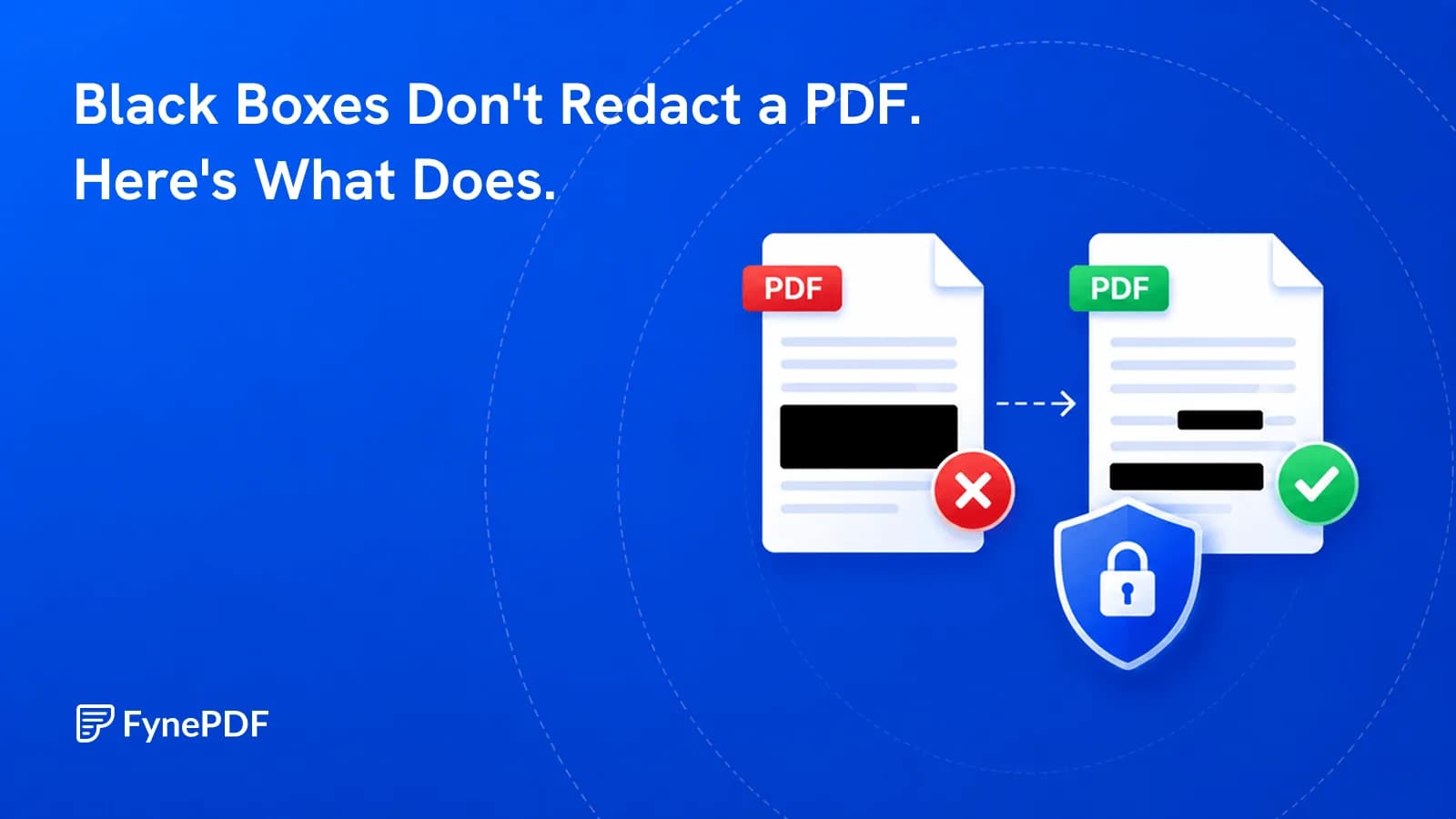
Drawing a black rectangle over text in a PDF viewer hides it visually while leaving the words in the file, where anyone can select, copy or extract them. FynePDF removes the content itself, text is deleted from the file's content stream, and for images the pixels underneath are decoded, blanked and re-saved. What's gone is gone.

Text is deleted

Redacted words are removed from the file, not covered. They can't be selected, copied, searched or recovered.

Images are rewritten

The image is decoded, the targeted pixels are replaced with blank values, and the file is re-saved without them.

Review before you commit

Undo, redo, or remove any redaction while you're working. Nothing is final until you download.
Before and after redacting

Frequently Asked Questions

How does AI-powered redaction work? Is it permanent?

Describe what you want removed, such as names, account numbers, or addresses, and FynePDF's AI finds every occurrence across the document, grouped by what you asked for and listed by page. Review the results before applying, and if a group is wrong you can remove all of its redactions in one click. Redaction is permanent: the underlying text is deleted from the file and image pixels are overwritten, so nothing can be selected, copied, or recovered from the downloaded document.

Can I search and redact specific text across the entire document?

Yes. Type a name, word or phrase into the search bar and FynePDF finds every instance in the document, so you can redact them all rather than hunting page by page. That's what legal work usually needs: removing every reference to a person or entity without missing one buried in a footnote. You can also select text directly, draw a box over any area including images, or highlight passages without redacting them. Manual redaction handles files up to 600MB; AI redaction draws on a shared 15MB daily allowance.

Is the Redact tool free to use online?

Yes, with no sign-up required. The free plan includes 10 tasks and 600MB of processing a day across every FynePDF tool, and a redaction job is one of them. Manual redaction handles files up to 600MB. AI redaction additionally draws on a shared AI allowance, 15MB a day on the free plan, resetting daily at midnight UTC. Professional at $7/month (annual) removes the daily task limit and gives 2.5GB of AI processing a month; Premium at $15/month gives 5GB.

Is it safe to use Redact on FynePDF? Are my files secure?

File transfers use TLS encryption. Cloud-processed files are automatically deleted within 15 minutes after processing completes, unless you choose to save them to your Library. Documents are not used to train AI models. Read the Privacy Policy for storage and processing details.

Can I use the Redact tool on Mac, Windows, or mobile?

Yes. FynePDF's redaction tool works directly from your browser on Windows, Mac, Linux, iOS and Android with no installation. Chrome, Firefox, Safari and Edge are all supported.

Does redaction remove document metadata?

Yes, by default. Also remove hidden info is ticked when you redact, so the author's name, the title, the original filename and the software that made the file are cleared in the same step as the redaction. Untick it to keep them. The redacted content itself is removed, not covered: text is deleted and image pixels are overwritten. For court filings, FOIA responses and medical records, that leaves nothing outside the visible page to give the document away.

Can I undo a redaction if I make a mistake?

Yes, while you're still working. Undo and redo are available throughout, and you can remove any individual redaction, or every redaction created by a single AI prompt, before you download. Nothing becomes permanent until you export the file, so it's safe to experiment. Once downloaded, the removed content is deleted within 15 minutes after the session ends and can't be restored from that file.

Isn't drawing a black box in a PDF editor the same as redacting?

No, and the difference has caused a long list of public disclosures. A black rectangle drawn in a PDF viewer or image editor sits on top of the text as a separate object, the words are still in the file, and anyone can select, copy or extract them by removing the box. Real redaction deletes the content. FynePDF removes the text from the file's content stream and overwrites image pixels, so there's nothing underneath to recover.

Can AI redaction be trusted for legal or compliance work?

Treat it as a first pass, not a final answer. The AI finds candidates and groups them by what you searched for, but you review every result before applying and can reject any group in one click. For court filings, regulated disclosures and anything carrying legal exposure, a human should confirm the results, the same standard you'd apply to a junior colleague's first draft. Manual redaction is available throughout for anything you'd rather handle yourself.