
Black Boxes Don't Redact a PDF. Here's What Does.
A black rectangle hides text on screen but leaves it in the file, copyable in seconds.
 By Biraj Paudel, Founder of FynePDF4 min read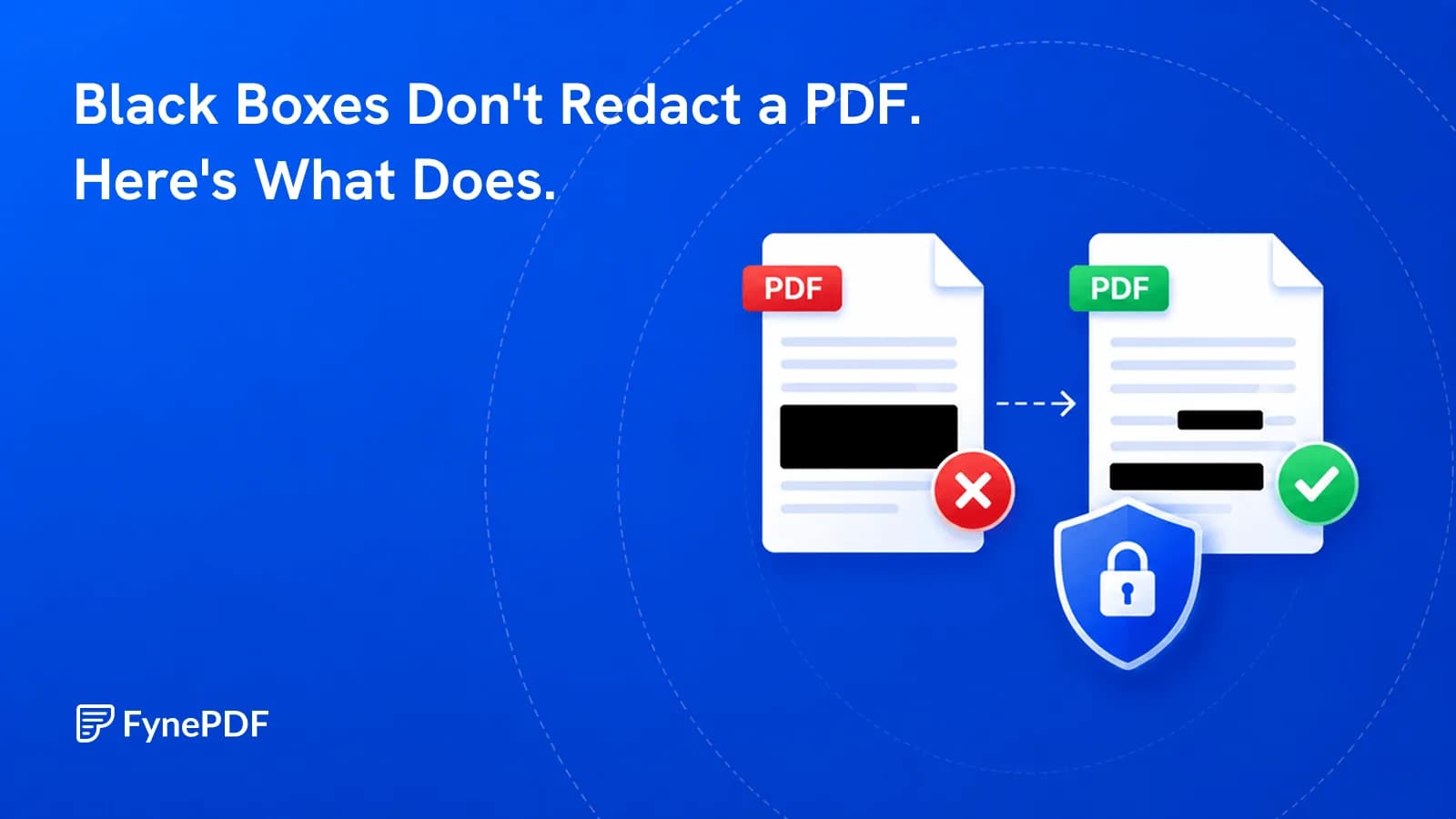
Drawing a black rectangle over text in a PDF does not remove the text. It draws a shape on a layer above it. The words are still in the file and can be recovered by selecting the area and copying, or by extracting the document's raw text. Real redaction deletes the underlying content, then covers the space.
This is the single most consequential misunderstanding in document handling, and it has ended careers.
Why does the black box fail?
A PDF stores content in layers. Text sits in one, images in another, annotations and shapes in another. A rectangle drawn with a markup tool is an annotation. It changes what you see, not what the file contains.
Anyone who receives that document can select across the blacked-out region, paste into a text editor, and read what you hid. No specialist software, no technical skill, about four seconds. The same applies to white rectangles over white backgrounds and to highlighter marks set to opaque.
What actually counts as redaction?
Three things have to happen, in this order:
- The text objects are deleted from the document's content stream
- The space is covered so the gap is visible and deliberate
- The document is flattened so no recoverable layer remains
Skipping step one is what the black-box approach does. Skipping step three can leave the removal reversible in some editors.
How do I redact a PDF properly?
- Open the Redact PDF tool.
- Upload your document.
- Mark every region containing information that must go.
- Apply the redaction and download the result.
This tool runs in your browser, the file is processed on your own device rather than being sent to a server. For documents containing the kind of information you're redacting, that's the relevant assurance.
What gets missed most often?
The visible body text is the easy part. These are where redactions leak:
| Location | Why it's missed |
|---|---|
| Document metadata | Author, title, and original filename persist invisibly |
| Headers and footers | Repeat on every page and get overlooked after page one |
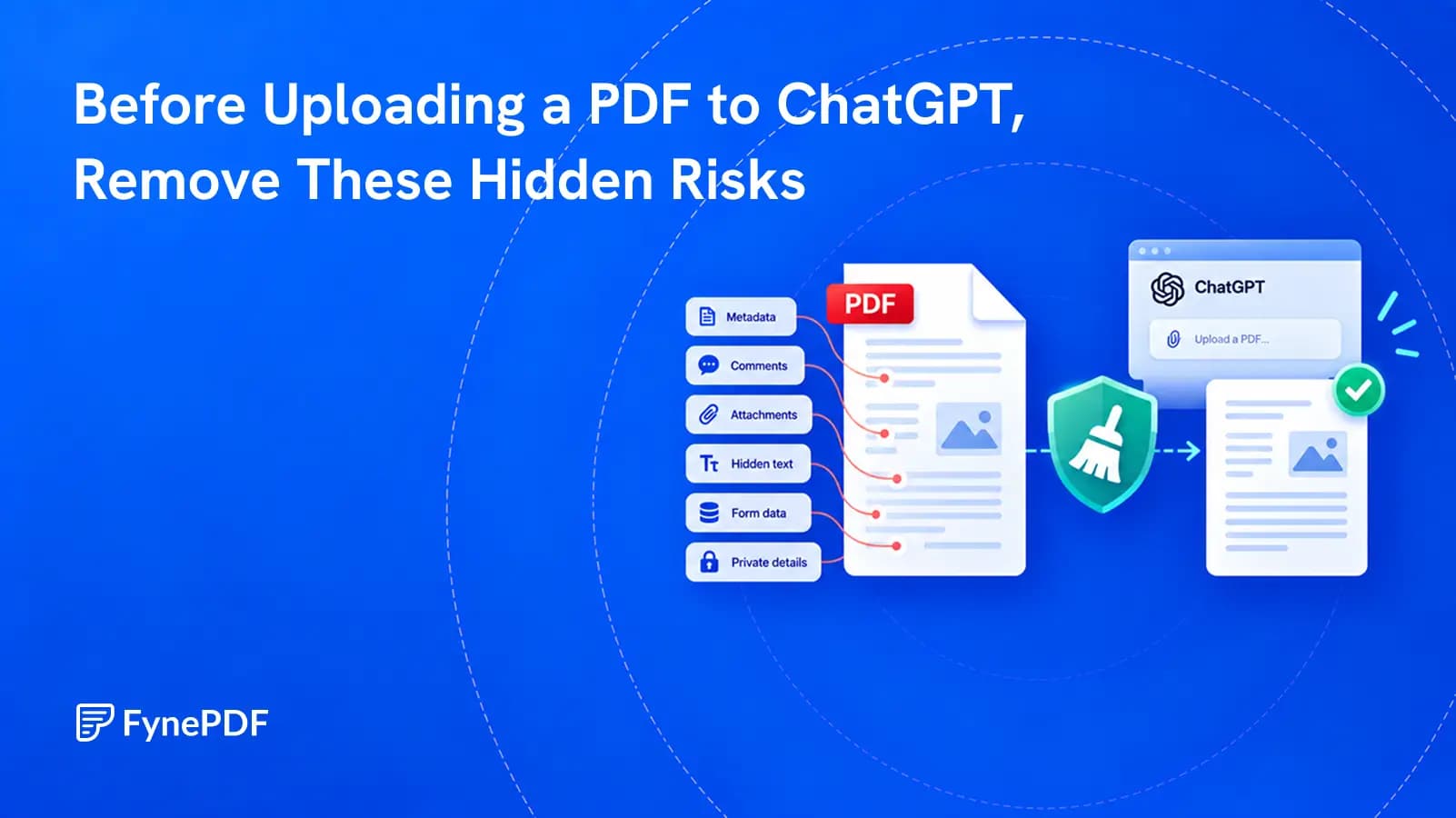
| Embedded attachments | Files inside the PDF aren't touched by page-level redaction |
| Form field values | Stored separately from the visible page content |
| Bookmarks and comments | Frequently quote the exact text being removed |
| Filenames | Smith_v_Jones_settlement_confidential.pdf says plenty |
Run Flatten PDF after redacting to collapse form fields and annotations into static page content, and rename the file before you send it.
How do I find every instance?
Search for it, which means the document needs a text layer first. If your file is a scan, Ctrl+F finds nothing and you're redacting by eye across hundreds of pages, a method that fails reliably.
Run OCR first to make the document searchable, then search every variant of the term: full name, surname alone, initials, account number with and without separators, email address, phone number in each format. People rarely appear in a document only one way.
Smart Edit can do the searching. “Hide every account number” opens it with that request ready: it lists what it finds for you to tick, removes the ones you choose, then reads the finished file back and tells you if any of them can still be read.
Common questions
Can redacted text be recovered afterwards?
Not when the content stream has been edited to delete the objects. Recovery is possible when the original text was merely covered, which is exactly the difference between real redaction and a drawn rectangle.
Does redaction remove metadata too?
Page-level redaction targets page content. Author names, creation software, and the original filename live in the document properties and need clearing separately. Check them before sending anything sensitive.
Is redacting a scanned document different?
Yes, and it's simpler in one way, a scan has no text objects to extract, so removing the image region genuinely removes the information. The risk is different: without OCR you have no way to search, so you're relying on reading every page carefully.
Can I undo a redaction?
No, and that's the point. Keep an unredacted master copy in a secure location before you start, because the redacted output is deliberately irreversible.
Redact your document properly
Open the Redact PDF tool and mark what needs to go. The content is removed from the file, not painted over.
 Redact PDF
 Unlock PDF