
How to Remove a Password From a PDF You Own
Retyping a password every time gets old. Here's how to lift protection you applied.
 By Biraj Paudel, Founder of FynePDF4 min read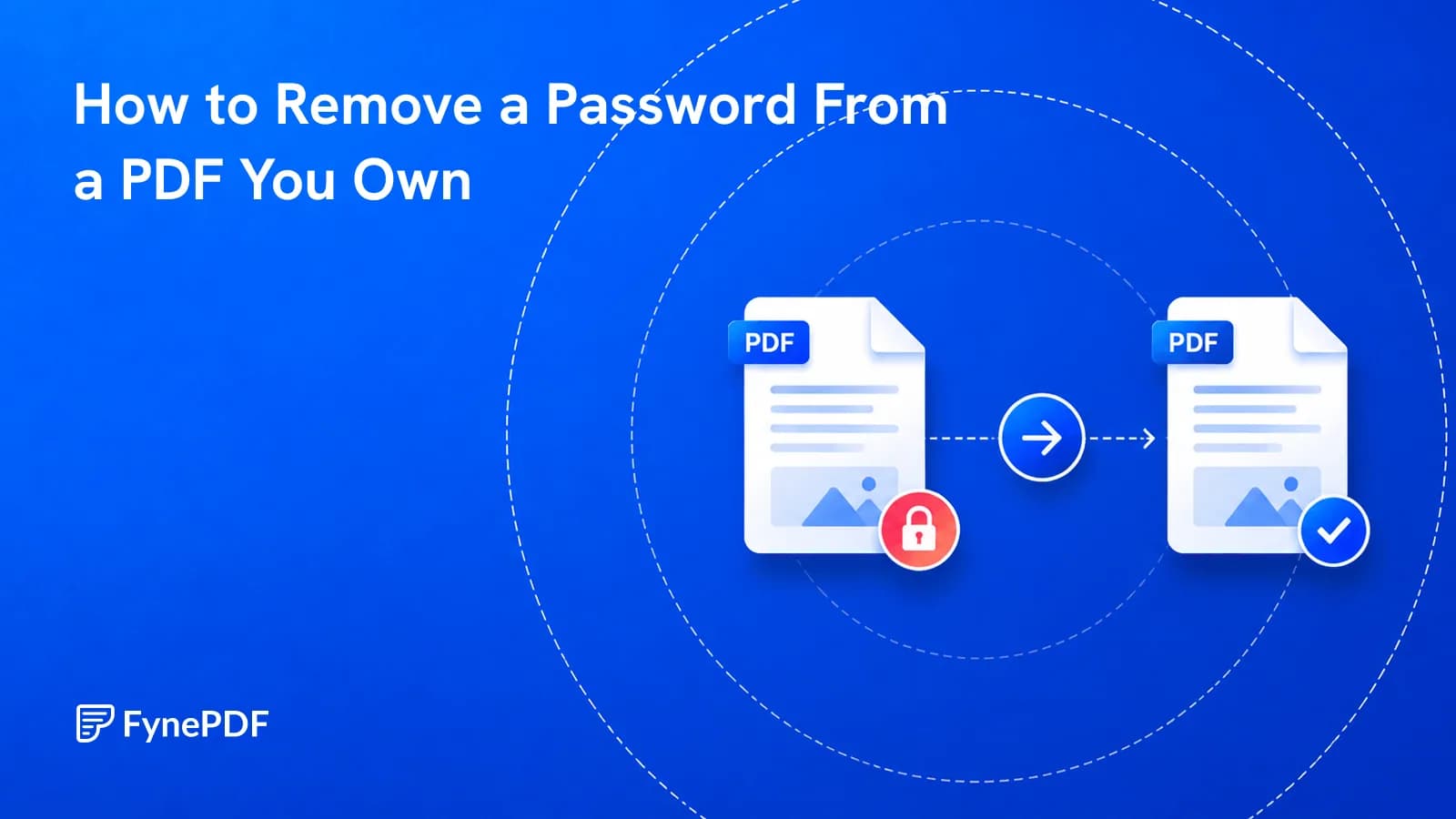
To remove a password from a PDF, upload the file, enter the password you already have, and download the unprotected version. This works for documents you own or have legitimate access to. If you don't know the password, no tool can honestly recover it. Properly encrypted files have no back door.
Worth stating plainly, because plenty of results promise otherwise.
Why would I remove protection?
Encryption is useful in transit and a nuisance afterwards. Common reasons to lift it:
- Bank and utility statements arrive encrypted with a password you've now typed forty times
- Archived documents where the protection outlived its purpose
- Upload portals that reject encrypted files. USCIS and most court e-filing systems refuse them outright
- Further processing, because compressing, merging, or converting a protected file requires removing protection first
- Shared team documents where a per-file password is worse security than proper access control
That third one catches people mid-application. A statement encrypted by your bank will be rejected by the portal you need to submit it to, and the error message rarely explains why.
How do I unlock a PDF?
- Open the Unlock PDF tool.
- Upload the protected file.
- Enter the password.
- Download the unprotected version.
Free accounts handle files up to 600MB here. The original protected file is unchanged. You're producing a new copy without the encryption.
What if I don't know the password?
Then the document stays closed, and that's the correct outcome. Real encryption works precisely because there's no way around it. Any service claiming to recover an unknown open password is either failing, guessing weak passwords, or misrepresenting what it does.
The realistic routes are all social rather than technical:
| Situation | What to try |
|---|---|
| Bank or utility statement | Passwords are often a documented formula, account number, date of birth, postcode |
| Document from a colleague | Ask them |
| Employer-issued file | IT or the document owner |
| Your own old file | Check your password manager and any email where you sent it |
| Purchased ebook or report | The vendor's support, with proof of purchase |
For bank statements specifically, the password rule is usually printed in the covering email or on the provider's help pages.
Are there two kinds of password?
Yes, and it explains why some files open fine but won't let you do anything.
An open password encrypts the contents. Nothing happens without it. A permissions password lets anyone open the document but restricts printing, copying, or editing. If your file opens normally and then blocks you from copying text, you're dealing with the second kind.
Permissions restrictions are a convention rather than a barrier, and readers vary in whether they enforce them. They were never designed to protect confidential information, which is worth knowing if you've been relying on one.
What should I do after unlocking?
Whatever the protection was blocking, then decide whether to reapply it. A statement you unlocked for a portal submission doesn't need re-encrypting. A contract you unlocked to merge does, before you email it onward, Protect PDF handles that.
If you're removing protection so you can process the file, the usual chains are:
- Unlock → Compress → send
- Unlock → Merge → Protect → send
- Unlock → PDF to Excel → analyse
Common questions
Is removing a password from my own document legal?
Removing protection from documents you own or have authorised access to is ordinary file management. Circumventing protection on material you have no right to access is not, and varies by jurisdiction. If you're unsure whether you have authorisation, that uncertainty is the answer.
Will unlocking change the document?
No. The pages, text, images, and formatting are identical. Only the encryption layer is removed.
Can I remove a permissions password without the open password?
If the file opens without prompting, you have what you need. If it prompts for a password to open, that's an open password and it's required.
Is the file kept after processing?
Files transfer over encrypted connections and are permanently deleted within 15 minutes of processing unless you save them to your library.
Unlock your document
Open the Unlock PDF tool with your password to hand. If you don't have it, the recovery route is human rather than technical.

 Protect PDF
 Redact PDF