


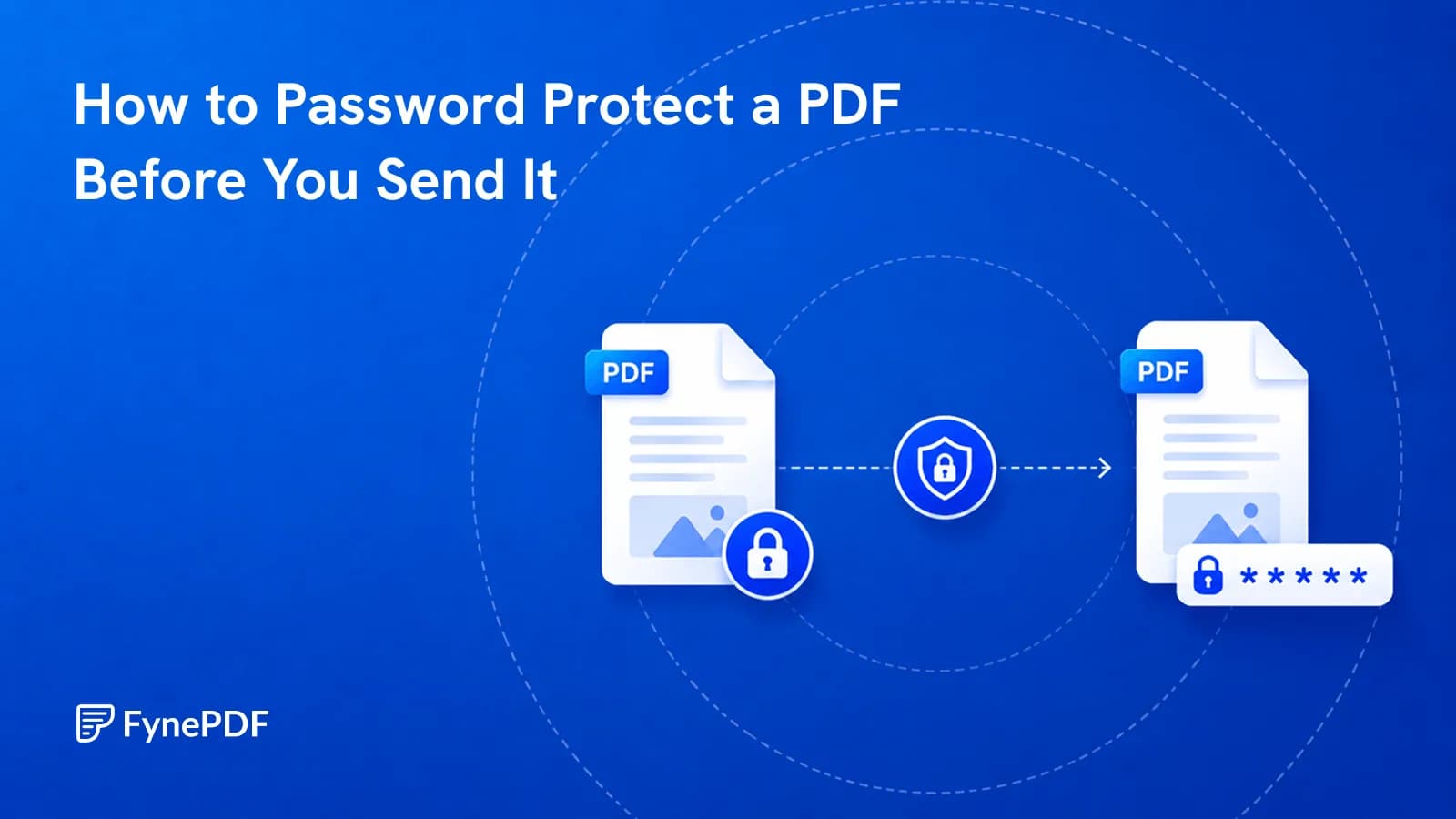
How to Password Protect a PDF Before You Send It
Encryption takes seconds. Sending the password in the same email defeats the whole thing.

22 August 2026 · By Biraj Paudel, Founder of FynePDF

PDFs can carry malicious links, scripts, and attachments. Here's how to spot a suspicious PDF before you open it.
A PDF can contain more than text and images. Links, scripts, forms, attachments, and interactive actions can all live inside the file.
That means a PDF can be used to deliver malware or, more commonly, send you somewhere malicious after you open it.
The PDF format itself is not dangerous. The risk comes from what has been placed inside the file and how your PDF reader handles it.
A PDF is a document container rather than a flat picture of a page.
Depending on how it was created, it can contain:
Most normal PDFs use only a small number of these features.
An invoice might contain text, a logo, and a link. A form might contain editable fields.
Attackers can use the same capabilities differently.
A suspicious PDF might send you to a fake login page, encourage you to download another file, or attempt to exploit a vulnerability in outdated PDF-reading software.
Potentially, but simply opening a PDF does not automatically infect your device.
There are two main risks.
The first is a software exploit. A specially created PDF may target a vulnerability in the browser or PDF reader used to open it.
Keeping your browser, operating system, and PDF reader updated reduces exposure to known vulnerabilities.
The second risk is much simpler: phishing.
A PDF might open normally and say something like:
"Your invoice could not be processed. Sign in to view the full document."
The button then sends you to a fake website designed to steal your password.
In that case, nothing malicious had to execute inside the PDF itself.
The document only had to convince you to click.
The sender is often a better clue than the appearance of the document.
Be cautious if:
A professional-looking PDF proves very little.
Logos, invoice templates, signatures, and branding are easy to copy.
Treat links inside PDFs the same way you would treat links inside email.
A link that visually says:
microsoft.com
can still point somewhere completely different.
If your PDF reader shows the destination when you hover over a link, inspect it before opening.
Shortened URLs deserve extra caution because they hide the final destination.
QR codes have the same issue.
Scanning a QR code is not inherently safer than clicking a link. It simply moves the browsing step to another device.
A password can restrict who opens the document.
It does not prove the document itself is trustworthy.
These features solve different problems:
| Feature | What it does |
|---|---|
| PDF password | Restricts who can open the document |
| Encryption | Protects document contents from unauthorized access |
| Digital signature | Helps verify who signed the document and whether it changed |
| Antivirus scanning | Looks for known malicious content or behavior |
A malicious PDF can still be password protected.
Attackers sometimes use encrypted or password-protected files because automated email scanners may have less visibility into their contents.
Yes.
A scanned PDF may look like nothing more than photographs of pages, but it is still a PDF container.
It can potentially contain:
Do not assume a PDF is safe simply because the visible pages appear to be scans.
Start by checking where it came from.
If an invoice supposedly came from a company you use, open that company's website yourself rather than clicking the link inside the PDF.
If the document supposedly came from a colleague, contact them through a channel you already trust.
Avoid replying directly to a suspicious email asking whether the attachment is genuine. If the sender's account has been compromised, the attacker may simply confirm that it is.
You should also:
Not as your first security check.
Uploading a file somewhere else does not tell you whether the file is trustworthy.
It also creates a second question:
Is the service you are uploading the document to appropriate for the information inside it?
For confidential files, treat these as two separate decisions:
It is possible for a malicious PDF to exploit a software vulnerability simply by being opened.
This is much harder when your browser and PDF reader are up to date.
Many modern attacks instead rely on phishing because persuading someone to enter a password is often easier than exploiting their software.
Phones are not automatically immune to malicious documents.
Modern mobile operating systems isolate apps aggressively, but links inside PDFs can still lead to phishing pages, fake login screens, or malicious downloads.
A PDF normally cannot simply read your passwords.
It can, however, send you to a convincing fake login page where you enter the password yourself.
That is one of the most common document-based attack patterns.
No.
A valid digital signature can help verify who signed a document and whether the signed content changed afterwards.
It does not guarantee that every link or attachment inside the PDF is harmless.
Converting visible pages into images removes many interactive PDF features, but it should not be treated as a malware-cleaning method.
If you genuinely distrust the original file, investigate its source rather than experimenting with different ways to open it.
A PDF from someone you expected is very different from an unexpected attachment demanding immediate action.
Check the sender, inspect links, keep your software updated, and verify important documents through a separate trusted channel.
Try it yourself
Encryption takes seconds. Sending the password in the same email defeats the whole thing.
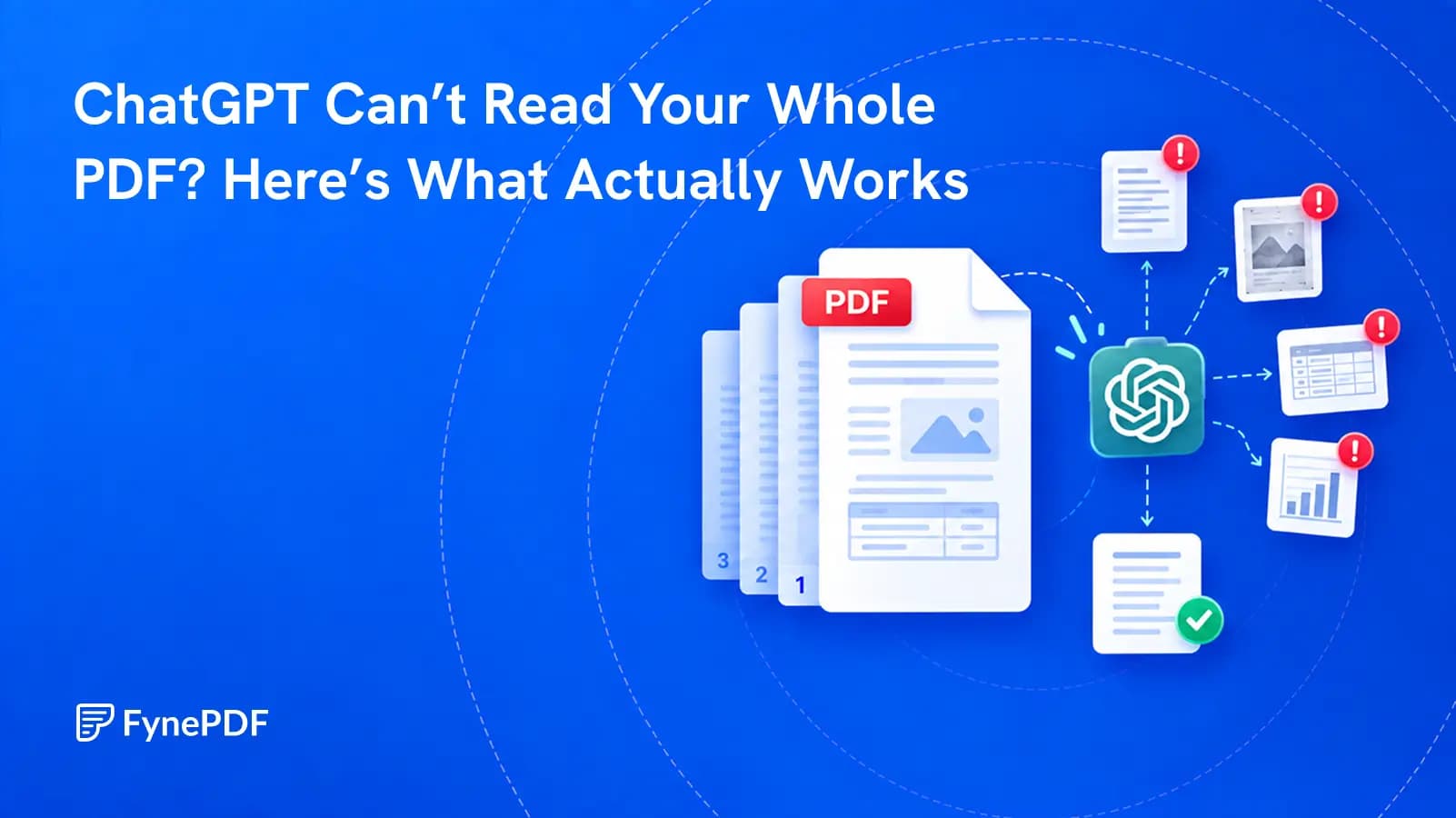
A successful upload does not prove that every page, table, or footnote was understood. Test the file before you trust the answer.

From incomplete downloads to outdated viewers, most PDFs that refuse to open fall into a handful of fixable categories.