


PDF Won't Open? What 'File Is Damaged' Actually Means
It usually means the file arrived incomplete, not that the contents are gone.

10 September 2026 · By Biraj Paudel, Founder of FynePDF

From incomplete downloads to outdated viewers, most PDFs that refuse to open fall into a handful of fixable categories.
You double-click the file, and nothing happens.
Or your PDF viewer flashes an error and refuses to show the document.
The file is on your desktop, the icon looks normal, and the filename ends in .pdf. So why won't it open?
Most of the time the cause falls into one of a few categories, and each has a straightforward check.
There are six common causes.
An interrupted download produces a truncated file.
The first part of a PDF is readable, which is why the icon and preview thumbnail can look fine even when the rest of the data is missing.
When the viewer reaches the missing section, it gives up.
Check the file size. If it shows 0 KB, or far less than expected, download it again.
Files are sometimes renamed with a .pdf extension when they are really something else: a .docx, a .jpg, or a partial web page saved from a browser.
The extension is just a label. It does not convert anything.
Try opening the file in a text editor. A real PDF starts with %PDF near the beginning of the file. If you see something else entirely, the extension is wrong.
Viewers themselves have bugs, and older versions may not support newer PDF features.
Before assuming the file is broken:
If the file opens in another viewer, the problem was the software, not the document.
A password-protected file will not display its contents until it is unlocked.
Some viewers show a password prompt. Others simply fail with a generic error, which makes the file look corrupted when it is not.
If you know the password, enter it or remove it with a PDF tool so the file opens normally from now on.
If you do not know the password, contact whoever sent you the file. Do not use tools designed to bypass protections on documents you are not authorized to open.
Very large PDFs can time out in browser viewers or fail on devices with limited memory.
Browsers are particularly poor at handling multi-hundred-megabyte files.
Try a desktop PDF reader, or split the document into smaller parts.
Genuine corruption happens when data is lost or scrambled in transit or storage: a failed download, a crashed transfer, a bad email attachment encoding, or damage on a failing drive.
This is the case where repair tools come in.
A PDF repair tool rebuilds the file's internal structure, recovering the pages that survived. Results depend on how much of the file is intact.
Work through the checks in order:
Often, yes.
PDF corruption usually damages the file's cross-reference structure, the index a viewer uses to find objects inside the file, while the page content itself survives.
Repair tools rebuild that structure and salvage what remains.
That said, repair is recovery, not restoration. Heavily damaged files may come back with missing pages or formatting changes.
Always repair a copy, not your only version of the file.
Viewers differ in how strictly they follow the PDF specification.
Some tolerate broken or unusual files by guessing at the intended structure. Others refuse anything that deviates.
A file that opens in a lenient viewer but fails in a strict one is still damaged, just not damaged enough to matter to that viewer.
If the document is important, repair it rather than relying on a viewer that happens to be forgiving.
Browser viewers have the tightest memory and feature limits.
Large files, certain encryption methods, and newer PDF features can all fail in Chrome while working in a desktop reader.
Download the file and open it in a dedicated PDF reader.
That error usually means the file's internal structure does not match what a PDF should contain.
Common causes: a renamed file, an incomplete download, or an email server that mangled the attachment during transfer.
Mobile viewers are stricter about file size and unsupported features.
Try opening the same file on a computer. If it works there, the issue is the mobile viewer or the device's memory, not the file.
Sometimes.
Email systems that re-encode attachments can alter binary files in transit. If a PDF arrives broken, ask the sender to zip the file first and send the archive instead.
Try the checks above once, in order.
If the file fails everywhere, in every viewer, with a correct extension and full size, stop opening it repeatedly and repair it instead. Each failed open tells you nothing new.
Most PDFs that refuse to open are incomplete downloads, wrong extensions, or viewer problems rather than true corruption.
Check the size, try another viewer, and only then reach for a repair tool. In most cases you will find the problem long before the file itself turns out to be broken.
Try it yourself
It usually means the file arrived incomplete, not that the contents are gone.
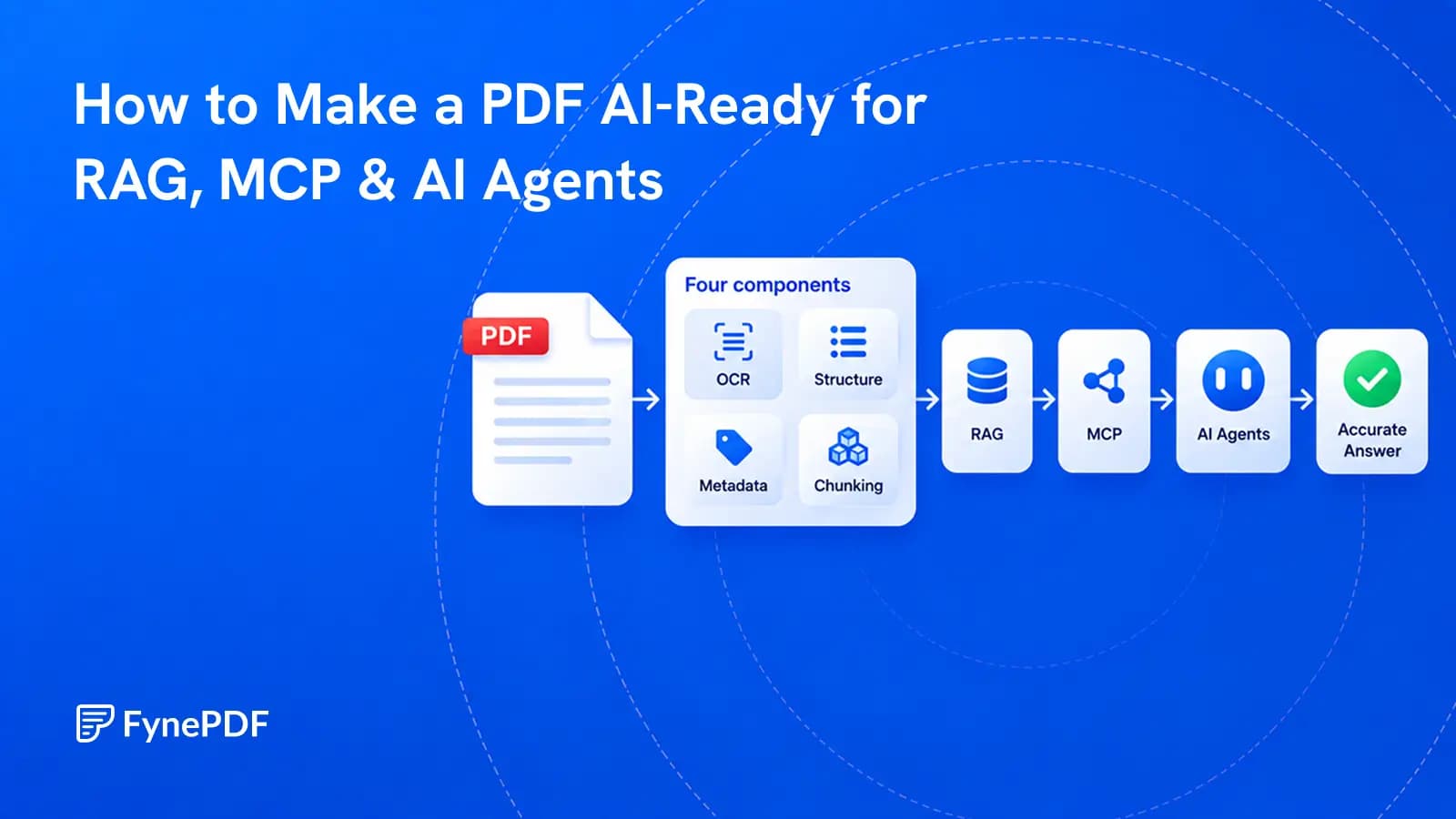
A PDF becomes useful to AI when its text, structure, sources, permissions, and versions can be trusted.
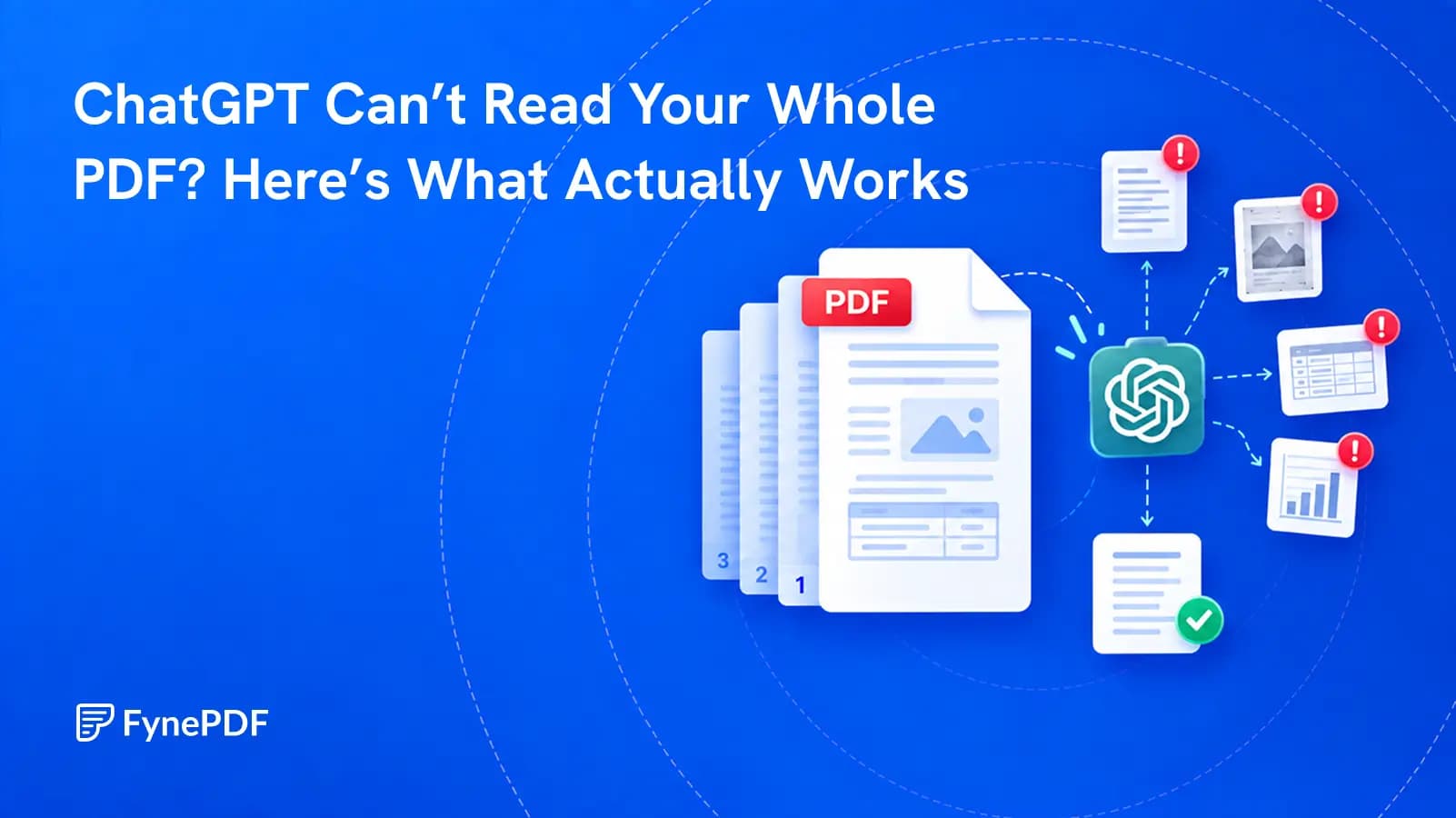
A successful upload does not prove that every page, table, or footnote was understood. Test the file before you trust the answer.