Smart Grayscale Control
Make the whole document gray, chosen pages, or only its text or pictures.


Convert a color PDF to grayscale for black and white printing and filing.
or drop your file here
Make the whole document gray, chosen pages, or only its text or pictures.
Works in any browser on Mac, Windows, Linux, iPhone and Android.
See how a color file reads on a black-and-white printer before you print.
Convert a PDF to grayscale in three steps, no software, no account needed.
Drag and drop or select your color document up to 600MB on the free plan and 5GB on paid.
Convert everything, or only text or pictures, and type pages like 2-5 to keep others in color.
Your newly optimized grayscale PDF is ready to download immediately and auto-deleted after 15 min.
Got a stack of PDFs? Turn them all gray in a workflow
Color files are expensive to print and often large in size. Here is why converting to black and white makes your files more efficient.
Convert a color PDF to grayscale for printing without color ink. Review the result to make sure charts and labels are still readable.
Prepare a grayscale copy when color is not needed. Check the resulting file size and use Compress PDF if you also need a smaller download.
Create a grayscale copy when a recipient requests it. Review colored text, logos, and charts to make sure the converted document is readable.
Turn distracting background images to black and white, while keeping your charts, highlights, or colored text in full color.
Prepare a grayscale copy for an archive or fax workflow that requests one. Check the recipient's format requirements before sending the file.
Architects and designers need cheap test prints of blueprints. Grayscale your images to print drafts without wasting resources.
Color in a PDF is stored per element, text, vector graphics and images each carry their own color data. FynePDF converts that data to shades of gray using luminance weighting, which keeps light and dark relationships looking natural rather than washing everything to the same mid-tone.
Text, graphics and images all convert to gray. The standard choice for printing and archiving.
Gray only pages like 2-5, or only the text or the pictures, and the rest keeps its color.
Removing color data typically reduces file size, with image-heavy documents shrinking most.
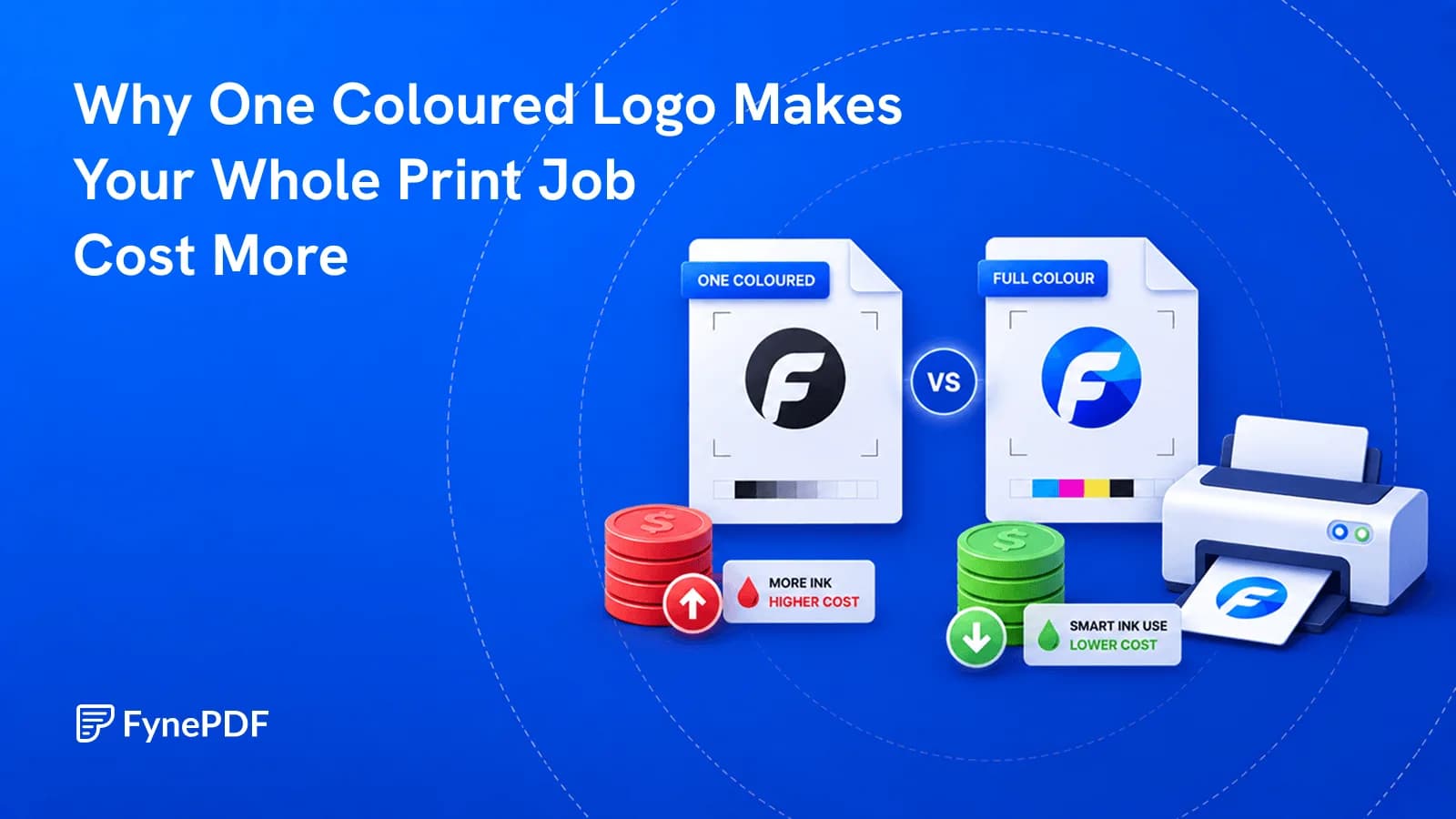
A page counts as colour even if the only colour on it is a footer logo.
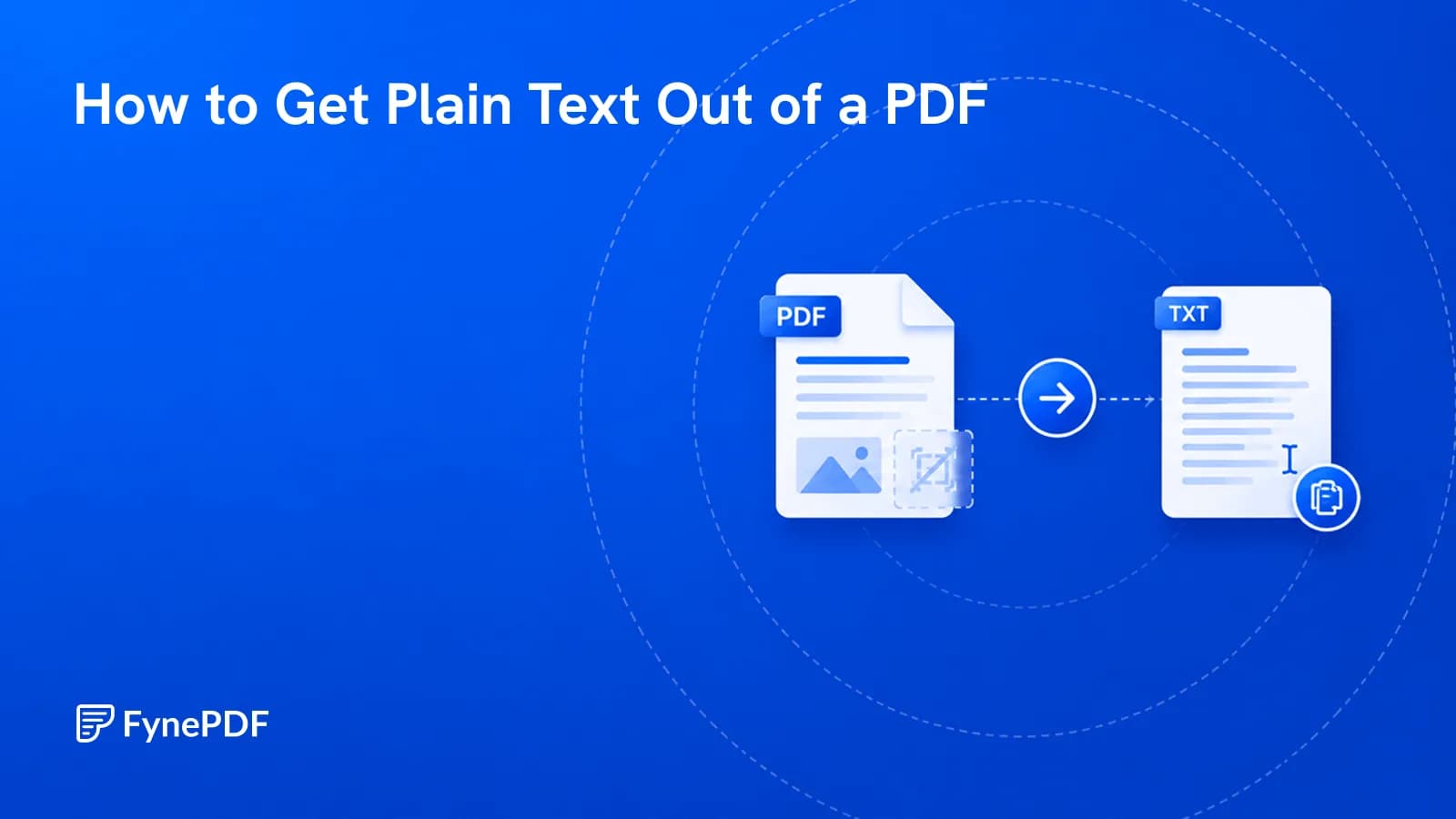
Sometimes you want the words and nothing else. Here's how, and where it goes wrong.
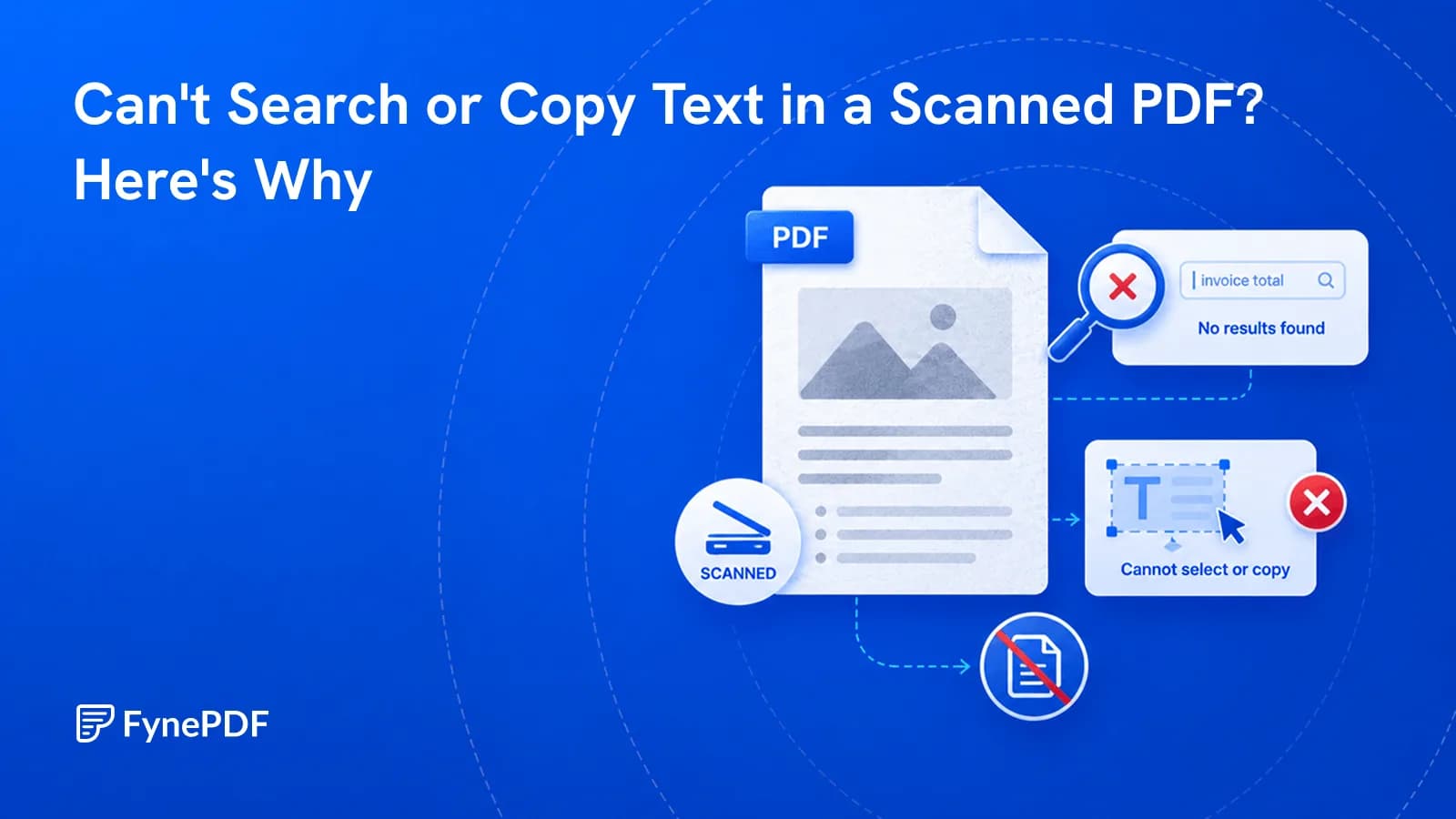
Ctrl+F finds nothing because your PDF is a picture of words, not actual words.


