Precision Cropping Control
Draw your crop area on a full-page preview, then apply it to every page.
Opening your saved sessionβ¦
Trim margins and unwanted areas.
or drop your file here
Crop All Pages at Once
No sign-up required
Never used to train AI
Draw your crop area on a full-page preview, then apply it to every page.
Works in any browser on Mac, Windows, Linux, iPhone and Android. No install.
Files are encrypted with 256-bit TLS and deleted 15 minutes after your task.
Crop a PDF online in three steps, no software to install, no account needed.
1
Drag and drop or select your document up to 600MB on the free plan and 5GB on paid.
2
Draw a box to select the exact area you want to keep. Choose to crop just that single page, or all pages at once.
3
Your newly cropped, perfectly sized PDF is ready to download immediately and auto-deleted after 15 min.
Huge white borders and uneven page sizes ruin the reading experience. Here is how cropping makes your files sleek and professional.
Trim massive, unnecessary white borders from academic papers or e-books to make the core text larger and much easier to read.
Fix messy documents where every page is a different size. Apply one universal crop box to make the entire PDF perfectly uniform.
Crop out heavy headers, footers, and sidebars from standard A4 documents so the main content fits flawlessly on mobile phones.
Crop away bleed marks, registration lines, and color bars from designer proofs to create a clean version for standard office printing.
Draw a tight crop box around a specific chart, map, or illustration on a page to instantly turn it into a focused, standalone document.
Remove the dark edges, shadows, and spiral binding marks from digitized books. Apply the crop to all pages to clean the entire book.
FynePDF renders your document at full size so you can draw a crop box exactly where you want it. Apply it to the page you're viewing, or to every page at once which is usually what you want, since margins tend to be uniform across a document that came from one source.
Set your crop box on any page and apply it to the whole document. One box handles a 300-page book with consistent margins.
Content outside the crop box is removed from the file, not hidden. It can't be recovered from the download, and the file usually gets smaller.
Cropping doesn't re-render your pages. Text stays selectable and searchable, and images keep their original resolution.
Guide
Organize
Optimize
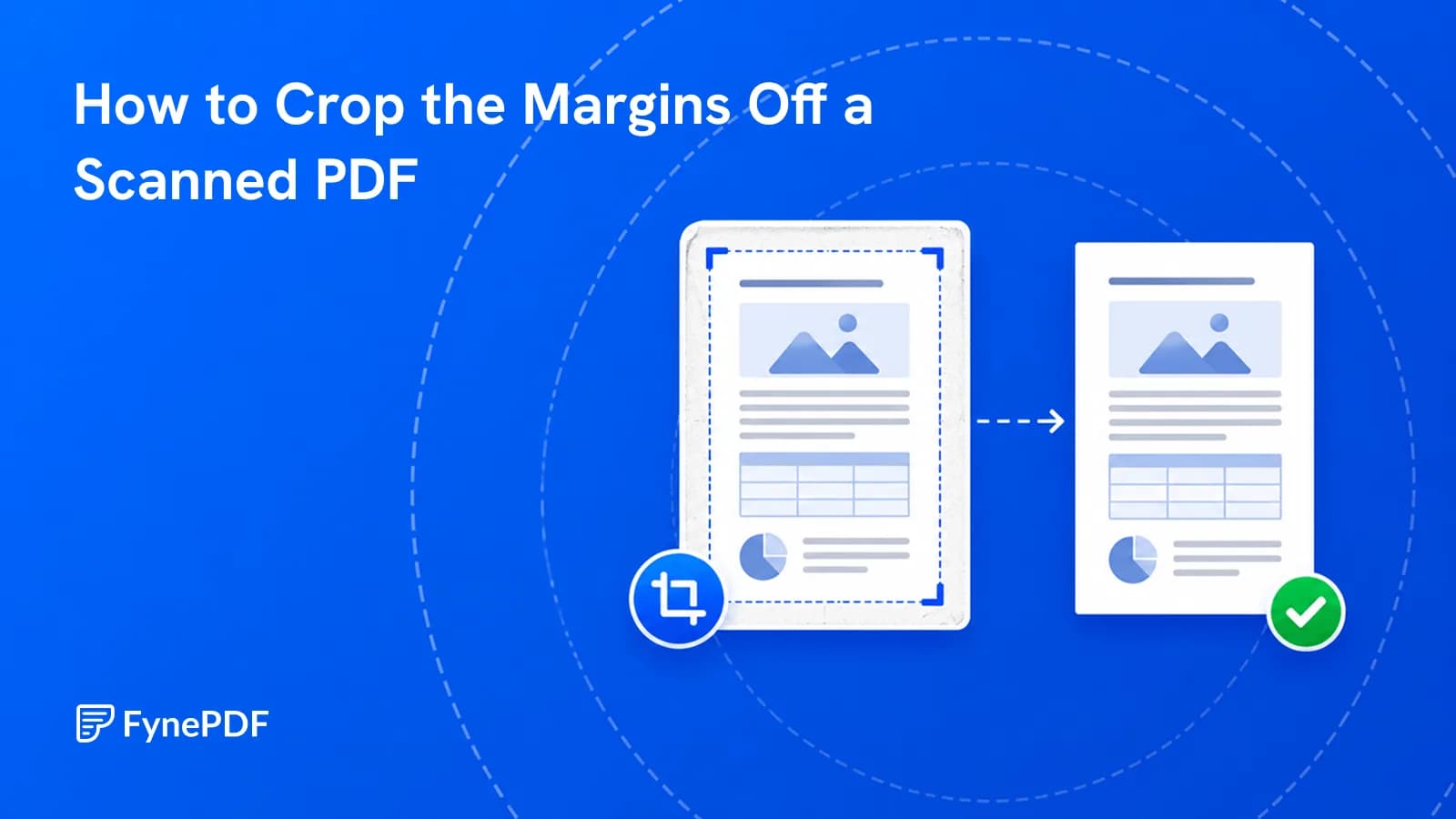
Wide scan borders waste screen space and make documents unreadable on a phone.
Guide
Convert
Optimize
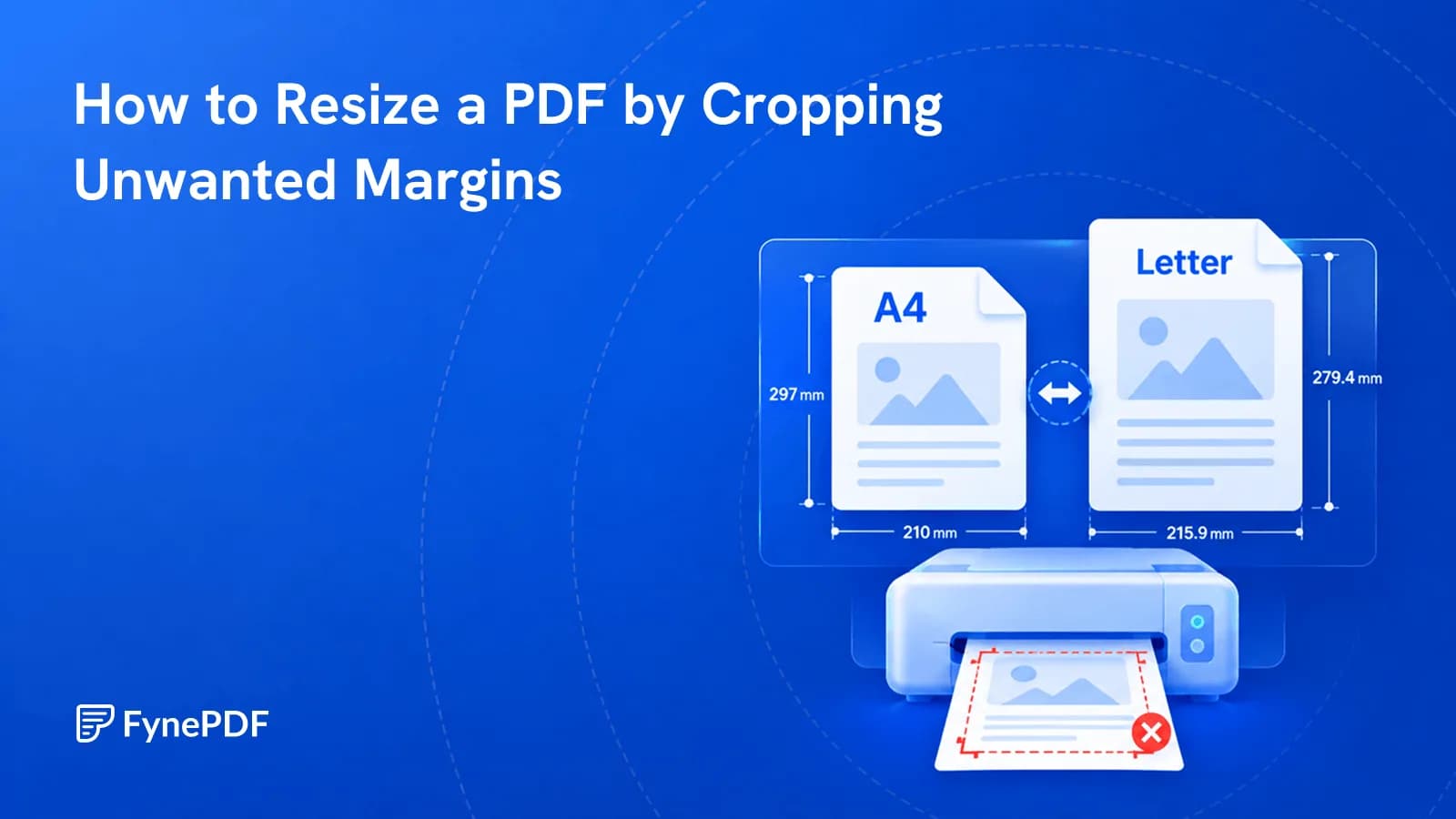
Cropping removes unnecessary margins so your PDF fits the page better when printing or sharing.
Guide
Convert
Secure
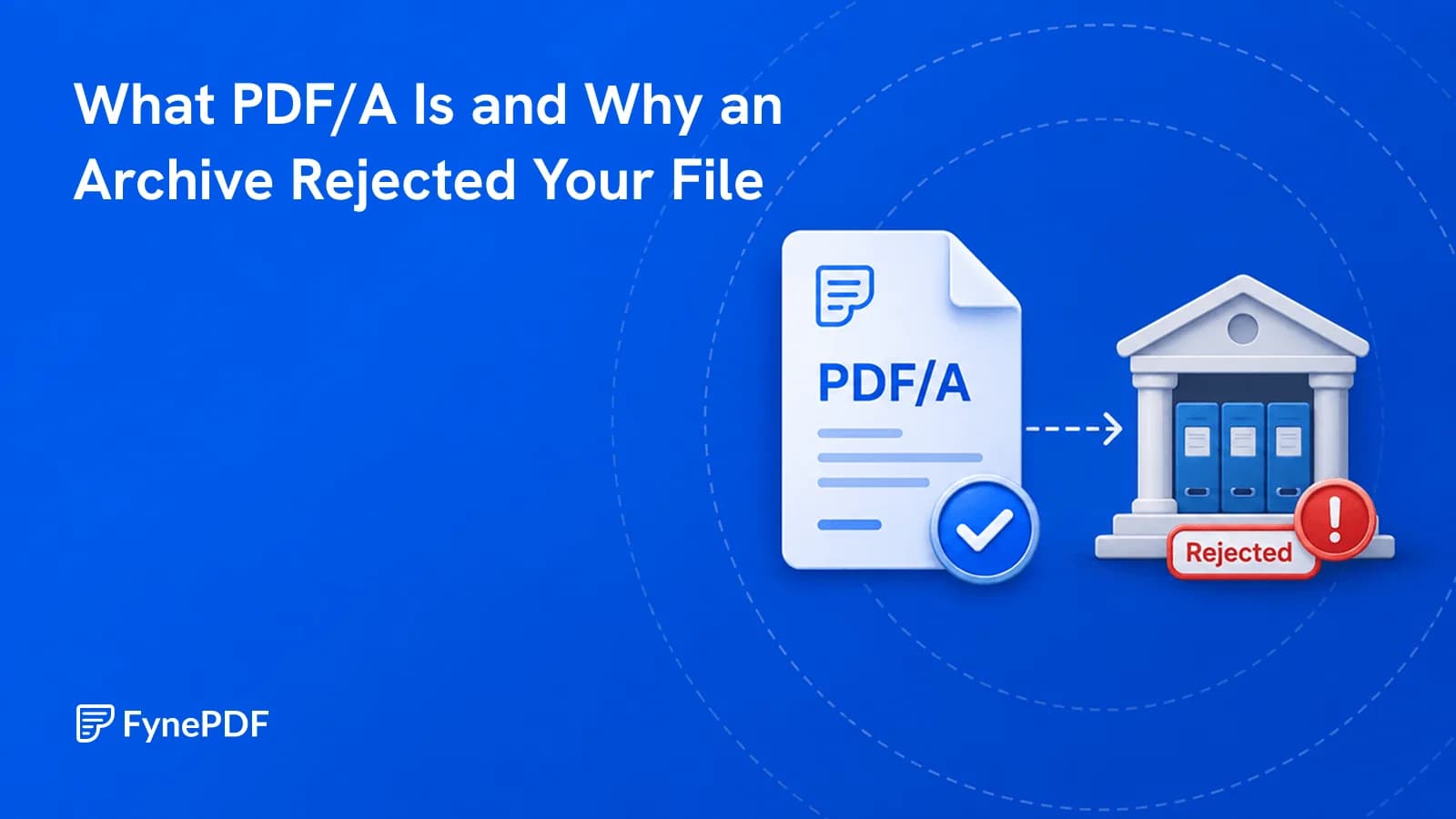
Courts, journals and archives require it because ordinary PDFs can depend on external things.
Trim margins and unwanted areas.
or drop your file here
Crop All Pages at Once
No sign-up required
Never used to train AI
Draw your crop area on a full-page preview, then apply it to every page.
Works in any browser on Mac, Windows, Linux, iPhone and Android. No install.
Files are encrypted with 256-bit TLS and deleted 15 minutes after your task.
Crop a PDF online in three steps, no software to install, no account needed.
1
Drag and drop or select your document up to 600MB on the free plan and 5GB on paid.
2
Draw a box to select the exact area you want to keep. Choose to crop just that single page, or all pages at once.
3
Your newly cropped, perfectly sized PDF is ready to download immediately and auto-deleted after 15 min.
Huge white borders and uneven page sizes ruin the reading experience. Here is how cropping makes your files sleek and professional.
Trim massive, unnecessary white borders from academic papers or e-books to make the core text larger and much easier to read.
Fix messy documents where every page is a different size. Apply one universal crop box to make the entire PDF perfectly uniform.
Crop out heavy headers, footers, and sidebars from standard A4 documents so the main content fits flawlessly on mobile phones.
Crop away bleed marks, registration lines, and color bars from designer proofs to create a clean version for standard office printing.
Draw a tight crop box around a specific chart, map, or illustration on a page to instantly turn it into a focused, standalone document.
Remove the dark edges, shadows, and spiral binding marks from digitized books. Apply the crop to all pages to clean the entire book.
FynePDF renders your document at full size so you can draw a crop box exactly where you want it. Apply it to the page you're viewing, or to every page at once which is usually what you want, since margins tend to be uniform across a document that came from one source.
Set your crop box on any page and apply it to the whole document. One box handles a 300-page book with consistent margins.
Content outside the crop box is removed from the file, not hidden. It can't be recovered from the download, and the file usually gets smaller.
Cropping doesn't re-render your pages. Text stays selectable and searchable, and images keep their original resolution.

Guide
Organize
Optimize
Wide scan borders waste screen space and make documents unreadable on a phone.

Guide
Convert
Optimize
Cropping removes unnecessary margins so your PDF fits the page better when printing or sharing.

Guide
Convert
Secure
Courts, journals and archives require it because ordinary PDFs can depend on external things.