
How to Crop the Margins Off a Scanned PDF
Wide scan borders waste screen space and make documents unreadable on a phone.
 By Biraj Paudel, Founder of FynePDF4 min read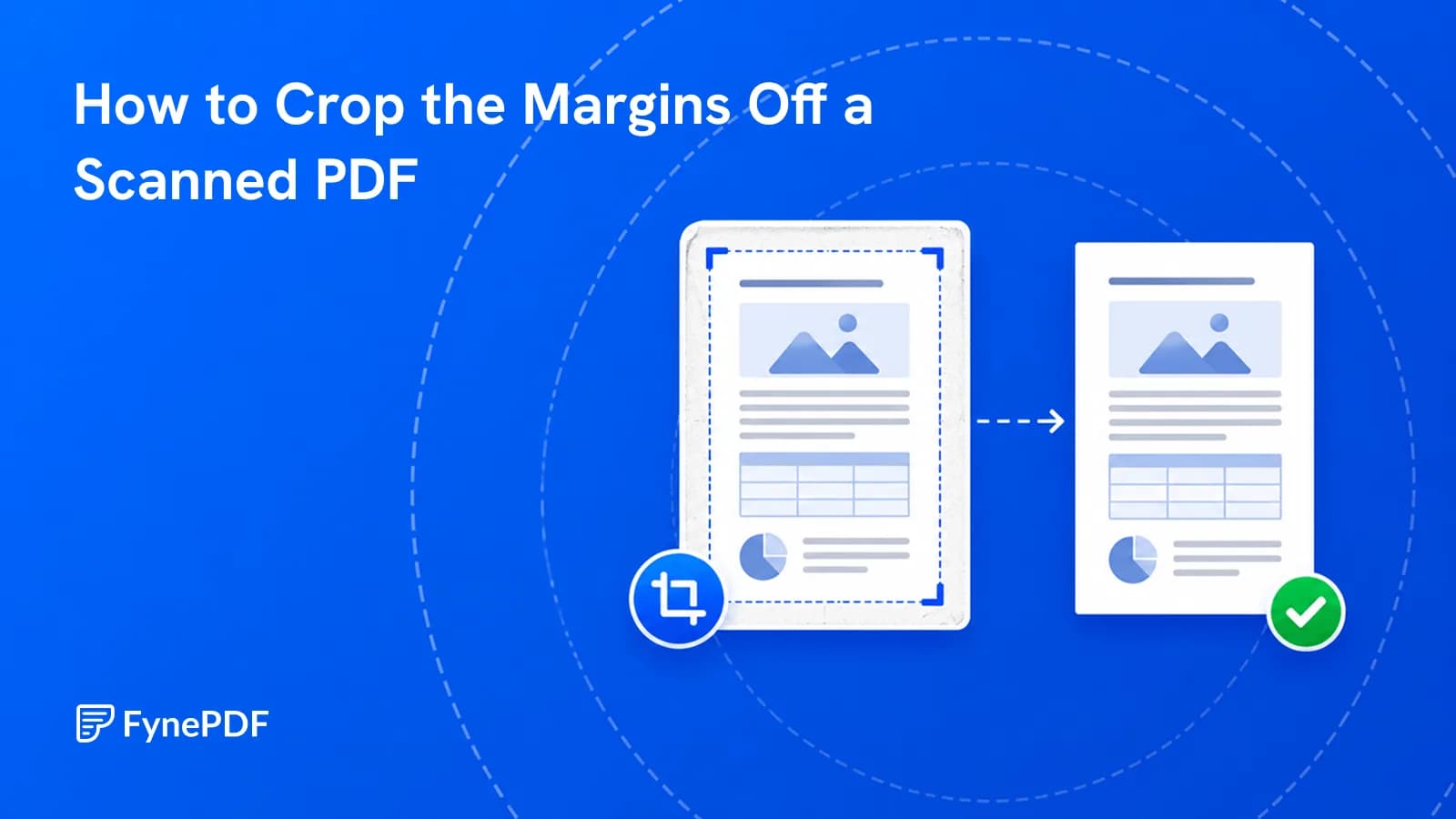
To crop a PDF, upload it and set the visible area so the wasted margin is removed. This makes scanned documents far more readable on phones and tablets, where a page with two inches of white border leaves the actual text too small to read without zooming.
One thing to be clear about first: cropping changes what's displayed, not what's in the file.
Why do scans have such wide margins?
Because scanners capture the full platen area regardless of the paper on it. Feed an A5 booklet page into a machine set for A4 and you get the page plus several inches of white. Books photographed on a flatbed produce even more, since the page sits within a spread that also includes part of the opposite page and the edge of the scanner lid.
The effect on screen is disproportionate. A phone displays the whole page width, so if 40% of that width is empty margin, your text is rendered at 60% of the size it could be. On a small screen that's the difference between readable and not.
How do I crop a PDF?
- Open the Crop PDF tool.
- Upload the document.
- Set the area to keep.
- Download the cropped file.
Free accounts handle files up to 600MB. Check a few pages of the output, not just the first. Scanned documents drift, and a crop that fits page one can clip page forty.
Does cropping delete the content?
No, and this is the part worth understanding properly. Cropping typically adjusts the page's visible boundary rather than removing what falls outside it. The content is still in the file, and some software can reveal it by resetting the boundary.
Which means cropping is not a redaction method. If there's something in the margin you need gone, a header with a client name, a stamp, a handwritten note. Cropping hides it from most viewers and leaves it recoverable. Use Redact PDF to remove it from the file, and run Flatten PDF afterwards.
For ordinary whitespace, cropping is exactly right. The distinction only matters when the margin contains information.
How much should I crop?
Less than feels natural. A margin that looks generous on a desktop monitor is what stops text touching the page edge on a phone, and an aggressively cropped document is uncomfortable to read.
| Situation | Approach |
|---|---|
| Scanned page with huge borders | Crop to roughly 1cm around the text |
| Book scan with facing page visible | Crop to the single page, checking the gutter |
| Document for printing | Leave enough margin for the printer's unprintable edge |
| Reading on a phone | Crop tighter; screen space is the constraint |
| Document to be bound | Leave extra on the binding side |
Printing is where over-cropping causes visible failure. Most printers can't print to the very edge of a sheet, so content pushed too close either gets clipped or forces the whole page to scale down.
What if the pages need different crops?
Common with book scans, where left and right pages have their gutter on opposite sides. Cropping everything identically clips text on half the pages.
Two routes. Split the document into odd and even pages with Split PDF, crop each set to its own boundary, then recombine with Merge PDF. Or crop conservatively to a boundary that works for every page and accept some remaining margin.
The second is faster and usually good enough. The first is worth it for a book you'll actually read.
Common questions
Will cropping reduce the file size?
Barely. The content outside the crop is generally still stored, so the file stays roughly the same size. For real reduction, use Compress PDF, which on a scanned document typically achieves far more than cropping ever will.
Can I undo a crop?
Keep the original. Depending on the file, resetting the boundary may restore the full page, but that isn't something to rely on.
Should I crop before or after OCR?
Either works, though cropping first slightly helps by removing scanner noise at the page edges that OCR might otherwise try to interpret.
Is my document stored?
Files transfer over encrypted connections and are permanently deleted within 15 minutes of processing unless you save them to your library.
Crop your document
Open Crop PDF, set the area, and check pages from the middle and end of the document before you commit.
 Crop PDF
 Split PDF
 N-Up & Impose