
How to Print Multiple PDF Pages on One Sheet
A 200-page draft doesn't need 200 sheets. Here's where readability gives out.
 By Biraj Paudel, Founder of FynePDF3 min read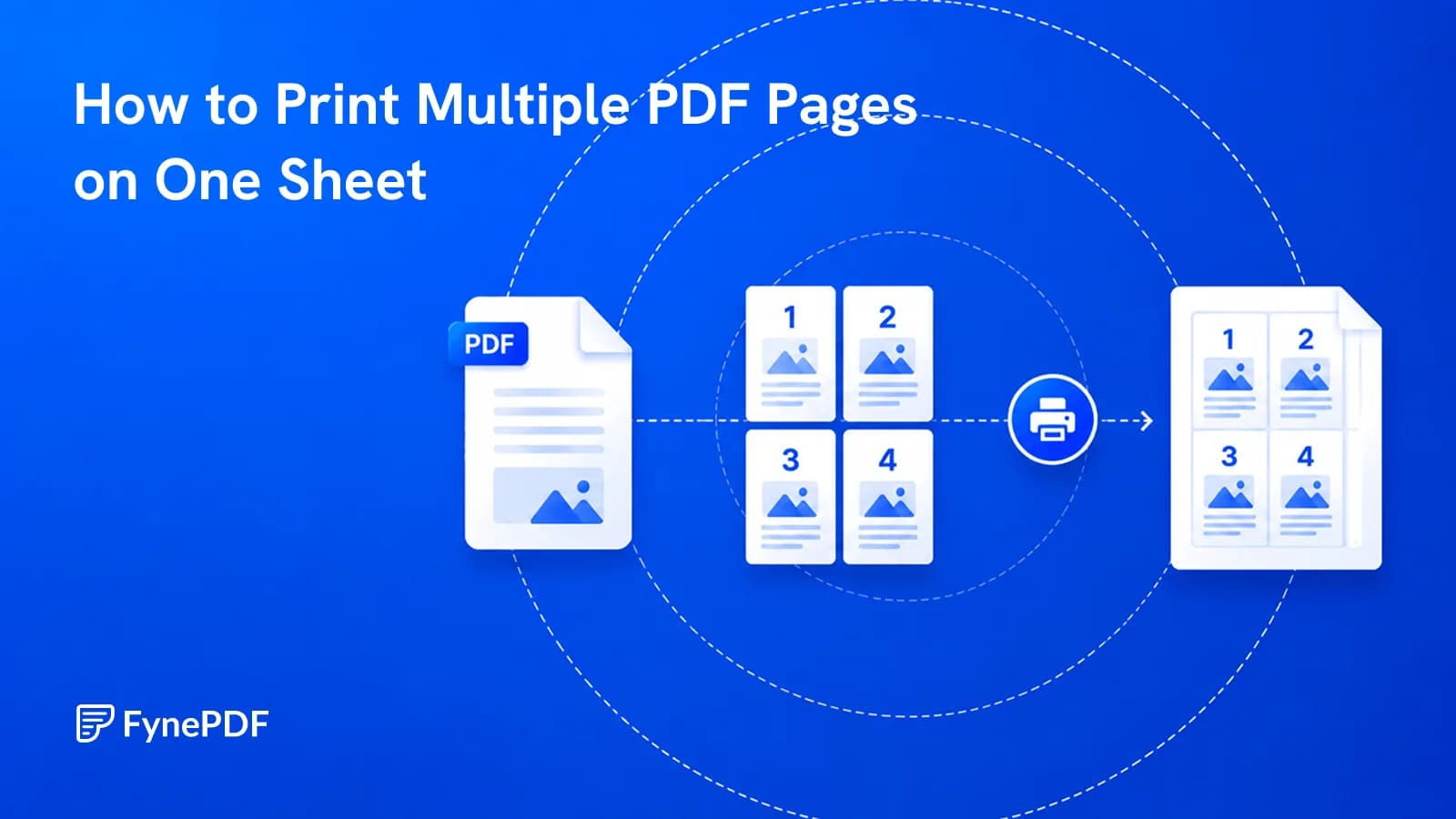
To print multiple PDF pages on one sheet, arrange them two-up or four-up before printing. A 200-page document becomes 100 or 50 sheets. Building this into the file rather than relying on printer settings means the layout is fixed and behaves the same wherever it's printed.
The useful question isn't how many will fit. It's how many stay readable.
When is this worth doing?
Whenever the document is being read once rather than kept:
- Draft review. Marking up a manuscript or a report you'll then discard
- Meeting handouts, where everyone needs a copy and nobody keeps it
- Reference material, a schedule or price list pinned to a wall
- Proof sheets. Checking layout and image placement across many pages at once
- Study material. Condensing slides into something you can annotate
- Archive printing, where volume matters more than legibility
Presentation decks are the strongest case. Slides are designed for projection at large sizes, so four to a page still reads comfortably, which is why handout formats exist.
How do I arrange pages per sheet?
- Open the N-Up tool.
- Upload your PDF.
- Choose how many pages per sheet.
- Download and print.
Free accounts handle files up to 600MB. The output is a normal PDF with the new layout baked in, so anyone printing it gets the same result without configuring anything.
How many pages per sheet is too many?
Text size halves roughly every time you double the pages per sheet, and legibility gives out faster than the arithmetic suggests:
| Pages per sheet | Suits |
|---|---|
| 2 | Body text documents, still comfortable to read |
| 4 | Slides, drafts, reference material |
| 6 | Skimming only; small print becomes hard |
| 9 or more | Visual overview, not reading |
A document set in 11pt at 4-up prints at roughly the equivalent of 5pt. That's below what most people read comfortably, and well below what anyone reads for an hour. If your document is text-heavy, 2-up is usually the practical limit.
Should I combine this with anything else?
Two pairings that make a real difference to cost.
Grayscale. Print shops and office cost centres typically charge per colour page, and a page counts as colour even if the only colour on it is a logo. Running Grayscale PDF before printing removes that, and combined with 4-up it cuts a print bill substantially.
Cropping. Scanned documents with wide margins waste space that N-up makes worse, since the margins get replicated on every tile. Crop PDF first and the same sheet holds noticeably more readable content.
What about double-sided printing?
N-up and duplex multiply: four pages per side, printed both sides, gives eight pages per sheet of paper. For a long draft that's a meaningful reduction in a stack you'll recycle anyway.
Check the binding direction if you're stapling. Duplex settings offer long-edge and short-edge binding, and the wrong one makes alternate sheets upside down.
Common questions
Can't my printer do this already?
Most print drivers offer pages-per-sheet, and if you're printing yourself that's simpler. Building it into the file matters when someone else is printing, a document sent to a colleague or a print shop arrives already laid out, with no instructions to follow or misinterpret.
Will the page order stay correct?
Pages are placed in reading order across each sheet. Check the first sheet before printing 200 of them.
Can I do this with a scanned document?
Yes. It's a layout operation and doesn't need a text layer. Bear in mind scans are often lower contrast to begin with, so they lose readability at smaller sizes faster than digital text.
Is my document stored?
Files transfer over encrypted connections and are permanently deleted within 15 minutes of processing unless you save them to your library.
Condense your printing
Open the N-Up tool, pick 2-up for text or 4-up for slides, and print one sheet as a test before committing to the stack.
 Split PDF
 Crop PDF
 Compress PDF