
Why One Coloured Logo Makes Your Whole Print Job Cost More
A page counts as colour even if the only colour on it is a footer logo.
 By Biraj Paudel, Founder of FynePDF3 min read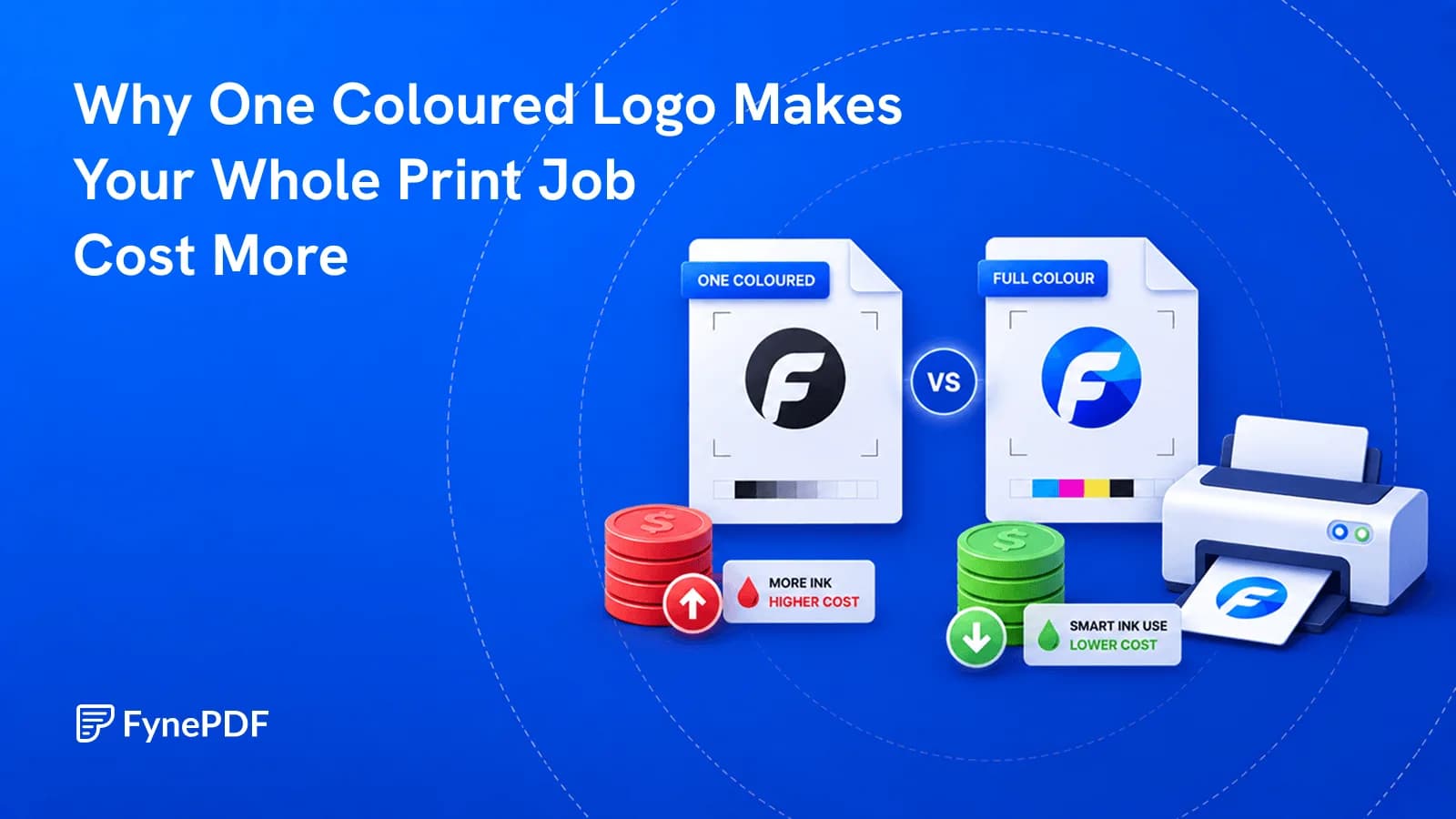
Print pricing counts a page as colour if it contains any colour at all. A 300-page report set entirely in black text still bills as 300 colour pages when a company logo sits in the footer of each one. Converting the document to grayscale first removes the colour and the surcharge.
The gap between colour and mono rates is usually large enough that this is worth thirty seconds.
Why does one logo count?
Because detection is binary rather than proportional. Print management systems, office copiers with departmental billing, and commercial print shops all check whether a page requires colour toner. They don't measure how much.
A footer logo, a coloured hyperlink, a single blue heading, or a faint watermark all trip it. So does a chart with one coloured series in an otherwise black-and-white document.
The result is that documents nobody intended to print in colour get billed as though they were. Nobody notices until the invoice arrives, because on screen the page looks essentially black.
How do I convert a PDF to grayscale?
- Open the Grayscale PDF tool.
- Upload your document.
- Convert and download.
Free accounts handle files up to 600MB. Send the grayscale version to whoever is printing, and keep the colour original for screen distribution.
What should I check afterwards?
Colour often carries meaning, and removing it can remove the meaning too. Three things worth a look:
Charts with colour-coded series. Red and green lines become two similar greys. If the legend says "red = actual, green = forecast," the printed chart is now unreadable. Add patterns or direct labels to the source before converting, or leave those specific pages in colour.
Colour-coded status. Tables using red and green for pass and fail, or traffic-light indicators, lose their distinction entirely.
Low-contrast text. Pale coloured text that reads acceptably on screen can become nearly invisible in grey.
This is the same problem readers with colour vision deficiency have with the original document, which is a reasonable argument for not relying on colour alone in the first place.
When should I not convert?
| Document | Convert? |
|---|---|
| Text report with a logo | Yes |
| Contract or agreement | Yes |
| Draft for review | Yes |
| Data-heavy charts with colour keys | Check first |
| Photographs for a client | No |
| Marketing material | No |
| Design proofs | No |
| Anything where colour is the content | No |
The test is whether colour carries information or just branding. Branding survives grayscale fine.
Does it make the file smaller?
Usually somewhat, since colour information is discarded, but it's a side effect rather than the purpose. Grayscale images still carry substantial data.
For meaningful size reduction, Compress PDF does far more. And if you're preparing a long document for printing, combining grayscale with N-Up cuts both the colour surcharge and the sheet count, which together make a real difference to a large print run.
Common questions
Can I convert back to colour afterwards?
No. The colour information is gone from the converted file. Keep the original. This is a print-ready output, not a replacement for your master.
Will scanned pages be affected?
Scans often carry a colour cast from the scanner even when the original was black ink on white paper, which is enough to register as a colour page. Converting removes it and typically makes the scan look cleaner.
Does grayscale mean black and white?
Grayscale keeps the full range of grey tones, so photographs still look like photographs. True black-and-white. Every pixel either black or white. Is a harsher conversion that suits line art and ruins photographs.
Is my document stored?
Files transfer over encrypted connections and are permanently deleted within 15 minutes of processing unless you save them to your library.
Convert before you print
Run your document through Grayscale PDF, check any charts that used colour to distinguish data, and send the grey version to the printer.

 Repair PDF
 Compress PDF
 Parse PDF