Powerful OCR Technology
Recognizes Latin, Cyrillic, Arabic, Chinese, Japanese and Korean scripts, plus more.


Recognize the text in a scanned PDF so you can search, copy and edit it.
or drop your file here
Recognizes Latin, Cyrillic, Arabic, Chinese, Japanese and Korean scripts, plus more.
Get a searchable PDF that keeps your original layout, or a plain .txt file.
Once scans have text, Redact PDF can find and remove names and numbers.
OCR a PDF in three steps, no software to install, no account needed.
1
Drag and drop or select your scanned document up to 15MB free, 2.5GB on Pro and 5GB on Premium.
2
Language is detected automatically. Choose a searchable PDF or a plain .txt file as your output.
3
Your newly digitized, fully readable text file or PDF is ready to download and auto-deleted after 15 min.
Got a stack of PDFs? Make them all searchable with a workflow
Scanned documents are essentially just flat photographs. Here is how OCR makes your files searchable, editable, and useful again.
Add a searchable text layer to scanned paperwork. Use document search to find names and keywords, then check the matches against the original scan.
Stop retyping physical documents from scratch. Extract the text directly to a .txt file to easily copy, paste, and edit in Word.
Quickly pull raw text and numbers from flat, scanned receipts and invoices to speed up your accounting and data entry workflow.
Convert flat image-based PDFs into standard text formats so screen readers and text-to-speech apps can read the document aloud.
Extract the foreign text from a scanned brochure or manual into a .txt file to easily paste it directly into translation software.
Apply OCR to flat, scanned legal exhibits and signed contracts so lawyers and judges can easily search pages for specific clauses.
A scanned PDF is a photograph of a page, the letters are pixels, not text, which is why you can't search or select them. OCR analyses those pixels, identifies the characters, and turns them into real text. FynePDF then either layers that text invisibly behind your original scan, or hands it to you as a plain file.
Keep the original page layout while adding an invisible text layer you can search, select, and copy.
Extract the recognized text into a plain .txt file for copying, translation, indexing, or further editing.
Latin, Cyrillic, Arabic, Chinese, Japanese, Korean, Devanagari, Persian, Greek, Hebrew and more, including scripts that read right to left.
Guide
Productivity
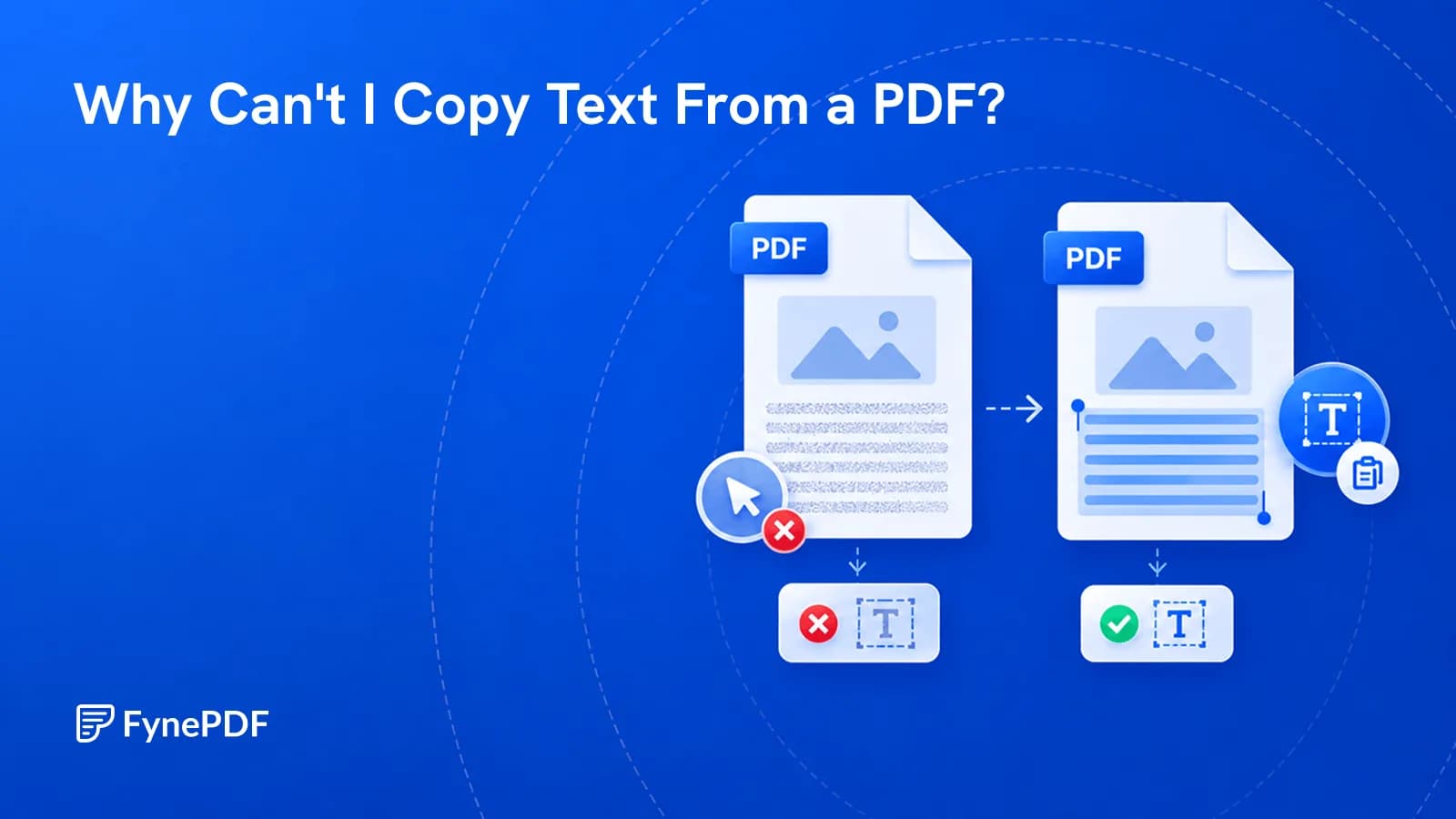
Scanned pages, copy restrictions, and bad encoding all block copying. Here's how to tell which one you have and make the text selectable.
Guide
Convert
Productivity
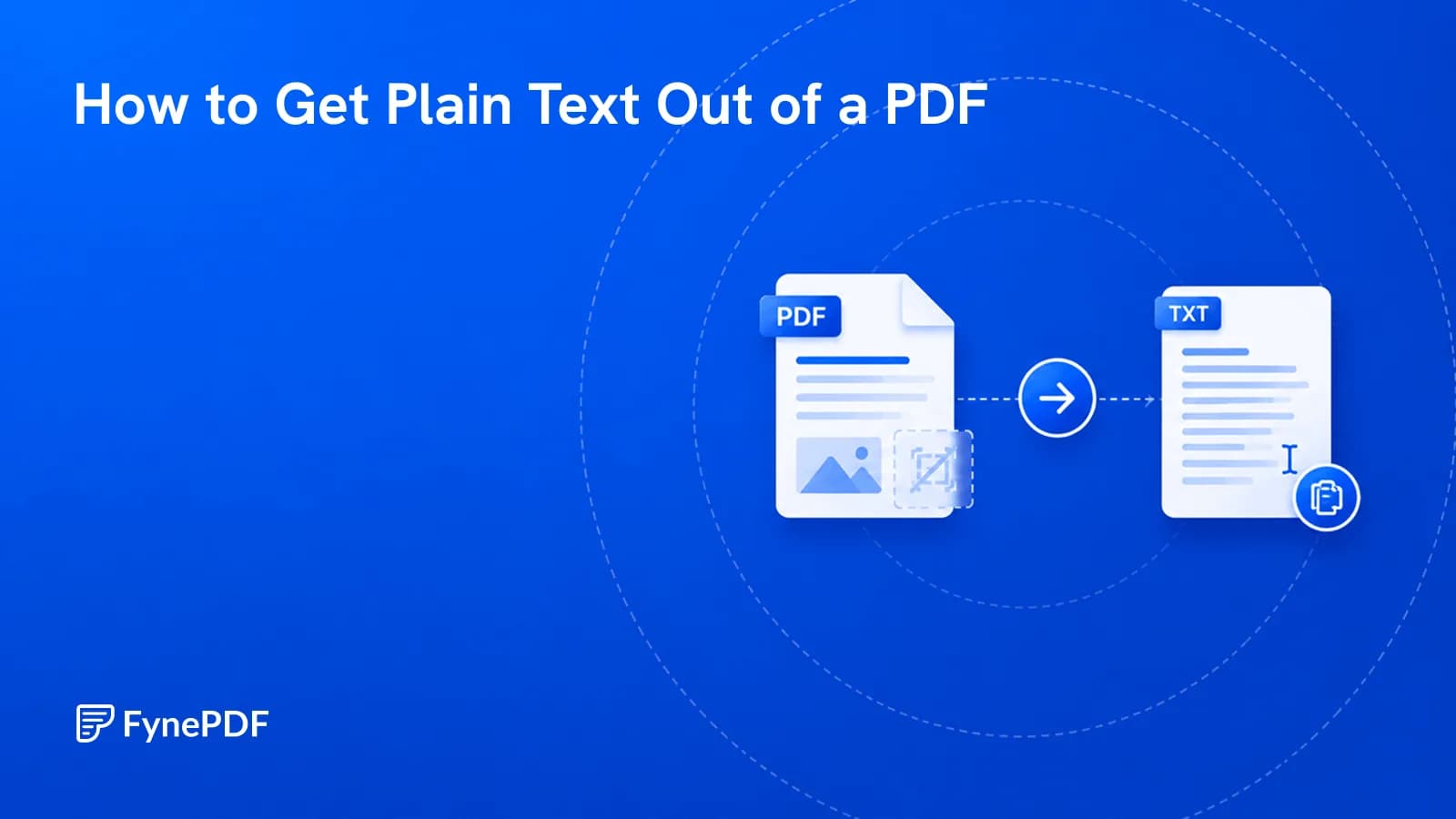
Sometimes you want the words and nothing else. Here's how, and where it goes wrong.
Guide
Convert
Productivity
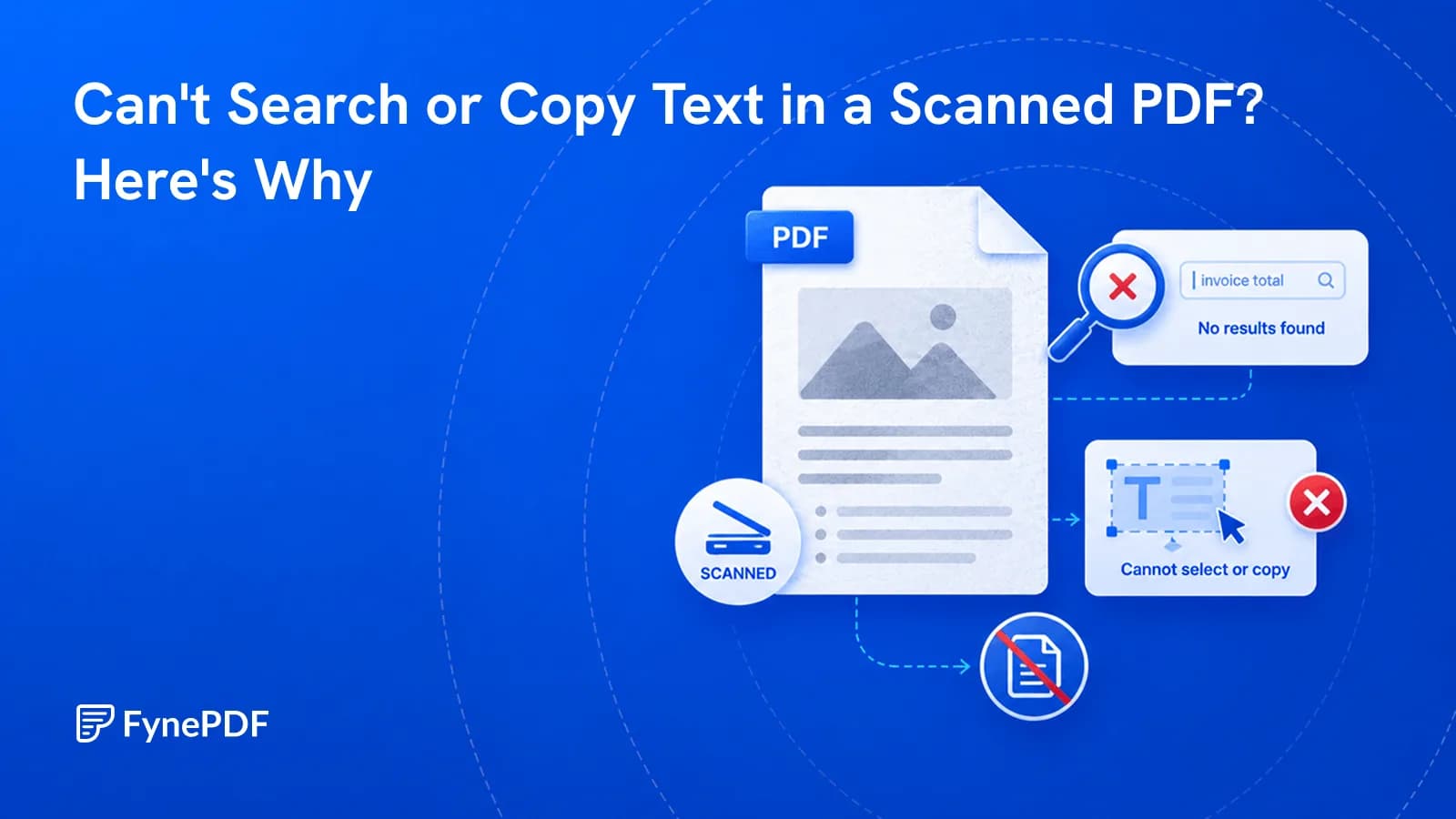
Ctrl+F finds nothing because your PDF is a picture of words, not actual words.


