


How to Get Plain Text Out of a PDF
Sometimes you want the words and nothing else. Here's how, and where it goes wrong.

10 September 2026 · By Biraj Paudel, Founder of FynePDF
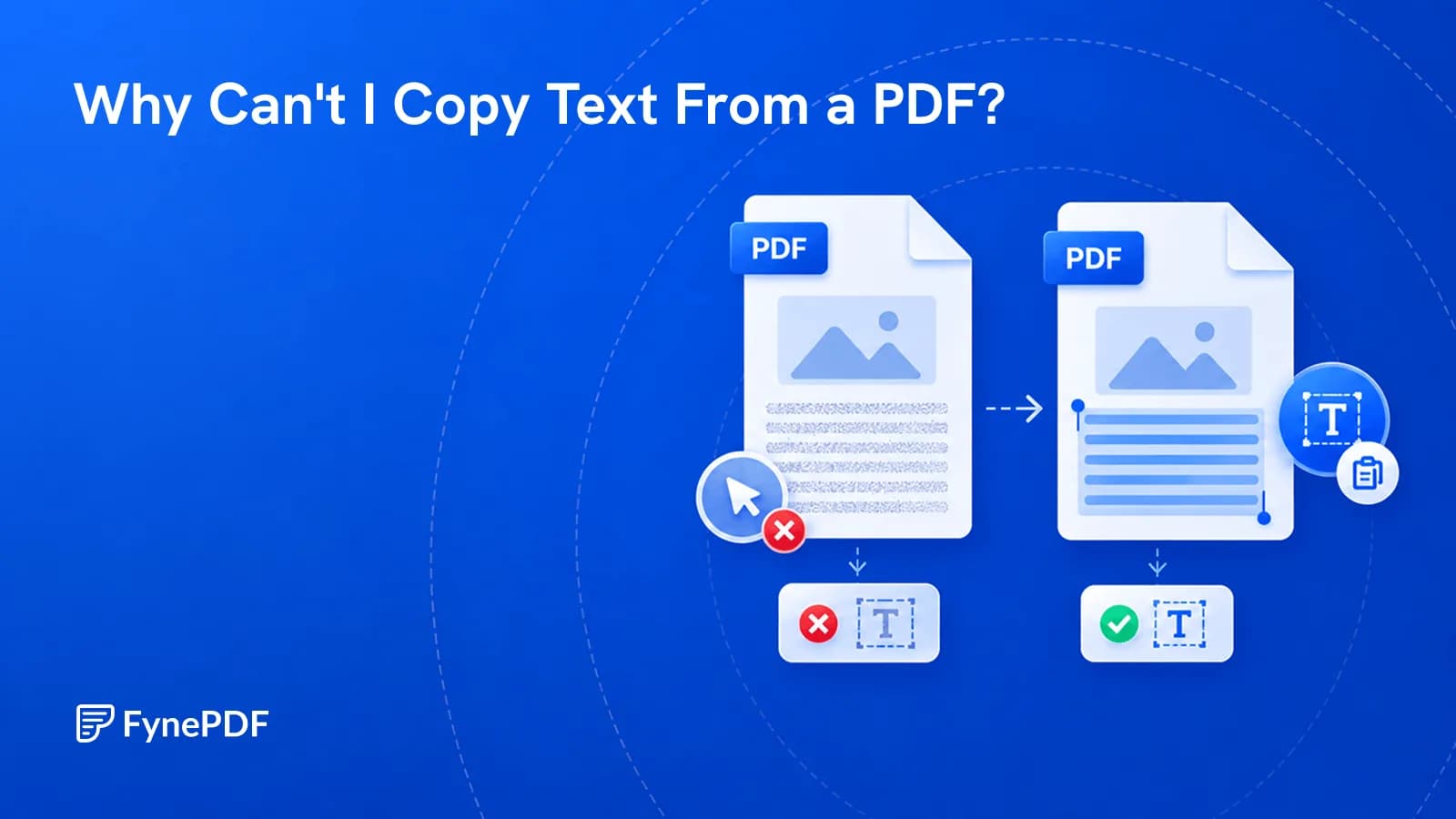
Scanned pages, copy restrictions, and bad encoding all block copying. Here's how to tell which one you have and make the text selectable.
You can clearly see the words on the page, but your mouse cannot select them.
Or maybe you can select the text, but when you paste it somewhere else it turns into random characters.
Both problems are common.
The most likely reason is that the PDF does not contain normal machine-readable text.
There are three common causes.
A scanner usually creates photographs of each page.
To you, the page looks like text.
To the computer, it may simply look like one large image.
That means:
This is the most common reason text cannot be selected in a PDF.
PDF files can include permissions that limit certain actions.
A document creator may prevent:
If you can select text but cannot copy it, document permissions may be involved.
Sometimes a PDF contains real text, but the font or character encoding is unusual.
The page looks completely normal.
But copying:
Annual Revenue: $42,500
might produce something like:
A##u@l R$v$nue: $4□,5Ø0
This often happens with older PDFs, unusual fonts, or poorly generated exports.
Try one simple test.
Attempt to select a single word.
If your mouse selects the entire page like an image instead of individual letters or words, the page is probably scanned.
You can also try:
Ctrl+F on Windows
or:
Command+F on Mac
Search for a word you can clearly see on the page.
If the PDF viewer finds nothing, the document may not contain a searchable text layer.
OCR stands for Optical Character Recognition.
It analyzes an image of text and attempts to identify the letters and words inside it.
For example, imagine a scanned page containing:
Invoice Number: 28491
Before OCR, the computer may only see pixels.
After OCR, it can understand that those pixels represent the characters:
Invoice Number: 28491
The PDF can then become searchable and selectable.
Usually, no.
A common OCR workflow keeps the original scanned page visible and places an invisible text layer behind it.
The document still looks like the original scan.
But now you can:
That is why a PDF can visually look identical before and after OCR while behaving completely differently.
Ctrl+F only works when the PDF contains searchable text.
If the file is an image-only scan, there are no actual words for the PDF reader to search.
Running OCR can create that searchable text layer.
There are other possible causes too:
But image-only scans are the most common reason.
If selection works but copying does not, check whether the PDF has restrictions.
Some PDF files contain security permissions that allow reading but restrict copying or editing.
This is different from a scanned document.
A scanned document usually gives you nothing to select.
A restricted PDF may allow selection while blocking the copy command.
Do not attempt to bypass restrictions on documents you are not authorized to modify.
PDF text is not always stored as normal Unicode characters.
Some PDFs use custom font mappings.
The viewer knows which visual symbol to display, so the page looks correct.
But when another application tries to interpret the underlying characters, the mapping may be missing or incorrect.
That is why text can look perfect on screen but break when pasted elsewhere.
OCR can sometimes help because it reads the visible page again and creates a fresh text layer.
Yes, after OCR has recognized the text.
The basic process is:
OCR accuracy depends on the quality of the original scan.
Clear printed pages usually work better than:
Sometimes, but not always reliably.
Some AI systems can analyze page images directly.
Others primarily depend on extracted text.
A searchable OCR layer generally makes scanned documents easier for document-analysis tools to process.
If an AI tool says your PDF appears empty even though you can clearly see text on every page, the document may be image-only.
No.
OCR is recognition, not magic.
Common mistakes include:
| Original | Possible OCR mistake |
|---|---|
| 0 | O |
| 1 | l |
| 5 | S |
| rn | m |
| $1,000 | $l,OOO |
These errors become especially important in:
For important information, compare extracted text with the visible scan.
Sometimes.
Modern OCR systems can recognize some handwriting, but accuracy is less predictable than with printed text.
Neat handwriting generally performs better than:
Treat handwriting recognition as something that may need manual correction.
If highlighting tools cannot select individual words, the page may be an image rather than machine-readable text.
Run OCR first, then try highlighting the searchable version.
The PDF may contain a mixture of native digital pages and scanned pages.
For example, pages 1–20 might contain real text while pages 21–30 were scanned and appended later.
Running OCR on the scanned pages can make the document more consistent.
No.
OCR identifies text inside images.
PDF-to-Word conversion attempts to recreate the document inside an editable Word file.
OCR may happen as part of that process when the original PDF contains scans.
Usually not.
A searchable PDF commonly retains the original page image and adds recognized text behind it.
The two PDFs may look similar while being built very differently.
One may contain native digital text.
The other may simply contain scanned page images.
The file extension alone does not tell you how the content is stored.
If your PDF looks like text but behaves like an image, OCR is usually the missing step.
Run OCR to add a searchable text layer so you can search, select, copy, and analyze the document more easily.
Try it yourself
Sometimes you want the words and nothing else. Here's how, and where it goes wrong.
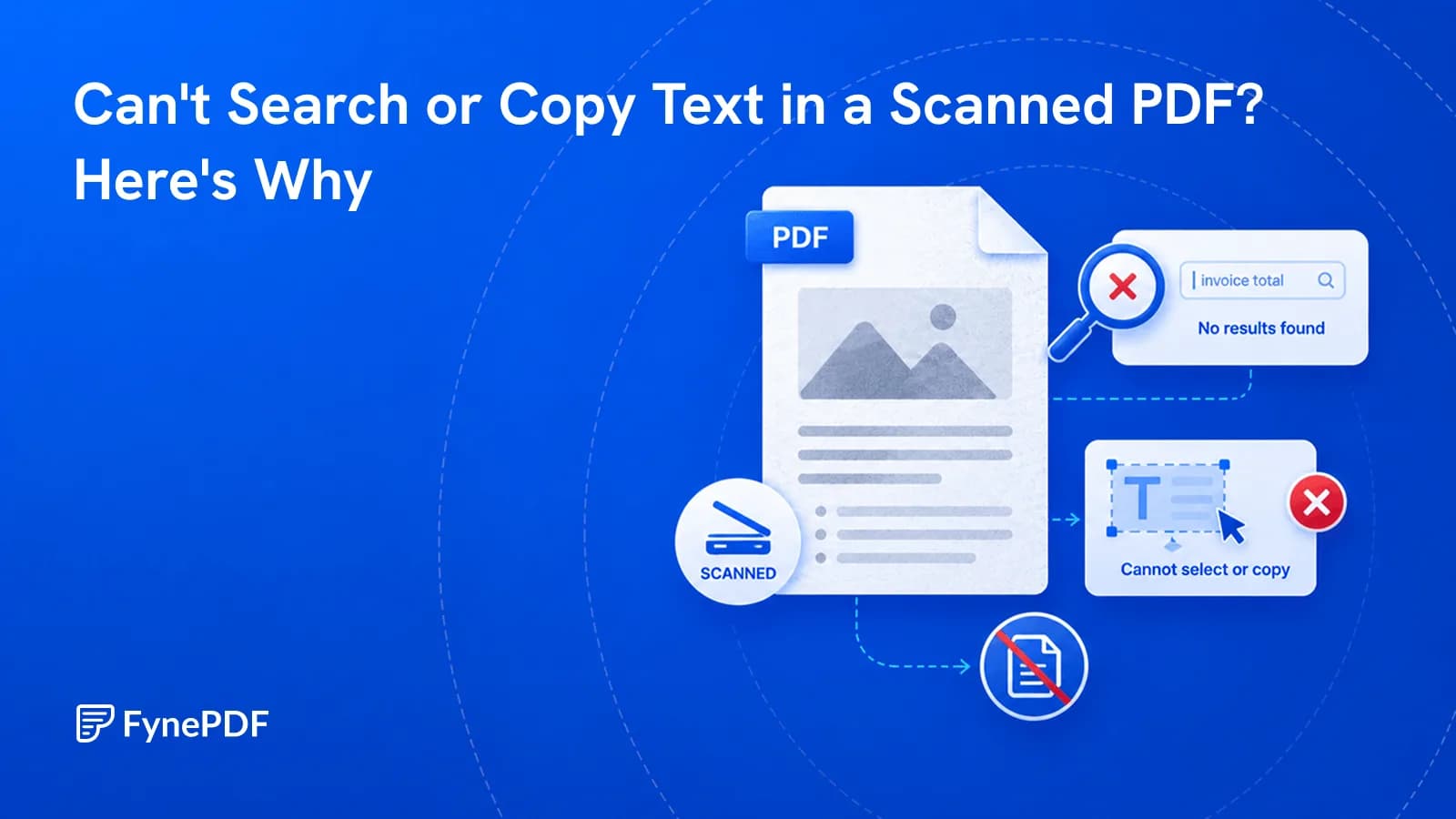
Ctrl+F finds nothing because your PDF is a picture of words, not actual words.
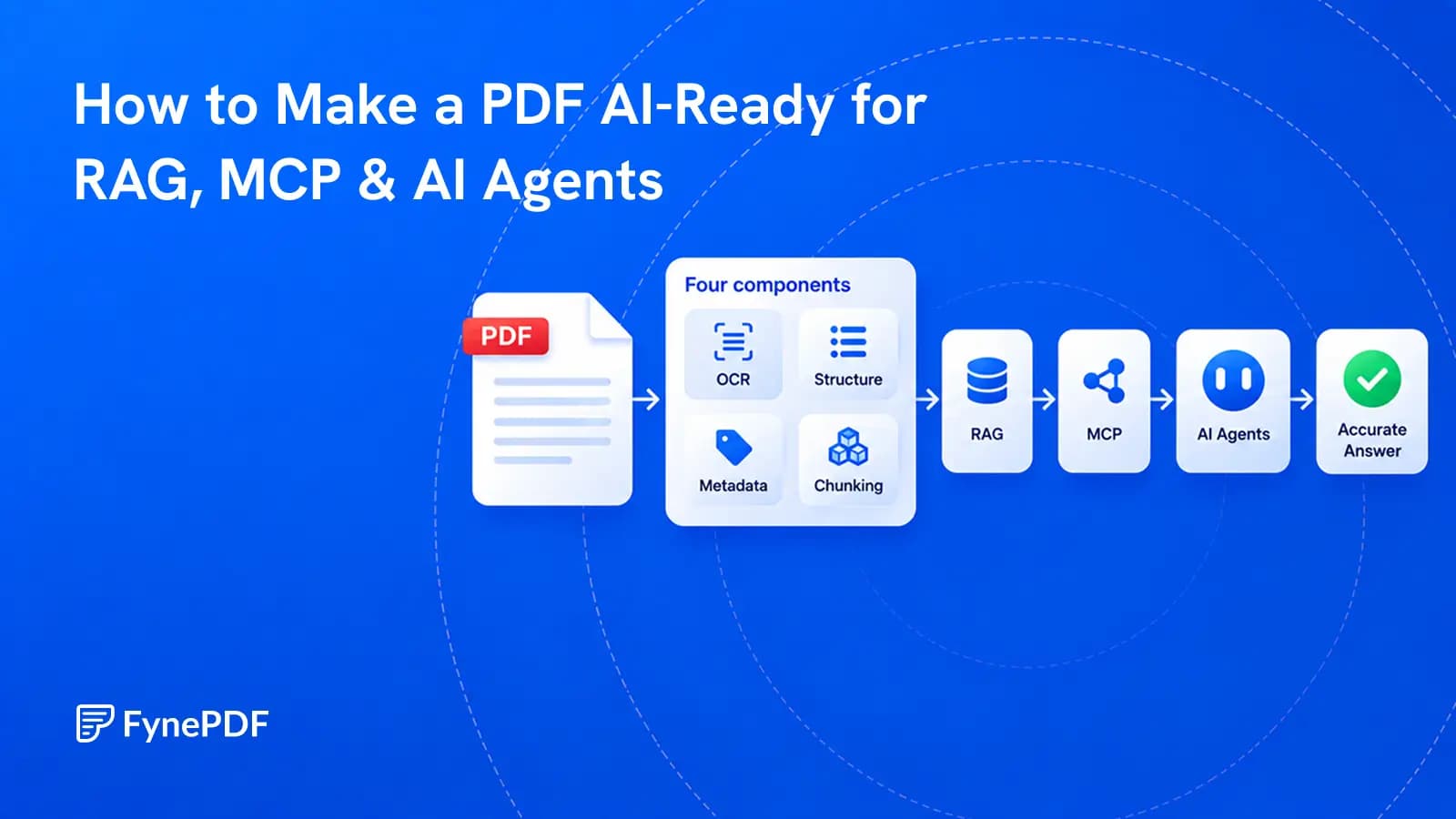
A PDF becomes useful to AI when its text, structure, sources, permissions, and versions can be trusted.