Permanent Password Removal
Enter the correct password just once to permanently strip the encryption.
Opening your saved sessionβ¦
Remove passwords from PDF files.
or drop your file here
Remove PDF Passwords
No sign-up required
We never store passwords
Enter the correct password just once to permanently strip the encryption.
Fynepdf is an online web tool supports all devices and operating system with browser.
Files are encrypted with 256-bit TLS and deleted 15 minutes after your task.
Remove a PDF password in three steps, no software to install, no account needed.
1
Drag and drop or select your protected file up to 600MB on the free plan and 5GB on paid.
2
Type in the document's original password to verify you have access and instantly lift the security restrictions.
3
Your newly unlocked, password-free PDF is ready to download immediately and auto-deleted after 15 min.
Constantly typing passwords slows down your workflow. Here is how removing PDF encryption makes managing, sharing, and storing your files drastically easier.
Remove passwords from old tax returns, payslips, or legal documents before storing them in your long-term personal archive.
Unlock a secured document once so your entire team or department can safely and easily access the file.
Remove the password to lift these restrictions and easily print your event tickets, invoices, assignments, or forms.
You cannot merge, split, or extract pages from a locked PDF. Unlock your file first so you can seamlessly edit it.
Unlock your documents so you can easily import them into your automated accounting software or share them seamlessly with your CPA.
Avoid the daily hassle of typing complex, case-sensitive passwords on your mobile every time you want to view a document.
A locked PDF has its contents encrypted, so the password is what decrypts them. FynePDF uses the password you enter to decrypt the document, then rebuilds it without encryption, producing a normal PDF that opens anywhere without prompting. The password is used once and discarded.
FynePDF can't open a file you don't have the password for. The encryption is real, and it can't be bypassed.
The downloaded copy has no encryption at all. Your original locked file stays as it was unless you replace it.
Text, images, form fields and signatures all come through untouched. Only the encryption layer is removed.
Guide
Secure
Productivity
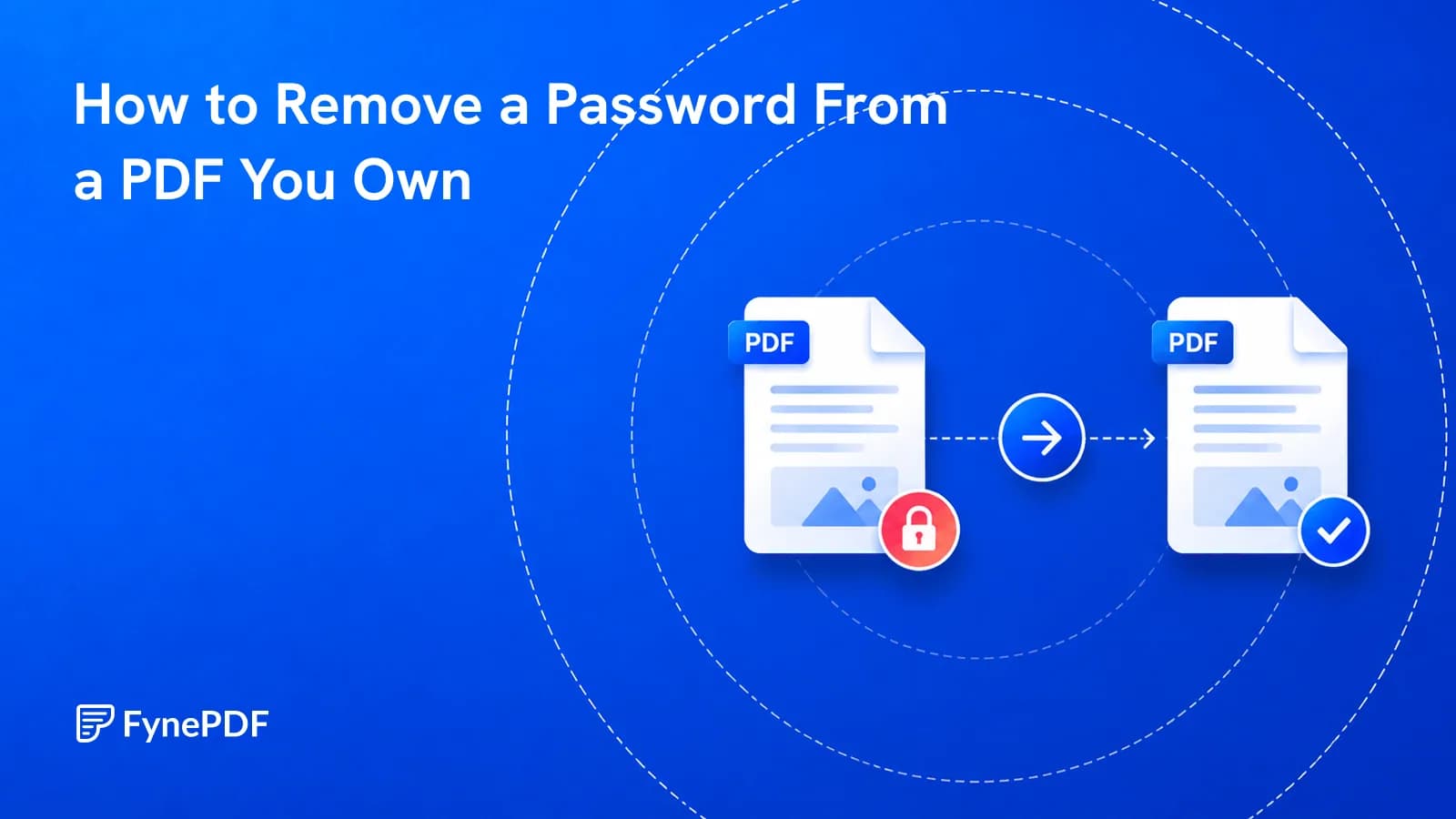
Retyping a password every time gets old. Here's how to lift protection you applied.
Guide
Convert
Productivity
Your 12-page report opened as 14 on their machine. Here's why, and how to stop it.

Guide
Organize
Productivity
Double-sided scanning gives you all the odd pages, then all the even ones. Here's the fix.
Remove passwords from PDF files.
or drop your file here
Remove PDF Passwords
No sign-up required
We never store passwords
Enter the correct password just once to permanently strip the encryption.
Fynepdf is an online web tool supports all devices and operating system with browser.
Files are encrypted with 256-bit TLS and deleted 15 minutes after your task.
Remove a PDF password in three steps, no software to install, no account needed.
1
Drag and drop or select your protected file up to 600MB on the free plan and 5GB on paid.
2
Type in the document's original password to verify you have access and instantly lift the security restrictions.
3
Your newly unlocked, password-free PDF is ready to download immediately and auto-deleted after 15 min.
Constantly typing passwords slows down your workflow. Here is how removing PDF encryption makes managing, sharing, and storing your files drastically easier.
Remove passwords from old tax returns, payslips, or legal documents before storing them in your long-term personal archive.
Unlock a secured document once so your entire team or department can safely and easily access the file.
Remove the password to lift these restrictions and easily print your event tickets, invoices, assignments, or forms.
You cannot merge, split, or extract pages from a locked PDF. Unlock your file first so you can seamlessly edit it.
Unlock your documents so you can easily import them into your automated accounting software or share them seamlessly with your CPA.
Avoid the daily hassle of typing complex, case-sensitive passwords on your mobile every time you want to view a document.
A locked PDF has its contents encrypted, so the password is what decrypts them. FynePDF uses the password you enter to decrypt the document, then rebuilds it without encryption, producing a normal PDF that opens anywhere without prompting. The password is used once and discarded.
FynePDF can't open a file you don't have the password for. The encryption is real, and it can't be bypassed.
The downloaded copy has no encryption at all. Your original locked file stays as it was unless you replace it.
Text, images, form fields and signatures all come through untouched. Only the encryption layer is removed.

Guide
Secure
Productivity
Retyping a password every time gets old. Here's how to lift protection you applied.

Guide
Convert
Productivity
Your 12-page report opened as 14 on their machine. Here's why, and how to stop it.

Guide
Organize
Productivity
Double-sided scanning gives you all the odd pages, then all the even ones. Here's the fix.