
Why PDFs Are Miserable to Read on a Kindle
PDFs have fixed pages. E-readers want text that reflows to the screen.
 By Biraj Paudel, Founder of FynePDF4 min read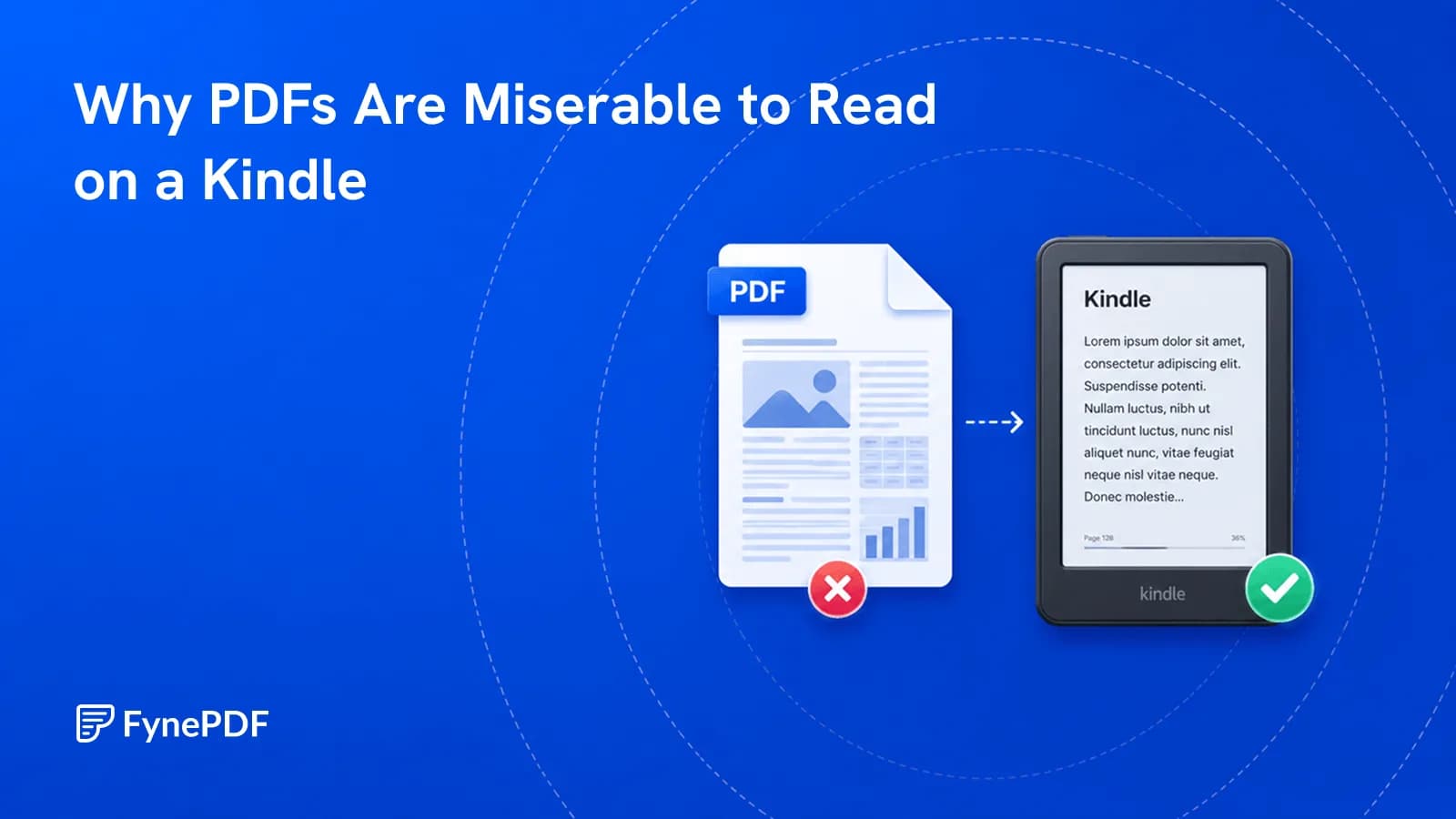
PDFs read badly on e-readers because a PDF page is a fixed layout at a fixed size, and a six-inch screen is smaller than the A4 page it was designed for. Text can't reflow, so you zoom and pan across every page. EPUB reflows to fit the screen, which is why e-readers use it.
The two formats solve opposite problems, and the mismatch is structural rather than a device limitation.
What does reflowable actually mean?
An EPUB stores text as content with structure. This is a heading, this is a paragraph, and lets the reading device decide how to display it. Change the font size and the text rearranges to fit. Rotate the device and it rearranges again. The page boundaries aren't fixed because there are no pages, only a continuous flow broken up to suit the screen.
A PDF stores the opposite: this word sits at these coordinates on a page of this exact size. That guarantees the document looks identical everywhere, which is exactly what you want for a contract and exactly what you don't want on a small screen.
Neither is better. They're built for different jobs.
How do I convert a PDF to EPUB?
- Open the PDF to EPUB tool.
- Upload your document.
- Convert and download.
- Check a few chapters before sending it to your device.
Free accounts handle files up to 250MB. That last step matters more here than in most conversions, because how well it works depends heavily on the source layout.
Which documents convert well?
Text-led ones with simple structure. Novels, long-form articles, reports, and essays convert cleanly because they're already a linear flow of paragraphs. Precisely what EPUB is designed to hold.
Layout-led documents don't:
| Source | Result |
|---|---|
| Novel or long-form prose | Excellent |
| Business report, mostly text | Good |
| Academic paper, two columns | Text may interleave |
| Textbook with figures and boxes | Structure breaks up |
| Magazine or brochure | Poor, layout is the content |
| Technical manual with tables | Tables reflow badly |
| Sheet music or plans | Don't convert; keep as PDF |
Two-column academic papers are the common disappointment. The columns get read across rather than down, producing interleaved sentences, the same failure that affects text extraction generally.
What gets lost?
Precise positioning, and everything that depends on it. Page numbers become meaningless, since there are no fixed pages to number. Citing "page 47" of an EPUB doesn't work, which matters for academic and legal reading.
Footnotes usually survive but may relocate. Complex tables become awkward, since a table can't reflow gracefully on a narrow screen. Images are preserved but their position relative to the text can shift.
For anything where you'll need to cite a page, keep the PDF.
What if I want to keep the layout?
Then don't convert. Most e-readers do open PDFs, and for a document where layout matters that's the better option despite the zooming.
Two ways to make PDFs more tolerable on a small screen:
Crop the margins. Scanned pages in particular waste enormous screen space on white borders. Crop PDF can meaningfully increase effective text size without any conversion.
Split into sections. A 600-page PDF is slow to navigate on an e-reader. Split PDF into chapters makes it more manageable.
Common questions
Will this work with my e-reader?
EPUB is the standard format across most e-reading devices and apps. Some ecosystems prefer their own format and convert on import, which generally works fine for a well-structured EPUB.
Can I convert a scanned book?
Not directly, a scan contains images rather than text, so there's nothing to reflow. Run OCR first, then convert, and expect to proofread. Recognition errors in a book you're about to read are irritating rather than dangerous, but there will be some.
Can I go the other way?
Yes. EPUB to PDF produces a fixed-layout version, which is what you want for printing or for sending to someone who needs consistent pagination.
Is my file stored?
Files transfer over encrypted connections and are permanently deleted within 15 minutes of processing unless you save them to your library.
Convert for reading
Upload your document to PDF to EPUB and read a chapter on the device before committing to the whole book.
 OCR PDF
 Word to PDF
 Markdown to PDF