Chapters Become Bookmarks
Your table of contents becomes clickable PDF bookmarks.


Convert EPUB ebooks into clean PDFs.
Convert EPUB eBooks to PDF
No Watermark on Downloads
Never used to train AI
Convert EPUB ebooks into clean PDFs.


or drop your file here
Convert EPUB eBooks to PDF
No Watermark on Downloads
Never used to train AI
Your table of contents becomes clickable PDF bookmarks.
Our engine automatically starts the conversion the exact second it uploads.
Illustrated ebooks can run large. Shrink the PDF with Compress PDF after.
Convert EPUB to PDF in three steps, no software to install, no account needed.
1
Drag and drop your eBook file up to 100MB free, 1GB on Pro and 5GB on Premium.
2
No buttons to click. The moment your file finishes uploading, FynePDF converts the EPUB text into PDF.
3
Your newly formatted, static PDF document is ready to download and auto-deleted after 15 min.
EPUB files are great for e-readers, but incredibly frustrating for everything else. Here is how converting to PDF makes your digital books far more useful.
Standard EPUBs are difficult to mark up. Convert them to PDF to easily draw, highlight, and type notes directly on the pages.
Not everyone has a dedicated e-reader app. Convert to PDF so readers can open the eBook in a standard PDF reader on their phone, tablet, or computer.
EPUB files cannot be sent directly to a standard printer. Convert your digital books to PDF to lock the page layout for printing.
Dynamic EPUBs lack fixed page numbers, making academic citations impossible. PDF conversion locks the pages for referencing.
You cannot split an EPUB file easily. Convert it to PDF first to extract and share the PDF pages for a specific chapter.
EPUB text constantly shifts depending on the device's screen size. Convert to PDF to permanently lock the typography as it is.
EPUB is reflowable, text rearranges to fit whatever screen it's on, which is why an ebook has no fixed page numbers. PDF is the opposite: every page is laid out once and stays that way. Converting turns flowing text into fixed pages, which is what makes it printable, annotatable and citable.
Chapters become clickable PDF bookmarks, so a long book keeps its navigation panel.
Embedded fonts are used where available. Where they aren't, the closest standard font is used instead.
Text stops reflowing, so page numbers finally exist, which is what citation and printing both require.
Guide
Convert
Productivity
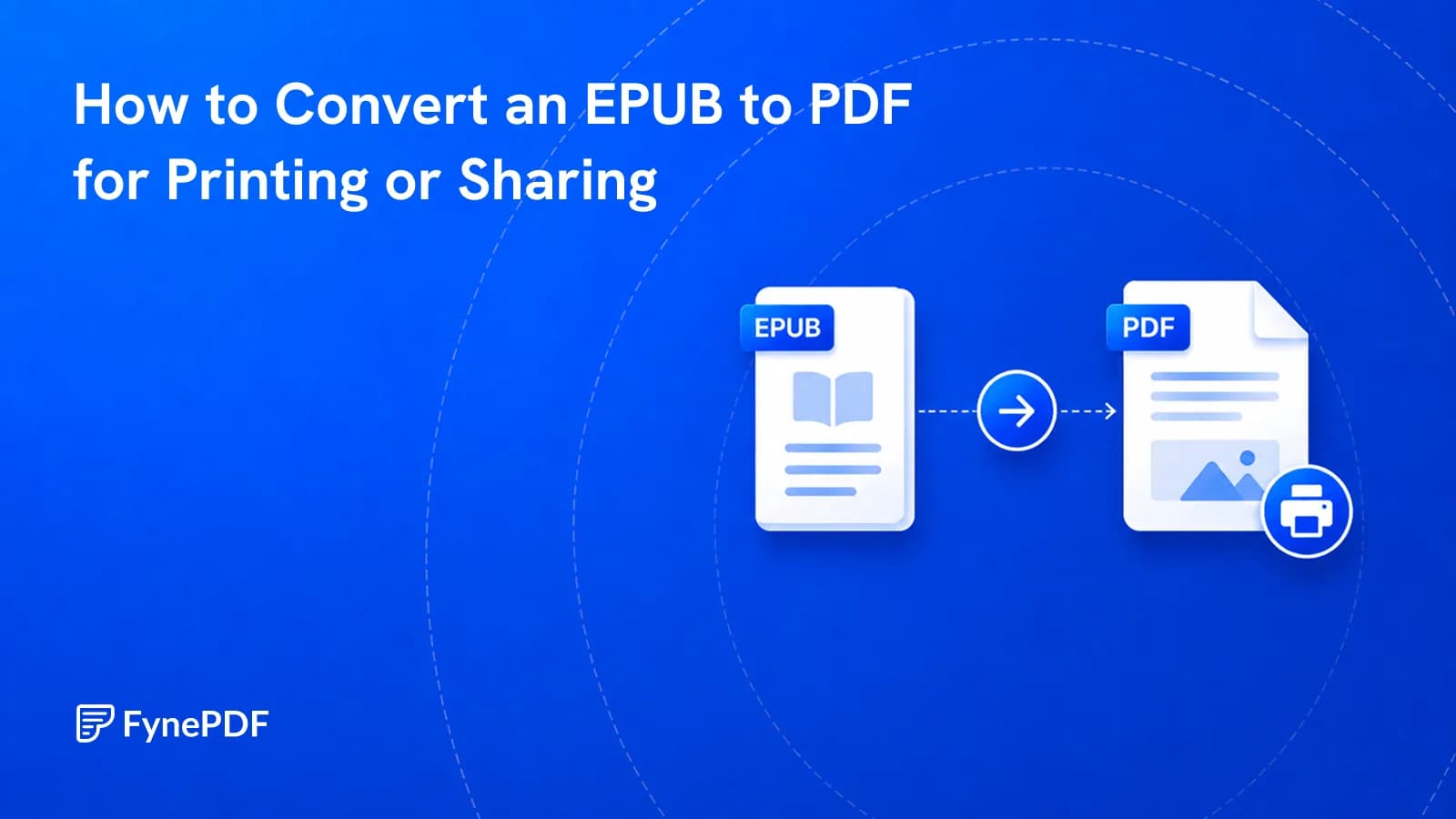
EPUB won't open for most people and can't be printed with fixed pages. PDF can.
Guide
Convert
Productivity
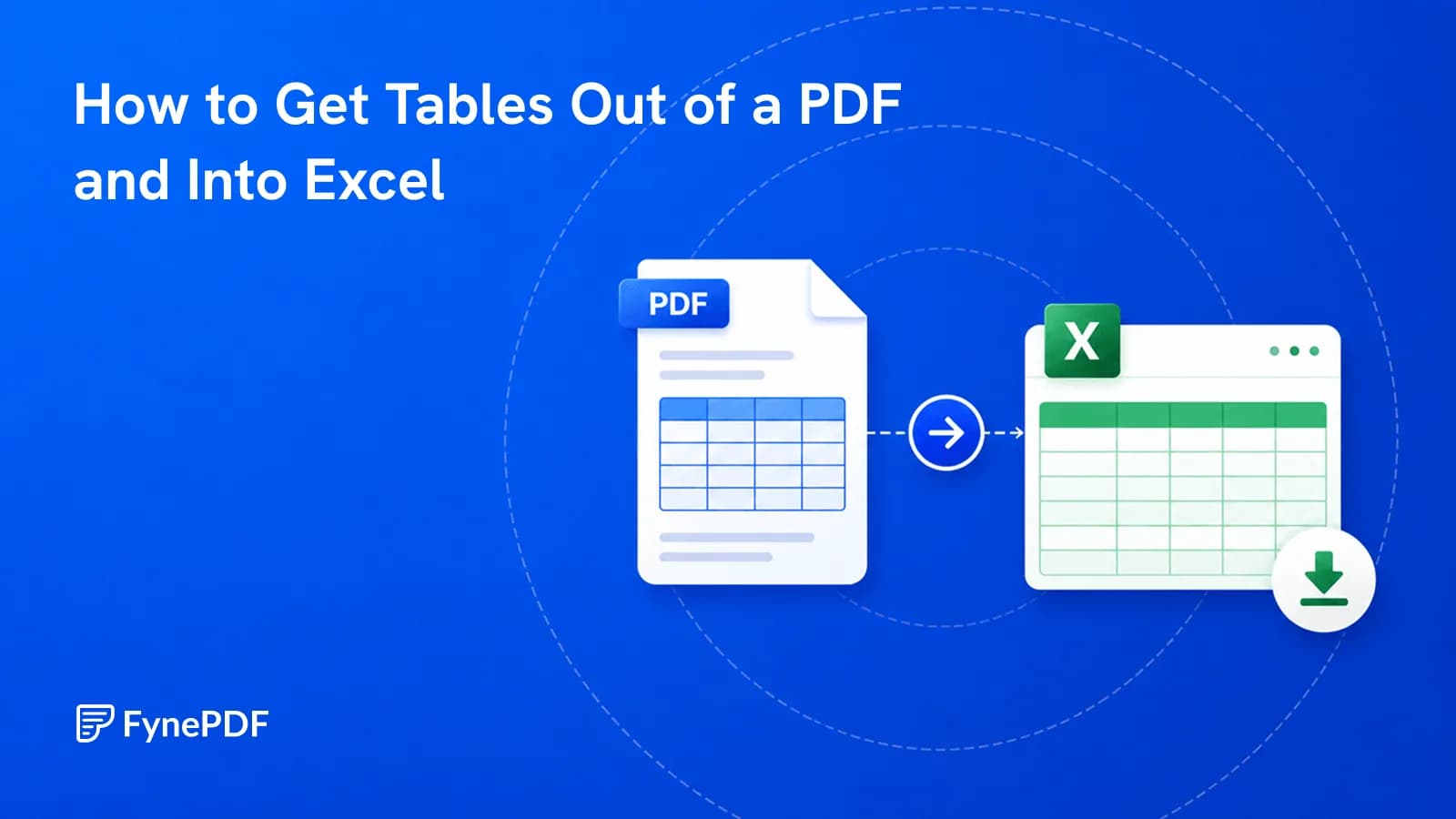
Copy-paste dumps everything into one column. Here's how to get real rows and columns.
Guide
Convert
Productivity
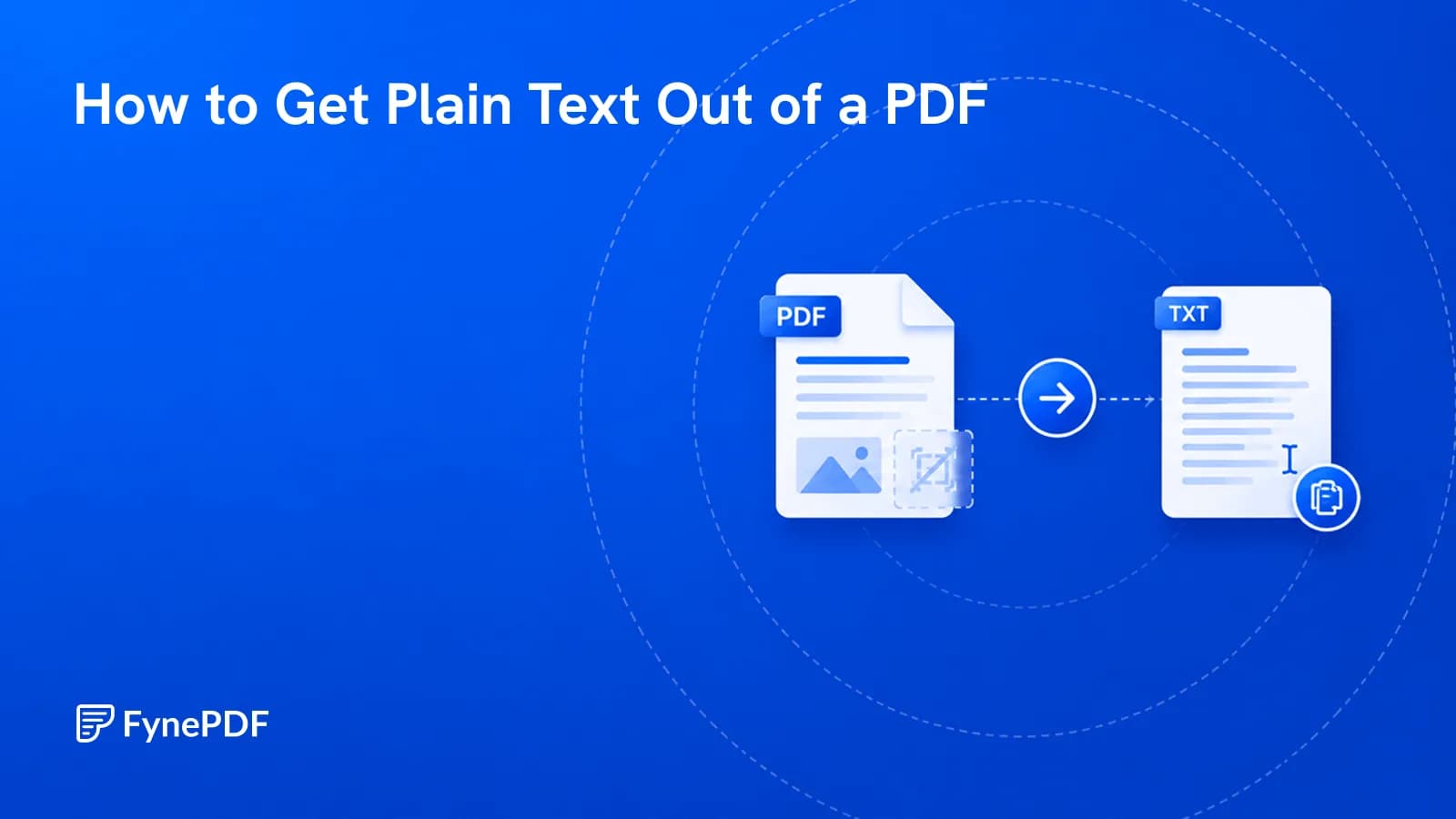
Sometimes you want the words and nothing else. Here's how, and where it goes wrong.