
How to Send a Deck as a PDF Instead of a 60MB PowerPoint
The deck bounced off their mail server and the fonts were wrong anyway. Send a PDF.
 By Biraj Paudel, Founder of FynePDF4 min read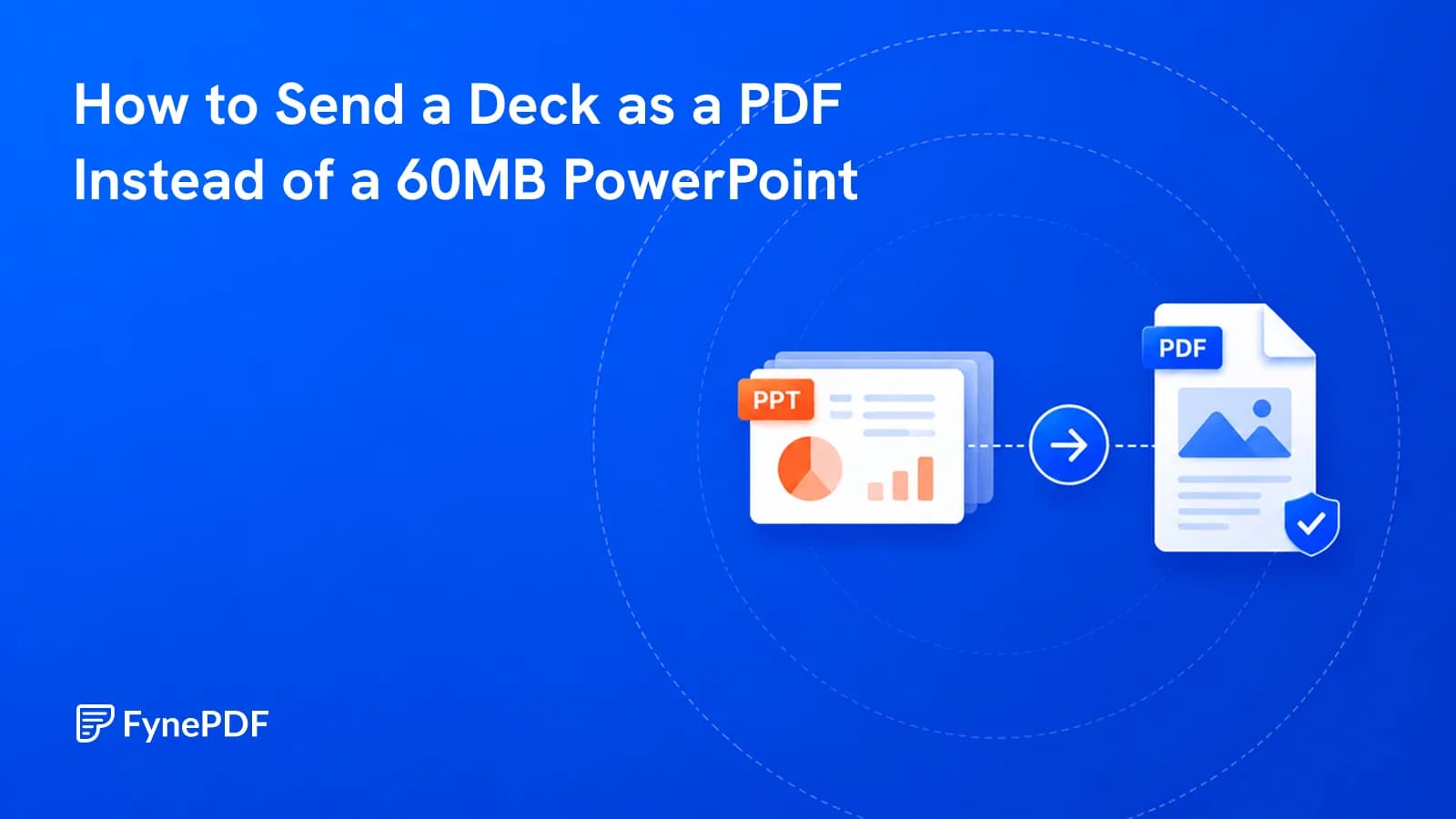
Sending a deck as a PDF solves two problems at once: the file gets much smaller, and the slides look the same on every machine. PowerPoint files carry embedded media, unused layouts, and full-resolution images that a PDF discards, and they rely on fonts the recipient may not have.
For a deck someone will read rather than present, PDF is almost always the right format to send.
Why is my PowerPoint file so large?
Images, mostly, at resolutions far beyond what a slide needs. A photo dragged in from a phone or a stock library arrives at full size, often 4000 pixels wide, and gets displayed at perhaps 1000. The other 75% of the data is stored and never seen.
After that: embedded video and audio, which can add hundreds of megabytes on their own; slide masters and layouts you never used but which travel with the file; and revision data accumulated across every edit since the deck was created.
A 40-slide deck reaching 60MB is unremarkable. It's also unsendable. Gmail caps attachments at 25MB and Outlook desktop at 20MB, and corporate Exchange servers frequently default to 10MB.
How do I convert a deck to PDF?
- Open the PowerPoint to PDF tool.
- Upload your
.pptx. - Convert and download.
- Check the slide count and skim for missing elements.
Free accounts handle files up to 250MB. If the result is still too large for the recipient's mail server, Compress PDF will bring it down further. Decks compress well because the oversized images are still the bulk of the file.
What gets lost in conversion?
Anything that depends on time or interaction, which is unavoidable rather than a limitation of any particular tool:
| Element | Result in PDF |
|---|---|
| Slide transitions | Gone, each slide is a static page |
| Builds and animations | Final state only, all elements visible at once |
| Embedded video and audio | A static frame or a placeholder |
| Hyperlinks | Usually preserved |
| Speaker notes | Not included by default |
| Comments | Not included |
Builds are the one that catches people out. A slide designed to reveal four bullet points one at a time appears with all four visible. If the build carried the argument, a reveal that lands a punchline, the PDF version loses the effect. Decks meant to be read rather than presented usually don't rely on this.
What about my speaker notes?
They aren't carried over, which is normally what you want when sending to a client. If you need them, for a colleague delivering the deck, or for a training handout. Export a notes version from PowerPoint separately and convert that.
Worth checking before you send either way. Speaker notes often contain candid framing about the audience that was never meant to leave the building.
When should I send the PowerPoint file?
When the recipient needs to present it, edit it, or reuse slides in their own deck. Sending a PDF to someone who has to deliver the talk means they'll ask for the source file anyway.
PDF for: clients reviewing a proposal, attendees receiving a post-meeting copy, anything going to a portal, any audience where you don't know what software they have.
PowerPoint for: colleagues co-authoring, whoever is presenting, anyone who needs to pull individual slides.
Sending both is common for conference talks, the PDF is the record for attendees, the source file goes to the organiser.
Can I send individual slides as images?
Sometimes better for a single slide. Convert the deck to PDF, then use PDF to Image to export pages as image files. Useful for embedding a chart in an email or a document without attaching the whole deck.
For a subset of slides rather than all of them, Extract Pages pulls the ones you want into their own PDF.
Common questions
Will my brand fonts survive?
Yes. PDFs embed fonts, which is exactly why the deck looks identical everywhere. This is the strongest argument for sending PDFs when your deck uses a licensed brand typeface, a recipient without it would otherwise see a substitute across every slide.
Can I stop people editing the slides?
A PDF makes casual editing impractical, though it isn't a security control. For genuine restriction, add encryption with Protect PDF, and note that upload portals reject encrypted files, so don't apply it to anything being submitted.
Why did my slide numbers change?
Hidden slides may be included depending on export settings. Check the slide count in the PDF against the visible count in your deck.
Is my deck stored after conversion?
Files transfer over encrypted connections and are permanently deleted within 15 minutes of processing unless you save them to your library.
Convert your deck
Upload it to PowerPoint to PDF, then check the slide count and compress if it's still above the recipient's limit.
 Crop PDF
 Compress PDF
 PDF to Excel