Standardize & Combine Images
Combine JPG, PNG, HEIC and WebP files into one PDF, in the order you choose.


Convert PNG, JPG, TIFF, GIF and BMP images into one PDF.
Convert JPG, PNG & More to PDF
No Watermark on Downloads
HEIC & WebP Supported
Convert PNG, JPG, TIFF, GIF and BMP images into one PDF.


or drop your file here
Convert JPG, PNG & More to PDF
No Watermark on Downloads
HEIC & WebP Supported
Combine JPG, PNG, HEIC and WebP files into one PDF, in the order you choose.
Works in any browser on Mac, Windows, Linux, iPhone and Android. No install.
Collect booking, chat or error screenshots into one PDF to share or file.
Convert images to PDF in three steps, no software to install, no account needed.
1
Drag and drop or select your image files up to 100MB free, 1GB on Pro and 5GB on Premium.
2
Drag your images into the order you want, then set page size, orientation and margins.
3
Your newly created, multi-page PDF is ready to download immediately and auto-deleted after 15 min.
Nobody wants to download a ZIP folder of 20 random JPGs. Here is how converting images to a single PDF makes sharing infinitely better.
Combine individual smartphone photos of expenses and receipts into one clean, continuous PDF document for accounting.
Merge your best design mockups, sketches, and photography into a single, professional PDF presentation to share with clients.
Many government and banking portals strictly require a single PDF. Combine the front and back photos of your ID into one accepted file.
Stop sending messy email attachments. Compile dozens of photos into one easy-to-scroll PDF that looks identical on every device.
Place images on A4 or Letter-sized PDF pages for printing. Review the page layout and printer scaling settings before making copies.
Turn dozens of smartphone photos taken from a textbook or a whiteboard session into a single, cohesive digital study guide.
FynePDF places each image onto its own page in the order you set, scaled to fit the page size you choose. The image data itself isn't re-encoded, so what goes in is what comes out, the PDF simply wraps it.
Every image becomes a page, in your chosen order. Drag them around before converting to change the sequence.
Images aren't re-compressed. A 12-megapixel photo keeps its detail, which is why photo PDFs can get large.
Auto layout picks portrait or landscape per image, or force one. A4 or US Letter, with your choice of margin.
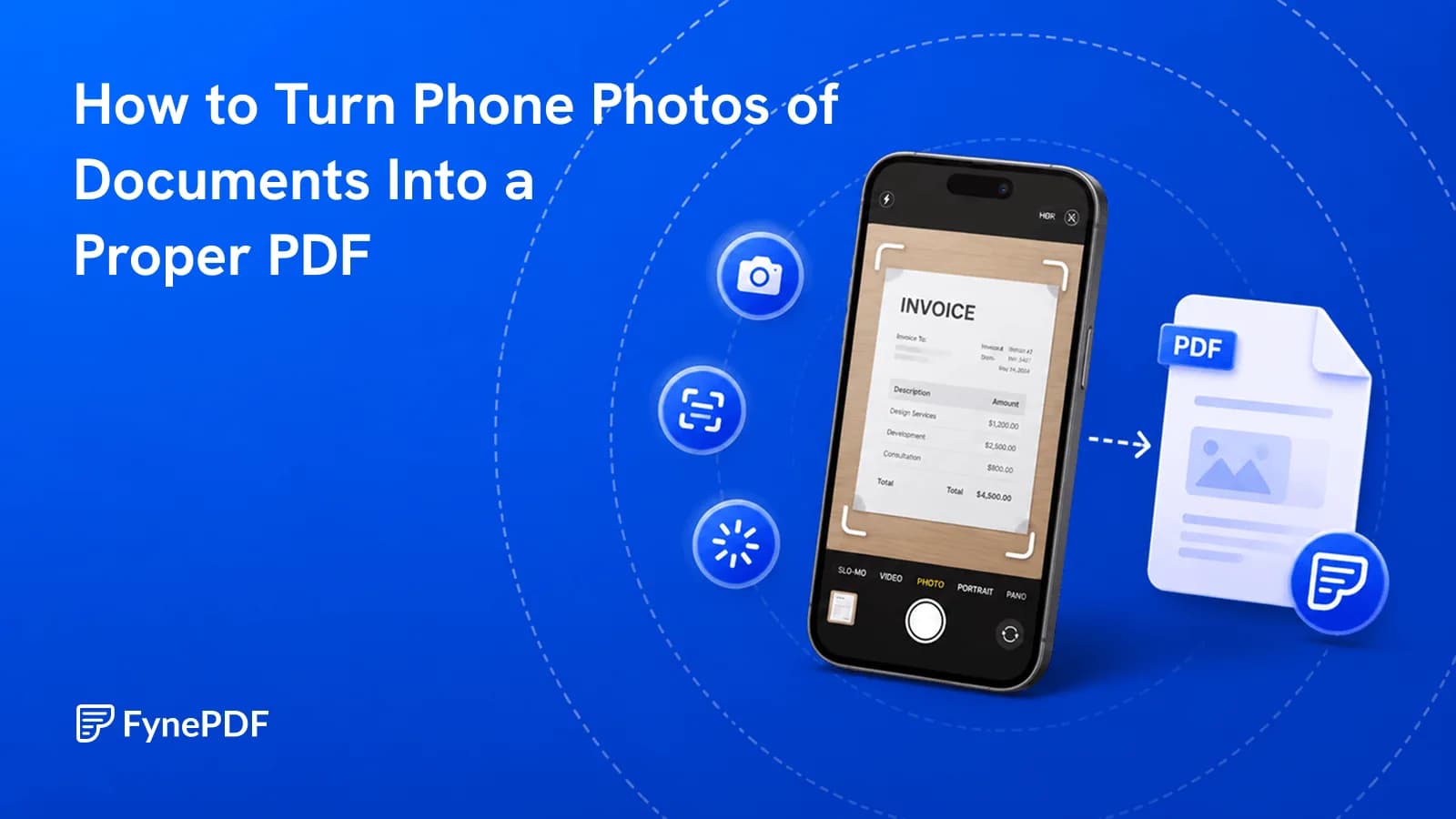
Guide
Convert
Organize
Eight photos attached to an email is not a document. Turn them into one ordered file.
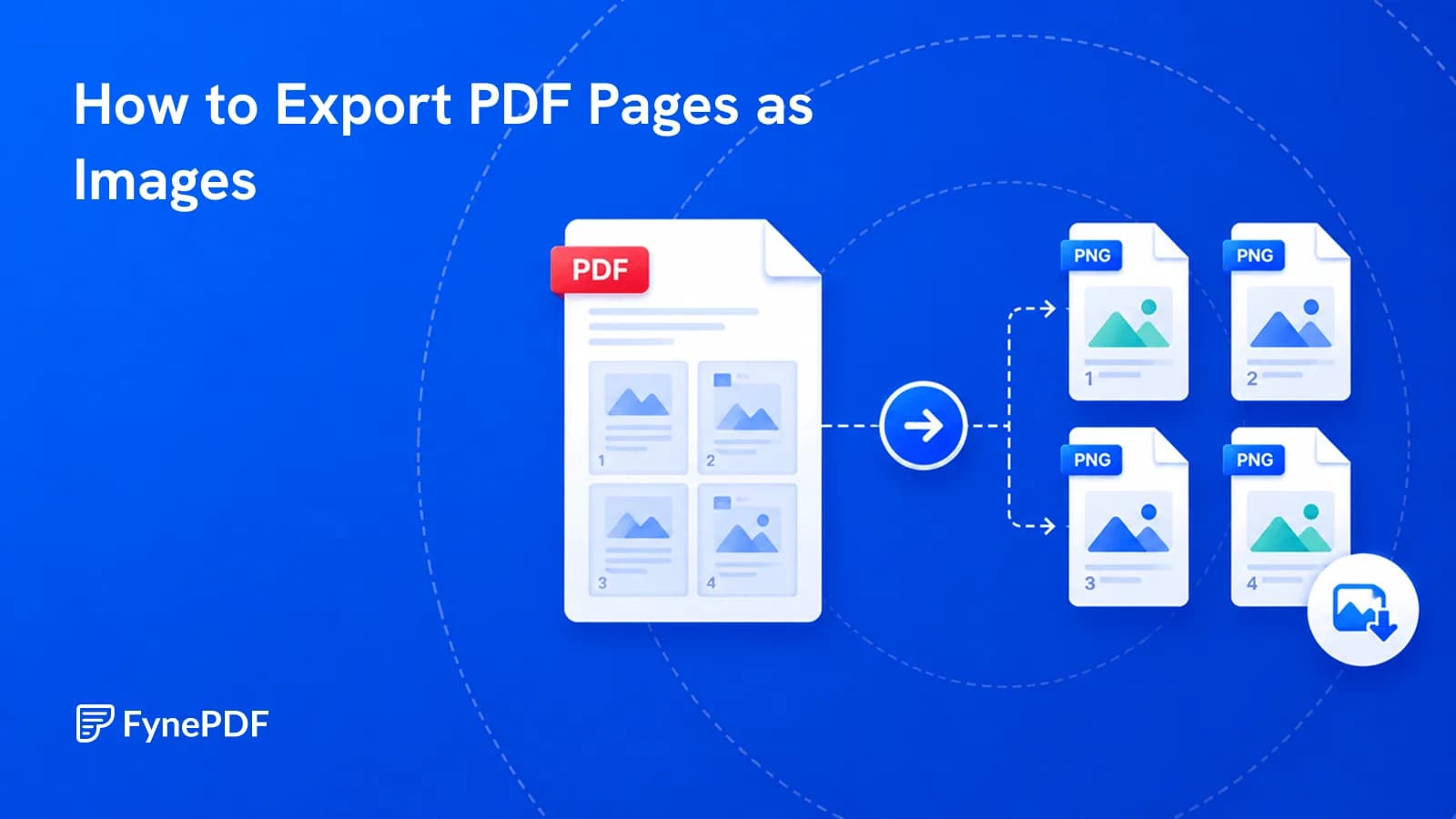
Guide
Convert
Productivity
You need one page as a picture for a slide or a post. Here's how to export it properly.
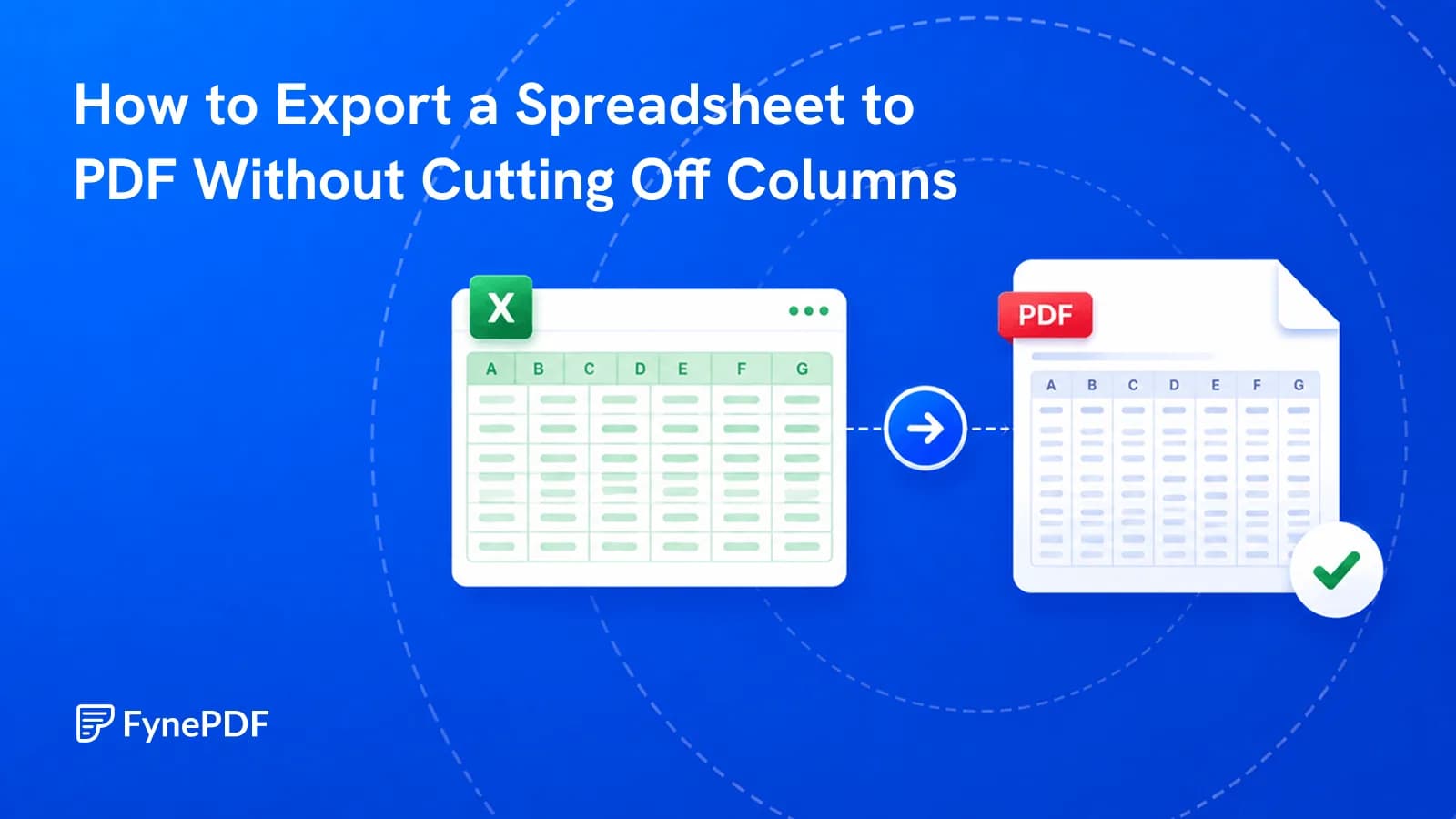
Guide
Convert
Productivity
The last three columns landed on their own page. Here's how to set it up before exporting.