
How to Export PDF Pages as Images
You need one page as a picture for a slide or a post. Here's how to export it properly.
 By Biraj Paudel, Founder of FynePDF4 min read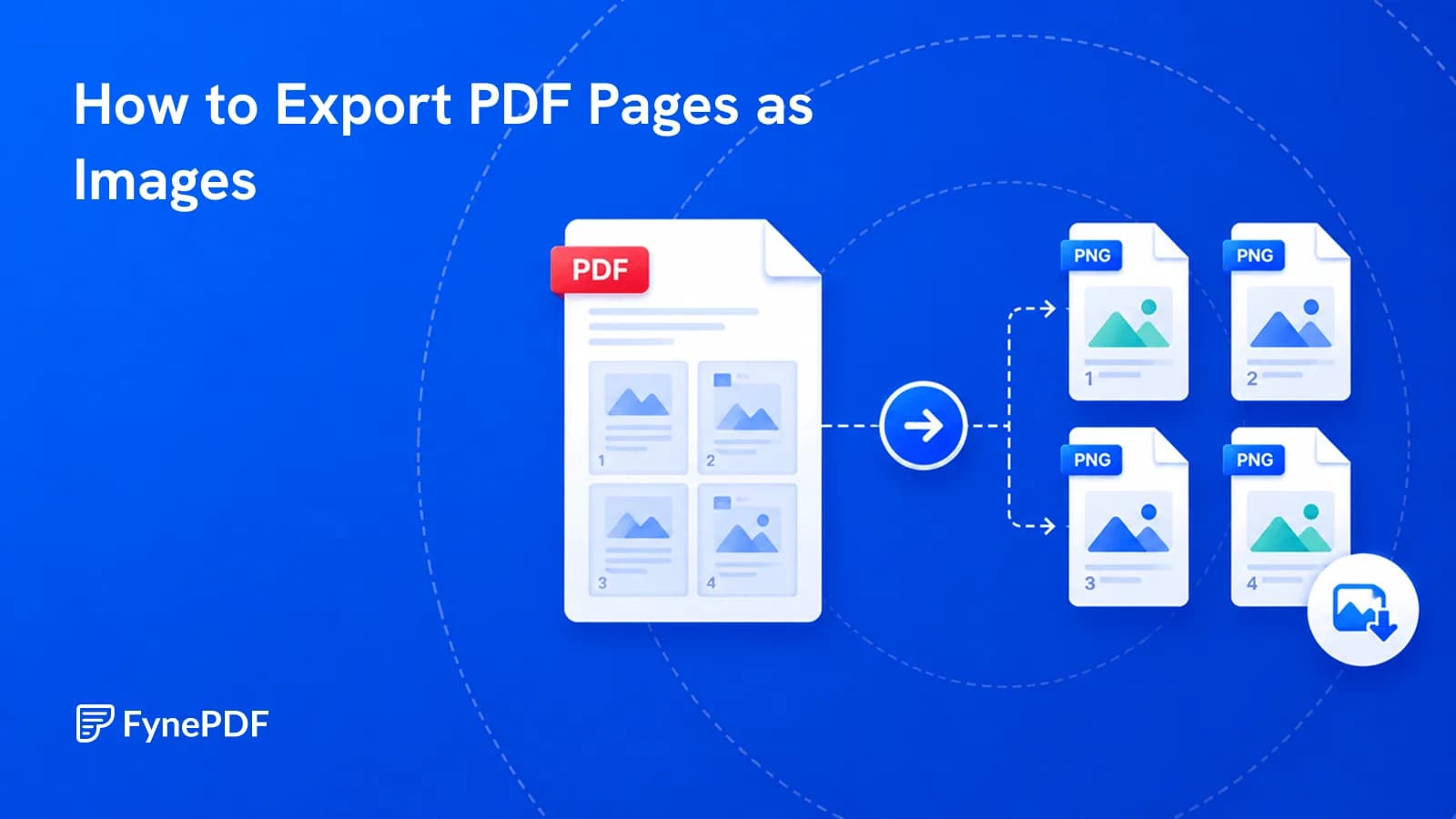
To export PDF pages as images, upload the file and convert. Each page becomes a separate image file. This is what you need when a page has to be embedded somewhere that can't display a PDF: a slide, a social post, a support ticket, or a web page.
The important decision is resolution, and it's the one most people skip.
When do I need images rather than a PDF?
Whenever the destination can't render a PDF inline, which covers more places than you'd expect:
- Presentation slides. Pasting a page into a deck as an image
- Social posts, most platforms accept images, not documents
- Support tickets and bug reports. Attaching what the user actually saw
- Web pages and emails, an image displays inline; a PDF requires a download
- Chat applications, where a PDF becomes a file to open rather than something visible
- Design mockups. Placing a document page into a layout
The common thread is that an image displays and a PDF has to be opened. For a single page, that difference matters.
How do I convert PDF pages to images?
- Open the PDF to Image tool.
- Upload your PDF.
- Convert and download the images.
Free accounts handle files up to 250MB. Every page becomes its own image file, so a 40-page document produces 40 images. Worth knowing before you convert something long.
Which resolution should I choose?
Higher resolution means a sharper image and a much larger file, and the right answer depends entirely on where it's going:
| Destination | Guidance |
|---|---|
| Web page or email | 72–96 DPI is sufficient; larger just loads slowly |
| Presentation slide | 150 DPI, projected at size, but still a screen |
| Print material | 300 DPI minimum |
| Archival reference | 300 DPI or higher |
| Social post | Match the platform's recommended pixel dimensions |
The failure people notice is a low-resolution image blown up, which looks blocky and unprofessional. The failure they don't notice is a 300 DPI image on a web page, quietly costing every visitor several megabytes of load for no visible benefit.
Only need one page?
Extract it first rather than converting everything. Extract Pages pulls the page you want into its own PDF, which you then convert, much tidier than generating 40 images and deleting 39.
For a range of pages, the same approach works and keeps the output manageable.
What do I lose by converting to images?
The text layer, entirely. An image of a page is pixels, so the content can no longer be searched, selected, copied, or read by any tool that needs text. Anyone who receives only the image cannot use it as a document.
That matters in two situations. If the recipient might need to quote from it, send the PDF as well. And if you're converting pages to images to send them onward as a new PDF, you've destroyed the text layer and produced a much larger file, Compress PDF or Split PDF are the right tools for that goal instead.
Accessibility is the other cost worth naming. Screen readers can read a text PDF and cannot read an image, so an image-only document excludes anyone relying on one. Add alt text wherever you place it.
Common questions
Which image format should I use?
Photographic content compresses better in a lossy format; pages with sharp text and line art stay cleaner in a lossless one. For a page that's mostly text, prefer the format that keeps edges crisp. Compression artefacts around letterforms are very visible.
Can I convert images back into a PDF?
Yes, with Image to PDF. Note that the result contains images of pages rather than text, so run OCR if it needs to be searchable.
Why is my image blurry?
The resolution was too low for the size it's being displayed at, or the source PDF was itself a low-quality scan. Converting can't add detail that was never in the file. Check the original at high zoom to see which case you're in.
Are my files kept?
Files transfer over encrypted connections and are permanently deleted within 15 minutes of processing unless you save them to your library.
Export your pages
Extract the page you need first, then upload to PDF to Image and pick the resolution for where it's actually going.
 OCR PDF
 Word to PDF
 PDF to EPUB