Dynamic Text Reflow
Text wraps to fit any screen, so you can set your own font size and never pinch-zoom.


Convert your PDF into a reflowable EPUB.
Convert PDF to EPUB eBooks
No Watermark on Downloads
Works on Kindle & Kobo
Convert your PDF into a reflowable EPUB.


or drop your file here
Convert PDF to EPUB eBooks
No Watermark on Downloads
Works on Kindle & Kobo
Text wraps to fit any screen, so you can set your own font size and never pinch-zoom.
Drop your PDF and the EPUB is rebuilt the moment it finishes uploading.
E-reader apps let you highlight passages and keep notes as you read.
Convert PDF to EPUB in three steps, no software to install, no account needed.
1
Drag and drop your document up to 100MB free, 1GB on Pro and 5GB on Premium.
2
The moment your file finishes uploading, FynePDF extracts the text and creates a reflowable EPUB file.
3
Your newly converted, e-reader-ready eBook is ready to download and auto-deleted after 15 min.
PDFs force you to awkwardly pinch, zoom, and scroll on small screens. Here is how converting to EPUB drastically improves your reading experience.
Read academic papers or heavy reports on your Kindle, Kobo, or Nook without awkwardly zooming in on rigid PDF pages.
PDFs lock you into tiny text. Converting to EPUB lets you increase the font size and change typefaces for comfortable reading.
Stop pinching and scrolling side-to-side. EPUB text automatically wraps and reflows to adapt to the display and font settings in your e-reader.
EPUBs integrate natively with your device's e-reading apps, allowing you to switch between dark mode, sepia, or eye-care backgrounds.
EPUB files provide clean, linear text flows, making them far easier for accessibility tools and audio-reader apps to parse smoothly.
Convert your finalized, static PDF manuscript directly into the EPUB format required for publishing on Apple Books or Google Play.
A PDF fixes every word to a position on a page. An EPUB stores text that flows, so your device decides where the lines break based on screen size and the font you've chosen. Converting means giving up exact layout in exchange for text that's actually readable on a phone.
Font size, typeface, line spacing and dark mode all become your choice rather than the document's.
Multi-column pages become a single column. Precise positioning, headers and footers don't carry over.
Novels, reports and papers convert cleanly. Magazines, brochures and heavy design don't reflow well.
Guide
Convert
Productivity
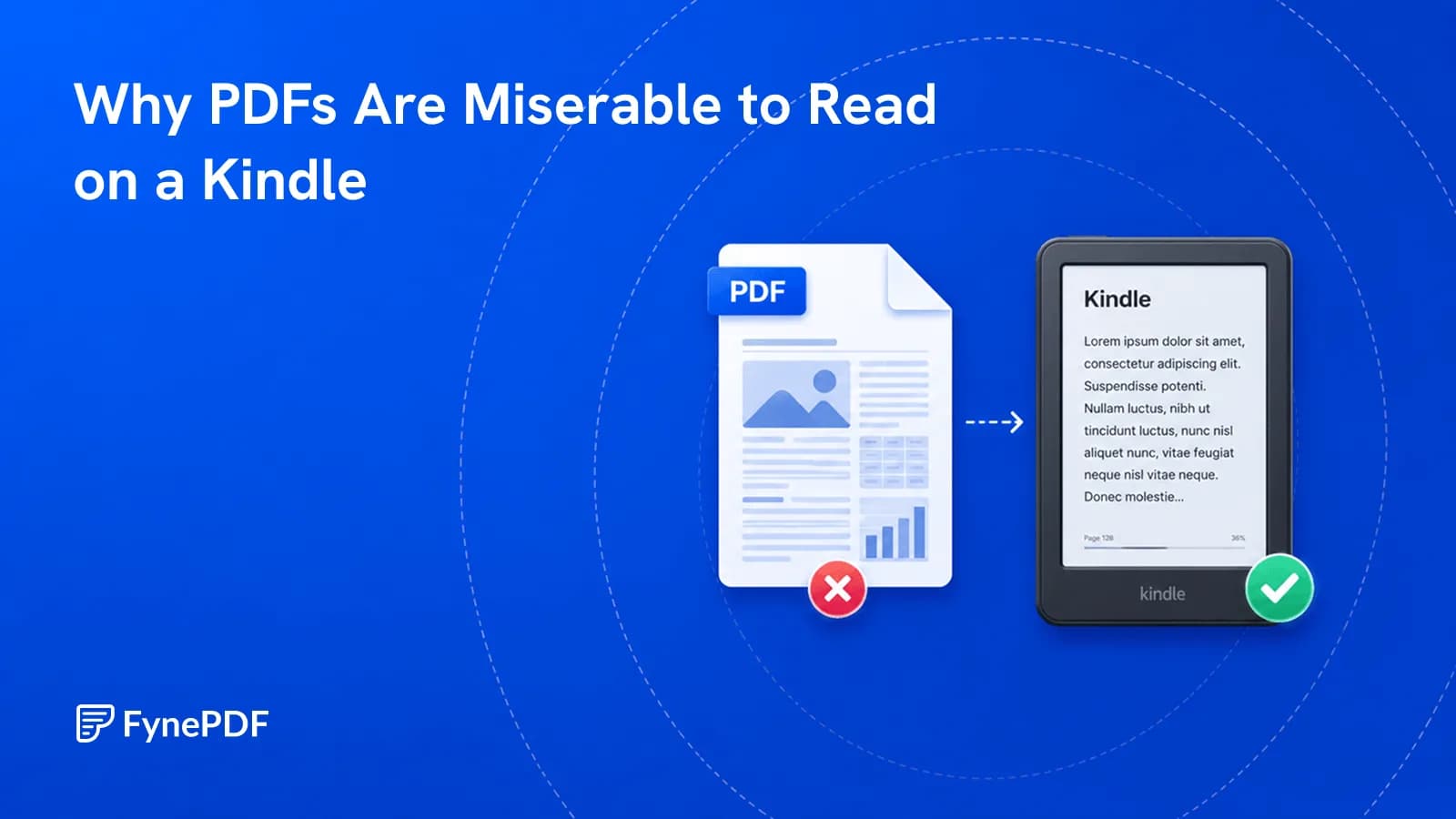
PDFs have fixed pages. E-readers want text that reflows to the screen.

Guide
Convert
Productivity
Your 12-page report opened as 14 on their machine. Here's why, and how to stop it.
Guide
Convert
Optimize
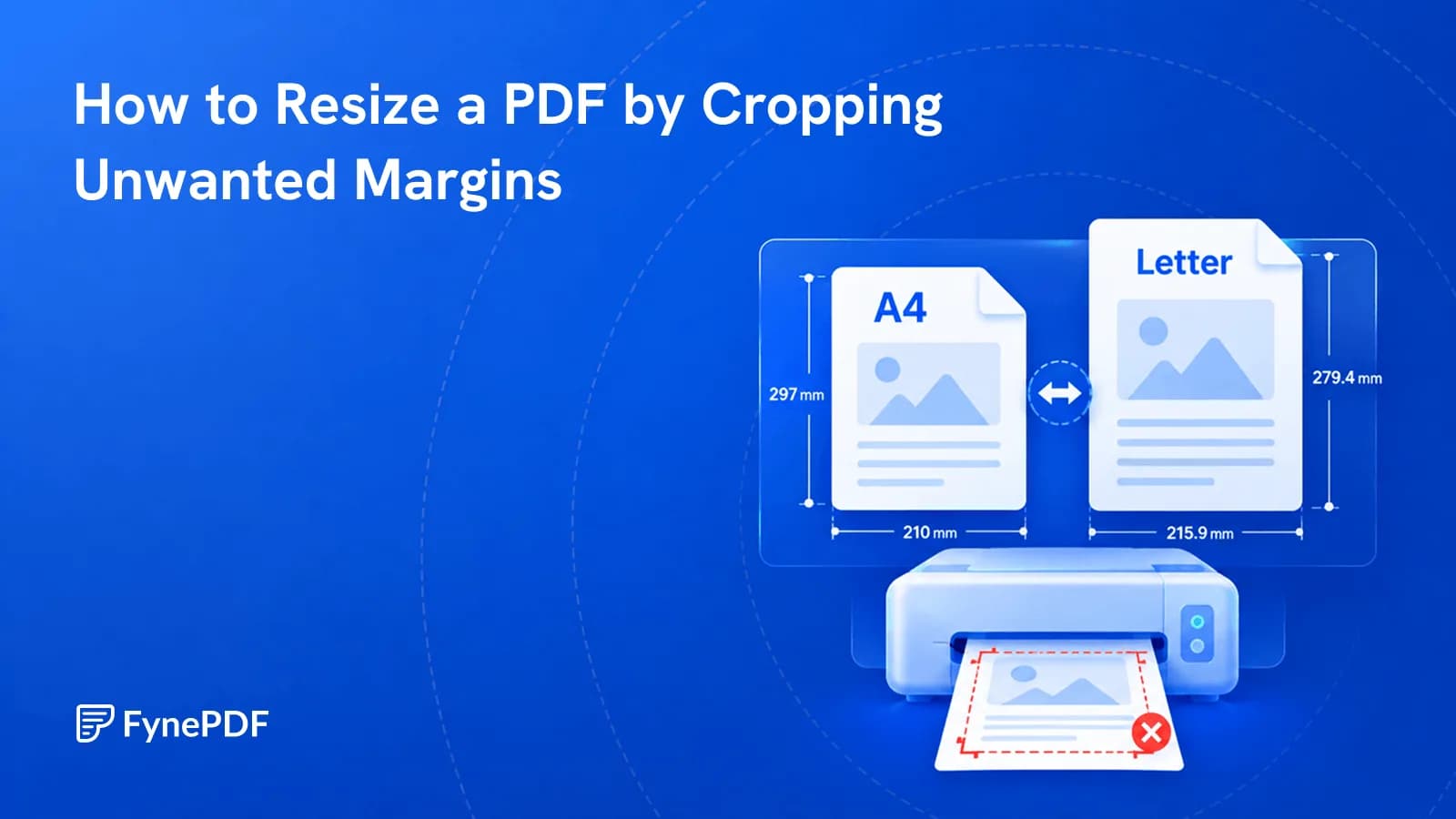
Cropping removes unnecessary margins so your PDF fits the page better when printing or sharing.