
How to Turn Phone Photos of Documents Into a Proper PDF
Eight photos attached to an email is not a document. Turn them into one ordered file.
 By Biraj Paudel, Founder of FynePDF4 min read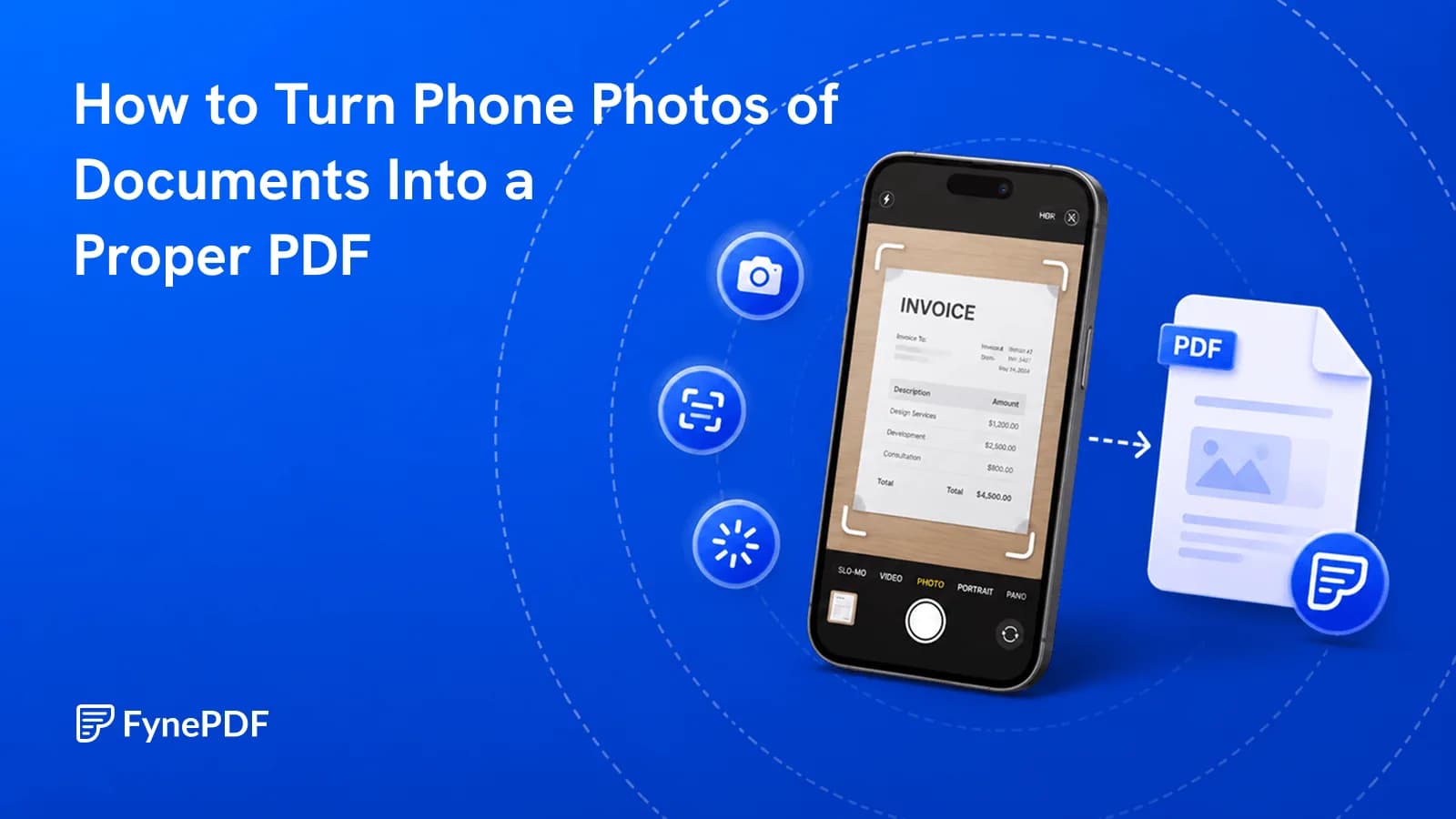
To turn photos into a PDF, upload the images together, set their order, and convert. The result is one document rather than a folder of loose files. Most upload portals require exactly this, a single PDF per item, which is why photographed documents get rejected when sent as images.
The photography itself determines how usable the result is, so it's worth a minute before you upload.
Why won't portals accept my photos?
Because they expect one document per field, not one file per page. USCIS, court e-filing systems, university submission portals, and most job applications are built around consolidated PDFs. Eight JPEGs in an email is eight separate items with no defined order, and the person receiving them has to work out the sequence themselves.
There's a practical reason too: images carry no page structure. A PDF knows it has pages 1 through 8 in that order. A folder of photos knows only filenames, and IMG_4471.jpg tells nobody anything.
How do I convert photos to a PDF?
- Open the Image to PDF tool.
- Upload every photo.
- Drag them into reading order.
- Convert and download the single file.
Order is set before conversion, not after. Phone filenames sort in ways that rarely match page order, so check the sequence rather than assuming it.
How should I photograph the pages?
This is where the quality of the final document is decided, and phone cameras do well if you give them a chance:
- Flat surface, good light. Natural light from a window beats overhead fixtures, which cast your own shadow across the page
- Directly overhead. Angled shots produce keystoned pages that look unprofessional and read badly
- Fill the frame with the page, leaving a small margin
- No flash. It blows out the centre of a glossy page and creates a bright spot over the text
- Check focus before moving on, especially with small print
- One page per photo, even for a spread
If your phone has a document scanning mode, use it. It corrects perspective, crops to the page edges, and flattens lighting. All of which are tedious to fix afterwards.
What happens to the file size?
It grows fast. Modern phone cameras produce 3–5MB per photo, so a 15-page document lands somewhere around 50MB before you've done anything else. That fails almost every email and portal limit.
| Destination | Cap |
|---|---|
| Gmail | 25MB send |
| Outlook desktop | 20MB |
| USCIS document upload | 6MB |
| Applicant tracking systems | around 5MB |
Convert first, then run Compress PDF on the result. Photographed pages compress heavily, 60–80% reductions are routine, because camera resolution far exceeds what any screen or office printer reproduces.
Can I search the text afterwards?
Not without another step. A PDF made from photos contains images of words, so Ctrl+F finds nothing and text can't be selected or copied.
Run OCR to add a searchable text layer underneath. The pages look identical afterwards; the difference is that the document becomes searchable, quotable, and usable by every other tool that needs real text, including conversion to Word or Excel.
For anything you'll need to reference later, this step is worth the extra minute.
Common questions
Which image formats work?
Standard photo formats convert normally. If your phone saves in HEIC, converting to JPEG first avoids compatibility issues with older systems that may need to open the finished PDF.
My pages are sideways. Can I fix that?
Convert first, then use Rotate PDF to correct orientation. Rotating in the PDF is more reliable than rotating source images, since some editors record rotation as metadata that doesn't always survive conversion.
Should I use a scanner instead if I have one?
For anything official, yes. A flatbed scan at 300 DPI is more consistent, has even lighting, and won't have perspective distortion. Phone photos are the practical option when a scanner isn't available, not the better one.
Are my photos kept after conversion?
Files transfer over encrypted connections and are permanently deleted within 15 minutes of processing unless you save them to your library.
Convert your photos
Upload them to Image to PDF, set the order before converting, then compress the result if it's going anywhere with a size limit.
 PDF to Excel
 Add Bookmarks to PDF