Generate From Headings
Turn a document's headings into a nested bookmark outline in one click.


Build a clickable PDF outline so readers can jump to any section.
or drop your file here
Turn a document's headings into a nested bookmark outline in one click.
Rename, nest and drag bookmarks into place. Pages stay untouched.
PDF bookmarks jump directly to their linked pages, making long documents easier to browse in a reader.
Add bookmarks to a PDF in three steps, no software, no account needed.
Drag and drop or select your PDF up to 600MB free and 5GB on Pro and Premium.
Add, rename, nest and reorder bookmarks, or generate them from the headings in one click.
Download your bookmarked PDF straight away. Files are deleted after 15 min.
A PDF without bookmarks makes readers scroll to find what they need. Here is where a clear outline saves time for everyone who opens the file.
Add a bookmark for every chapter and section, the way many universities ask for in a final submission.
Bookmark each brief section and exhibit so judges and opposing counsel can jump straight to them.
After merging files into one PDF, add a bookmark for each original document so readers can find them.
Generate a nested outline from the headings so readers can move through a long manual using a clickable outline.
Give annual reports, board packs and tender responses an outline that matches their table of contents.
Fix misspelled, out-of-order or broken bookmarks left behind by the app that created the PDF.
Bookmarks are the clickable outline a PDF reader shows beside the pages. FynePDF reads the outline already in your file, lets you reshape it or build one from the headings, then writes the new outline back without touching the pages.
The bookmarks already in your PDF appear as an editable list, nested the way they are in the file.
Rename, nest, reorder and point bookmarks at pages, or generate a full outline from the headings.
Only the outline is rewritten. Text, images, links and layout come out exactly as they went in.
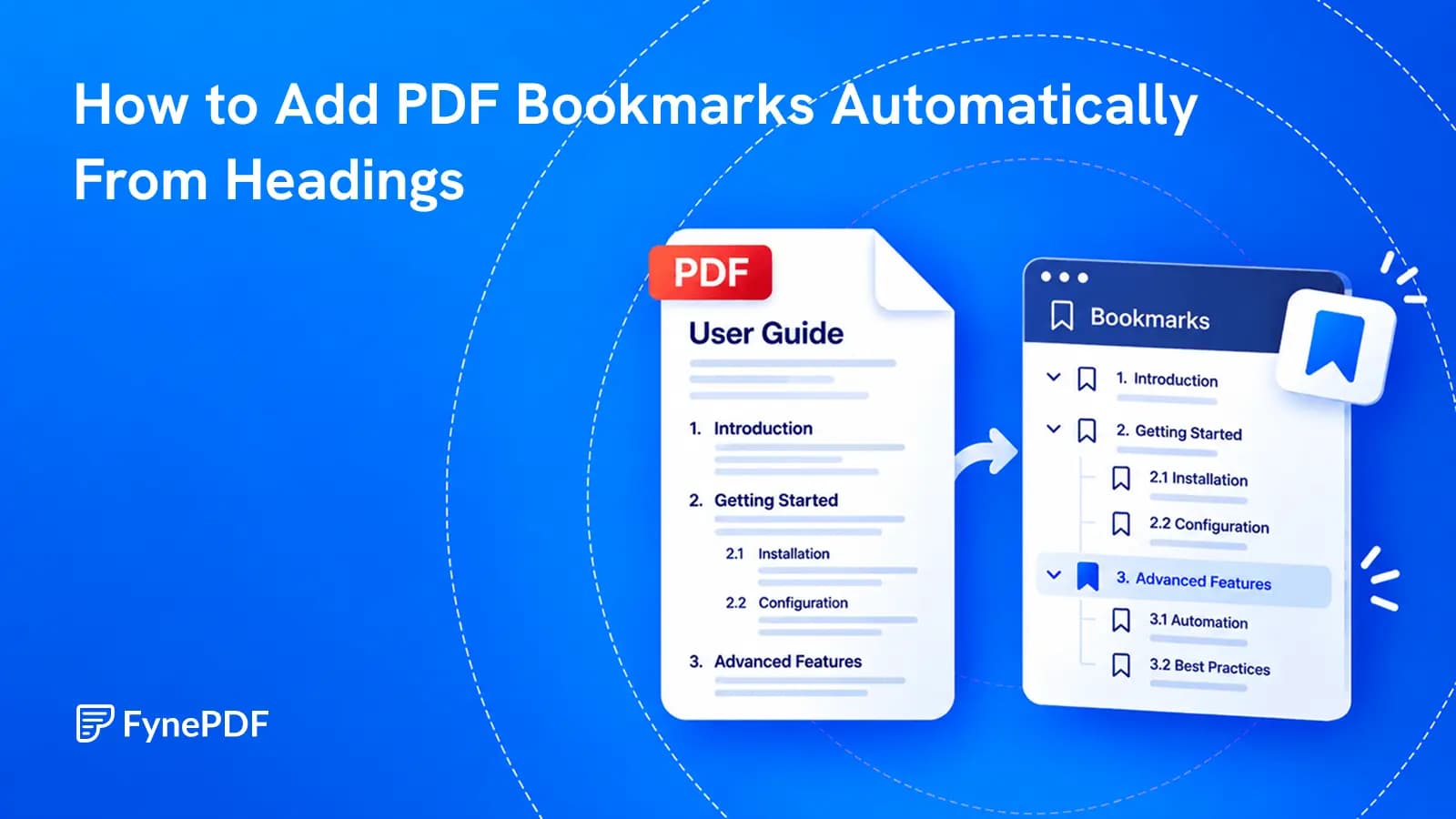
Build a useful sidebar outline from the document you already have, then check what automatic heading detection got right.
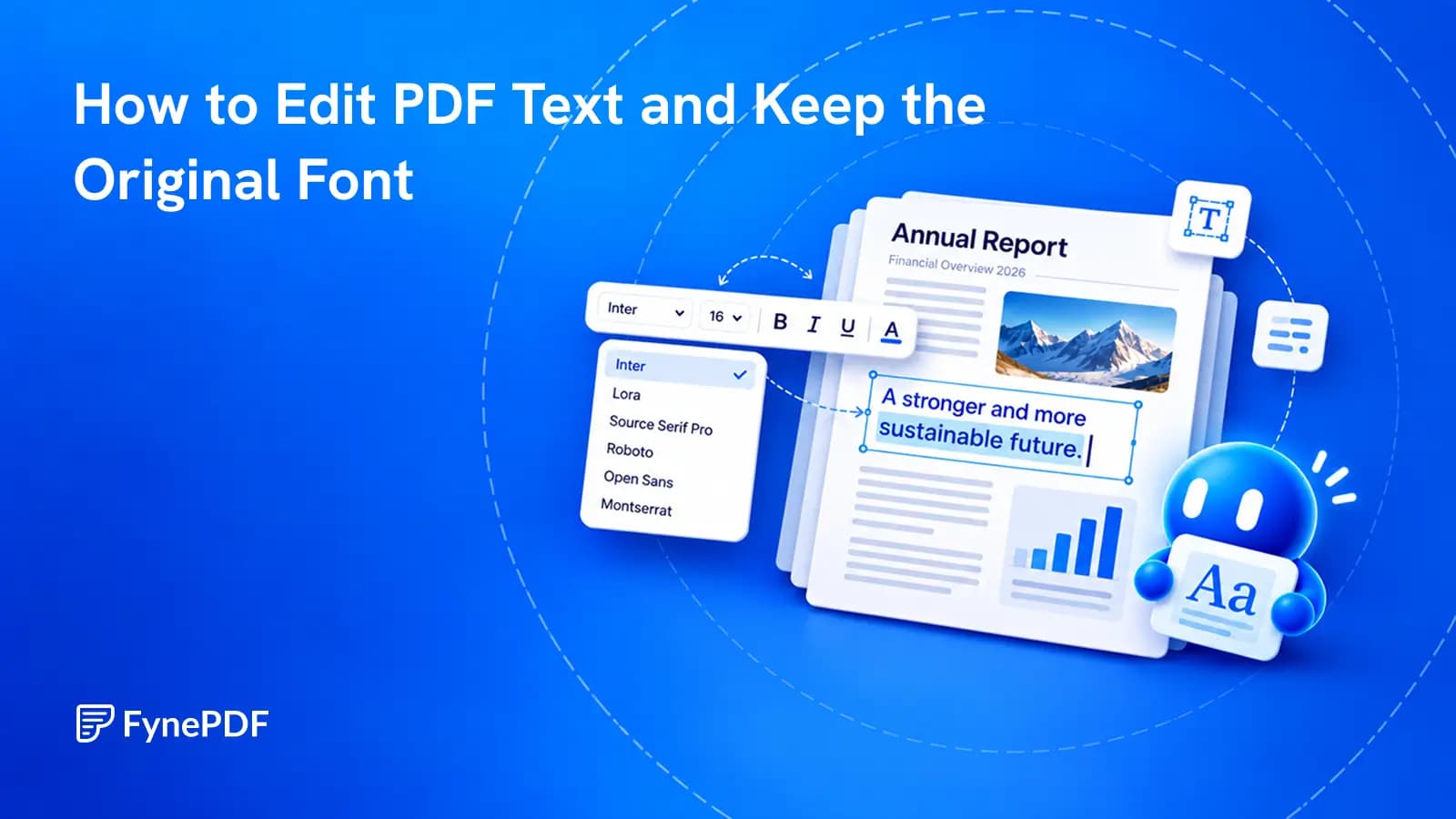
Change the words already in the document, then check the details that make the edit look like it belongs.
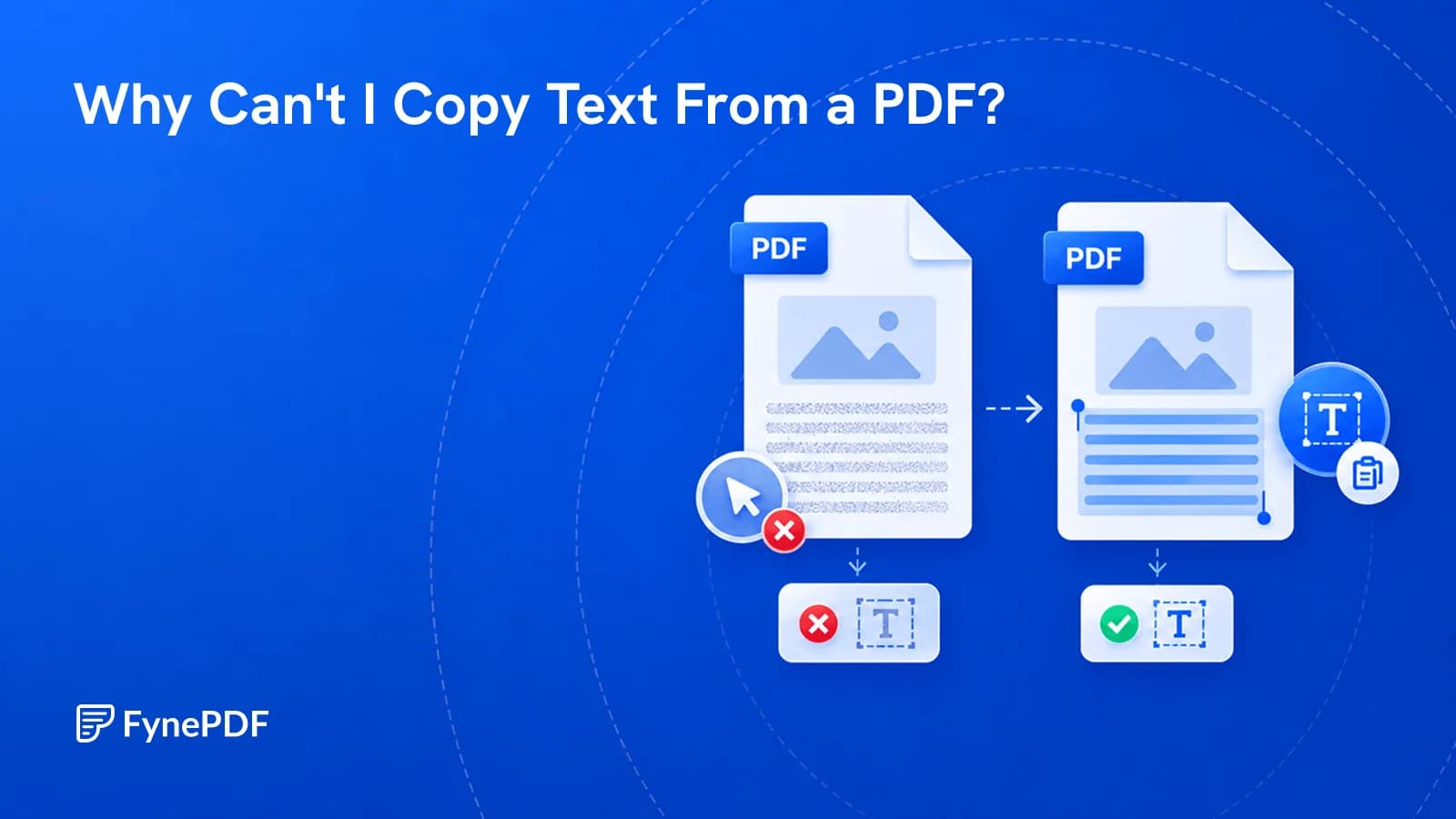
Scanned pages, copy restrictions, and bad encoding all block copying. Here's how to tell which one you have and make the text selectable.