


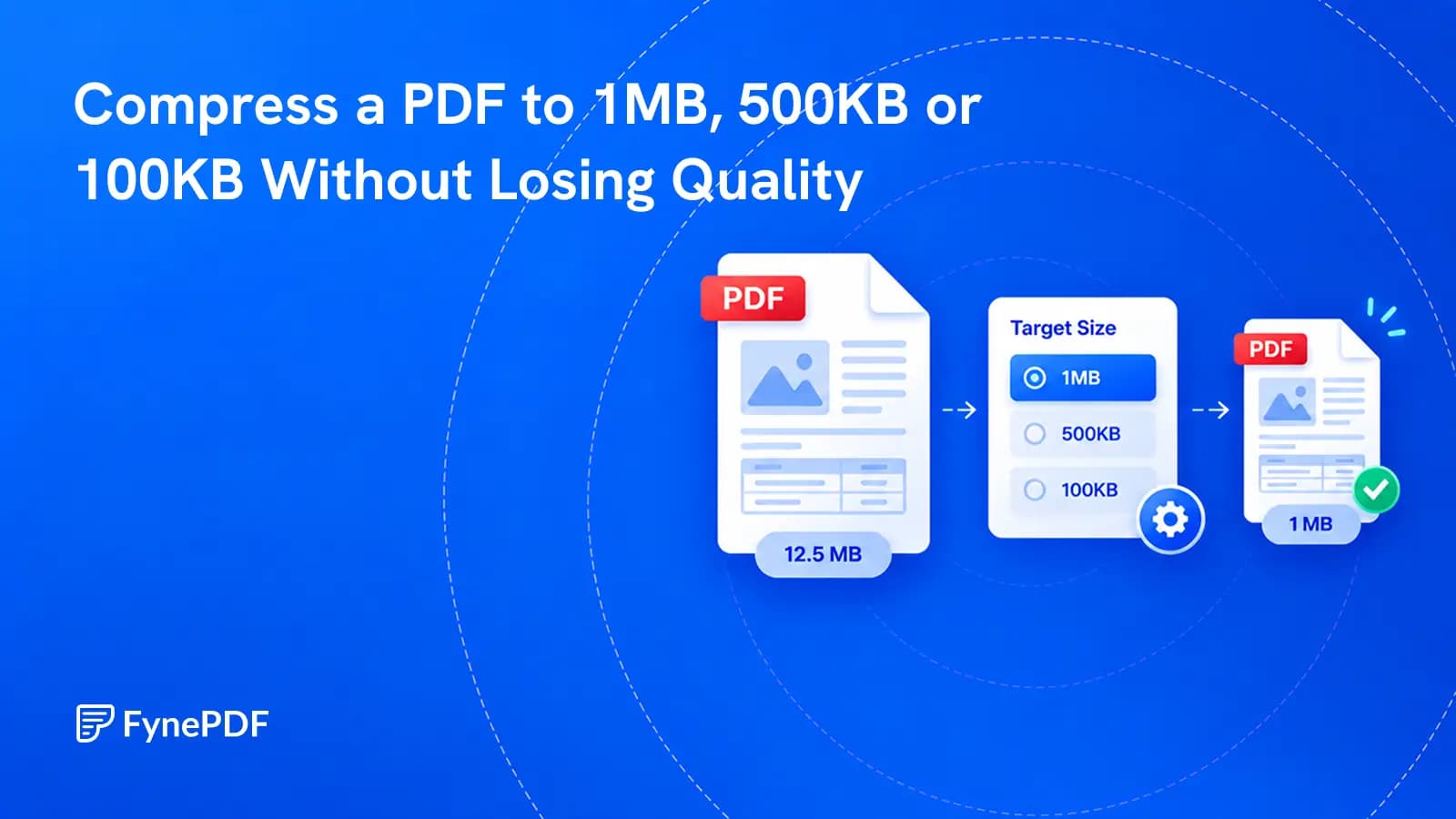
Compress a PDF to 1MB, 500KB or 100KB Without Losing Quality
Choose the file size you need. FynePDF works from lighter to stronger compression and stops once the target is reached.

22 October 2026 · By Biraj Paudel, Founder of FynePDF
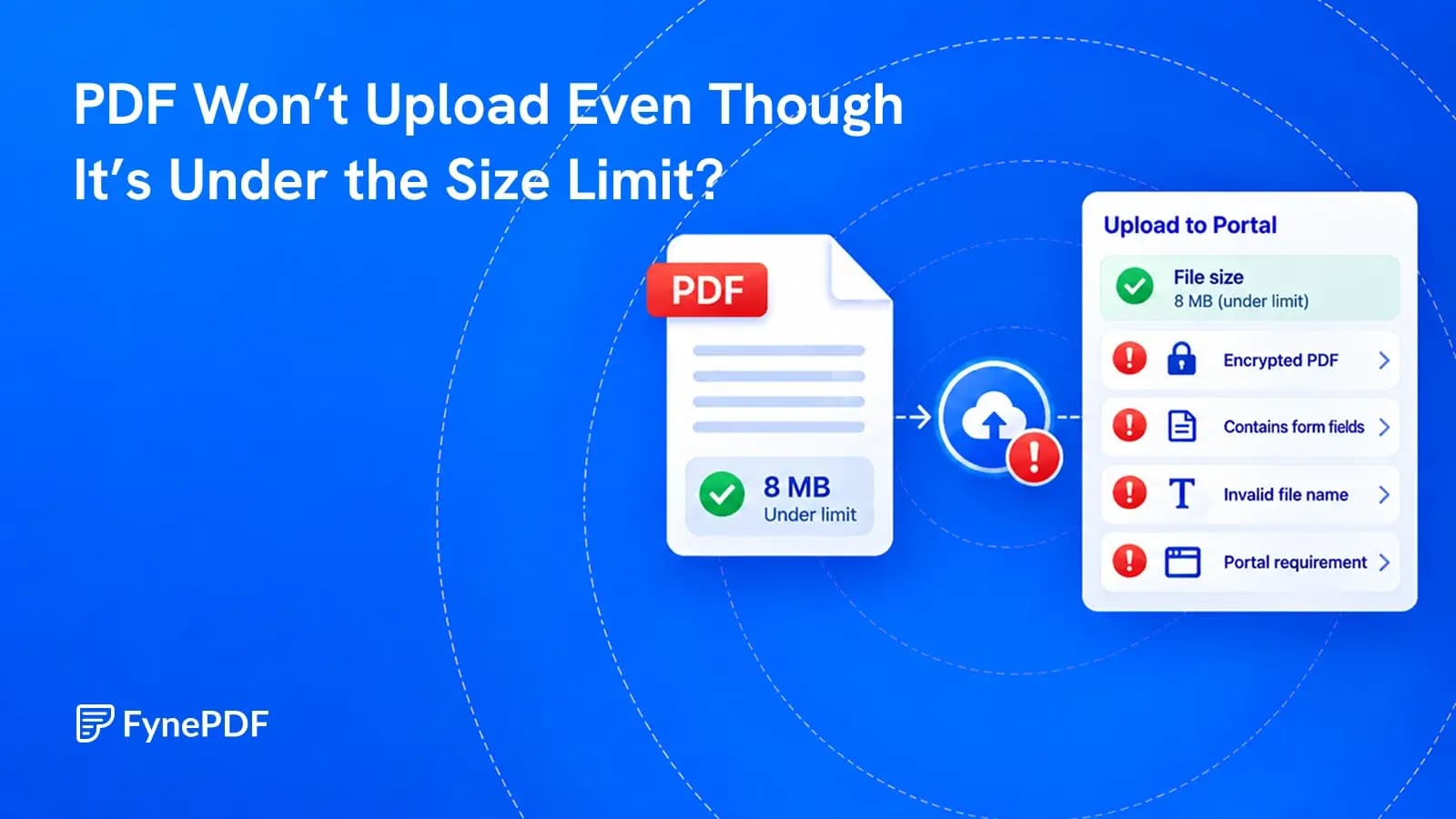
File size is only one of the checks an upload portal can make. Find the failed check before changing the document.
The portal allows 5MB. Your PDF is 2MB. You choose the file, wait for the upload, and get the same error again.
Making it smaller may not help. A PDF can meet the size limit and still fail because it is encrypted, contains unsupported features, does not have a valid PDF structure, or breaks a filename or page-count rule. Sometimes the document is fine and the browser session or upload service is the problem.
Start with the exact error message and the portal's document requirements. Then change one thing at a time, keeping the original file untouched.
The point of failure is a clue, not a diagnosis.
| What you see | What to investigate first |
|---|---|
| The file cannot be selected | Allowed file types and whether the file is actually available on the device |
| An immediate rejection | Filename rules, file type, security settings and stated limits |
| Progress begins, then stops | Connection, session expiry, upload service or document validation |
| The upload finishes but submission fails | Missing fields, total attachment limits or later document checks |
| A preview is blank or incomplete | Form compatibility, damaged content or a viewer problem |
Record the error text before dismissing it. “Unsupported document” points in a different direction from “Session expired.” If there is an error code, include it when contacting support.
A portal may set separate limits for each file, the whole submission, page count or number of attachments. Being below one limit does not mean you satisfy the others.
File managers can also round the displayed size. A file shown as 5.0MB may sit slightly above an exact byte limit. If your file is close to the ceiling, create a copy comfortably below it. If it is already far below the limit, stop compressing and investigate another cause.
Read any instructions for the specific upload field. A portal may accept PDFs for supporting evidence but require a different format for a photo or spreadsheet.
Also check that the file is fully downloaded. A cloud-storage placeholder or an interrupted download is not a complete local document.
Open the saved file in a trusted desktop PDF reader. Check several pages, including the last one. If it fails there too, the upload may be exposing an existing file problem.
Renaming a file to end in .pdf does not convert it. A failed download may have saved a website's sign-in page or an error page instead of the document you expected. Return to the original source and download it again.
If you created the document yourself, export a fresh PDF from its source file. That is usually a better starting point than repeatedly modifying a questionable copy.
For files that also fail outside the portal, see why a PDF will not open. For a file that opens normally but will not upload, continue with the checks below.
Some PDFs open freely but still have security settings that restrict editing or other actions. An upload system may reject encrypted documents even when your reader displays them.
Look in your PDF reader's document properties or security information. If the portal requires an unencrypted PDF, obtain an allowed copy from the document owner or export one from the original source if you have permission.
This is not a reason to bypass someone else's restrictions. If the document must remain protected, ask the receiving organization for its approved submission method.
Actual rules vary. For example, the U.S. District Court for Oregon's electronic filing guidance describes restrictions on features including encryption, JavaScript and embedded files. Those are examples of document checks, not universal rules for every portal.
A PDF is not always a simple stack of pages. It can contain interactive forms, scripts, embedded attachments or a collection of separate files inside a PDF portfolio.
The recipient may accept ordinary PDFs but not these variations. CMS, for example, explicitly excludes PDF portfolios in its document upload guidance.
If the portal requests a standard PDF, check whether you have uploaded a portfolio or an interactive form instead. Ask the issuer or recipient which format they expect before converting it.
Be especially careful with signed documents. Re-exporting, flattening or printing a PDF to another PDF can invalidate a digital signature or remove form behavior, attachments, accessibility information and other required content.
“Print to PDF” is not a universal repair. Use it only when the recipient accepts a static copy and you have checked that the result preserves everything the submission needs.
Follow the portal's naming instructions first. If none are provided, try a short, plain filename such as application-support.pdf. Keep the .pdf extension. Avoid an unusually long path or punctuation the portal may not handle.
Then save any unfinished form information and try these steps:
Do not disable antivirus protection or upload the document to an unrelated website just to test it. If you try a different browser profile, follow your organization's security rules and avoid losing saved application data.
FynePDF's Compress PDF tool lets you set a target size. Use a target below the portal's ceiling, then open the result and check small text, stamps and images before submitting it.
Compression addresses file size. It does not guarantee that a document meets the portal's security, form or signature requirements. If a 2MB file fails a 5MB limit, a 1MB version may fail for exactly the same reason.
Provide the upload field name, exact error, file size, page count, browser and approximate time of the attempt. Explain whether the PDF opens elsewhere and whether other permitted files upload successfully.
Do not post a private document in a public support forum. Ask for an approved way to share it if support needs to inspect the file. If a deadline is approaching, contact the receiving organization about an alternative submission route rather than continuing to rewrite the document blindly.
Sites use different limits, PDF readers and validation rules. Acceptance by one site does not establish that the file meets another site's requirements.
Only if the portal allows multiple files and the document may be split. A split can separate required pages or affect a signed record. Confirm the submission rules first.
It may help with a damaged file, but it cannot resolve an expired session, a prohibited document feature or the wrong submission format. Identify the likely failure before choosing a repair.
Try it yourself
Choose the file size you need. FynePDF works from lighter to stronger compression and stops once the target is reached.
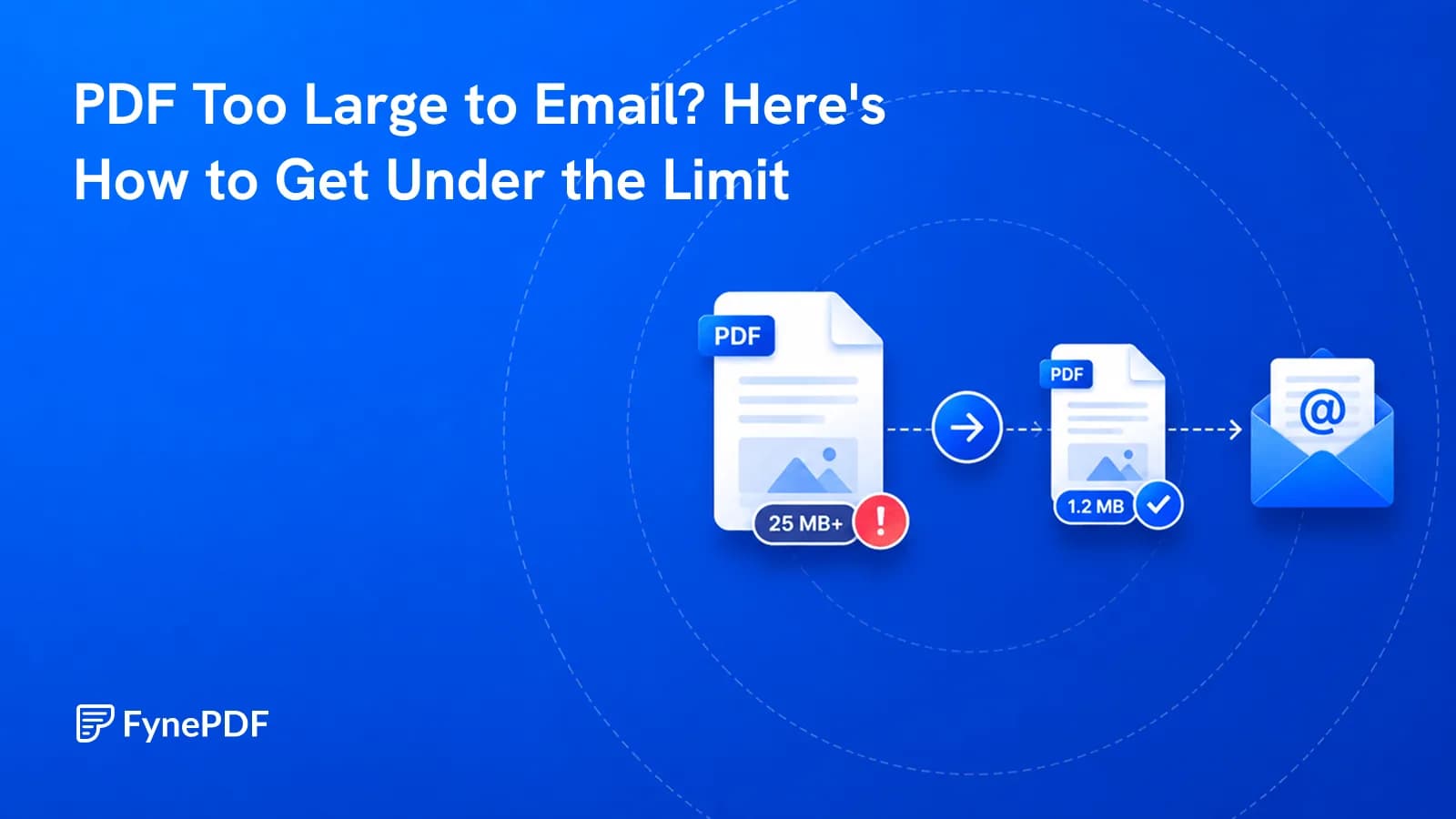
Gmail stops at 25MB, Outlook at 20MB. Here's why your file is oversized and how to get under it.
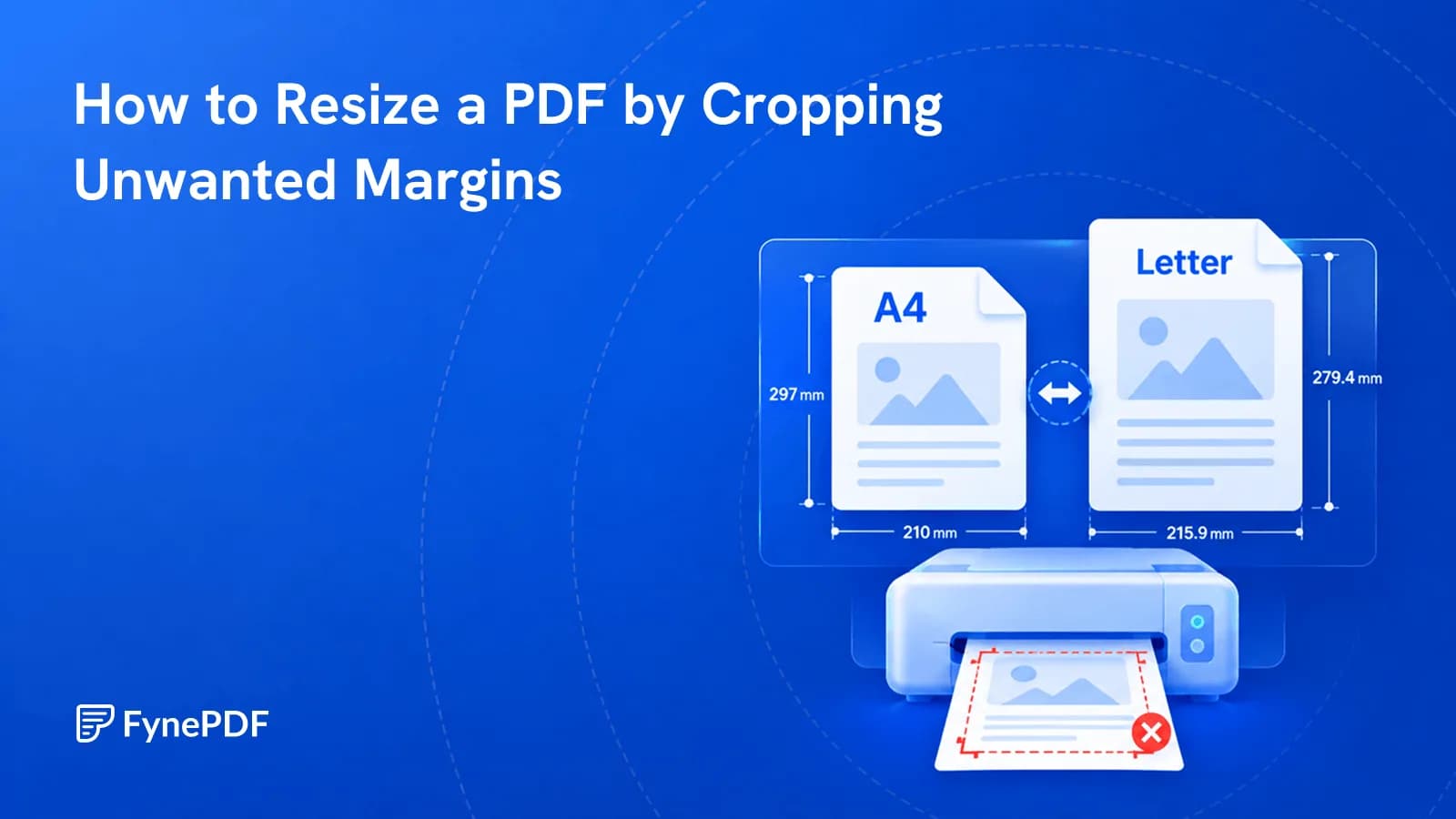
Cropping removes unnecessary margins so your PDF fits the page better when printing or sharing.