


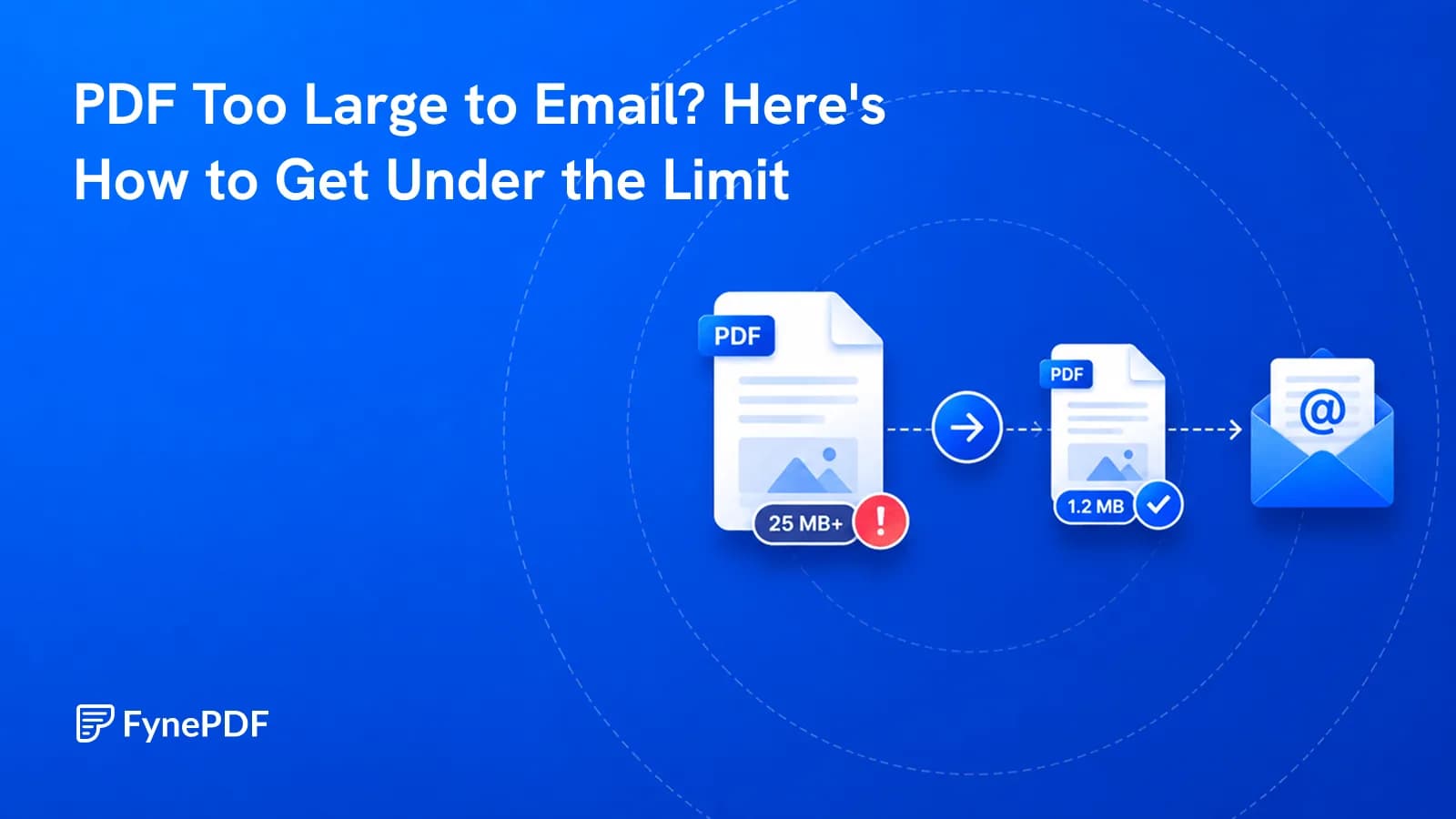
PDF Too Large to Email? Here's How to Get Under the Limit
Gmail stops at 25MB, Outlook at 20MB. Here's why your file is oversized and how to get under it.

23 September 2026
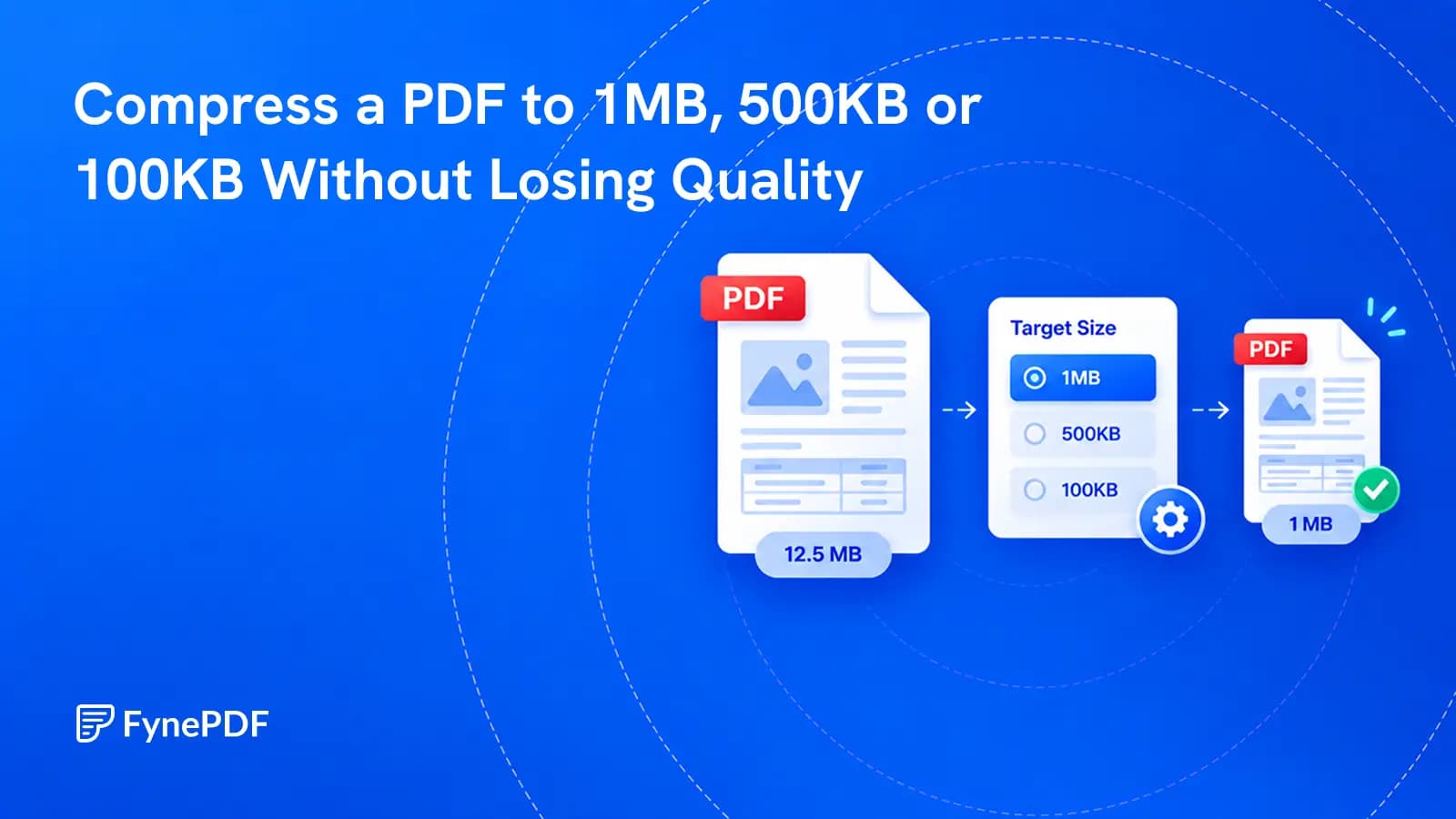
Choose the file size you need. FynePDF works from lighter to stronger compression and stops once the target is reached.
To compress a PDF to 1MB, 500KB, or 100KB in FynePDF, open the target-size option, enter the maximum size you need, and choose KB or MB. FynePDF tests progressively stronger compression and stops when it finds a version below your target. This avoids using more compression than the file needs.
The target is a ceiling, not a promise that every document can be reduced to any size. A one-page form may reach 100KB cleanly. A 60-page color scan may not. FynePDF reports whether the target was reached, so you know whether the result is ready to upload or needs another approach.
You do not have to guess whether Light, Medium, or Heavy will produce the right size. You give FynePDF the limit, and the tool searches for a result that stays under it.
If your problem is an email attachment rather than a fixed upload limit, read PDF Too Large to Email? Here’s How to Get Under the Limit. That guide covers mail-provider limits and attachment behavior. This article is specifically about choosing an output-size target.
Most PDF compressors ask you to choose how strongly they should compress the file. That leaves the result uncertain. Medium might produce 1.4MB when the portal accepts only 1MB. Heavy might produce 420KB, but at a lower image quality than you needed.
Target-size compression reverses the decision. Instead of telling the tool how much compression to apply, you tell it the largest file the receiving system will accept.
FynePDF begins with a lighter compression profile. If that result is still too large, it moves to a stronger profile. It stops at the first version that reaches the target. The purpose is not to make the smallest file possible. It is to meet the limit while keeping as much image quality as possible.
| Method | What you choose | What you know before starting |
|---|---|---|
| Compression level | Light, Medium, or Heavy | The general quality and compression strength |
| Target size | A maximum such as 1MB or 500KB | The file-size limit the result should try to meet |
Both options remain useful. Choose a compression level when you simply want a smaller PDF. Choose a target when a form, portal, application, or document system gives you a specific maximum.
Not yet.
Many mainstream online compressors still make the user choose a preset and check the result afterward. Adobe Acrobat online offers High, Medium, and Low compression. iLovePDF offers Extreme, Recommended, and Less compression. Smallpdf’s own chosen-size guide says users cannot type an exact size into its compressor and may need extra steps when a preset misses the limit.
FynePDF also provides Light, Medium, and Heavy levels, but adds a direct target field with KB and MB units. That is useful when the requirement is not “make this smaller.” It is “make this fit under 500KB.”
Competitor interfaces can change, so the fair claim is that target entry is missing from many major online compression flows at the time of writing. It would be too broad to say that no other PDF tool offers it.
No PDF compressor can honestly guarantee that every file will reach every target while remaining usable.
FynePDF treats the number as a requested maximum. A 500KB target means the tool tries to produce a result at or below 500KB. It does not pad the file to make it exactly 500KB, and a successful result may be smaller.
If the original file is already below the target, there is no reason to remove more data. If no available compression profile can reach the requested size, FynePDF returns the smallest result it could produce and marks the target as not reached.
The interface says “Final size depends on your PDF” because document content matters. A PDF full of real text has a different compression limit from a PDF where every page is a photograph.
Select the 1MB shortcut or enter your own target.
One megabyte is a practical limit for many resumes, forms, reports, certificates, and short scanned documents. FynePDF will try lighter compression before moving to settings that remove more image detail.
For a strict upload portal, set a small safety margin instead of aiming at the displayed limit. Entering 950KB for a 1MB portal gives you room for rounding and for systems that measure file sizes differently.
The distinction is real. NIST defines 1MB as 1,000,000 bytes and 1MiB as 1,048,576 bytes, but some software displays both values as “1MB.” A file that appears to be exactly 1MB on your computer can therefore sit slightly above a portal’s limit.
After downloading the result, check the smallest text, photographs, stamps, signatures, and diagrams. If the file is below the target and those details remain clear, stronger compression is unnecessary.
Choose the 500KB shortcut in the target-size controls.
At this size, the type of document begins to matter more. A text-based PDF can remain sharp because letters and vector shapes require little storage. Scanned pages are harder because each page is a full image, including the white background.
If the target is not reached, improve the source before trying to force more compression:
Do not remove color when it carries information. Charts, identity documents, evidence, medical images, seals, and marked-up plans may become misleading or unusable in grayscale.
Choose the 100KB shortcut, but treat this as an aggressive target.
A 100KB limit may work for a simple one-page document. It may be impossible for a long scan, photo portfolio, illustrated report, or document with several embedded fonts.
If FynePDF reports that the target was not reached, the problem is no longer choosing the right preset. The document contains more essential data than the available compression profiles can fit below the limit.
Use this order:
Avoid turning every page into a screenshot. That destroys searchable text, harms accessibility, and often makes small letters harder to read. It may also produce a file that is not much smaller.
Getting through the upload box is only half the task. The recipient must still be able to use the document.
A PDF is a container. Two files with the same page count can contain very different amounts of data.
| PDF content | Compression potential | Main quality risk |
|---|---|---|
| Real text with simple formatting | Usually limited because it is already compact | Missing or changed fonts if handled badly |
| High-resolution photographs | Often high | Soft details and visible blocks |
| Scanned pages | Often high, but every word is part of an image | Blurry small text and handwriting |
| Vector diagrams | Usually limited | Fine lines or effects may change |
| Embedded attachments or complex forms | Depends on the file | Lost behavior if unsupported processing is used |
Images usually offer the largest savings. Compression can lower their resolution and use more efficient encoding. Real text and vector artwork may already be compact, so there is less waste to remove.
This is also why the same 500KB target can produce different visual results. A photograph can lose many pixels before the change becomes obvious on a phone. A faint scanned signature can become unclear after a much smaller reduction.
It means preserving the quality the document needs to do its job.
Large reductions normally change image data. Calling that process completely lossless would be inaccurate. The better distinction is between technical loss and visible damage.
Technical loss happens when image pixels are removed or simplified, even if the page looks unchanged at normal size.
Visible damage happens when text becomes difficult to read, a stamp loses detail, a chart label breaks apart, or a photograph no longer shows what the recipient needs.
Target-size compression protects quality by stopping once the requested limit has been met. It does not continue toward the smallest possible file after the job is already done.
The result still needs human review. No size measurement can decide whether a faint handwritten date remains readable or whether a medical image keeps enough detail.
Open the downloaded PDF rather than judging it from the file-size number alone.
Check:
If the document will be printed, print one representative page. Screen viewing can hide softness that becomes obvious on paper.
Keep the original file until the compressed version has been accepted. A smaller PDF should be treated as a delivery copy, not the only surviving version of an important document.
Use a target when you have a fixed upload ceiling. Use Light, Medium, or Heavy when you only want a generally smaller file and care more about choosing the quality level yourself.
The target is a maximum, not a request for an exact final byte count. FynePDF stops at the first compression profile that gets below the limit, and that profile may produce a file well below it.
It means FynePDF tried the available compression profiles but could not reduce the document below your requested limit. The returned file is the smallest result found. Try a larger target, remove unnecessary content, or split the PDF.
Real PDF text and vector graphics should remain sharp. Text can become softer when the page is a scan because the letters are pixels inside an image.
Yes. Compression changes the PDF, which normally invalidates an existing cryptographic signature. Compress and verify the document first, then apply the digital signature.
Yes. You can enter a custom positive value and choose KB or MB. The 500KB shortcut is clearer when the receiving portal states its limit in kilobytes.
Only when you need the smaller limit. A 500KB file is not automatically better. If the portal accepts 1MB, using the larger allowance can preserve more detail.
An upload portal gives you a number. Your compressor should let you use that number.
Open Compress PDF, enter the required size, and let FynePDF work from lighter to stronger compression. When the target is reached, review the result and submit it. When it is not, the tool tells you clearly, so you can change the document instead of guessing through the same presets again.
Try it yourself
Gmail stops at 25MB, Outlook at 20MB. Here's why your file is oversized and how to get under it.
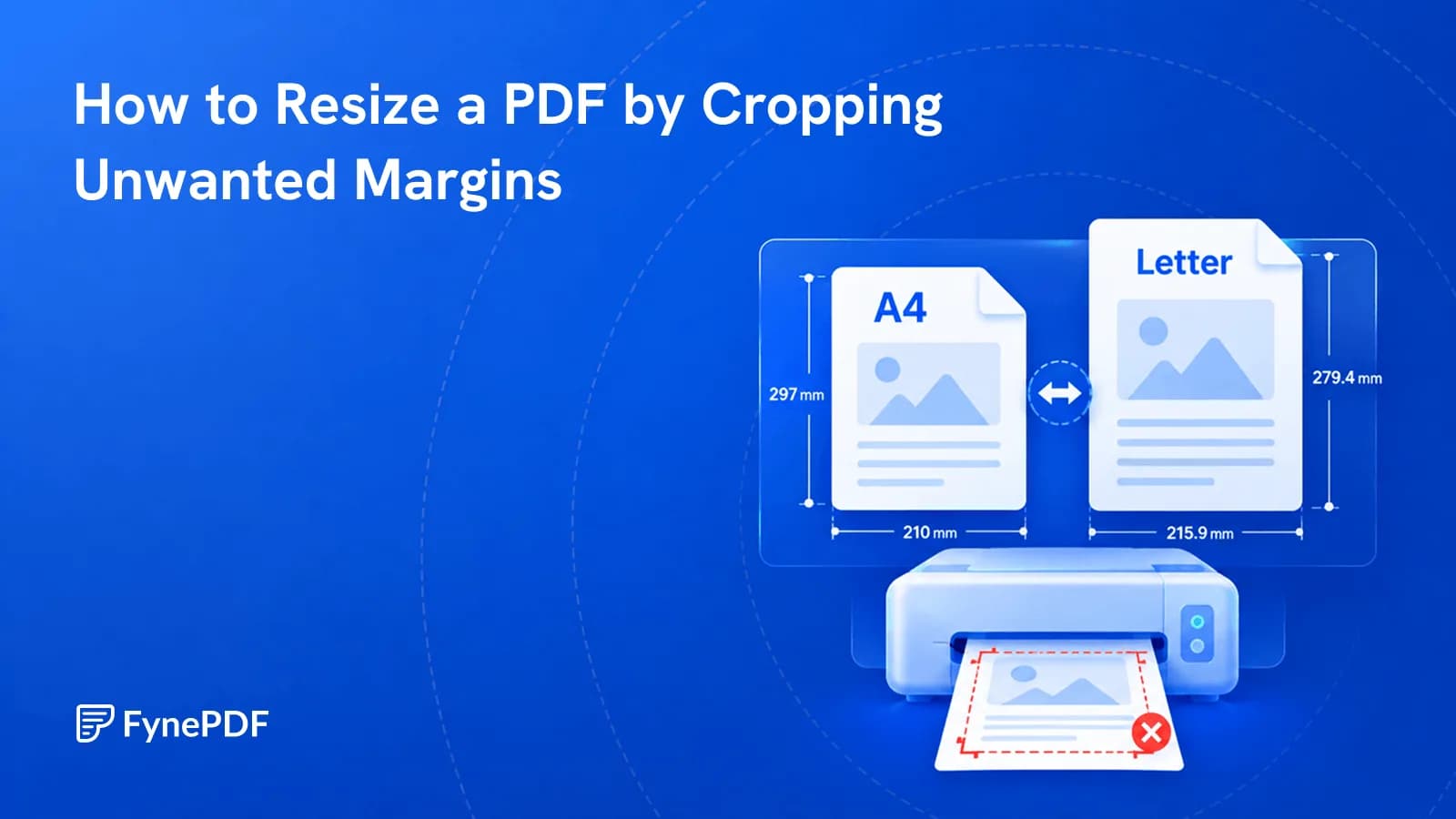
Cropping removes unnecessary margins so your PDF fits the page better when printing or sharing.
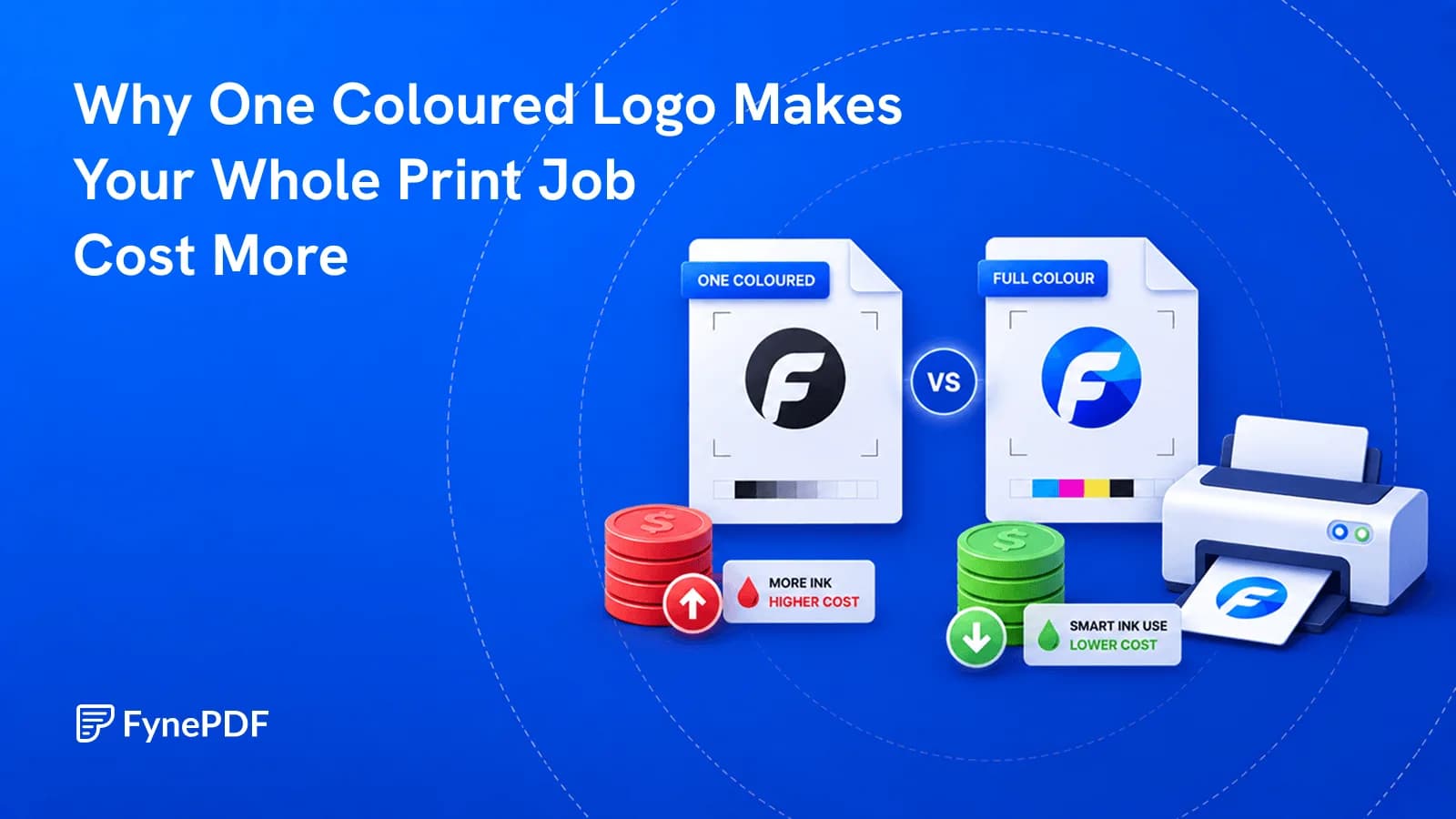
A page counts as colour even if the only colour on it is a footer logo.