
How to Turn Markdown Into a PDF You Can Actually Send
It renders beautifully on GitHub and reads as plain text everywhere else. Convert it.
 By Biraj Paudel, Founder of FynePDF4 min read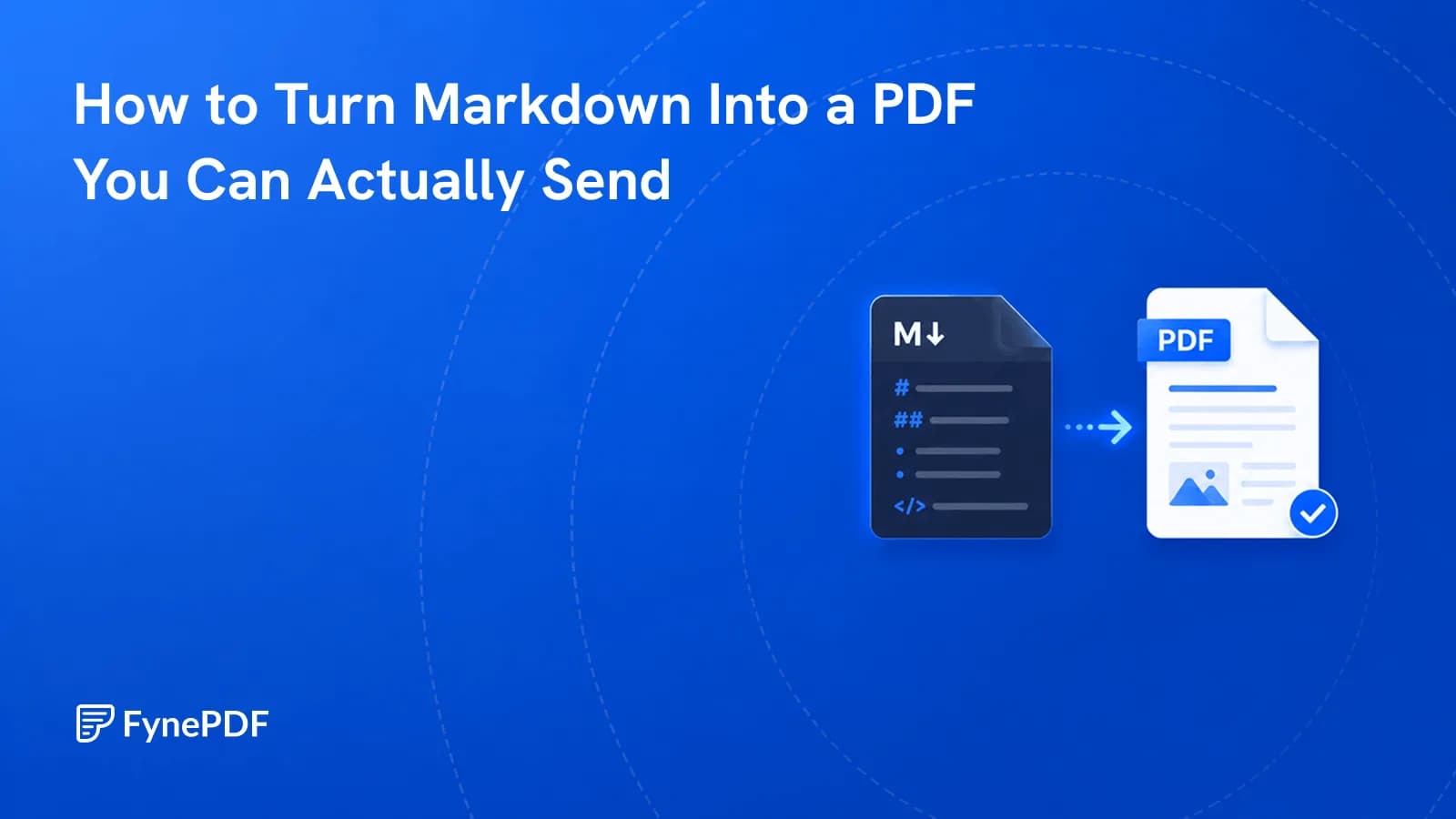
Markdown converts to PDF by rendering the formatting syntax into actual styled output. Headings become headings, **bold** becomes bold, tables become tables. Sent as a raw .md file, it displays as plain text with asterisks and hashes visible, because only tools that understand Markdown render it.
Which is fine among developers and unhelpful with everyone else.
Why does my Markdown look like code to them?
Because a .md file is a text file. The formatting is a convention, not a property of the file. GitHub, your editor, and documentation platforms interpret ## as a heading, and Notepad, Word, and most email clients do not.
Send a technical spec as Markdown to a client and they see:
## System Requirements
- **Minimum:** 8GB RAM
- **Recommended:** 16GB RAM
They read it, but they read it as marked-up text, and it signals a draft rather than a deliverable. Converting produces a document with real headings, real bold, and real bullets.
What converts cleanly?
Standard Markdown, and the extended table syntax most people use:
| Syntax | Output |
|---|---|
# through ###### | Heading levels |
**bold**, *italic* | Styled text |
- and 1. | Bullet and numbered lists |
| ` | ` tables |
``` code blocks | Monospaced blocks |
[text](url) | Clickable links |
> | Block quotes |
Raw HTML embedded in Markdown is the ambiguous case. Some of it renders, some appears literally. If your file mixes HTML and Markdown heavily, check the output rather than assuming.
How do I convert Markdown to PDF?
- Open the Markdown to PDF tool.
- Upload your
.mdfile. - Convert and download.
- Check that tables and code blocks came through.
Free accounts handle files up to 250MB, which is far beyond any realistic Markdown document.
What is this actually for?
The pattern is always the same: content written in Markdown that has to reach someone outside the tooling that renders it.
- Technical specs going to a client who doesn't have a Markdown viewer
- README files as project documentation for a handover or an audit
- Meeting notes and RFCs distributed beyond the engineering team
- Course material written in a note-taking app and handed to students
- Changelogs and release notes attached to a contract or a compliance record
- Anything drafted in Obsidian or a similar tool that needs to leave it
- AI chat answers worth keeping, from ChatGPT, Claude or Gemini
Writers who work in Markdown by preference hit this constantly, the format is excellent for drafting and invisible to everyone downstream.
AI chats are the newest source. Assistants reply in Markdown, so to save an AI chat as a PDF with its formatting intact, copy the response (or export the conversation as Markdown) and paste it into Markdown to PDF. Headings, lists and tables come through as a document instead of a screenshot of a chat window. If the conversation happened in a FynePDF document chat, skip the copying: ask "give me this chat as a PDF" and run the card that appears.
What about images and links?
Local image references depend on relative paths, so an image at ./diagrams/architecture.png needs that file present when converting. Absolute URLs to hosted images are more reliable if you're converting a file that has moved from its original folder.
Links convert to clickable links. Internal anchors pointing to headings within the same document generally work; links to other Markdown files in the same repository will not, since those files don't exist in the PDF. If your document depends on cross-file navigation, consider combining the pieces first and converting once.
Can I go the other way?
Yes, and it's a distinct use case. PDF to Markdown extracts a PDF into Markdown, which is useful for getting documentation into version control, feeding content into a static site generator, or preparing text for a system that expects Markdown input.
The round trip isn't lossless in either direction. Converting to PDF fixes the layout; converting back reconstructs structure by inference. Keep whichever version is your source of truth as the master.
Common questions
Will my code blocks keep their formatting?
Yes, rendered in a monospaced font as distinct blocks. Syntax highlighting depends on the rendering step and may come through as plain monospaced text rather than coloured, the structure is preserved either way.
Can I control the styling?
Output uses a clean default layout suited to documents. For heavily branded material, converting to PDF and then applying your own treatment, or writing in a tool with custom templates. Gives more control than any conversion step will.
What about very long documents?
Length isn't a problem; pagination handles it. If the result is unwieldy, split it with Split PDF into sections that make sense to the reader.
Is my file stored?
Files transfer over encrypted connections and are permanently deleted within 15 minutes of processing unless you save them to your library.
Convert your file
Upload your .md to Markdown to PDF and check the tables in the output. They're the element most worth a second look.
 OCR PDF
 Word to PDF
 PDF to EPUB