
Accurate Syntax Extraction
Headings and paragraphs become Markdown to copy or download.


Convert a PDF into clean .md text for ChatGPT, Obsidian or your docs.
or drop your file here
Headings and paragraphs become Markdown to copy or download.
Works in any browser on Mac, Windows, Linux, iPhone and Android. No install.
The .md output keeps document structure rather than PDF page styling, making the text easier to reuse.
Convert a PDF to Markdown in three steps, no software, no account needed.
Drag and drop or select your PDF up to 250MB free, 1GB on Pro and unlimited on Premium.
Your PDF and the converted Markdown appear side by side so you can check the output.
Copy the Markdown to your clipboard or download the .md file, deleted after 15 min.
Got a stack of PDFs? Get them as Markdown in a workflow
You cannot easily edit or version-control a PDF. Here is how converting back to Markdown integrates standard documents into your technical workflow.
Easily move rigid PDF research papers and ebooks into your personal knowledge management apps that run on markdown.
Convert legacy software manuals from PDF back into raw markdown to easily update and maintain them in GitHub or your team wiki.
Extract the text and formatting from PDF whitepapers into markdown so you can publish them directly onto your blog or CMS.
Pull exact passages from PDF papers and reports into Markdown, so quotes in your own writing stay word-for-word and properly cited.
PDFs are impossible to version control. Convert to text-based markdown so you can track line-by-line edits using Git commits.
Paste clean Markdown into ChatGPT, Claude or your RAG pipeline. Models read structured text far better than raw PDF.
FynePDF reads the structure of your PDF, not just its text, and rebuilds it as Markdown, headings become # levels and each page ends with a divider. The result is clean, portable text that reads well in any Markdown editor and parses reliably for AI tools and agents.
Headings become # levels, paragraphs stay paragraphs, and each page break turns into a Markdown divider.
Fonts, colours, columns and page layout are dropped by design. Markdown is about structure only.
A scanned PDF is a picture of text with nothing to read. Run OCR PDF first, then convert.
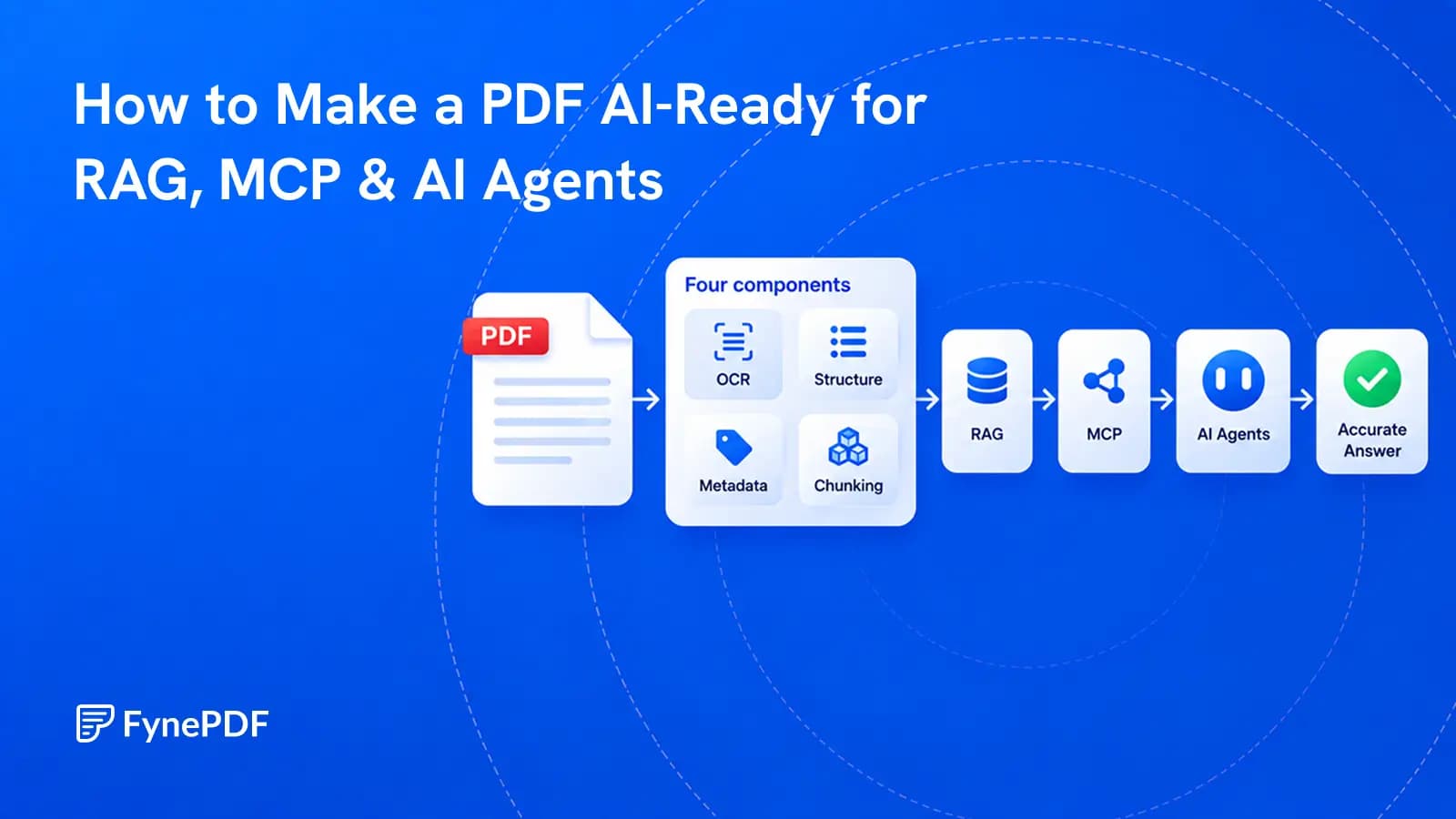
A PDF becomes useful to AI when its text, structure, sources, permissions, and versions can be trusted.
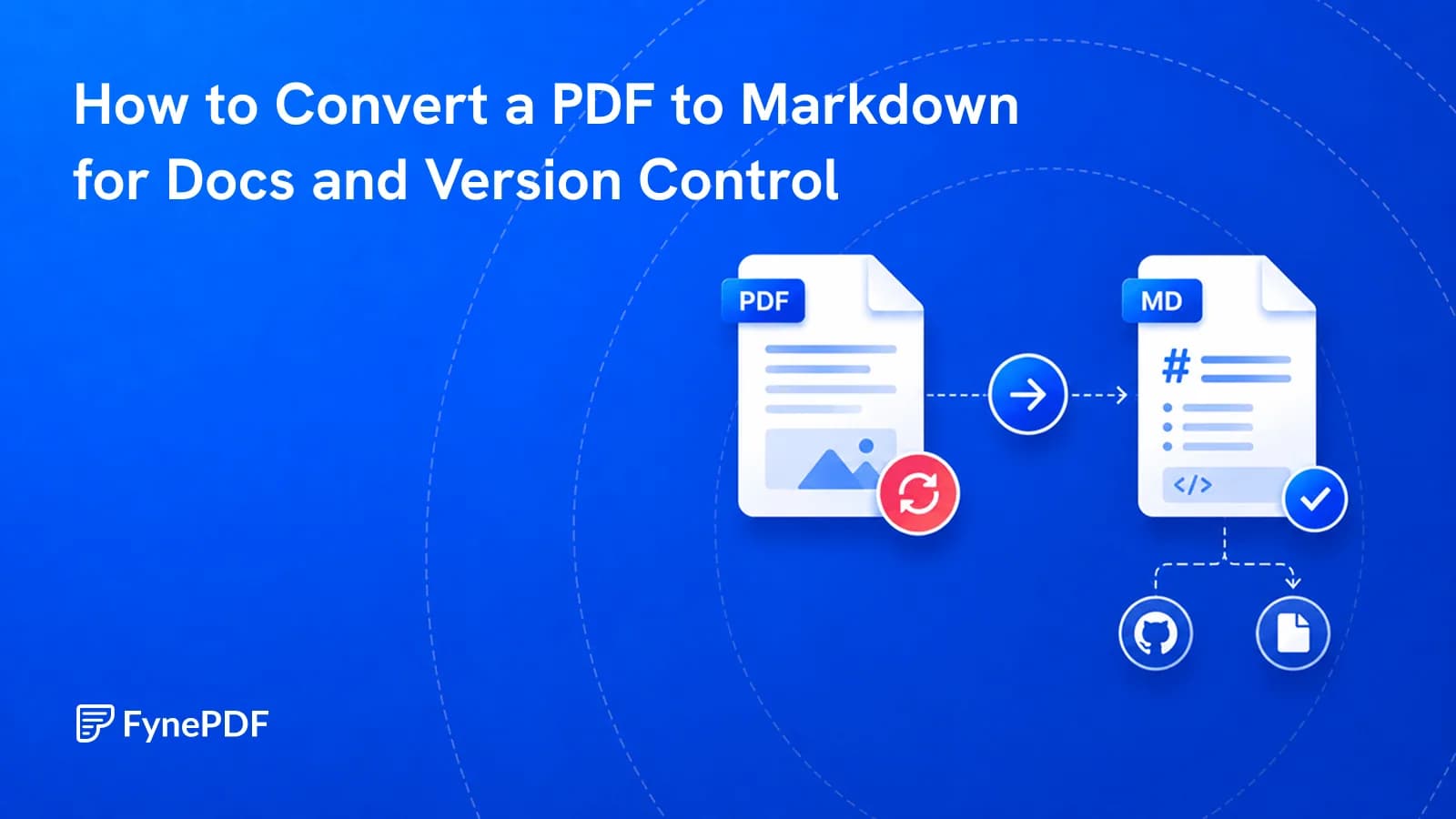
PDFs can't be diffed or edited in a docs pipeline. Markdown makes the content workable.
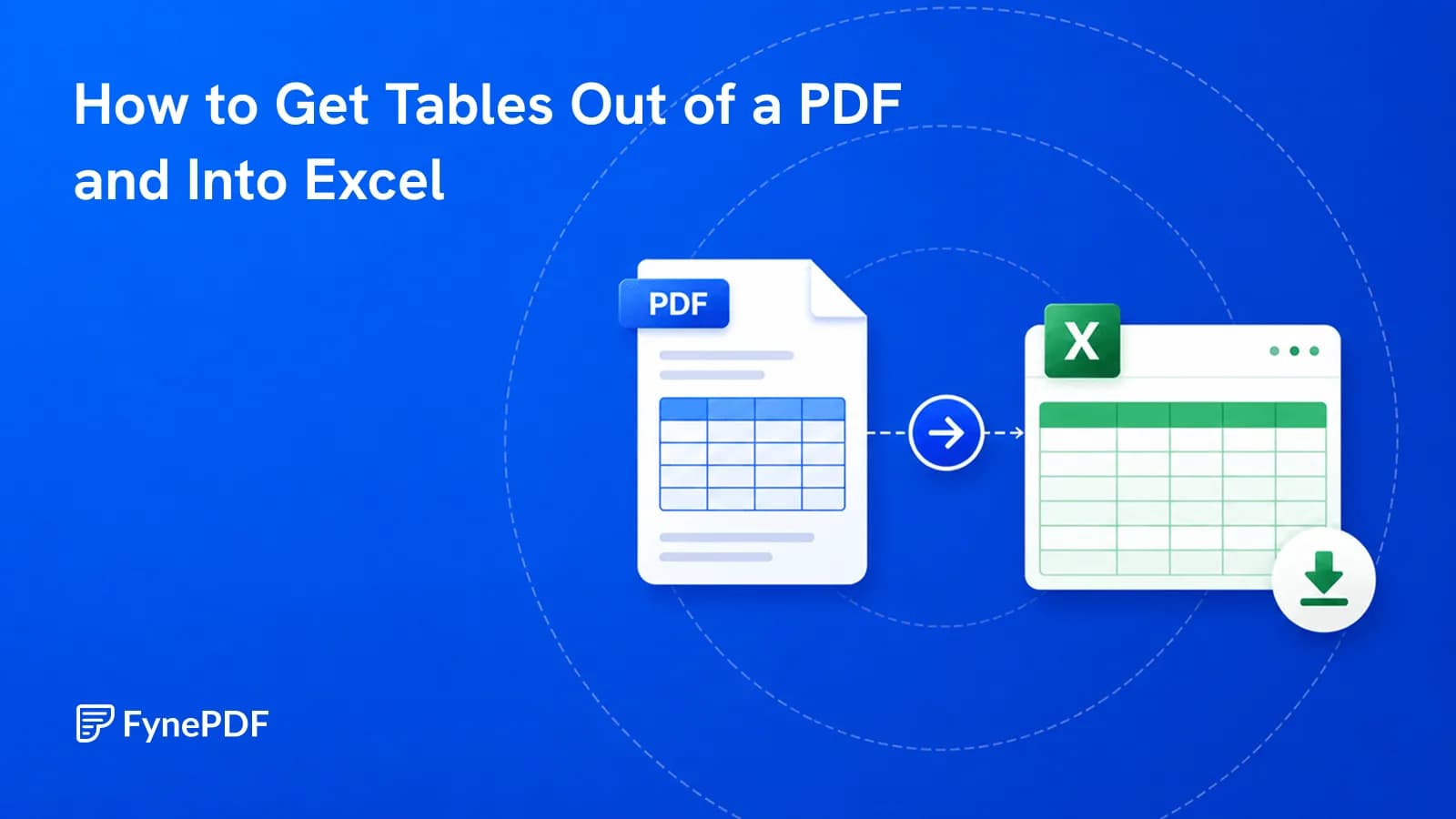
Copy-paste dumps everything into one column. Here's how to get real rows and columns.