
How to Convert a PDF to Markdown for Docs and Version Control
PDFs can't be diffed or edited in a docs pipeline. Markdown makes the content workable.
 By Biraj Paudel, Founder of FynePDF4 min read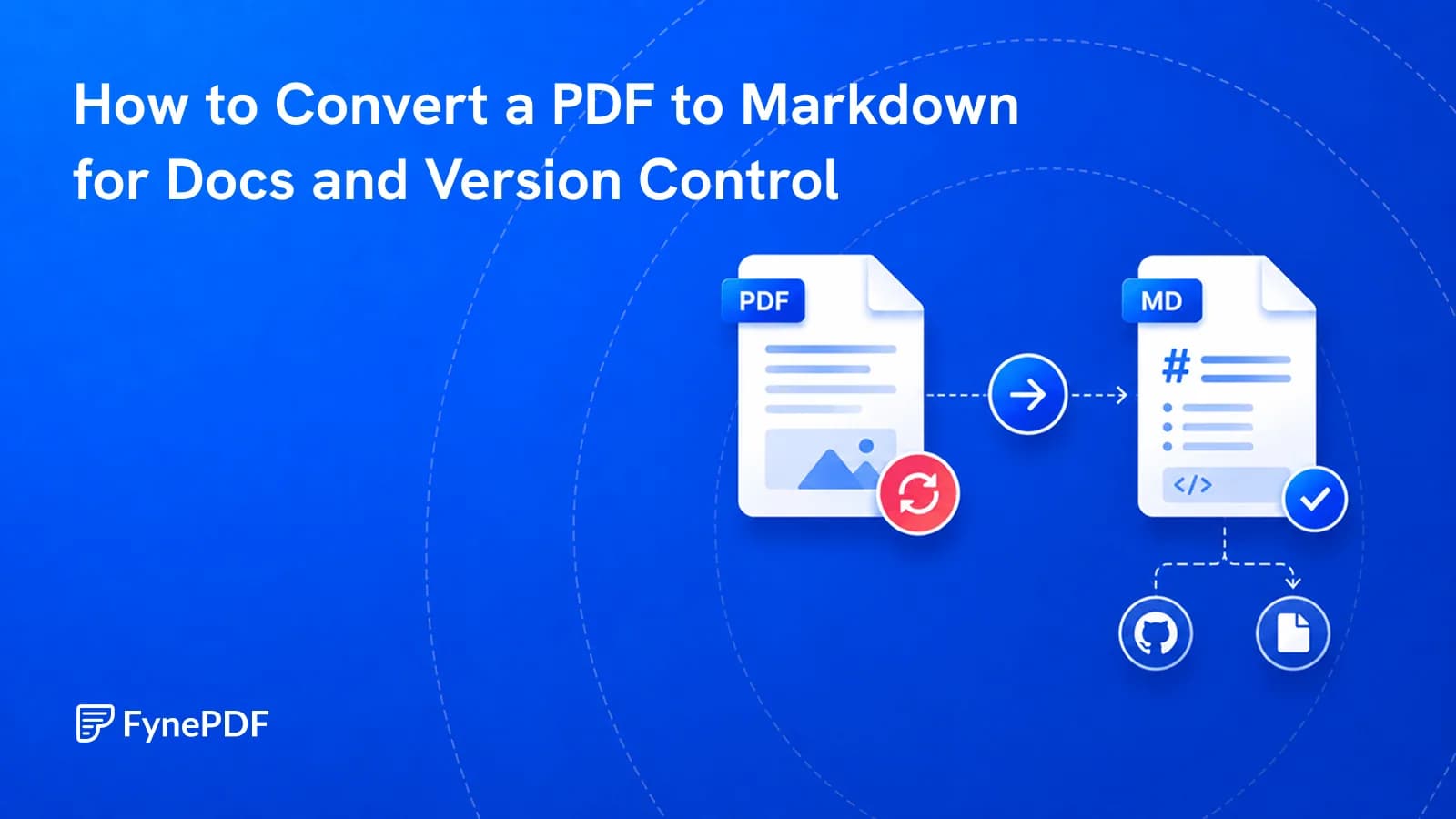
Converting a PDF to Markdown extracts its text and reconstructs the structure as headings, lists, and tables in plain text. This makes the content editable, diffable, and usable in documentation pipelines. None of which is possible while it stays a PDF.
The conversion infers structure rather than reading it, which is worth understanding before you rely on the output.
Why move content out of PDF?
Because PDFs are a delivery format, not a working one. Once content is in a PDF it can't be meaningfully version-controlled, a diff between two PDFs tells you the binary changed, not which sentence did. It can't be edited without a round trip through another format. It can't be fed into a documentation site, a static site generator, or a content pipeline.
Markdown solves all of that. It's plain text, so Git diffs it line by line. Every documentation platform accepts it. It's editable in anything.
Common triggers:
- Vendor documentation that arrived as a PDF and needs to live in your internal wiki
- Legacy specs being migrated into a docs site
- Policy documents that need to go under version control for audit
- Research or reference material being prepared for a knowledge base
- Content rescued from a source file nobody has anymore
How do I convert a PDF to Markdown?
- Open the PDF to Markdown tool.
- Upload your PDF.
- Convert and download the
.mdfile. - Review the heading levels before committing anything.
Free accounts handle files up to 250MB.
What does the conversion have to guess?
Structure, because a PDF doesn't record it. A PDF knows that a line of text is 18pt bold at a particular position. It does not know that this makes it a level-two heading. Conversion infers heading levels from size and weight, list structure from indentation and bullet characters, and table layout from alignment.
That inference is usually right and occasionally isn't:
| Element | Reliability |
|---|---|
| Body paragraphs | High |
| Headings | Good, levels sometimes need adjusting |
| Bulleted and numbered lists | Good |
| Simple tables | Reasonable |
| Complex or merged-cell tables | Needs manual repair |
| Multi-column layouts | Text can interleave |
| Footnotes | Often land inline mid-paragraph |
| Headers and footers | Frequently captured as body text |
Multi-column layouts are the worst case, for the same reason they break resume parsers. Content is read in the order it was written into the file, not the order your eye follows.
What should I clean up afterwards?
Budget a few minutes per document. The recurring items:
- Heading hierarchy. Check that levels nest sensibly rather than jumping from
#to### - Repeated page furniture. Running headers and page numbers captured as text
- Broken paragraphs. Sentences split where a page break fell
- Table alignment. Pipes that don't line up, or rows that lost a cell
- Footnote markers, often detached from their text
A find-and-replace pass usually clears the page furniture in one go, since it repeats identically throughout.
What if the PDF is scanned?
You'll get an empty or nearly empty file, because there's no text to extract. Run OCR first to add a text layer, then convert.
Proofread scanned conversions properly. Recognition errors become plain text that reads as ordinary typos, and once they're committed to a repository they propagate into everything downstream.
What about tables specifically?
If the tables are the reason you're converting, PDF to Excel will handle them better. It's built for grid reconstruction, whereas Markdown table syntax struggles with merged cells and nested headers.
A reasonable pattern for mixed documents: convert the prose to Markdown, convert the tables to a spreadsheet, and reference or embed the data separately.
Common questions
Will images be extracted?
Text conversion focuses on text. To pull graphics out of the same document, Extract PDF Images retrieves embedded images as separate files, which you can then reference from the Markdown.
Can I convert back afterwards?
Markdown to PDF renders it back into a formatted document. Neither direction is lossless, so decide which version is your source of truth and keep the other as output.
Is this good enough to feed into an AI system?
For text-led documents, generally yes. Markdown is a clean input format. Verify tables and figures separately, since those are exactly where inference errors concentrate, and errors in numbers don't announce themselves.
Is my document kept?
Files transfer over encrypted connections and are permanently deleted within 15 minutes of processing unless you save them to your library.
Convert your document
Upload it to PDF to Markdown, then check the heading hierarchy before it goes anywhere near a repository.
 OCR PDF
 Word to PDF
 PDF to EPUB