
Why Your Resume Gets Rejected Before a Human Sees It
Applicant tracking systems parse your file first. Size, layout, and scans are why it fails.
 By Biraj Paudel, Founder of FynePDF4 min read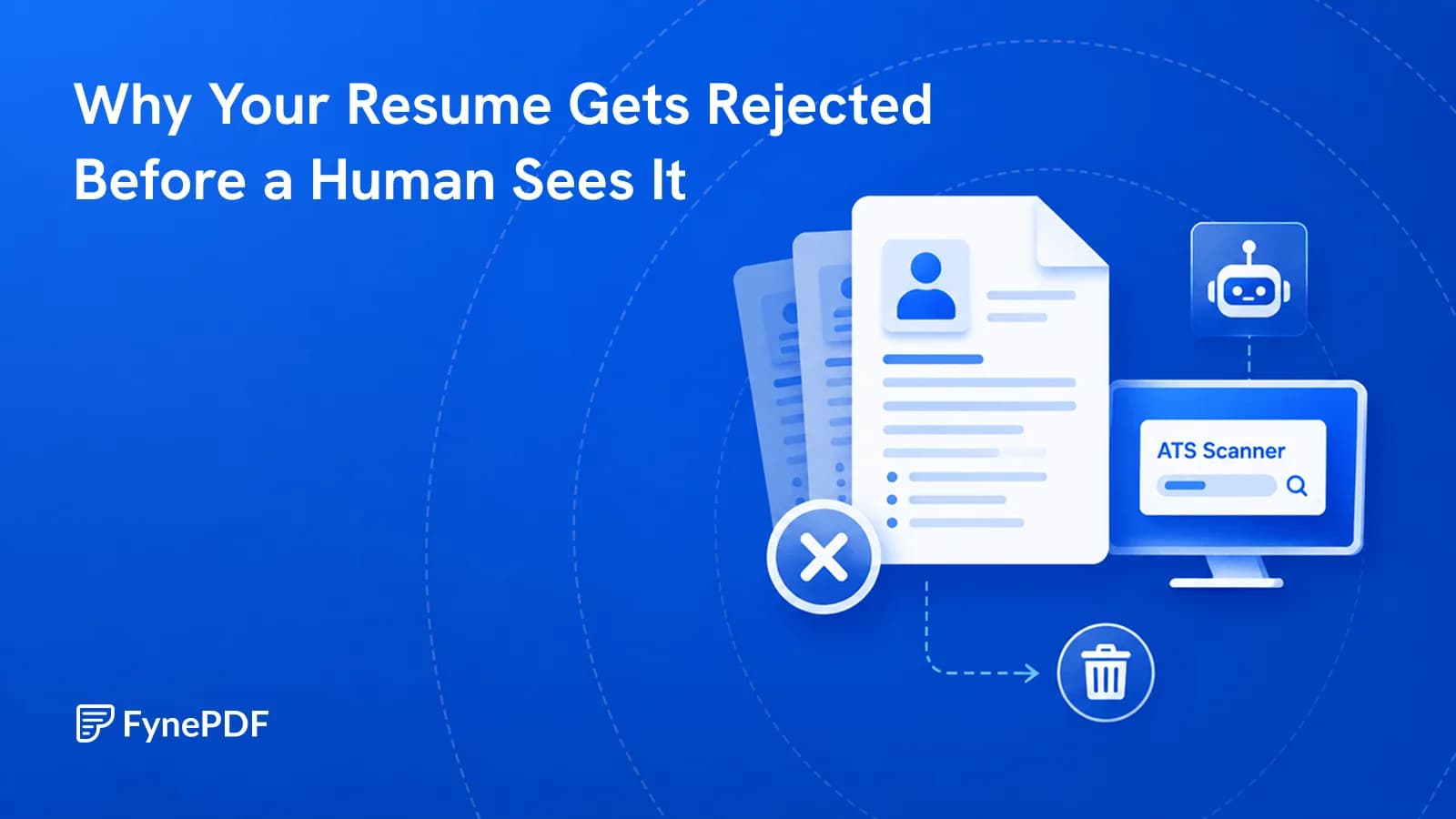
Most resumes are read by an applicant tracking system before any person sees them, and the common failure points are mechanical rather than editorial. Files above the size cap are refused, multi-column layouts parse out of order, and scanned resumes contain no readable text at all. Fixing those takes minutes.
None of this is about whether you're qualified. It's about whether the software could read the file.
What are the file size limits?
Tighter than email, and applied without warning:
| System | Typical resume cap |
|---|---|
| Workable | 5MB |
| Workday | around 5MB |
| Greenhouse | around 10MB |
| Taleo | around 2MB |
| iCIMS | 1–5MB depending on configuration |
Limits vary by employer configuration, so treat these as guidance and check the portal's own note when it gives one. A resume that fails to upload frequently produces a vague error rather than a clear size message.
If yours is oversized, Compress PDF will bring it down. Resumes usually balloon because of an embedded headshot or a high-resolution logo, both of which compress heavily without visible change.
Why does my layout come out scrambled?
Because parsers read a PDF in the order content was written into the file, not the order your eye follows it. A two-column resume with skills down the left and experience on the right is often read straight across, interleaving the two into nonsense.
Single-column layouts parse reliably. So do standard section headings, "Work Experience" is recognised, "Where I've Made an Impact" is not. Text inside text boxes, tables, headers, and footers is frequently skipped entirely, which is why contact details placed in a header sometimes vanish.
Is my resume actually a scan?
Check by trying to select a single word in the file. If you get a rectangular selection over the whole page instead of highlighting a word, your resume is an image and contains no readable text. A parser sees an empty document.
This happens when people print, sign, and scan a resume, or export from a design tool in image mode. If yours is affected, run OCR to add a text layer, though rebuilding from the original file is better where possible.
How do I check my resume before applying?
- Open the Resume Review agent.
- Upload your resume as a PDF.
- Review what the parser could and couldn't extract.
- Fix the structural problems, then re-check.
What you're looking for is not a score. It's whether your job titles, dates, employers, and skills came through in the right places. If a section is missing from the extraction, an ATS will miss it too.
What should I fix first?
In order of impact:
- File size, under the portal's cap, ideally well under
- Real text, not a scan, not an image
- Single column. No side-by-side layouts
- Standard headings. Experience, Education, Skills
- Contact details in the body, not in the page header
- Consistent date format. Pick one and use it throughout
- PDF, not an image export. Check the file actually contains text
Job-specific tailoring matters too, but only after the file can be read. A perfectly targeted resume that parses as three lines of gibberish gets filtered regardless.
Common questions
Should I submit a PDF or a Word document?
Follow the posting when it specifies. When it doesn't, PDF is the safer default because it preserves layout across systems. If you need to produce one from a Word file, Word to PDF handles it.
Do the systems really reject automatically?
Most rank and filter rather than delete outright, but the practical effect is similar, a resume that parses badly ranks low and never reaches a recruiter's shortlist. The point isn't to game the ranking, it's to make sure your actual experience is visible to it.
Will a plainer resume hurt me with human readers?
A clean single-column resume reads perfectly well to people. The designs that break parsers. Multi-column grids, sidebars, infographic skill bars. Are also the ones recruiters skim least effectively.
Is my resume kept after I upload it?
Files transfer over encrypted connections and are permanently deleted within 15 minutes of processing unless you save them to your library.
Check your resume
Upload your file to the Resume Review agent and look at what came out. If a section is missing from the extraction, fix that before you apply anywhere else.
 Accessibility (WCAG) Checker
 Plagiarism & AI Detector
 ToS / Privacy Policy TL;DR